Best AI Subtitle Generators (Accuracy & Languages Compared)
Compare AI subtitle generators on one source file, measuring language accuracy, speaker handling, timing, correction effort, and SRT or VTT export.
By the Recapo.ai Editorial Team · Fact-checked July 10, 2026
The best AI subtitle generator for you isn't the tool with the highest advertised accuracy score — it's the one that understands your accent, translates cleanly into the languages your viewers actually speak, and hands back an editable SRT or VTT file you can reuse anywhere. This guide is for creators publishing to YouTube, TikTok, Shorts, and Reels who treat subtitles as infrastructure for reaching a global audience, not a one-off file to download and forget. Rather than ranking tools by feature count or quoting accuracy figures measured on someone else's voice, it lays out the criteria that decide multilingual quality, a 15-minute test you can run on your own footage, and scope on the categories of tools you'll meet in this search.
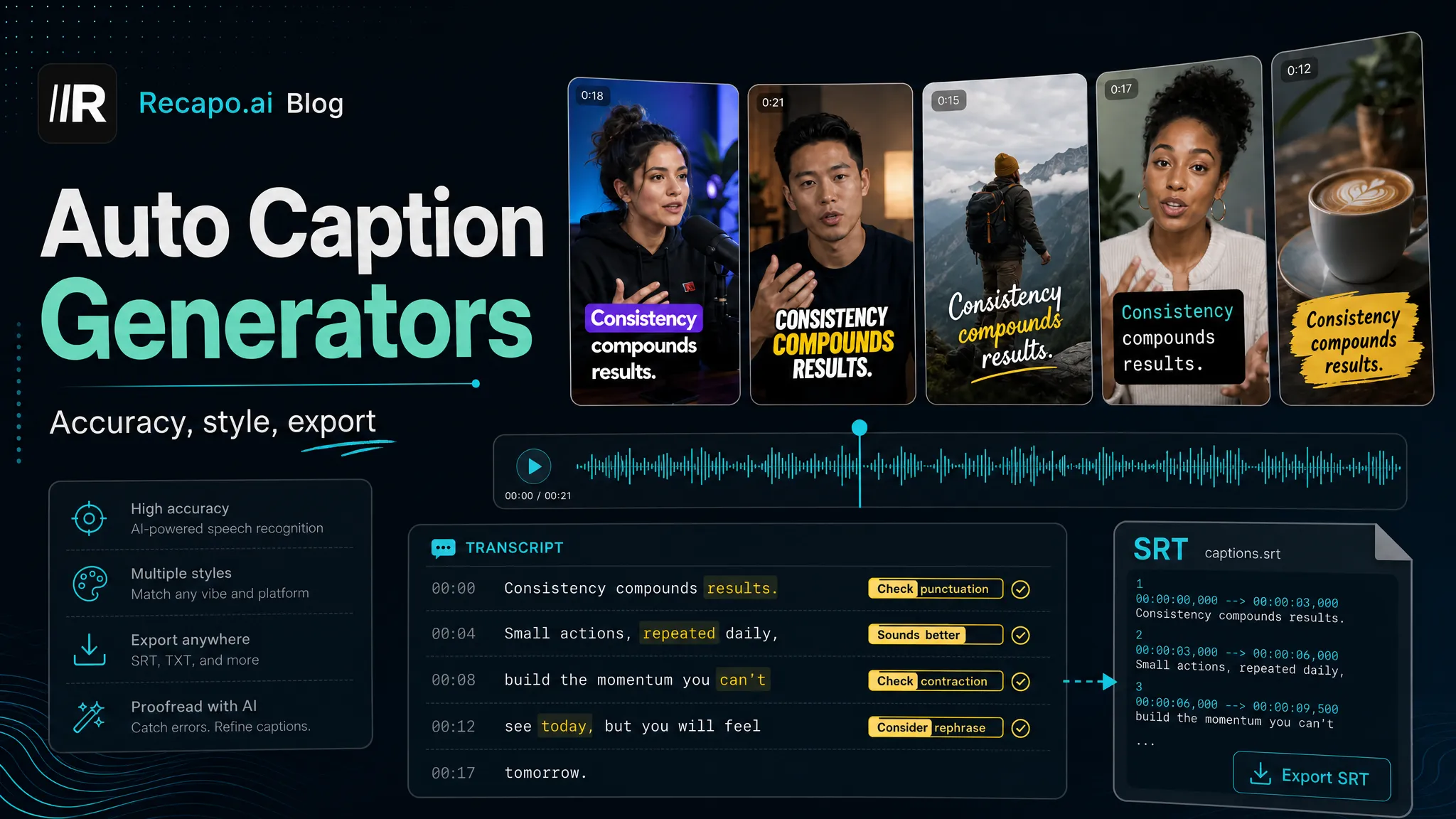
One distinction is worth settling up front. A subtitle generator and a styled auto-caption tool overlap, but they optimize for different endings. A caption tool is built to burn animated, on-brand text into a single vertical clip. A subtitle generator is built to produce a timed, editable transcript you can translate, export as a file, and attach to many versions of a video across platforms and languages. If your only job is a punchy karaoke caption for one Short, you're really shopping for captions. If you want to publish the same video to English, Spanish, and Portuguese audiences without redoing the timing each time, you want a subtitle generator — and that's the job this guide is about.
Disclosure and method: Recapo.ai publishes this guide and may appear among the tools discussed. We checked official product pages on July 10, 2026. This edition is a desk-research comparison, not a standardized hands-on benchmark. We compare stated workflow fit rather than unverified performance scores and recommend testing the same source file in each finalist. Features, limits, and pricing can change.
What an AI subtitle generator actually does
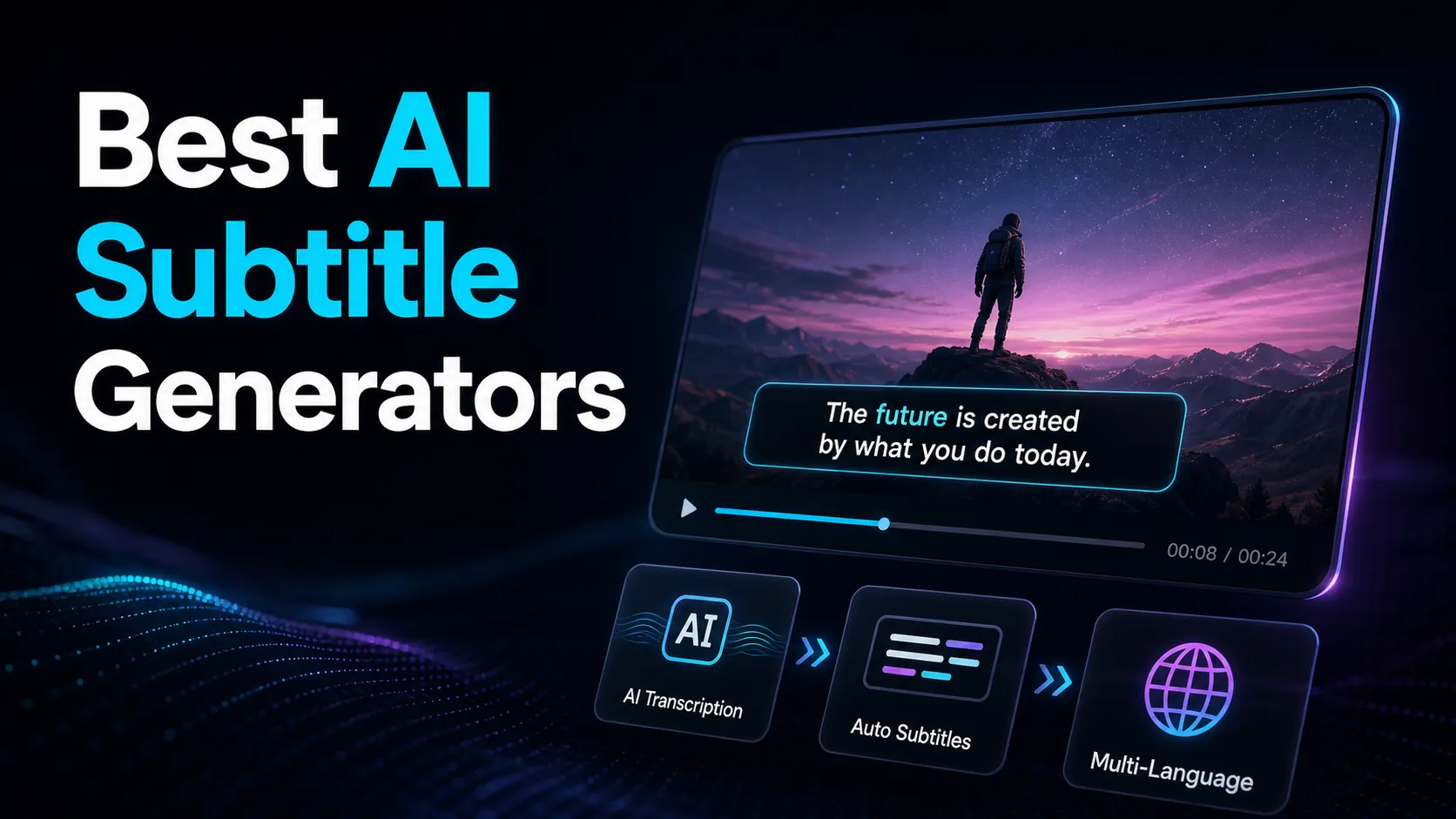
Under the hood, every automatic subtitle generator runs the same two-stage process, and understanding it tells you where quality is won or lost.
- Transcription turns speech into timed text in the original language. This is where accents, background music, crosstalk, and niche vocabulary either survive or get mangled.
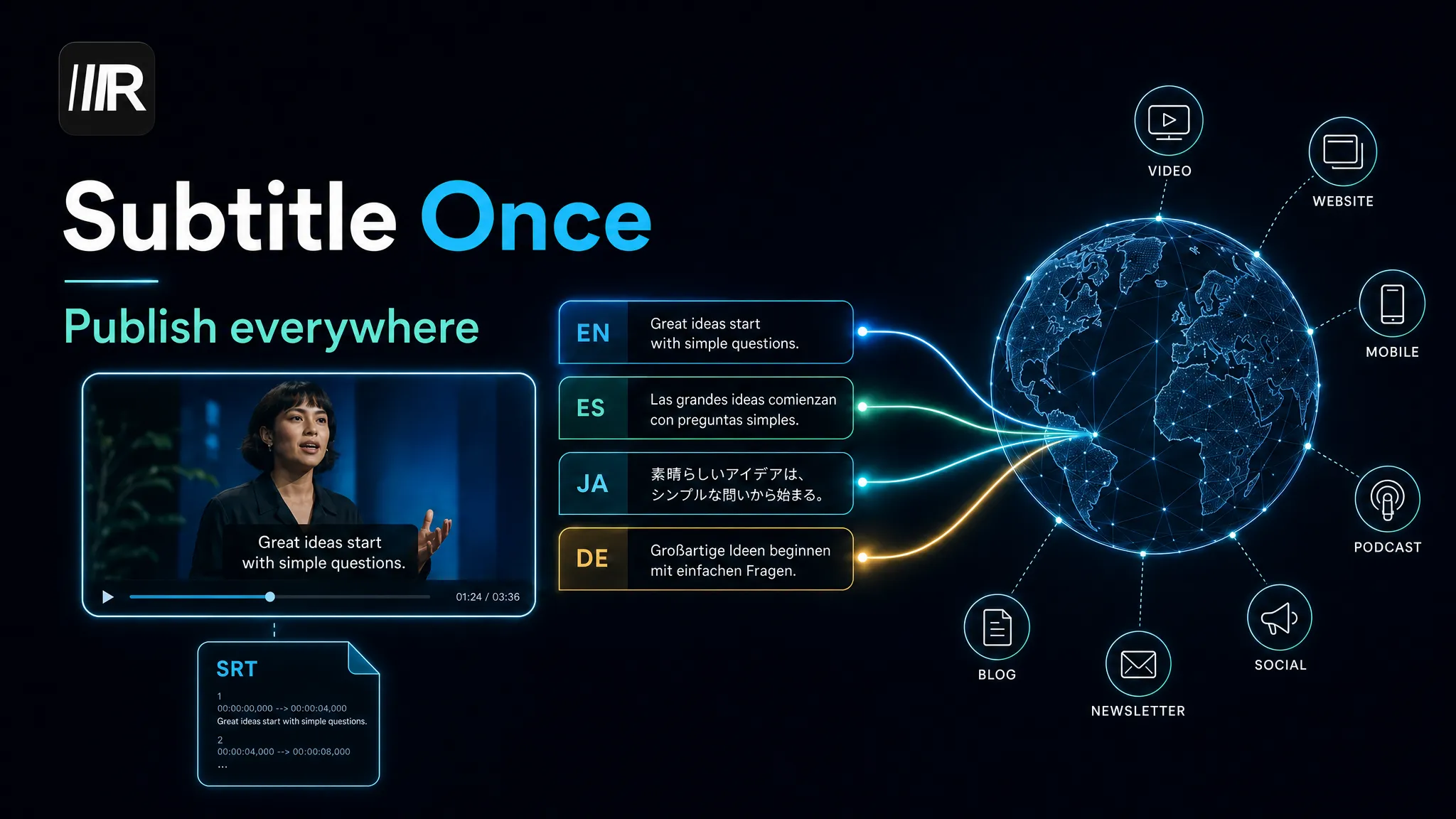
- Translation (optional) converts that timed text into other languages while keeping the timestamps intact, so every language version stays in sync with the picture.
A tool that only does step one is a transcription engine; a tool that does both, in the same flow, is what most global creators actually need. The output that matters is a subtitle file — usually SRT or VTT — because a file can be edited, translated, re-styled, uploaded as a selectable track, or burned in later. Pixels can't; a file can. That's the whole reason a subtitle generator for video and an auto-caption tool aren't synonyms: one produces a reusable asset, the other often produces a finished frame.
The criteria behind the best AI subtitle generator
For a creator publishing globally, five things separate a subtitle generator you'll keep from one you'll abandon. None of them is a marketing number.
| Multilingual transcription accuracy | Your editing time is set by errors on your real audio, not a lab score — and accuracy varies wildly by spoken language | Run your own clip in each language you record in and count corrections (method below) | Translation quality per language pair | A tool can be strong English→Spanish and weak English→Japanese; averages hide this | Spot-check names, numbers, and idioms in every target language, not just one | SRT / VTT export | A track you can download is reusable across YouTube, archives, and re-edits; a locked, burned-only output isn't | Confirm you can export an actual .srt or .vtt file, then open it to see clean timing | Timing and sync integrity | Translated lines are longer or shorter than the original; good tools keep them readable and on-beat | Watch a translated version end to end and check whether subtitles lag or overrun | Format and size support | Long recordings — episodes, streams, interviews — are the raw material for global subtitling | Upload your real file, not a trimmed sample, and confirm the format and length are accepted |
A published accuracy percentage is close to meaningless here, because it was measured on clean audio in one language. The number that predicts your workload is corrections-per-minute on your own footage, in each language you actually publish — and translation quality is even more pair-dependent than transcription. Treat any single headline figure with suspicion and measure the pairs you care about.
The main types of AI subtitle generator
Almost every tool in this search fits one of four buckets. Naming them makes the decision easier, because most creators belong in just one. These are described at their stable, public positioning only — verify current details on each vendor's page, because free tiers, language lists, and export terms change and you'd have to confirm them anyway.
| General web video editors | Browser editors where subtitling is one feature among many | You want light editing plus subtitles in one tab | Transcript-first editors | You edit the video by editing its transcript | Your source is long spoken content — podcasts, interviews, talking-head | Dedicated subtitle & translation tools | Purpose-built for captions, translation, and file export | Subtitling and multilingual output are the whole job | Repurposing workspaces | Subtitles sit inside a long-to-short publishing pipeline | You subtitle as part of turning long videos into many localized clips |
Where Recapo fits. Recapo is a browser-based repurposing workspace, so it lives in the fourth bucket, not the first three. You upload a video (MP4, MOV, and other common formats, up to 6GB total per task) and generate subtitles with the AI subtitle generator, then translate, resize to vertical, add AI voiceover, design a cover, and export — without carrying files between apps. Subtitles can be translated in the same flow so timing stays intact across languages, and if all you need is a standalone track, the auto subtitle generator and video caption generator cover that too. It's honestly not a transcript-first prose editor or a pro finishing suite — if that's your work, a tool from the second bucket or a desktop app fits better. Its value shows when subtitling is the middle of a global publishing loop rather than the end of it.
SRT, VTT, or burned-in: which output do you need
The format question decides more than people expect, so settle it before you pick a tool.
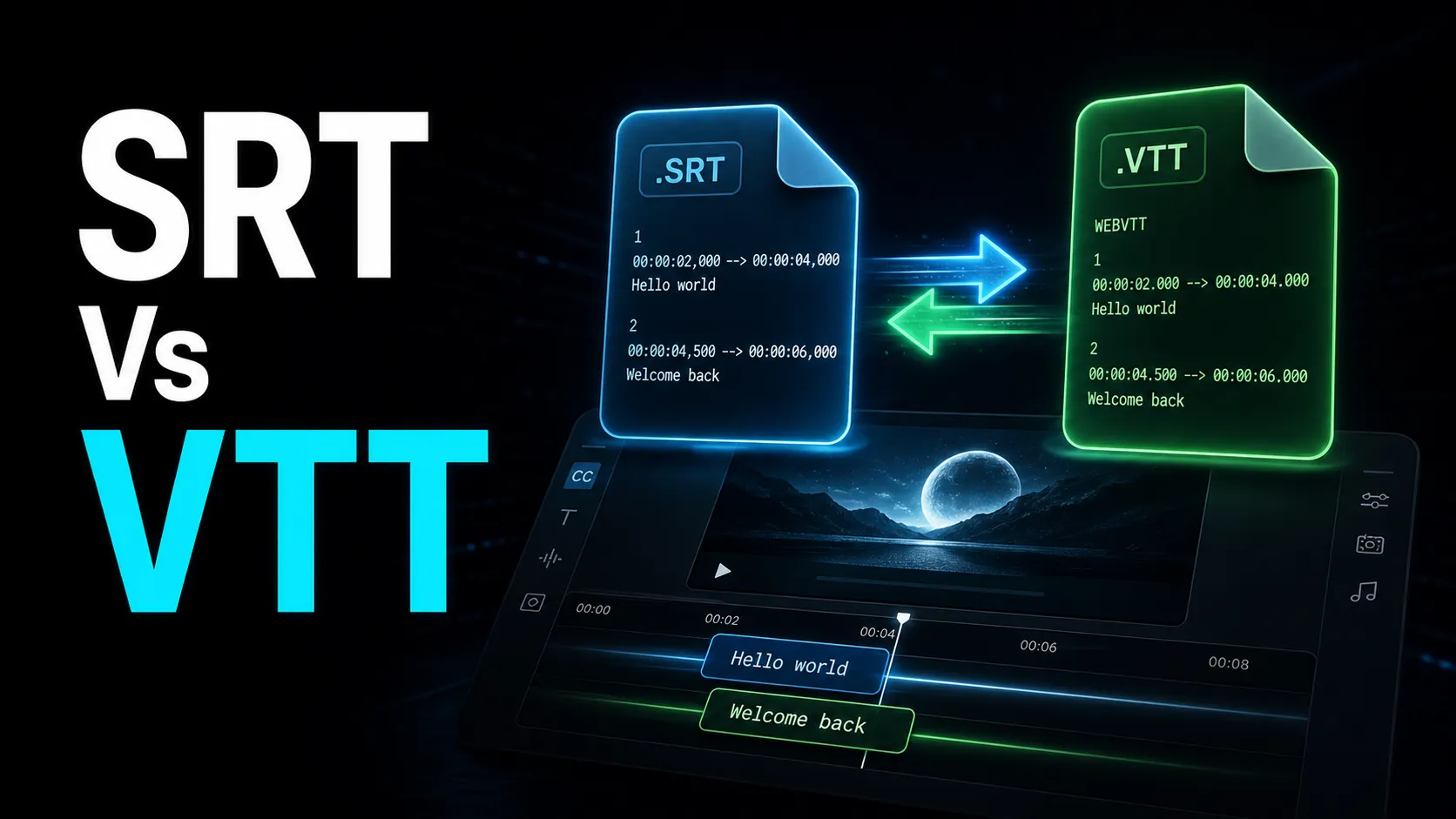
| SRT file | YouTube caption tracks, archives, re-translation | Yes — plain text, universally supported | VTT file | Web players and HTML5 video, styling cues | Yes — like SRT with extra formatting support | Burned-in captions | TikTok, Reels, Shorts watched on mute | No — the text is baked into the pixels |
For long-form YouTube, upload a subtitle track (SRT is the safe default) so viewers can toggle it, you can add languages later without re-rendering, and search engines can index the text. For vertical feeds, burn styled captions in, because those platforms are often watched silently and the styling is part of the content. The trap is choosing one and losing the other: a tool that only burns in traps your text as pixels, while a tool that only exports files leaves you rendering elsewhere. The safe habit is to keep the SRT or VTT as your source of truth and generate burned-in versions from it. The differences between the two file formats — and when a VTT's extra features actually matter — are covered in SRT vs VTT.
Test any subtitle generator on your own languages in 15 minutes
Stop reading feature lists and stop trusting accuracy percentages. The only test that predicts your real workload uses your footage in your languages. Here's a framework that works for any tool.
- Pick one 60–90 second clip from your own content that includes at least one proper name, one number, and one messy moment (music under speech, crosstalk, or fast delivery).
- Run the identical clip through each candidate at default settings and generate subtitles in the original language.
- Count corrections — every word you'd fix before publishing — and write the number down per tool.
- Translate the subtitles into each language you actually publish in, then read them back: check names, numbers, and one idiom per language, and watch whether lines lag or overrun after translation.
- Export the file. Confirm you get a real .srt or .vtt, open it, and check the timing is clean rather than one giant block.
Same clip, same counting rule, same target languages — now the tools are directly comparable on the audio and language pairs you actually produce, not on a vendor's demo. Redo it whenever your shortlist changes; it stays a fifteen-minute job. The full translation-quality workflow, including how to handle line-length differences between languages, is in how to translate subtitles into multiple languages.
Build subtitles into a global publishing workflow
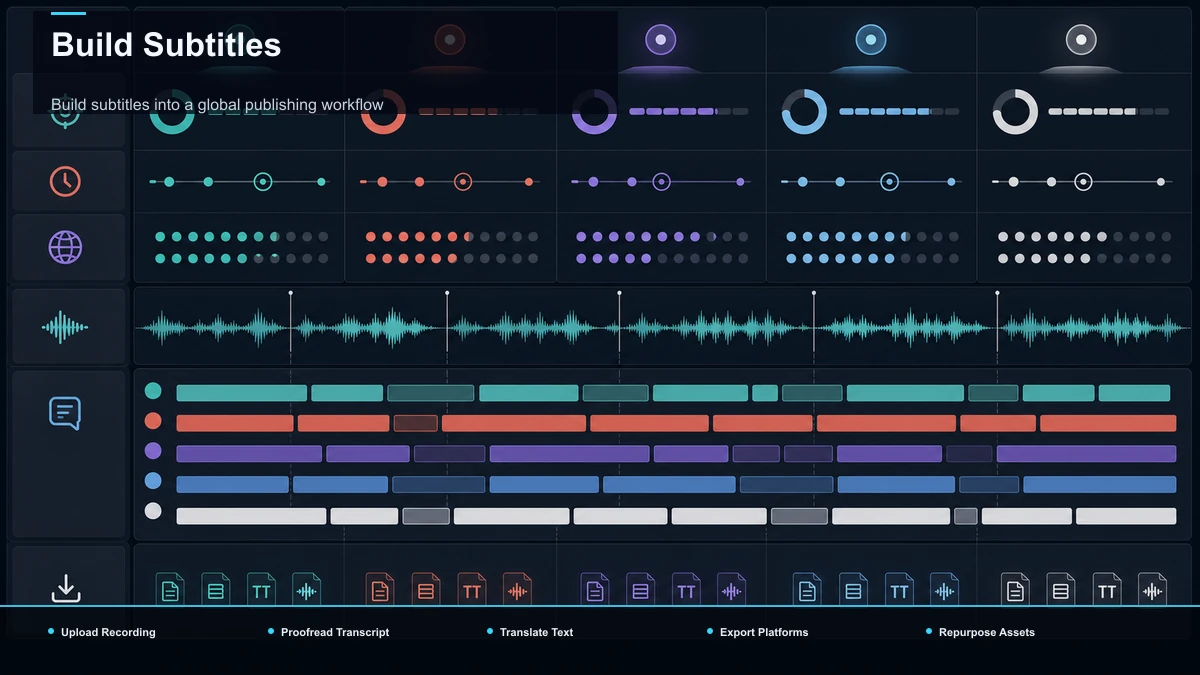
Here's where the "subtitles as infrastructure" idea becomes concrete. For a recap or faceless creator publishing one video to several regions, subtitles aren't the last step — they're what unlocks every localized version. The loop, entirely in the browser:
- Upload the long recording. Drop in your MP4 or MOV — an episode, interview, or narration track, up to 6GB total per task.
- Generate subtitles in the source language. Produce the timed transcript first; it's the master asset every later version derives from.
- Proofread once. Fix names, numbers, and brand terms now, before translation, so errors don't multiply across languages.
- Translate into each target language. Because translation keeps the original timing, every language version stays in sync without re-timing by hand.
- Export per platform. Keep an SRT or VTT track for YouTube, and burn styled captions in for the vertical cuts you send to TikTok, Shorts, and Reels.
- Repurpose downstream. Reframe to vertical, add an AI voiceover for a dubbed version, design a cover, and export — the subtitle file you built in step 2 carries through the whole chain.
Doing this in one tab, from any machine, is the practical difference between subtitling one video and subtitling one video for five audiences. That's the workflow a subtitle generator should serve — not a single file you download and never touch again.
Which subtitle generator fits your workflow
Match the work to the bucket and the choice gets simple.
| Occasional subtitles plus light editing | A general web video editor | Long spoken content you edit by transcript | A transcript-first editor | Subtitling and translation as the whole job | A dedicated subtitle & translation tool | Subtitles inside a long-to-short, multi-language pipeline | A repurposing workspace (Recapo and peers) | One styled, burned-in caption for a single clip | A short-form caption tool |
There's no single best AI subtitle generator — only the best fit for how much of your work is multilingual and how far downstream your subtitles travel. If you download one SRT a month, almost any automatic subtitle generator will do, and you should optimize for speed and a free export. If you publish the same content to several language audiences every week, weight translation quality per pair and file export far above everything else, then let the 15-minute test break the tie.
FAQ
What's the most accurate AI subtitle generator? There's no universal winner, because accuracy depends on your accent, microphone, vocabulary, and — for translations — the specific language pair. A tool that's strong for English can be mediocre for Japanese subtitles. Run the same 60–90 second clip through each candidate in every language you publish in and count corrections; that number predicts your editing time far better than any advertised percentage.
Can an AI subtitle generator create SRT files? Many can — an AI SRT generator produces a downloadable .srt (and often .vtt) file with timestamps you can edit, translate, or upload as a caption track. Always confirm the tool actually exports a file rather than only burning subtitles into the video, and open the file to check the timing is clean. Keep that file as your source of truth for future edits and languages.
How do subtitles differ from captions? In practice, "subtitles" usually means a timed, exportable text track — often translated — that viewers can toggle, while "captions" often means styled text burned into the frame for silent viewing. The tools overlap, but if your priority is multilingual, file-based output, you're shopping for a subtitle generator; if it's animated on-screen text for one clip, an auto-caption tool is the closer match. Many creators need both, generated from the same transcript.
Do AI subtitle generators work in languages other than English? Most transcribe several spoken languages, and many translate subtitles into more. Coverage and quality vary widely by language pair, so never trust an average — spot-check names, numbers, and the opening lines in each target language before publishing, and run the 15-minute test with a non-English clip if that's your main audience.
Should I download an SRT or burn subtitles in? Both, ideally. Keep an SRT or VTT track for YouTube long-form, where viewers can toggle it and you can add languages later without re-rendering. Burn styled captions in for TikTok, Reels, and Shorts, which are watched on mute. Generate the burned-in versions from the file so you never lose the editable source.
Turn your next upload into every language you publish in
If subtitles are infrastructure for reaching more audiences — transcribe, proofread, translate, export, repurpose — a quick way to decide whether a browser workflow fits is to run one real video through it. Upload a long recording, generate subtitles, translate them into a second language, export the file, and cut one vertical version — all in a single tab, with uploads up to 6GB total per task. Create a free Recapo account and put your next multilingual upload through the whole loop end to end; if your channel is going global, you'll feel the difference on the first file.
References and official sources