Remove Video Logo Online
Remove a logo from video you own or are authorized to edit: select the logo region, preview the repair, and export online after confirming content rights.
Click to upload or drop a video file
Supports MP4, MOV, MKV, WebM, MPEG, MPG, 3GP, 3GPP
Up to 2 GB per file
Source video up to 30 minutes
Upload a video first to adjust settings and preview the result
How to remove a video logo
Upload your file, confirm rights, select the logo region, and preview the result. The tool fills the area from surrounding pixels — suited to static or corner logos on footage you control.
- 01
Confirm content rights
Verify you own the video or have authorization to edit it before uploading.
- 02
Select the logo region
Mark the logo area on the frame. Corner logos and static overlays work best.
- 03
Preview and export
Check the repaired area, then download MP4 or continue with compression and captions.
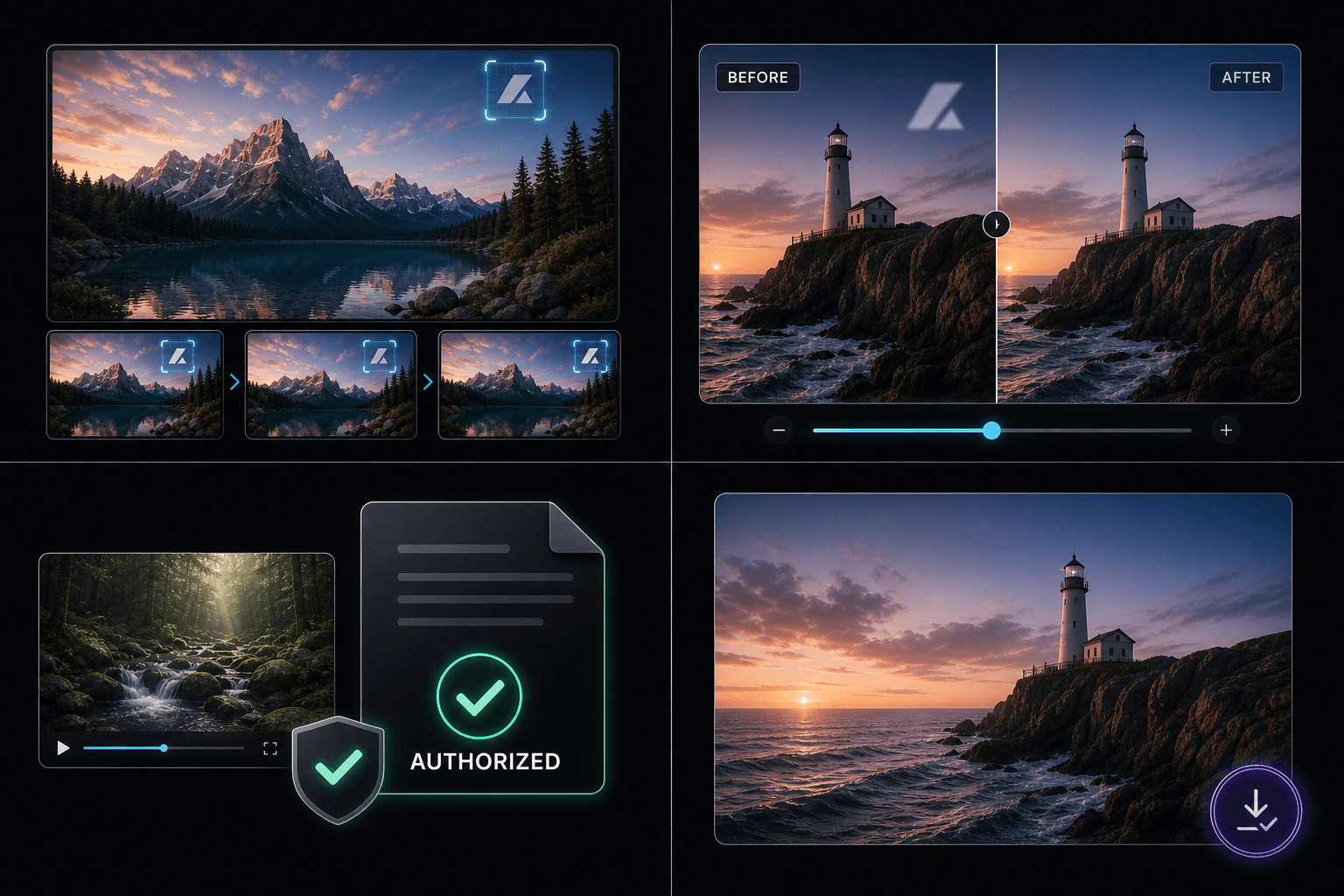
Select and track the logo area
Common cases: outdated brand marks on b-roll, template leftovers, or incorrect labels on internal edits. Pick a region that stays in roughly the same place throughout the clip.
Preview and adjust the result
Repaired zones may look slightly soft compared to the rest of the frame. Preview helps you decide before exporting the final file.
Authorized use only
Use only on content you own or are licensed to edit. Removing logos or watermarks from third-party material without permission violates copyright and platform rules.
Supported formats and limits
MP4, MOV, and other common containers are supported. Very long files or full-screen logos may not be suitable — limits are shown before processing.
Built for these real workflows
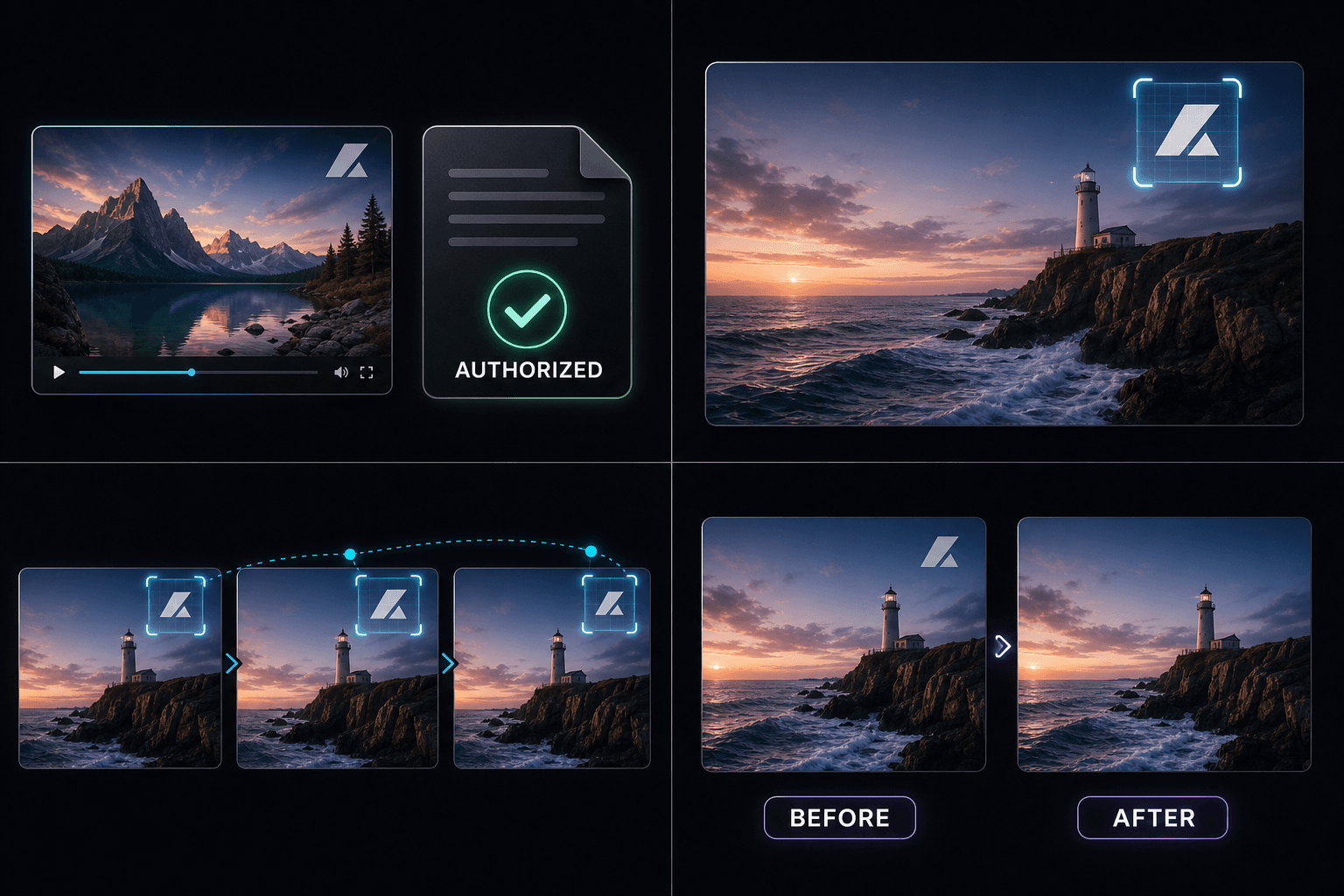
Video cover design
Social creative
Key visual extraction
Continue with the next step
Frequently asked questions
Can it remove moving logos?
Static and lightly moving corner logos work best. Fast-moving or full-screen marks are harder to repair cleanly.
Can I remove someone else's logo?
No — only use on video you own or are authorized to edit.
Which formats are supported?
MP4, MOV, and other common video containers.
Start using Video Logo Remover
Provide the input and essential settings above. Your result stays in the current tool workflow.
Back to tool