Recapo.ai
Video Editing & Recap Blog
Guides and articles from Recapo.ai for video editing, recap workflows, creators, and AI production.
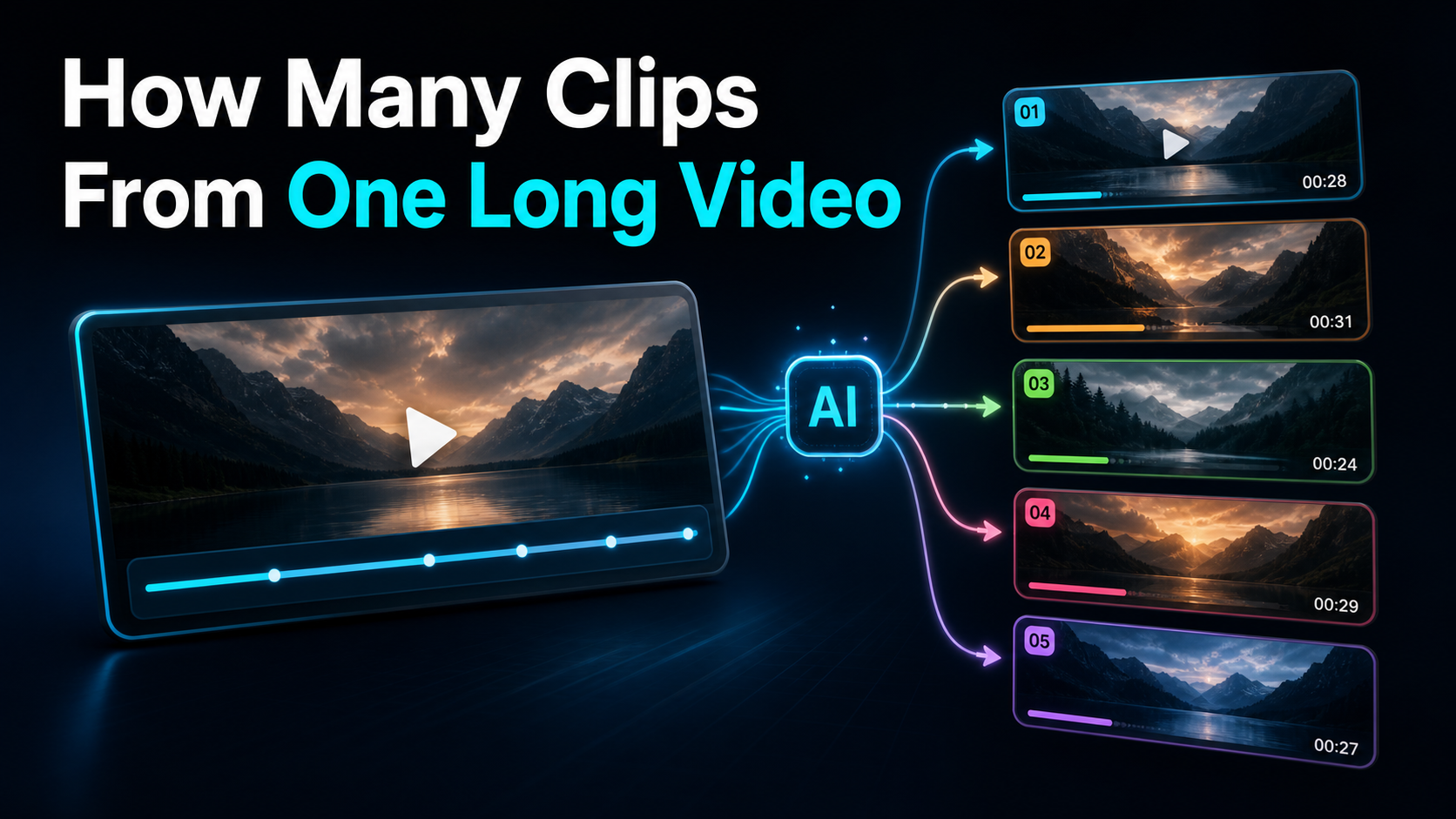
Estimate clips from a long video using candidate count, approval rate, rejection reasons, and measured editing time instead of a universal yield claim.
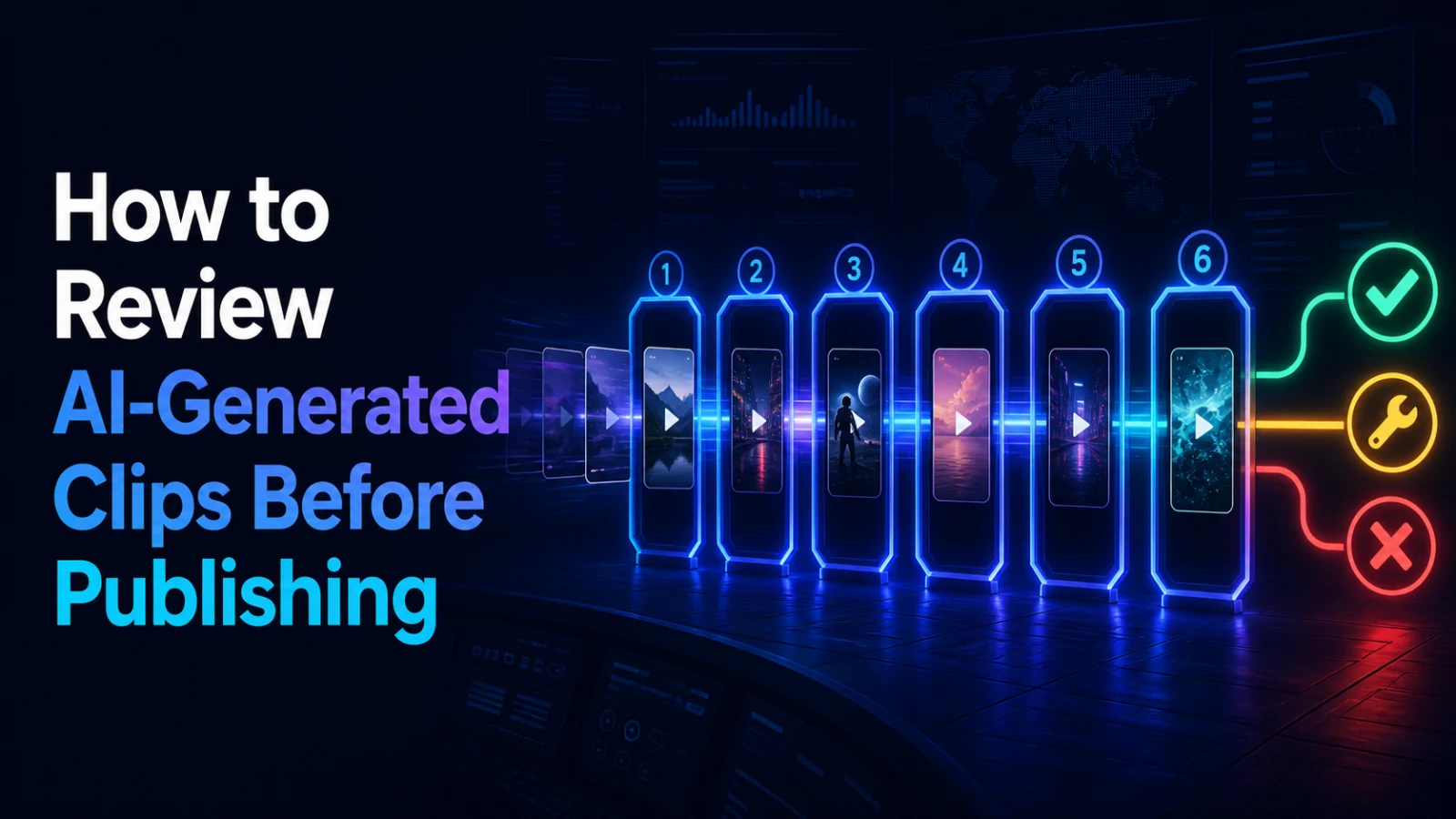
Use a six-gate review process to evaluate AI-generated clip candidates for context, edit points, framing, captions, audio and publishing rights.
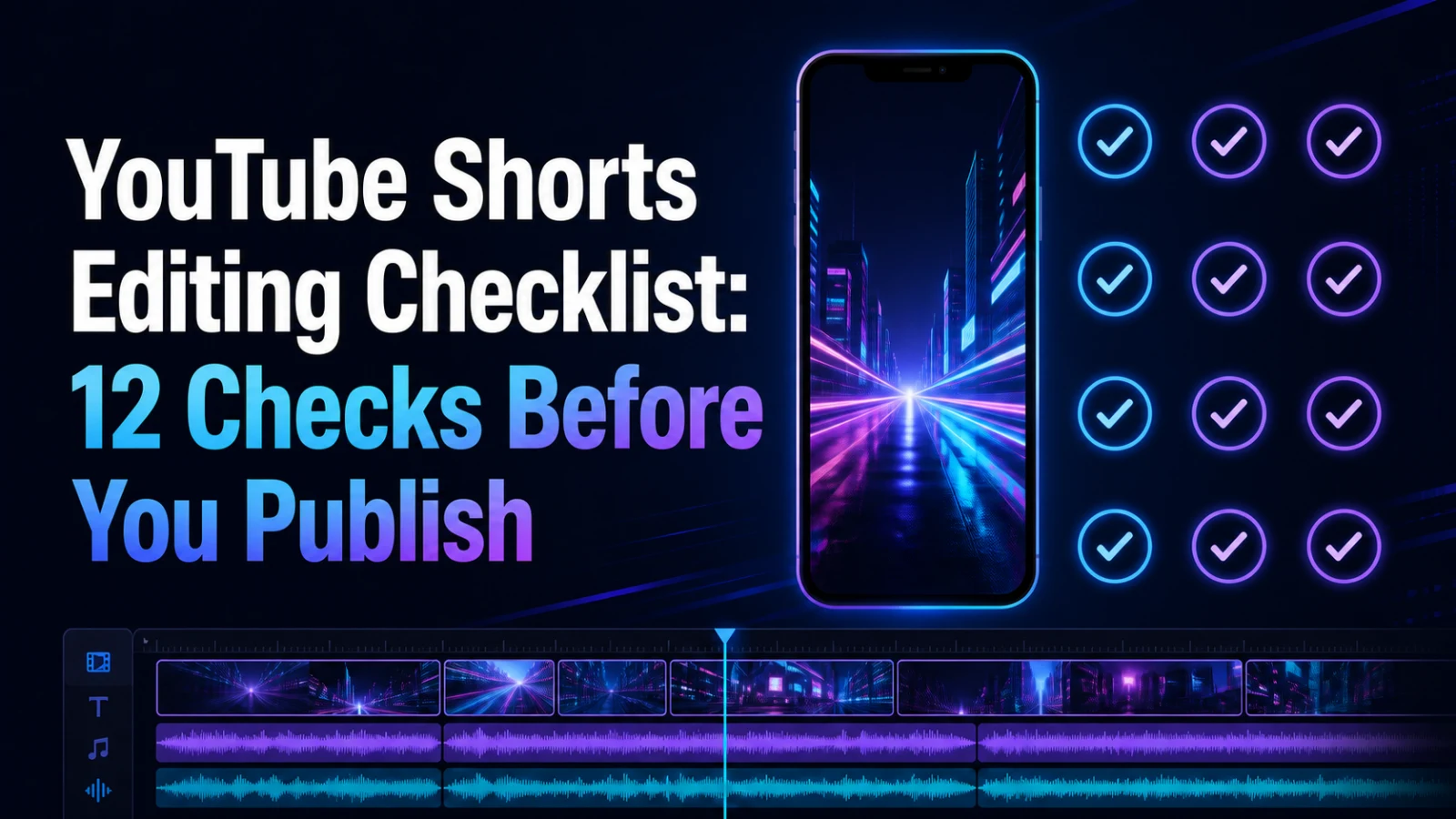
Use this 12-point YouTube Shorts editing checklist to review the hook, framing, captions, audio, rights and final export before publishing.
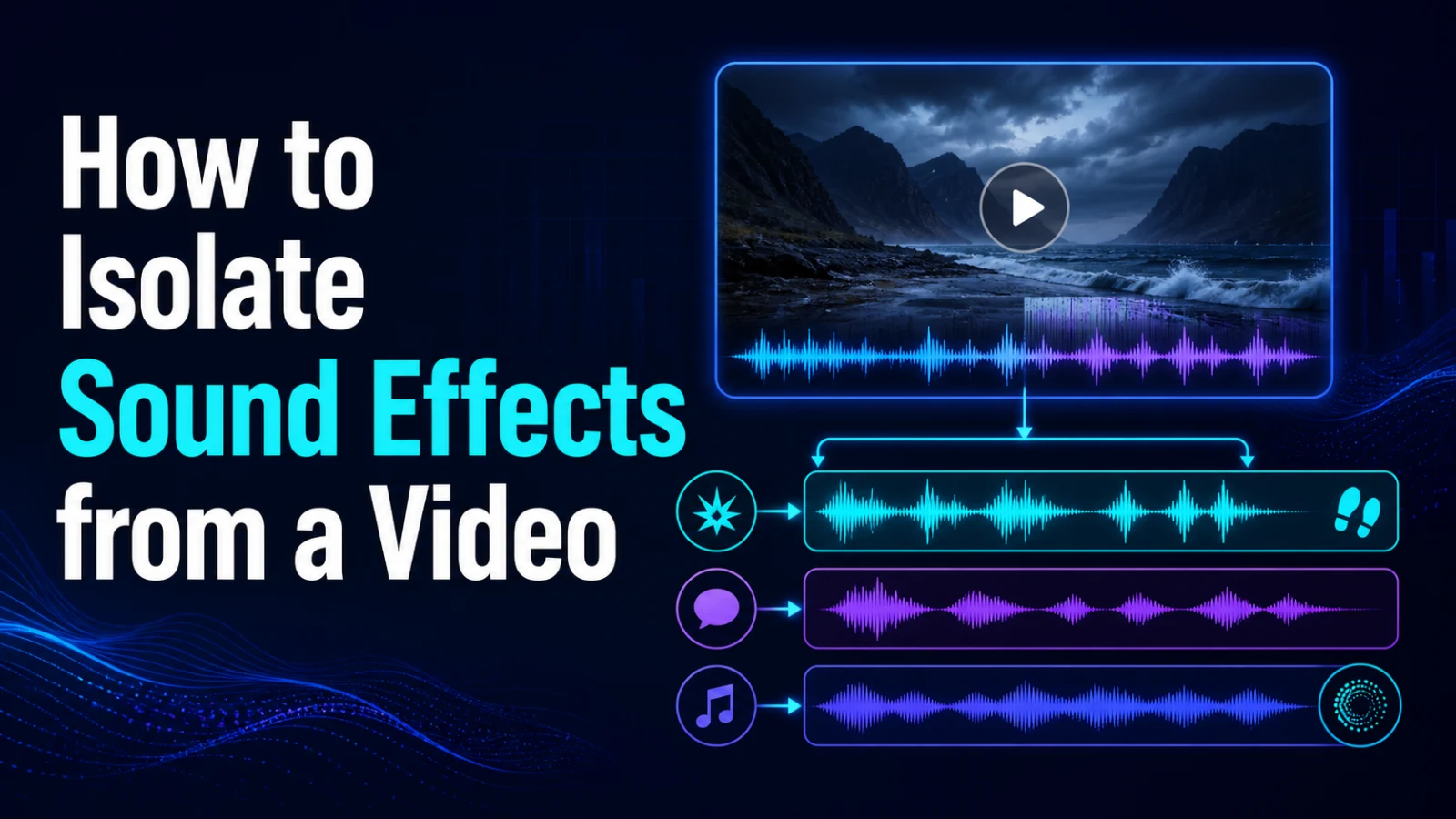
Learn a rights-safe workflow for isolating impacts, ambience and transition sounds from video while checking overlap, residue and manual repair needs.
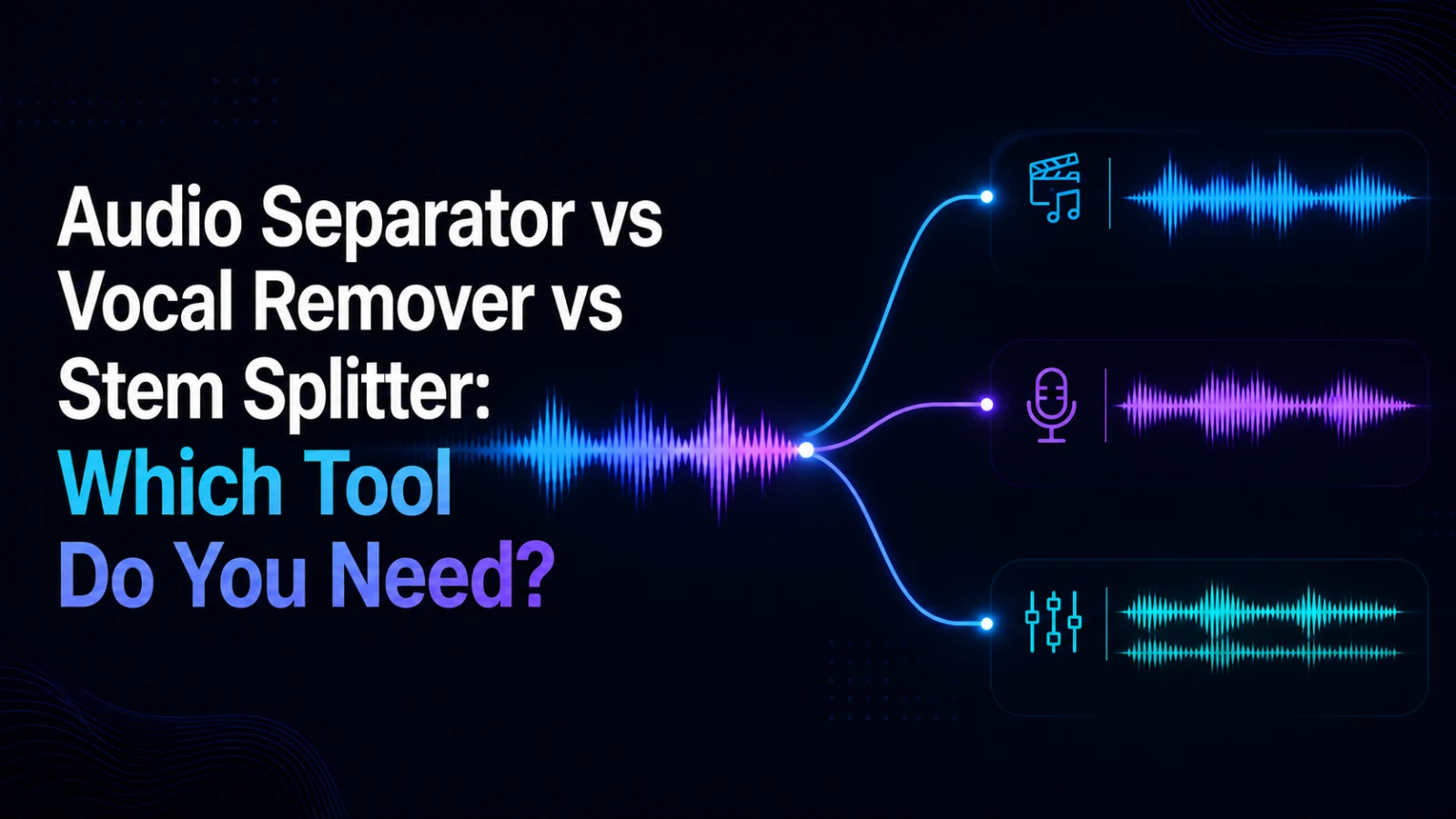
Compare audio separators, vocal removers and stem splitters by editing task, expected output and failure mode before processing your next video or track.
Improve YouTube Shorts with clearer hooks, one focused idea, readable captions, tighter edits, and tests based on retention and audience response.
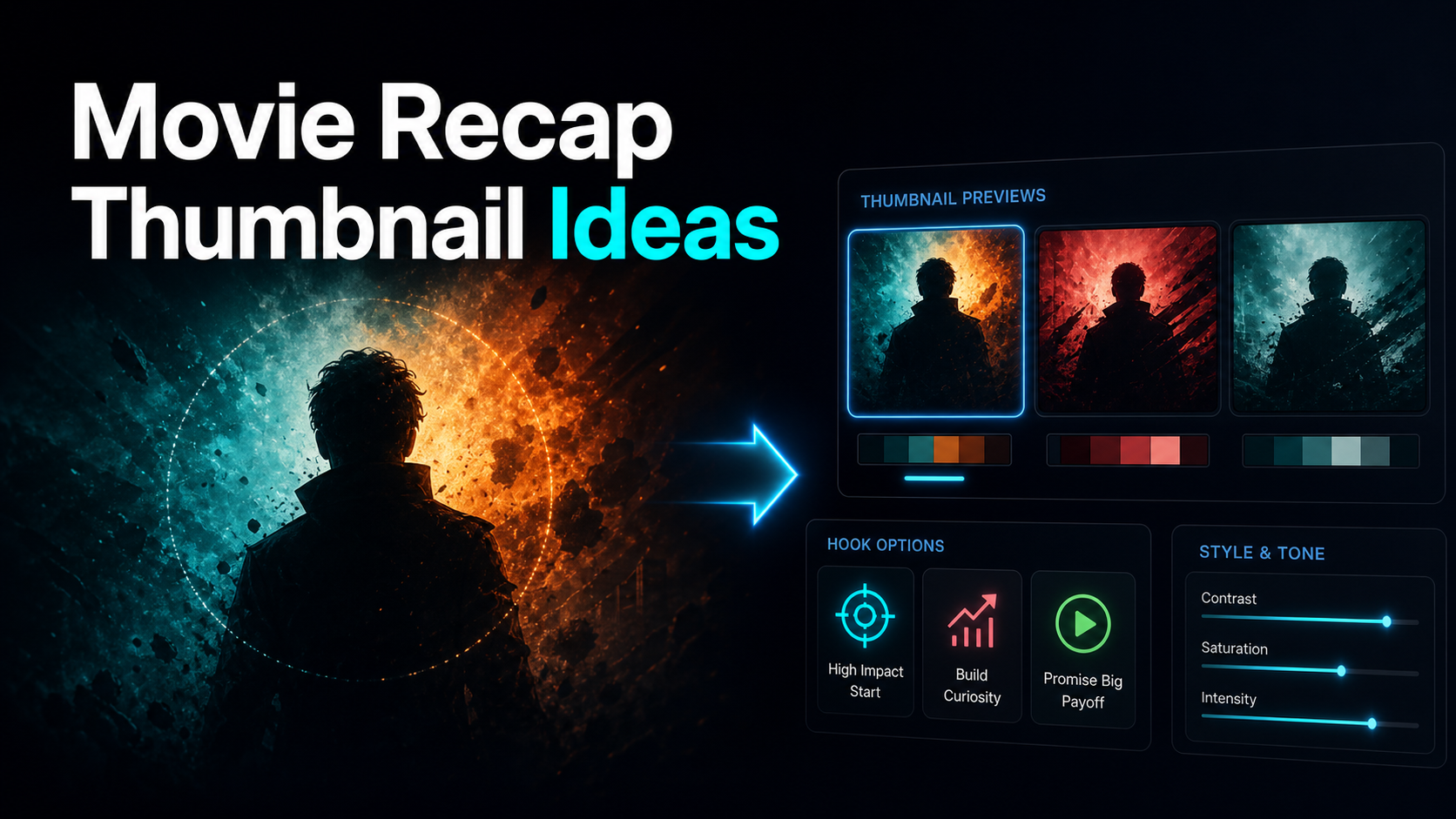
Design movie recap thumbnails with clear hierarchy, original graphics, tested text hooks, and properly licensed or otherwise permitted source imagery.
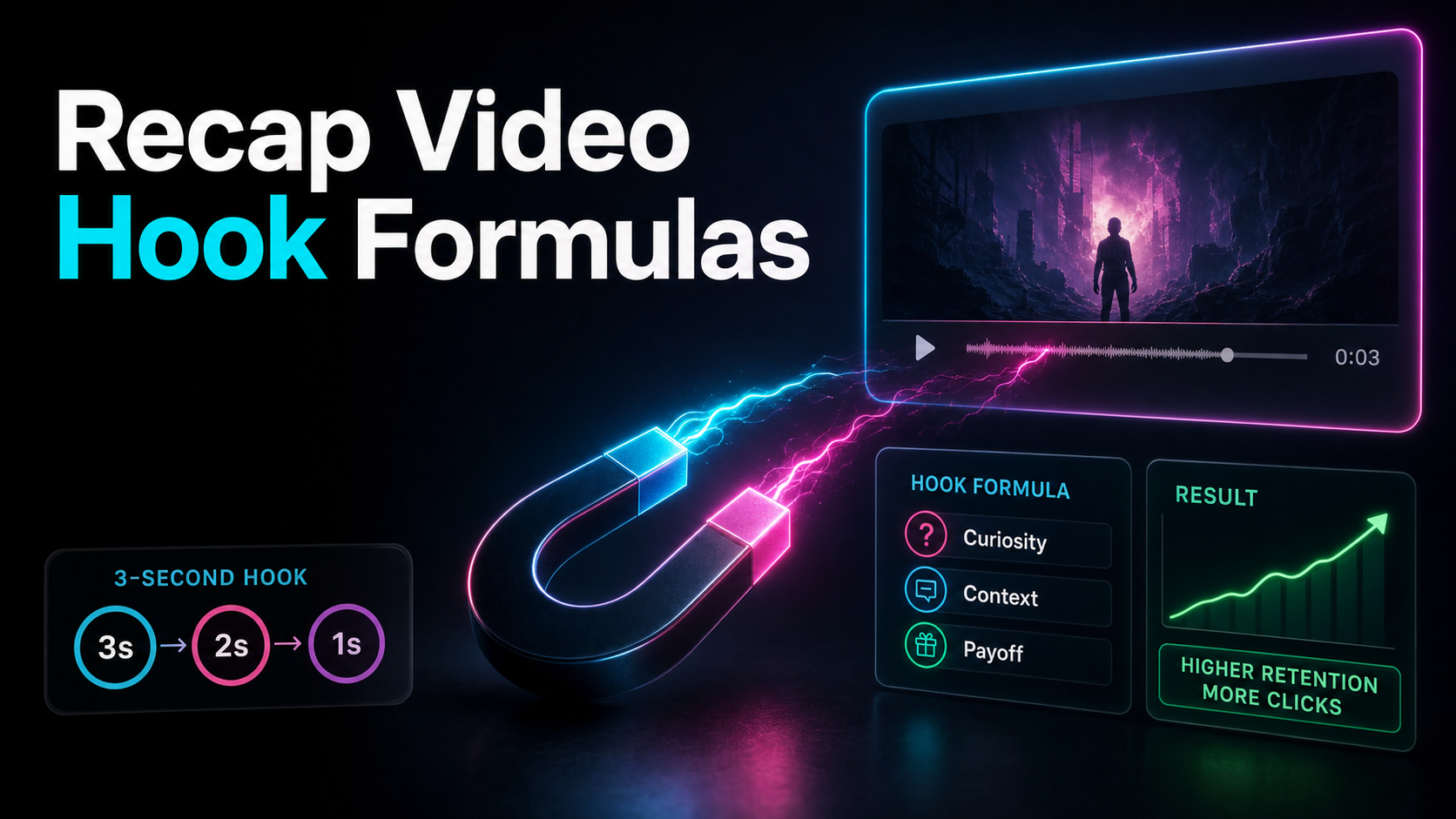
Use five recap-video hook structures, then test each against one audience promise without treating a fixed opening threshold as a guarantee.
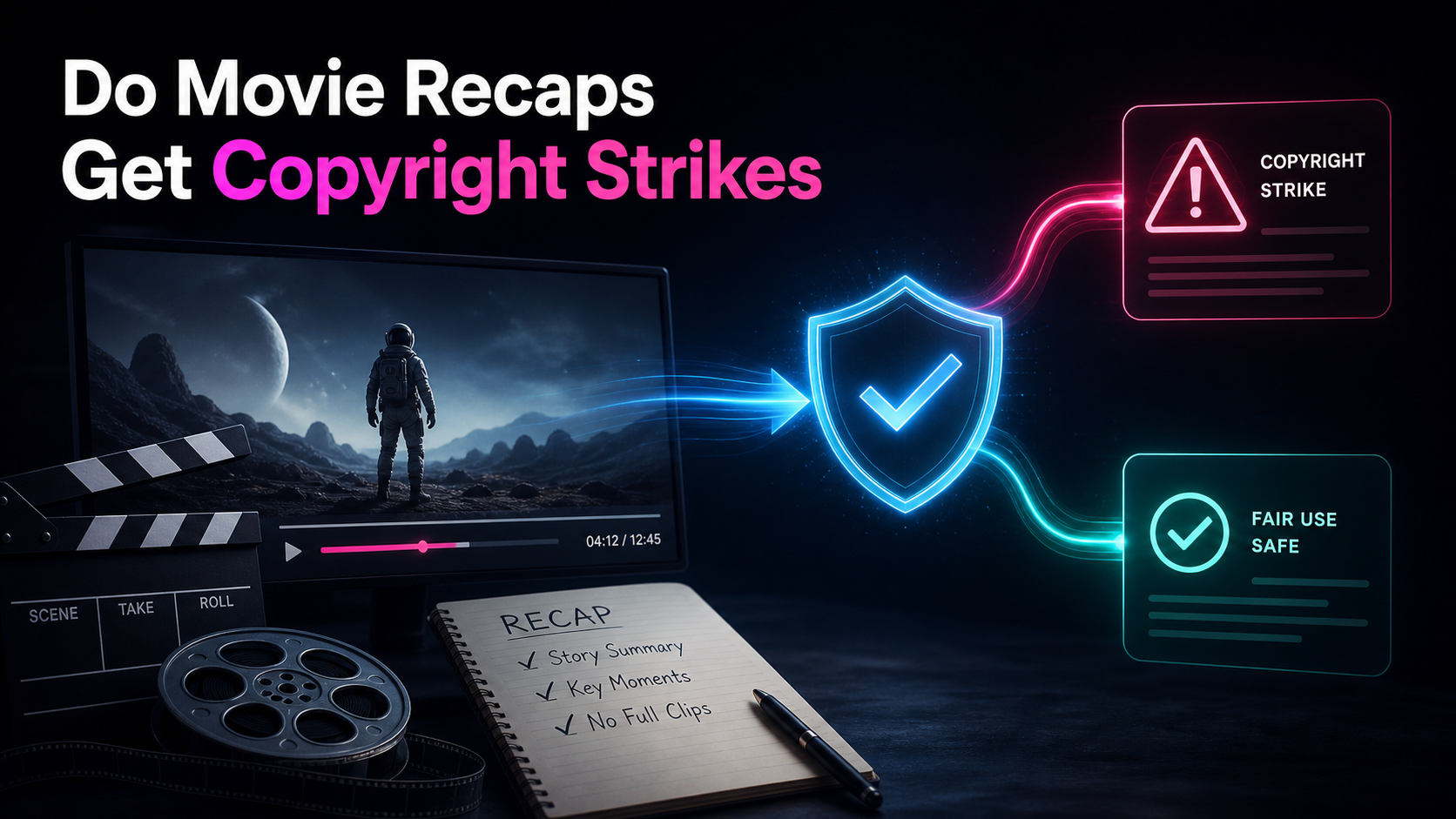
Movie recaps can receive Content ID claims or copyright strikes. Learn the difference, response options, and a more defensible production workflow.

Choose a faceless recap niche by source availability, rights complexity, research load, audience fit, revenue paths, and a small publishing test.

Add captions to TikTok with native tools or burned-in subtitles, then correct names, timing, readability, and safe-zone placement before publishing.

Add captions to Instagram Reels with native captions or burned-in subtitles, then review accuracy, readability, timing, and interface-safe placement.
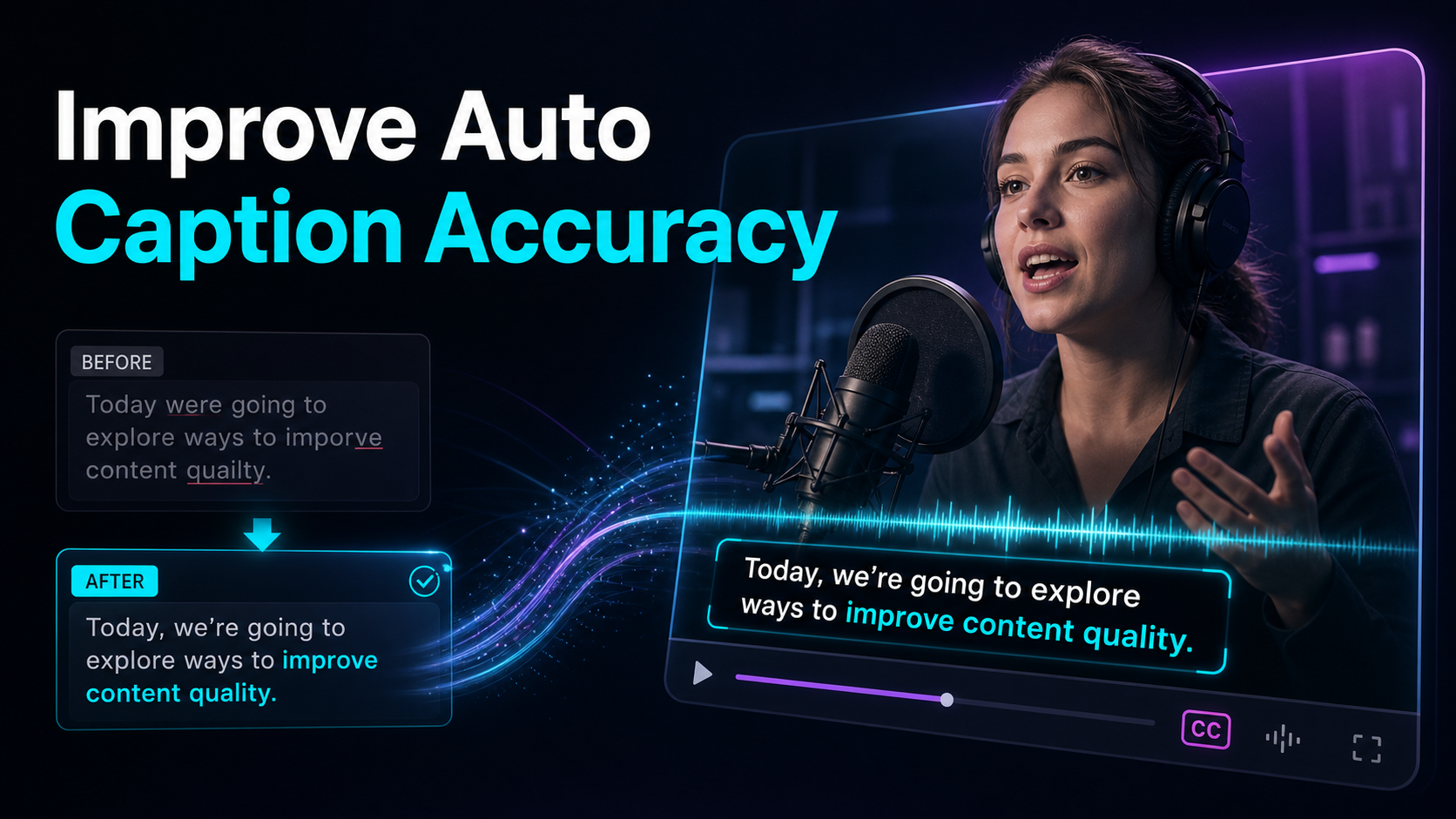
How to improve auto-caption accuracy: clean the input audio, record so transcribers can follow, feed a custom word list for names.
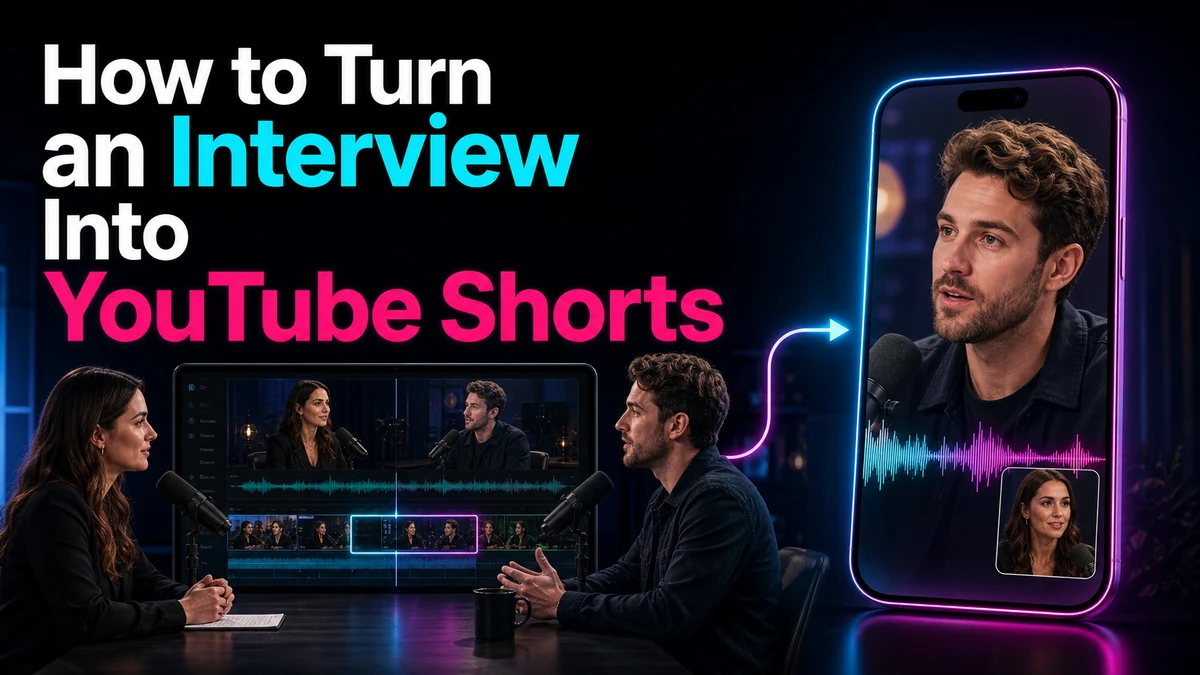
Learn how to turn an interview into YouTube Shorts with complete answers, ethical edits, two-person reframing, captions, and a practical QA workflow.
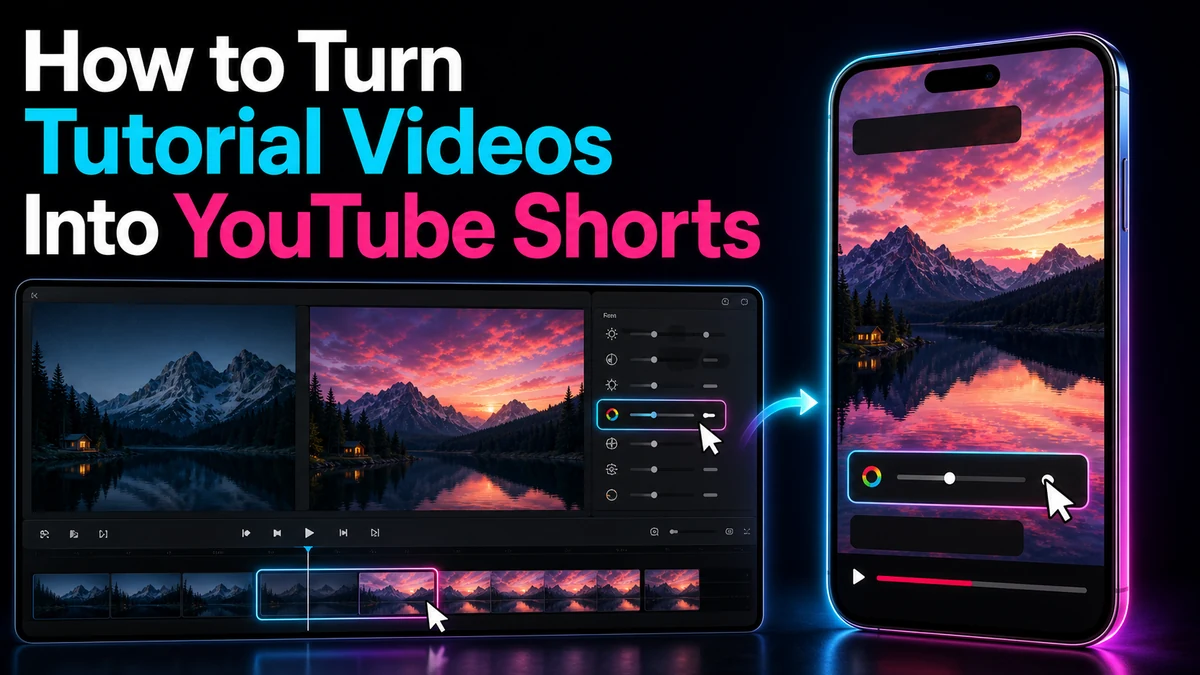
Turn tutorial videos into focused YouTube Shorts with clear steps, readable screen details, captions, vertical framing, and a practical QA workflow.
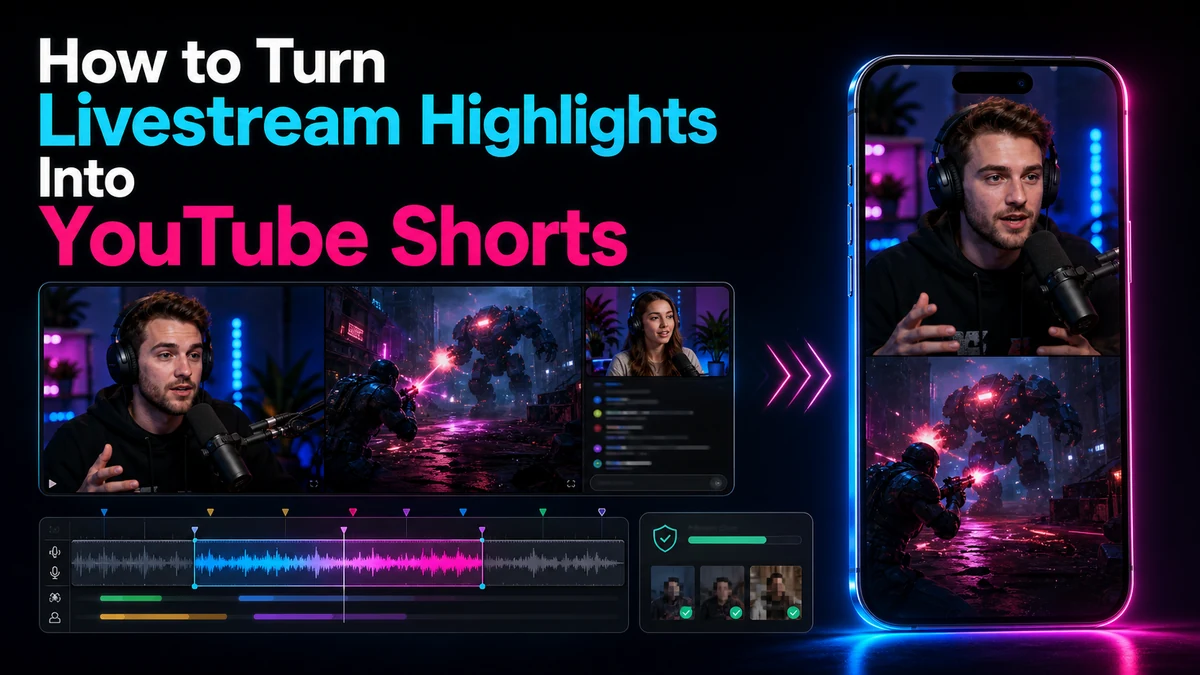
Turn livestream highlights into YouTube Shorts with a practical workflow for context, dead air, 9:16 framing, captions, rights, privacy, and final QA.
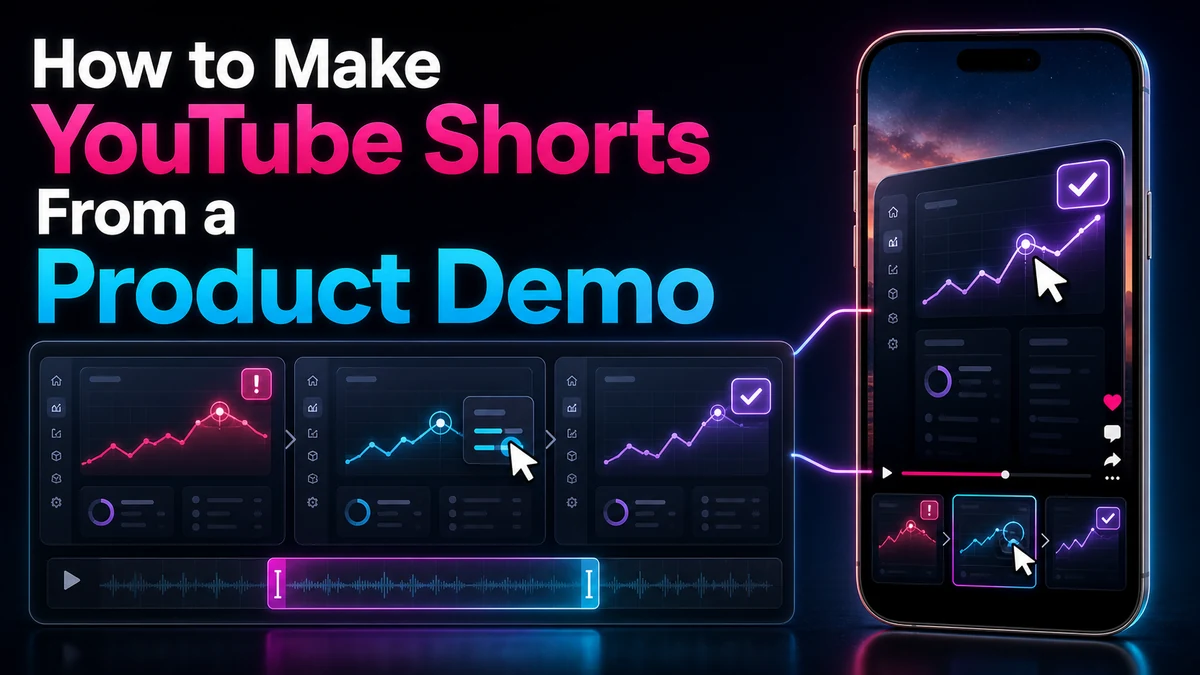
Turn a product demo into a clear YouTube Short with problem–feature–result structure, legible UI, visible proof, and an honest next step for viewers.
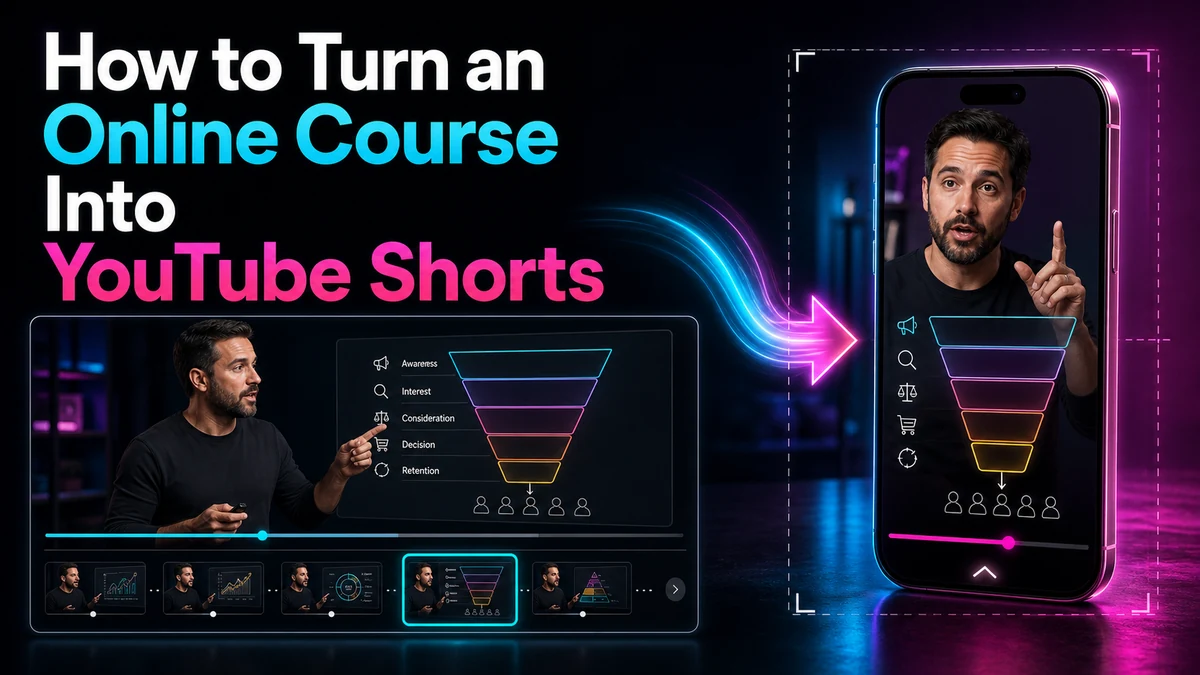
Turn course lessons into clear YouTube Shorts by preserving prerequisites, instructional accuracy, usage rights, vertical framing, and a useful next-step CTA.
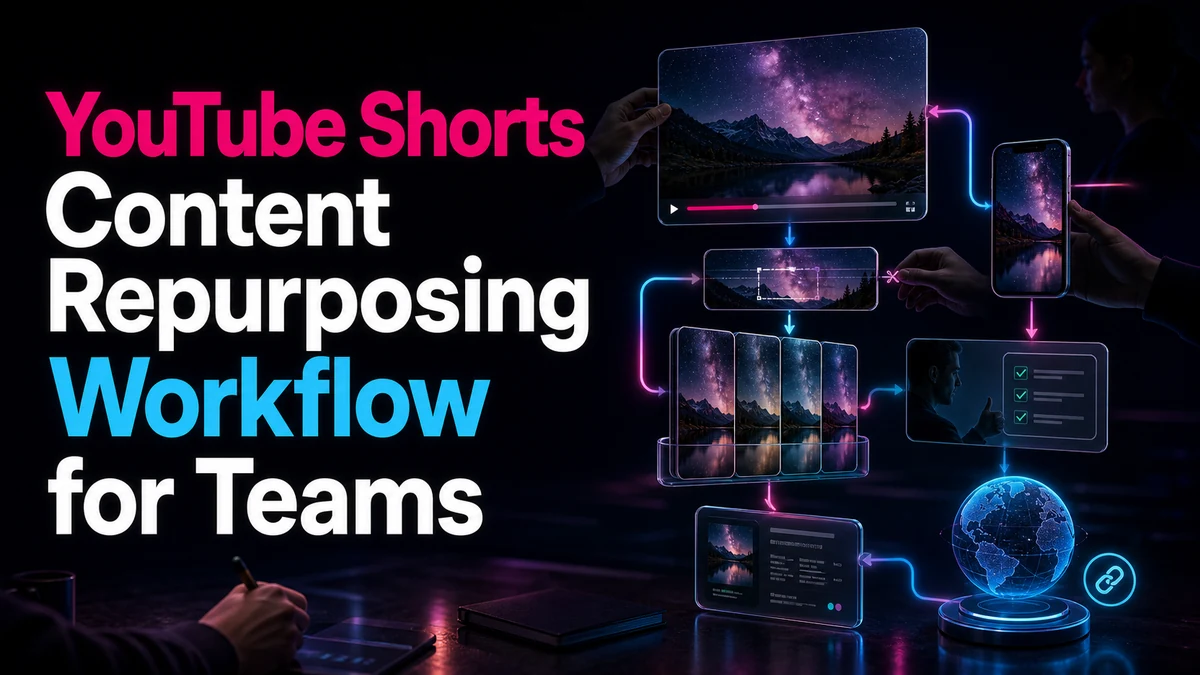
Build a team workflow for repurposing YouTube Shorts with clear intake, rights notes, candidate review, version control, approvals, metadata, and URL checks.
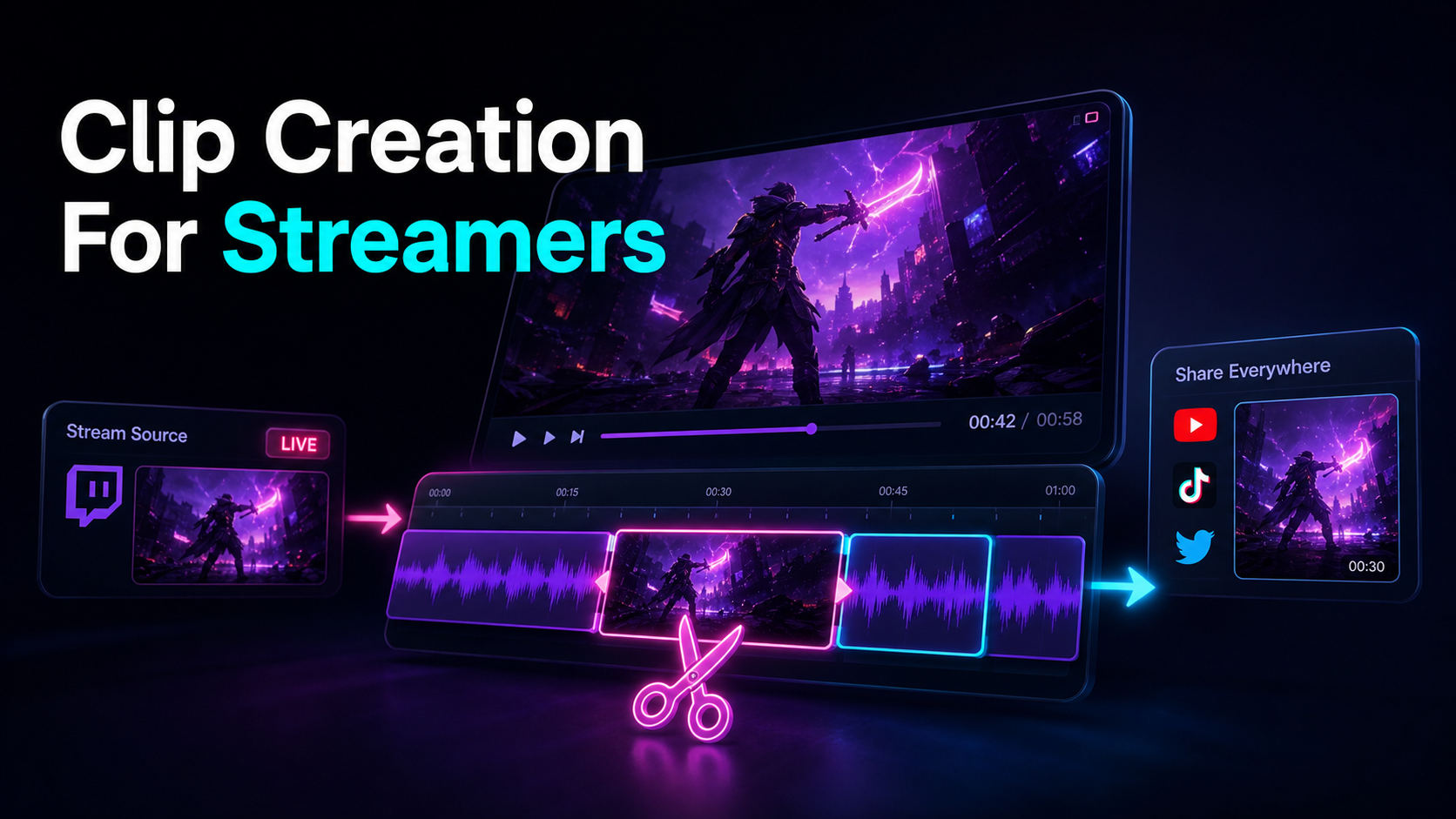
Clip creation for streamers as a repeatable pipeline: turn talk-heavy stream VODs into vertical Shorts, TikToks, and Reels with speech-first clipping.
Compare HeyGen alternatives by output type: avatar video, voiceover, editing, or footage repurposing. Includes a same-script, same-source test.
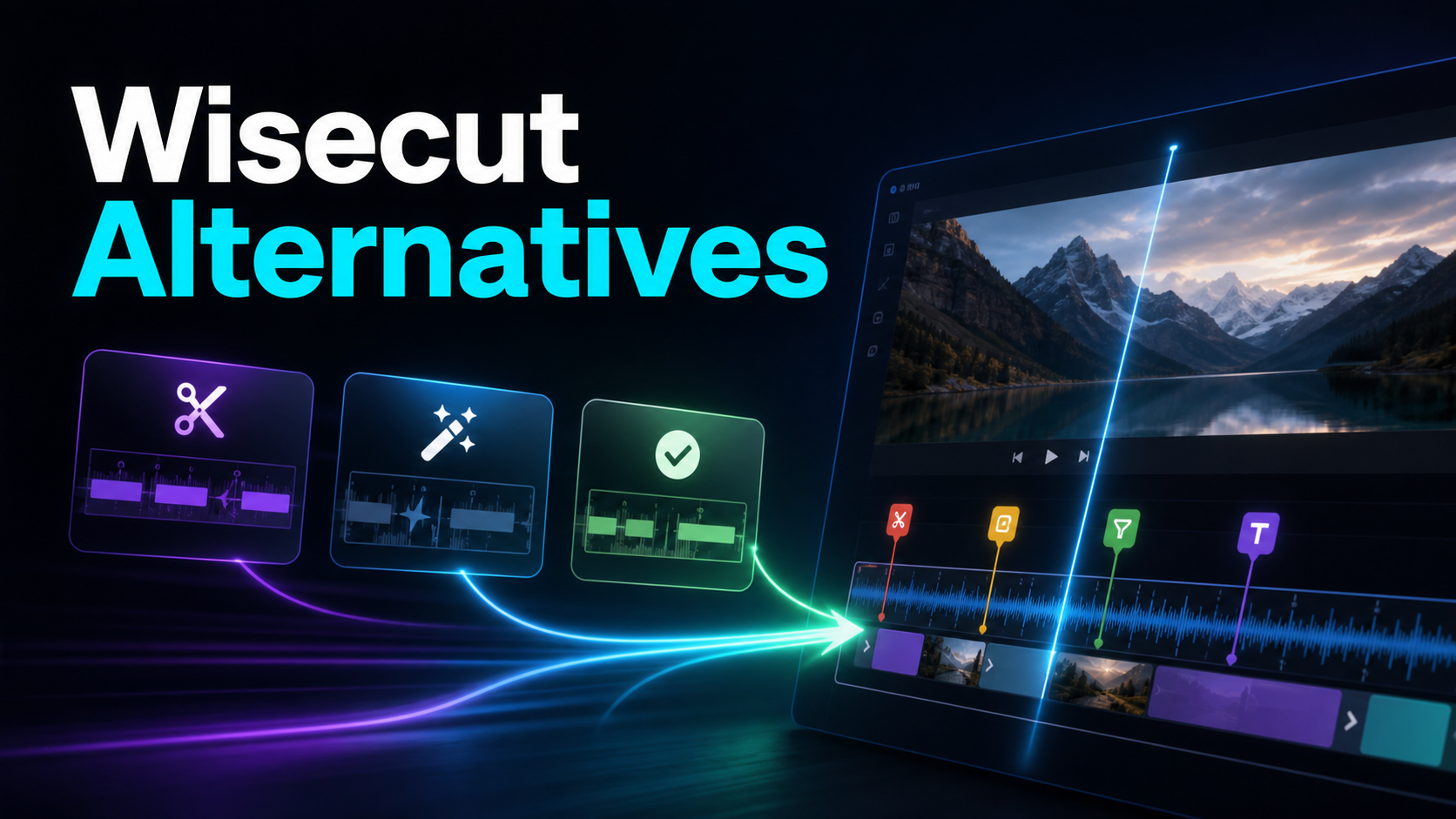
Compare Wisecut alternatives for automatic cleanup, long-to-short clipping, or script-led video. Includes a same-recording workflow test.
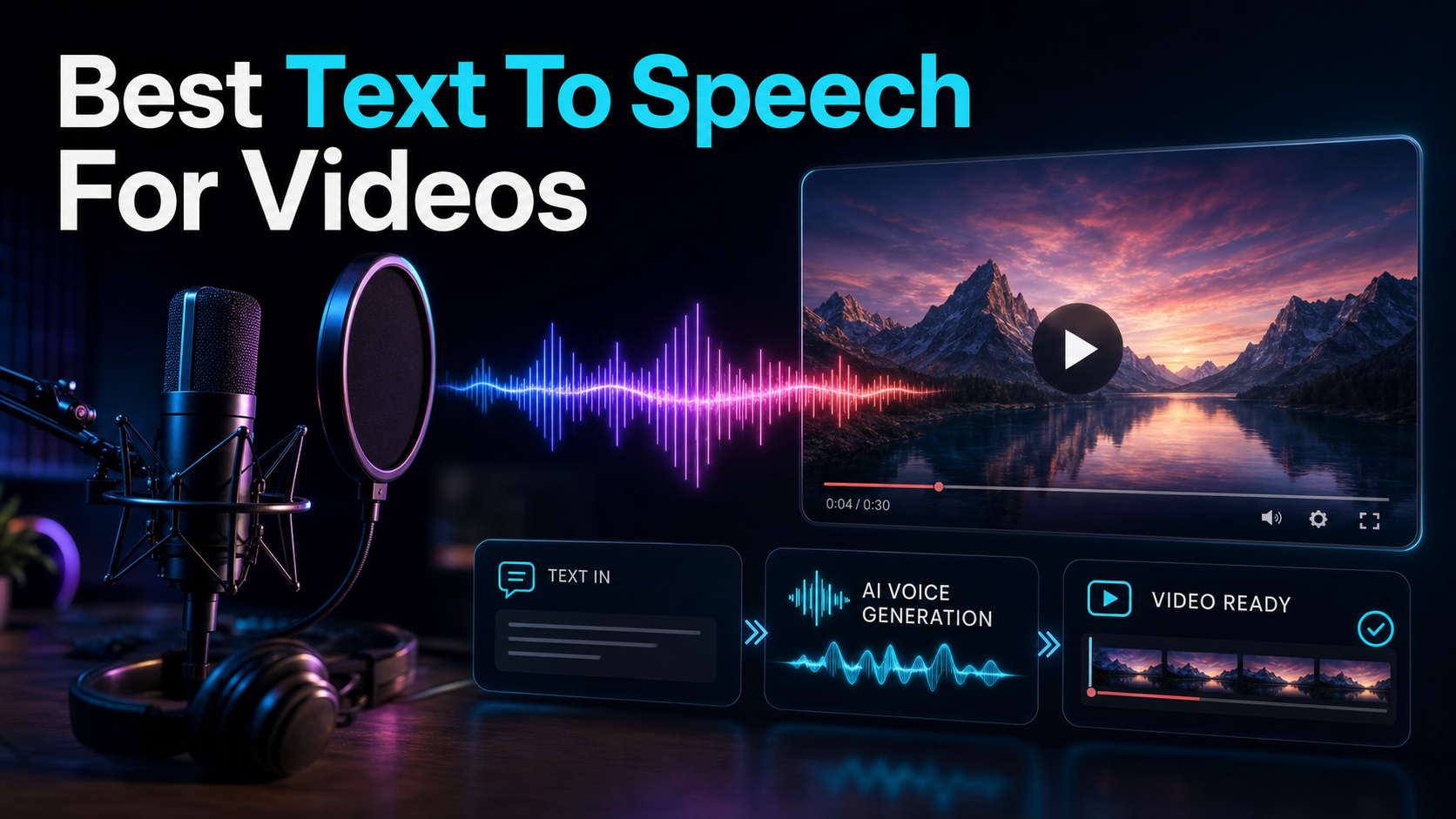
Looking for the best text to speech for videos? Compare specialist AI voice engines vs integrated video tools, use a self-test framework.
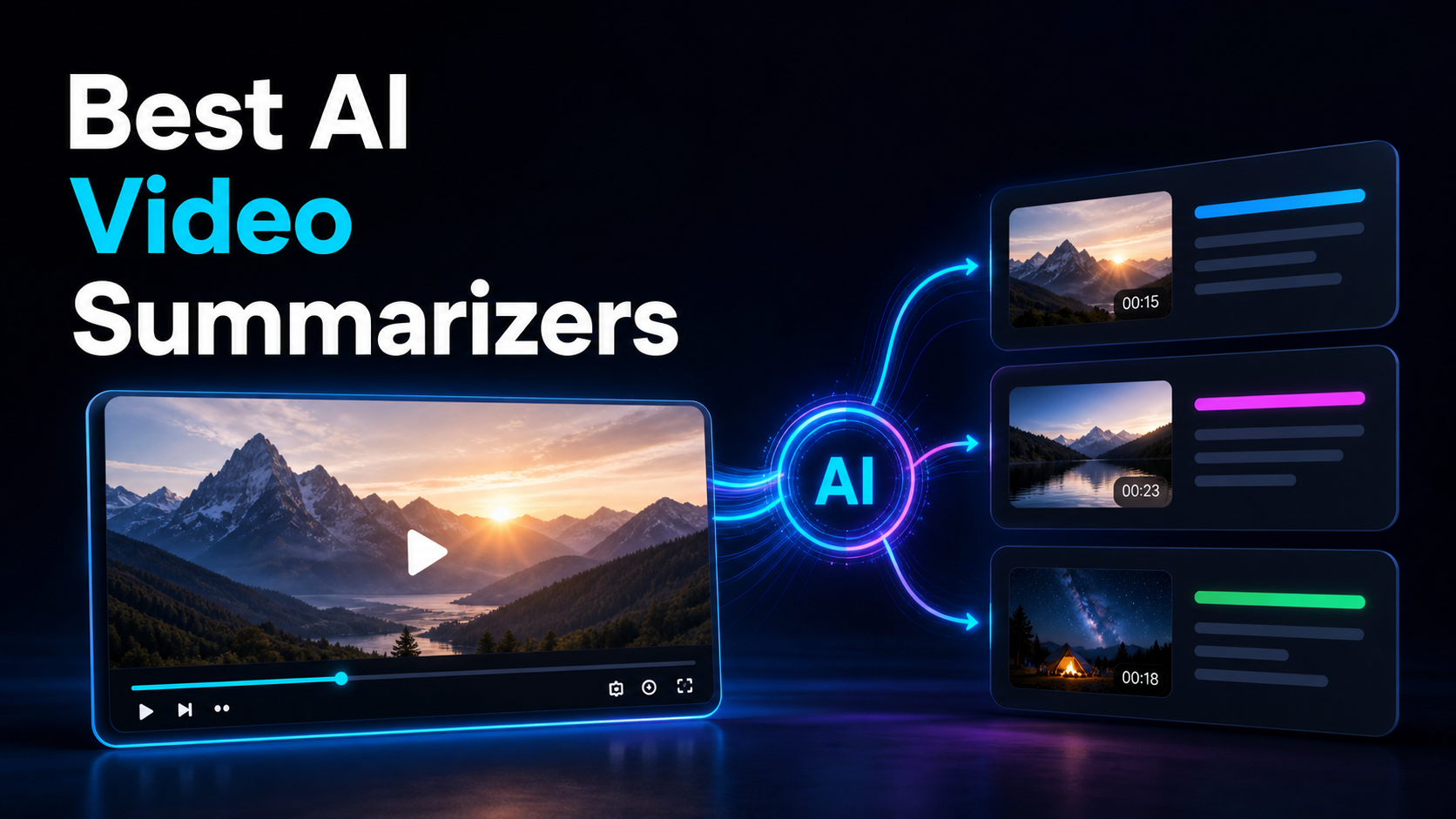
Compare the best AI video summarizer options for creators: consumption tools for watching less vs. summarize-to-script recap workflows.
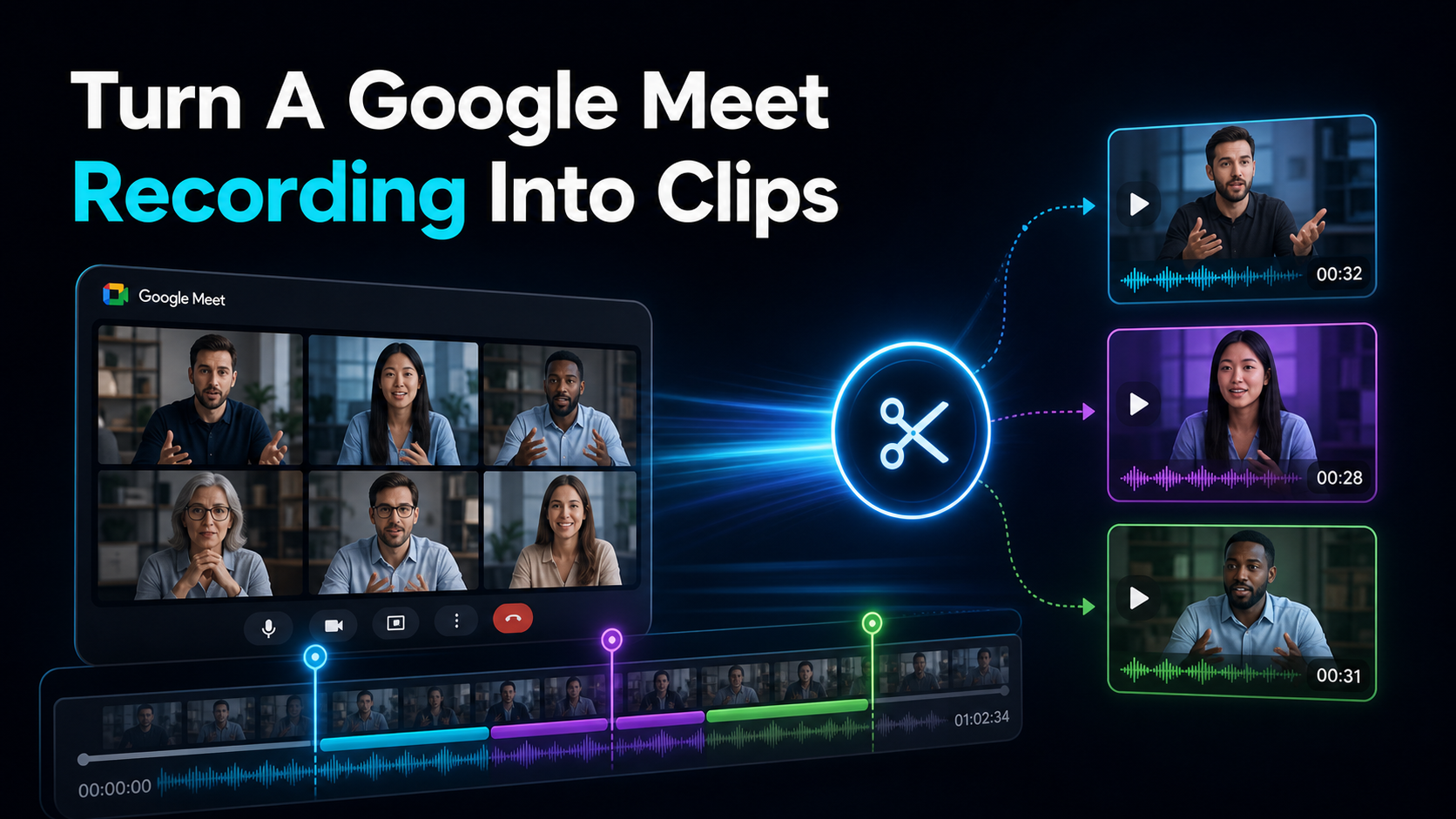
How to turn a Google Meet recording into clips: download from Drive, transcribe to cut by text, shortlist moments, reframe to 9:16, and caption — no install.
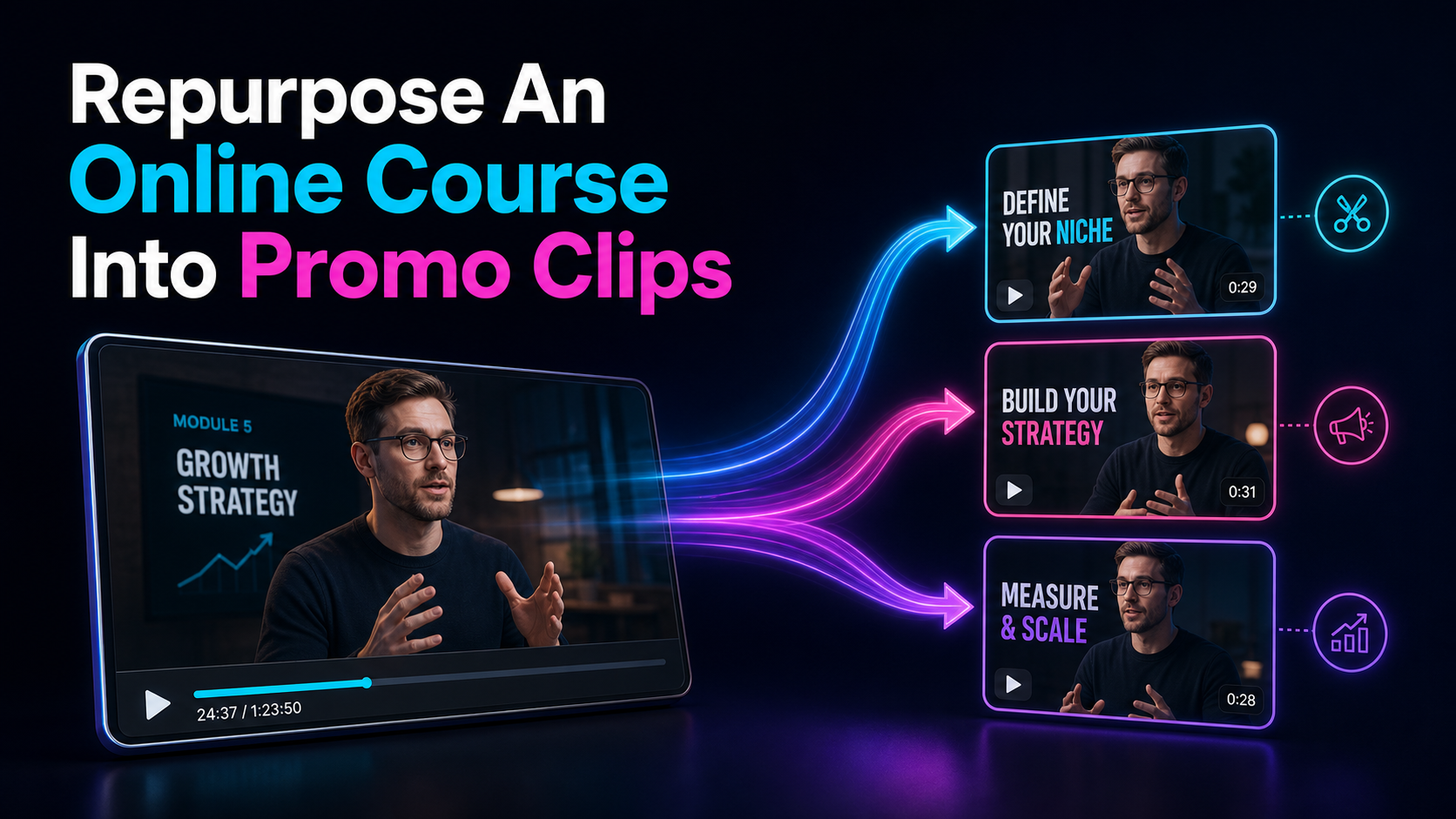
Repurpose an online course into promo clips: split each lesson into social teasers and 60–120s previews, add hooks and captions.
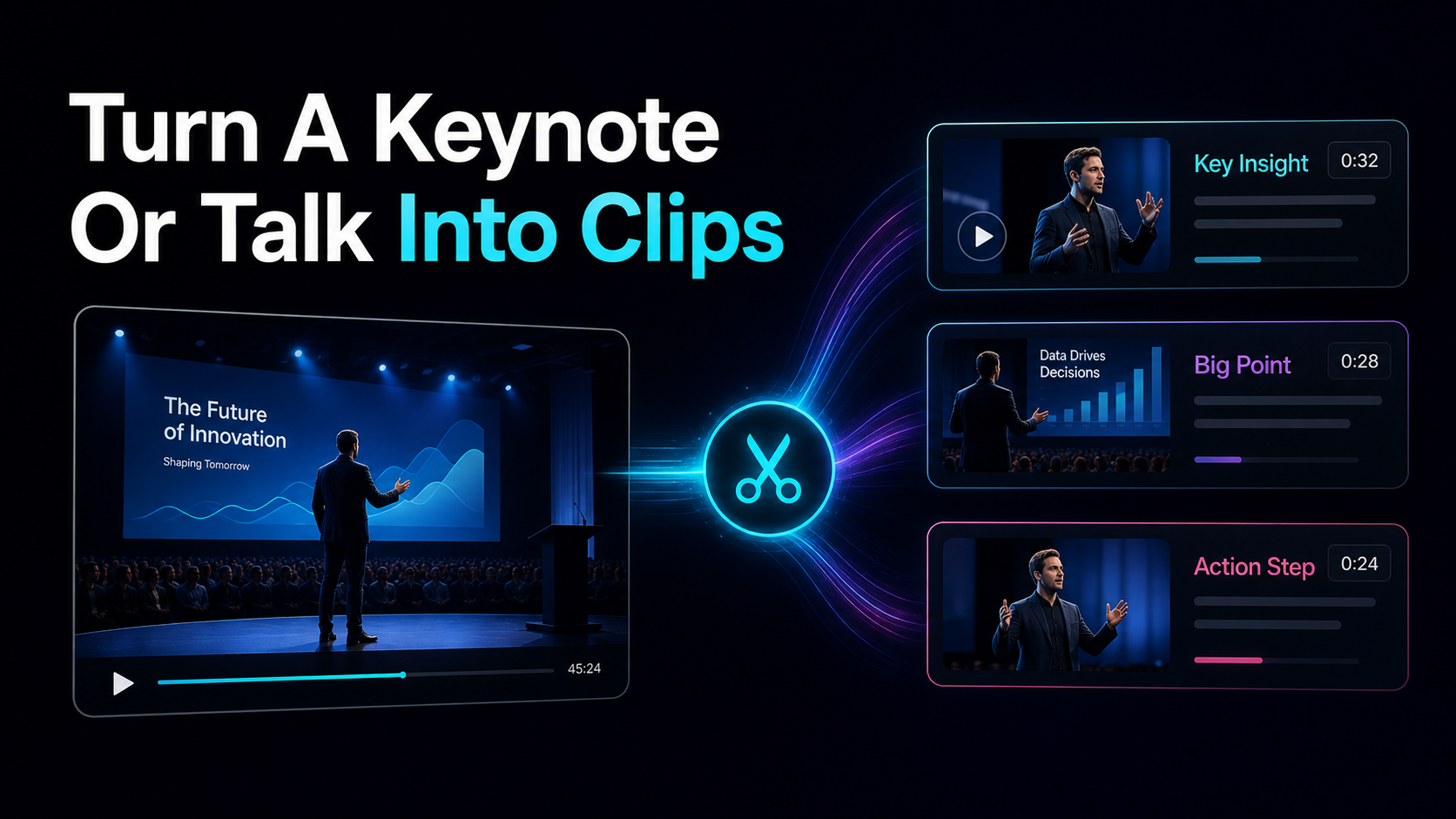
How to turn a keynote into clips: atomize one 60-min talk into ~12 micro-insights, settle usage rights, then reframe and caption each for Shorts, Reels.
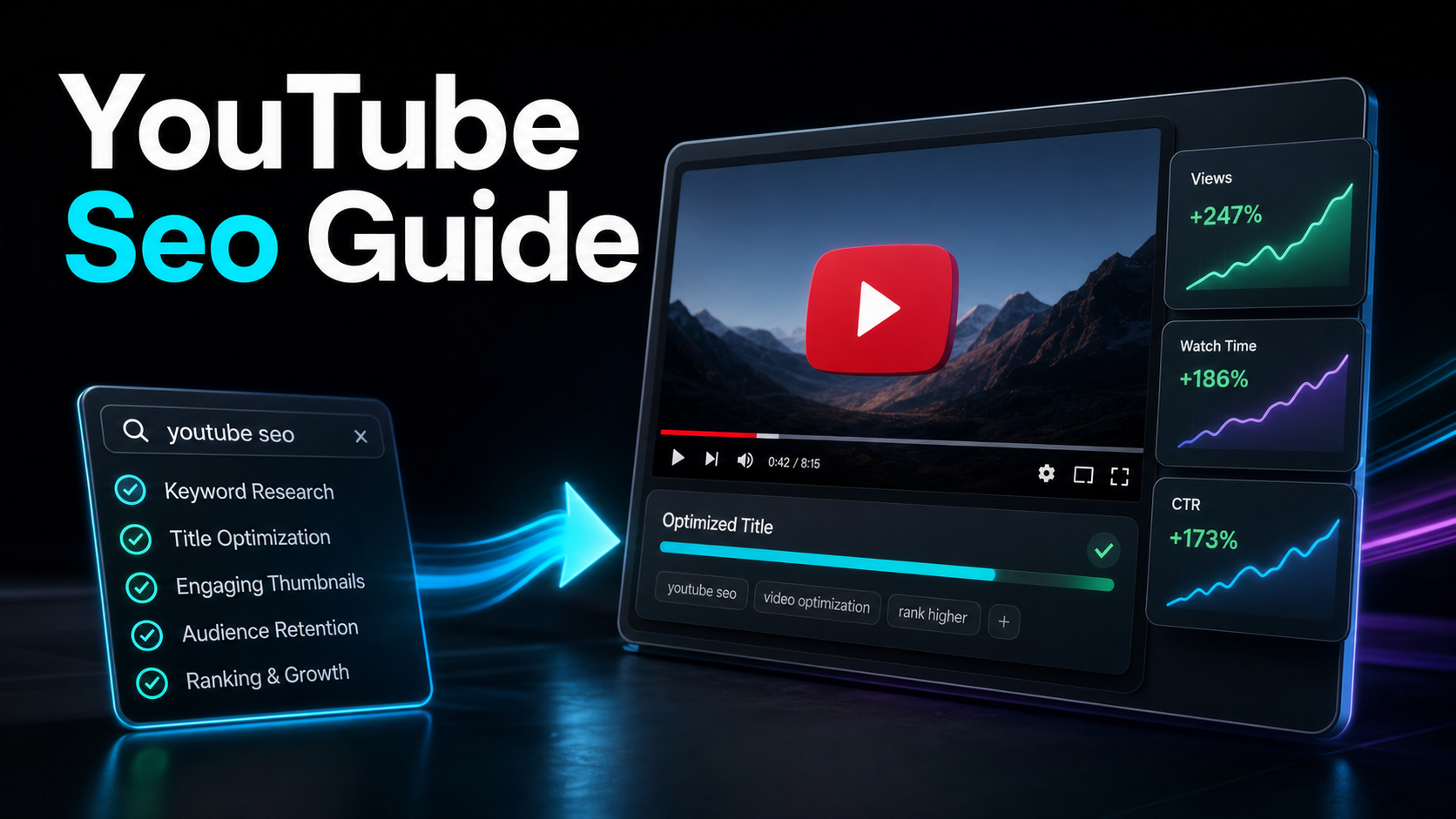
Use a YouTube SEO workflow grounded in viewer intent, accurate metadata, reviewed captions, useful structure, and evidence from your own Analytics.

Improve a TikTok video's recommendation chances with clear hooks, readable vertical framing, useful context, and tests based on your own analytics.
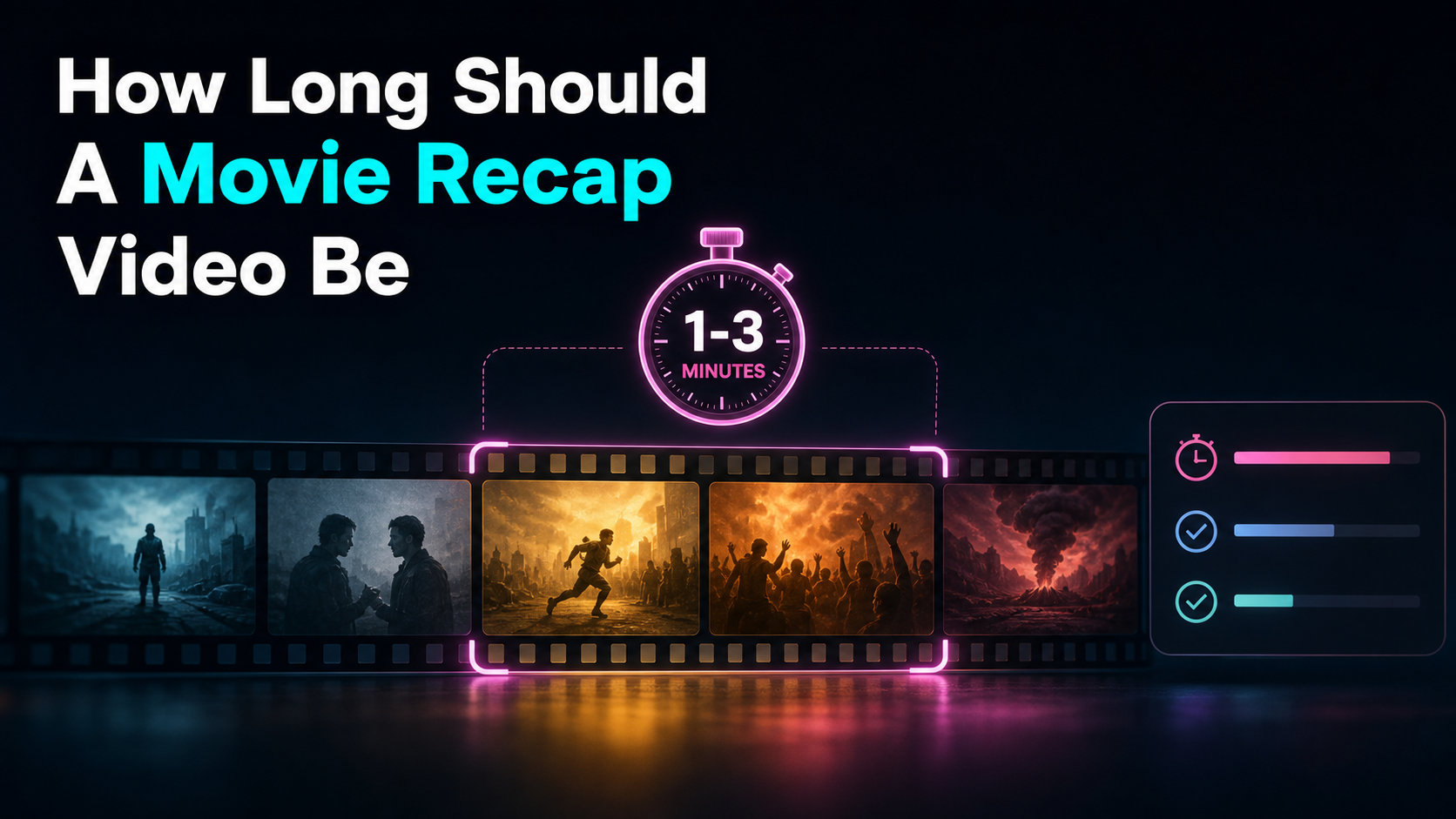
Choose a movie recap length from story scope, platform format, narration pace, and viewer intent, then calculate a practical script word budget.