Recapo.ai
Video Editing & Recap Blog
Guides and articles from Recapo.ai for video editing, recap workflows, creators, and AI production.
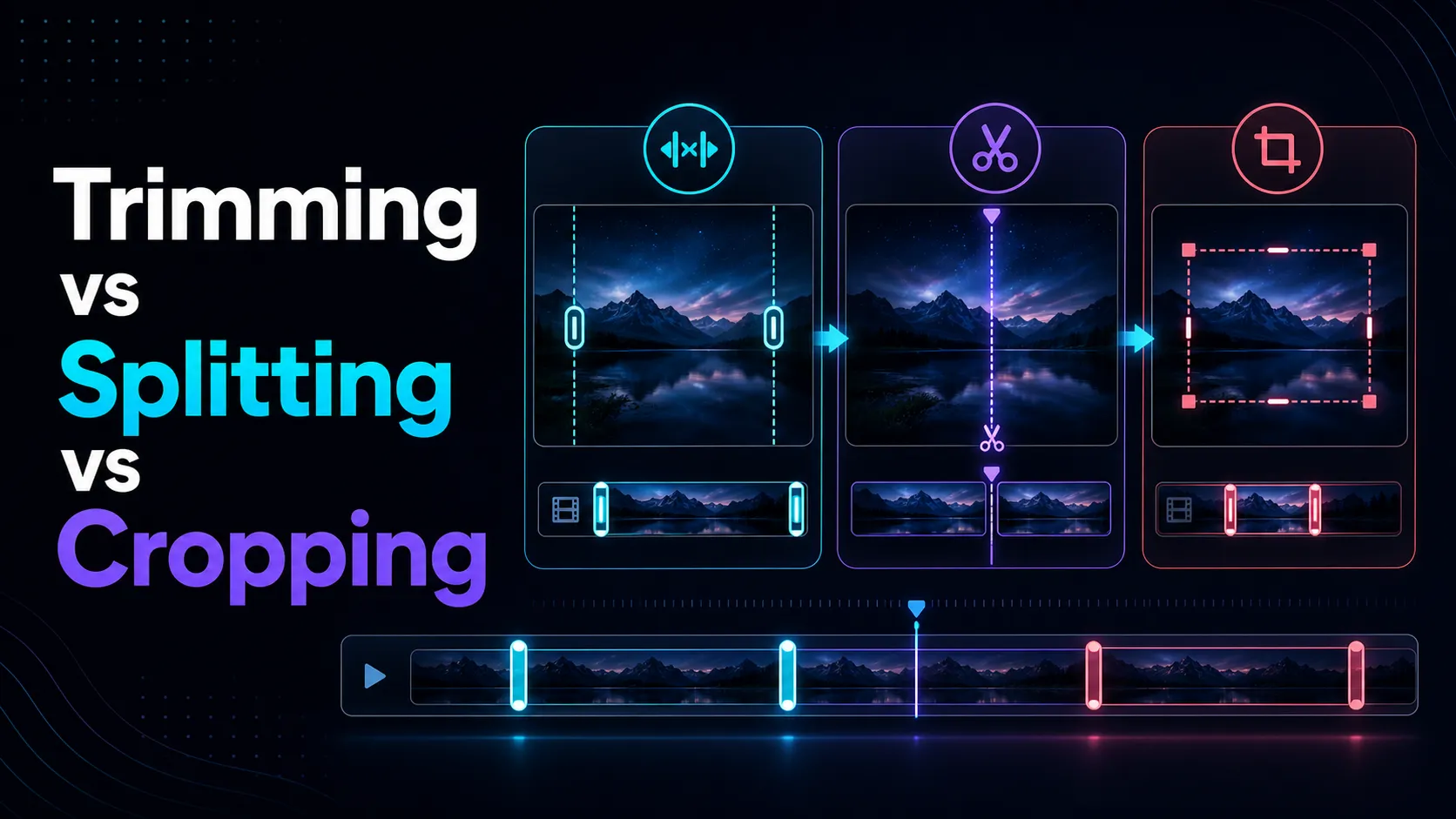
Learn the differences between cropping, splitting, and cropping videos, and learn how to edit video length and screen composition to your intended purpose.
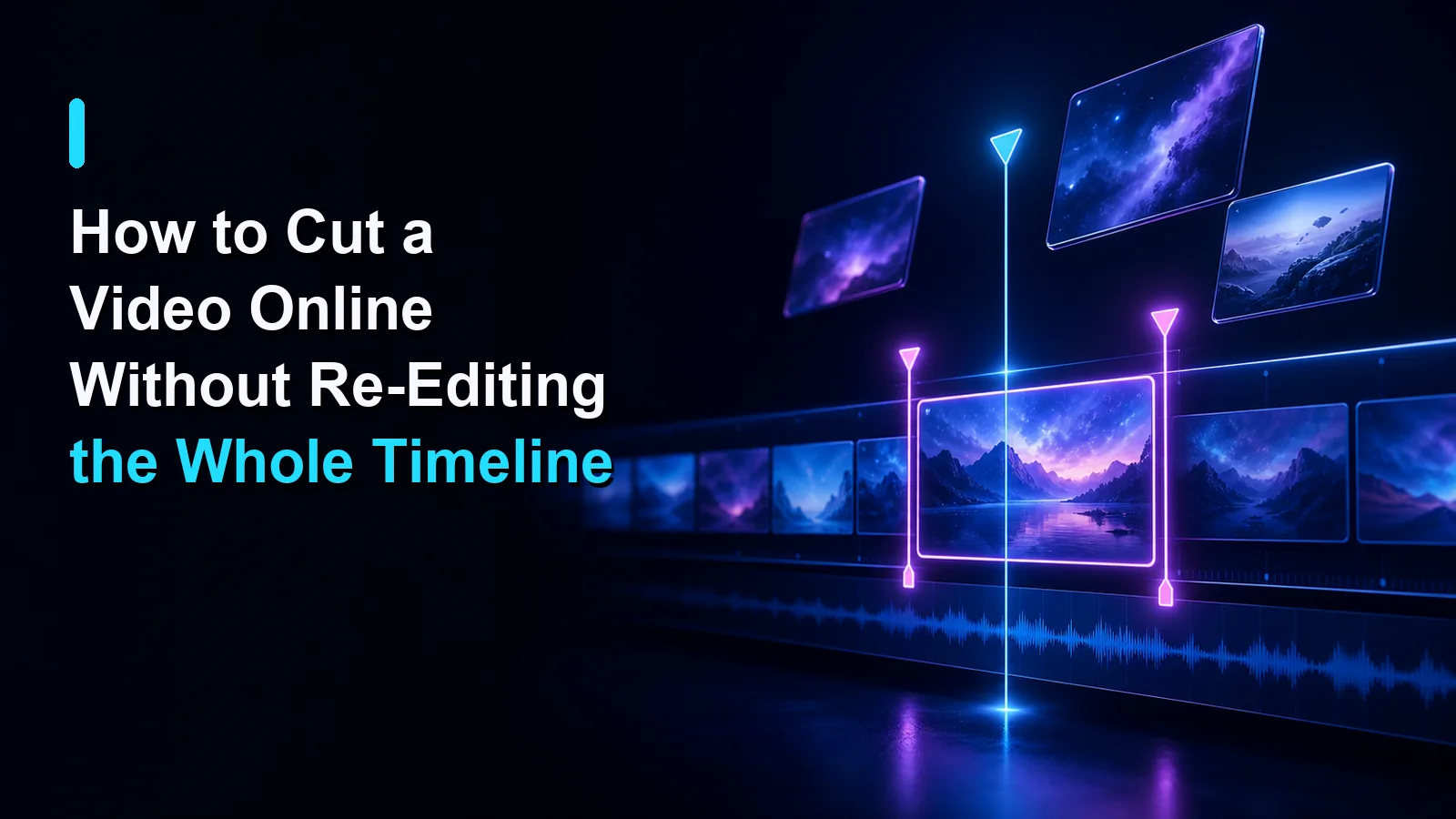
Learn how to cut a video online by setting precise start and end points, previewing the result, and exporting only the section you need.
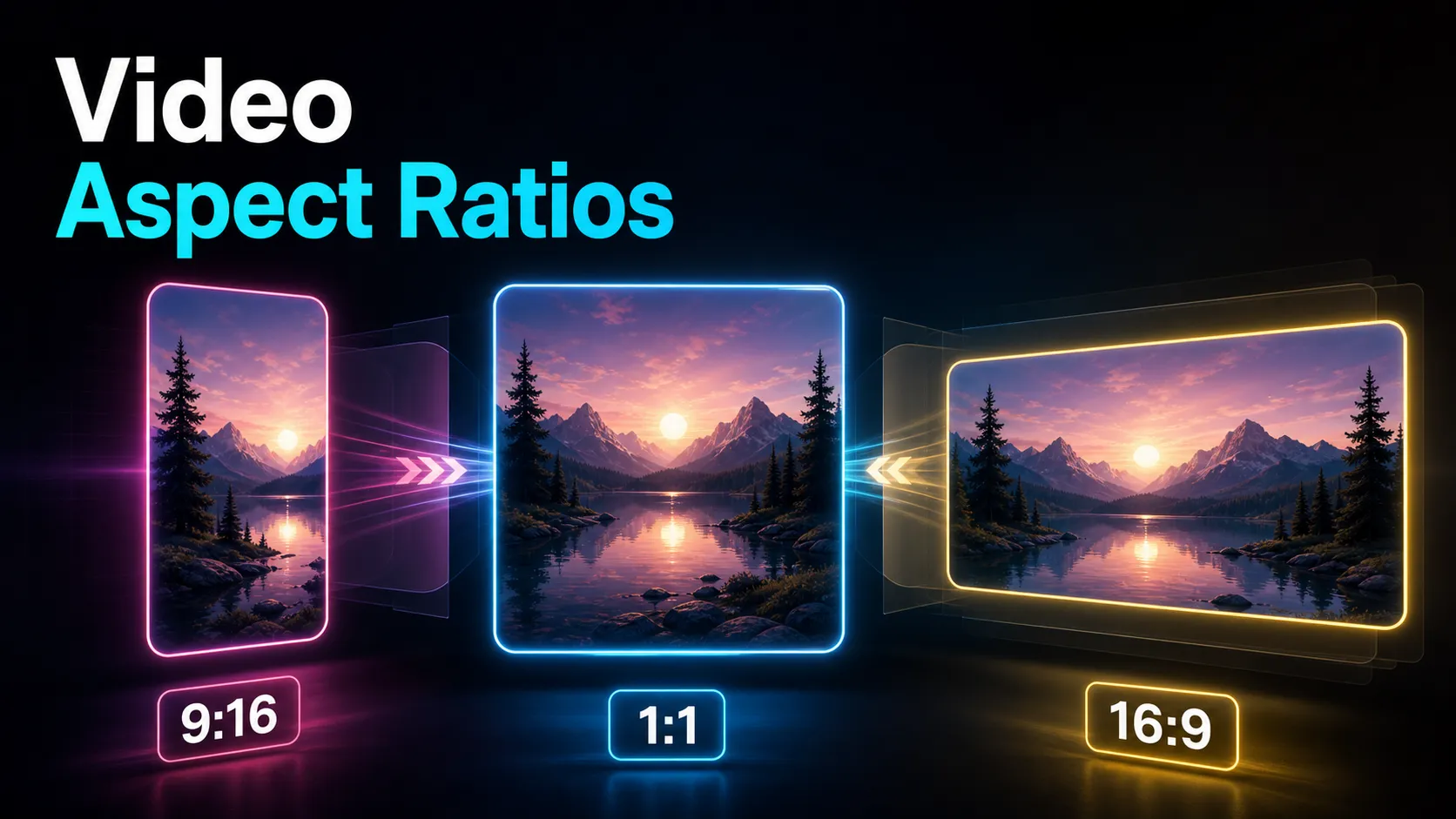
Social media video aspect ratios explained — 9:16 vs 16:9 vs 1:1, a per-platform table for YouTube, Shorts, TikTok and Reels, plus safe-zone and reframing tips.
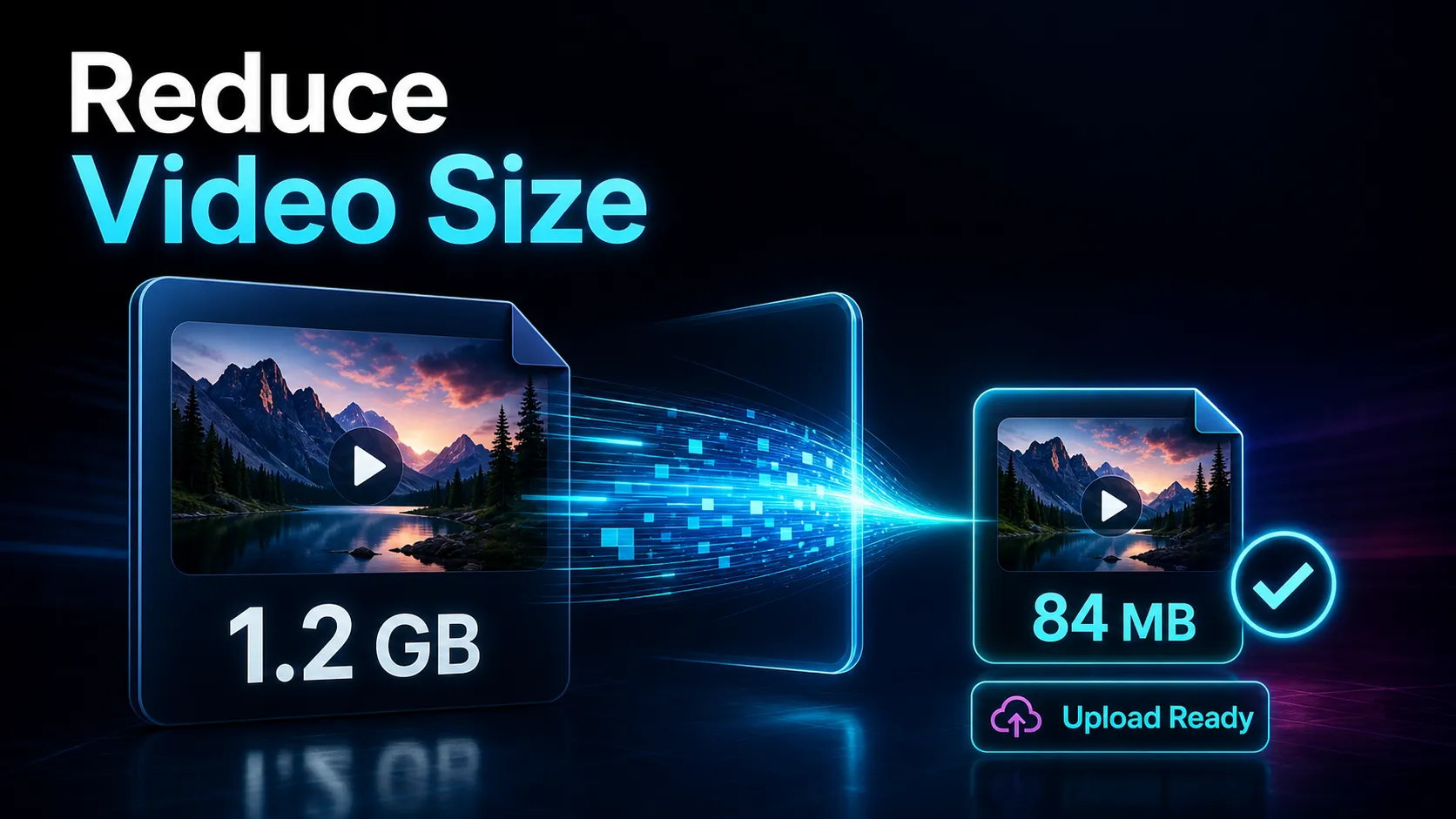
Reduce video size to meet upload limits by checking the destination first, then adjusting duration, resolution, bitrate, or codec in that order.
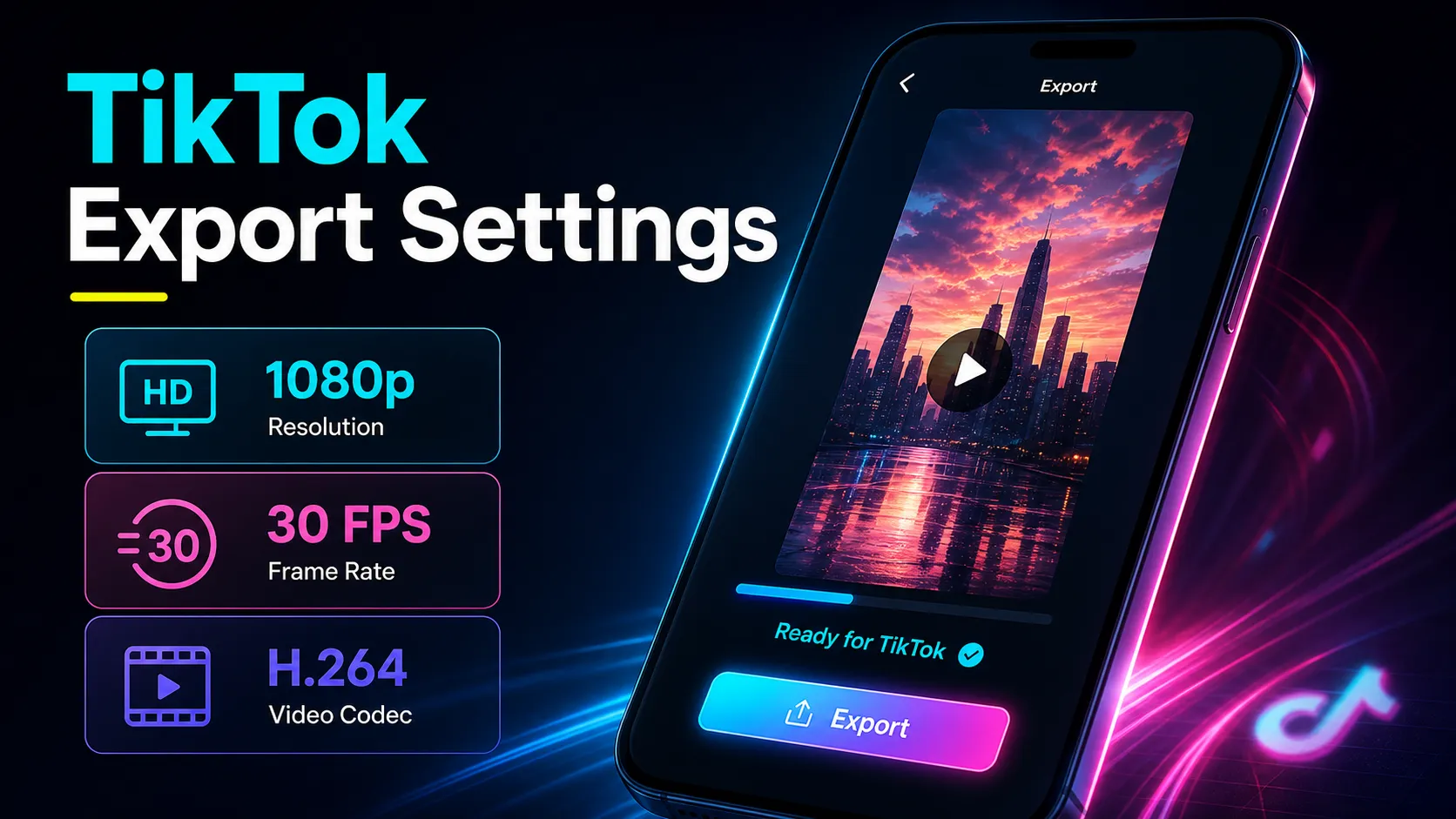
Use MP4, H.264, AAC, and 9:16 as a practical TikTok export baseline, then verify current support and test quality on your target device and account.
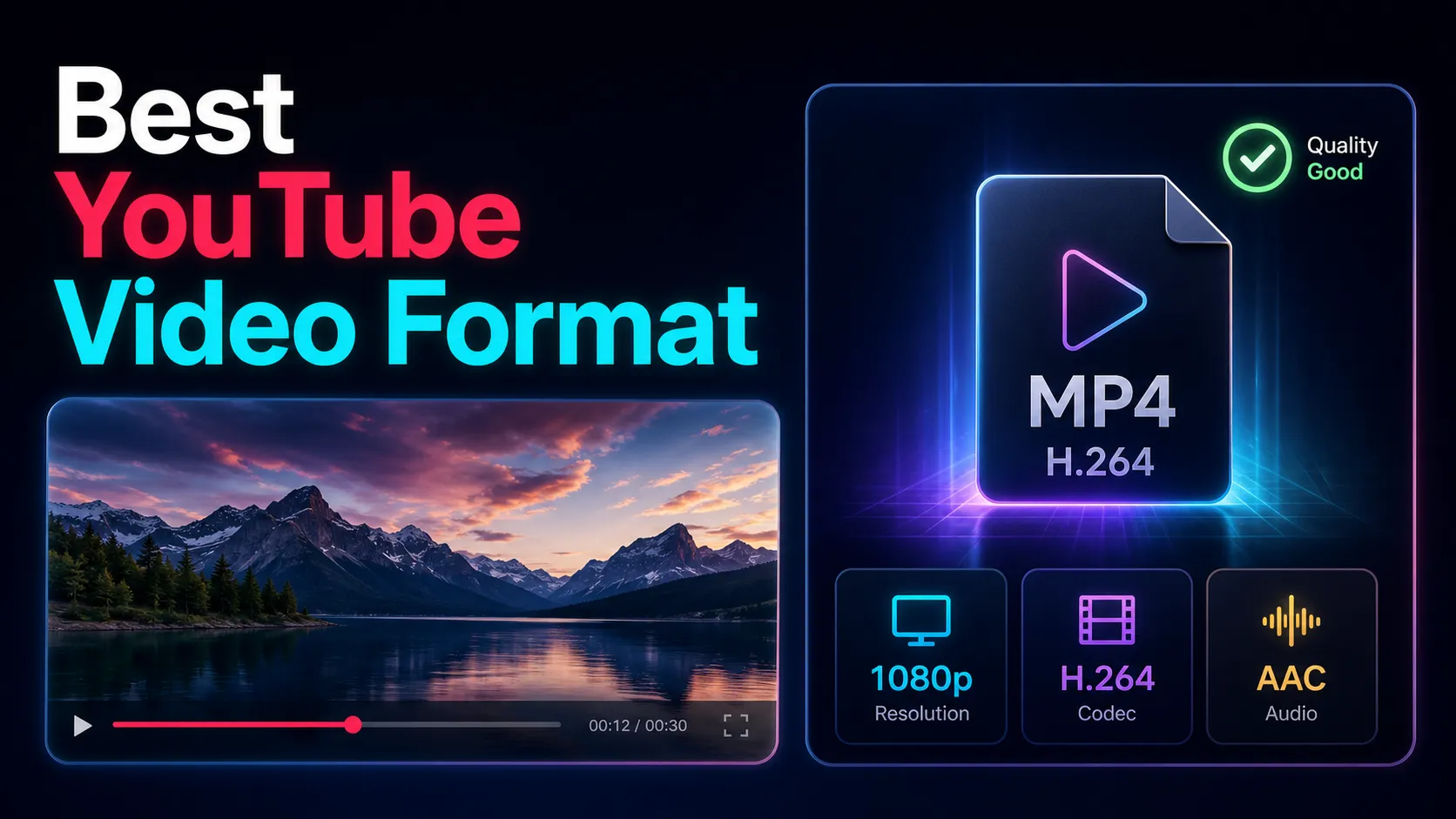
The best video format for YouTube is MP4 with H.264 and AAC-LC. Get a copy-ready export cheat-sheet with resolution, bitrate, frame rate, and a 9:16 Shorts row.
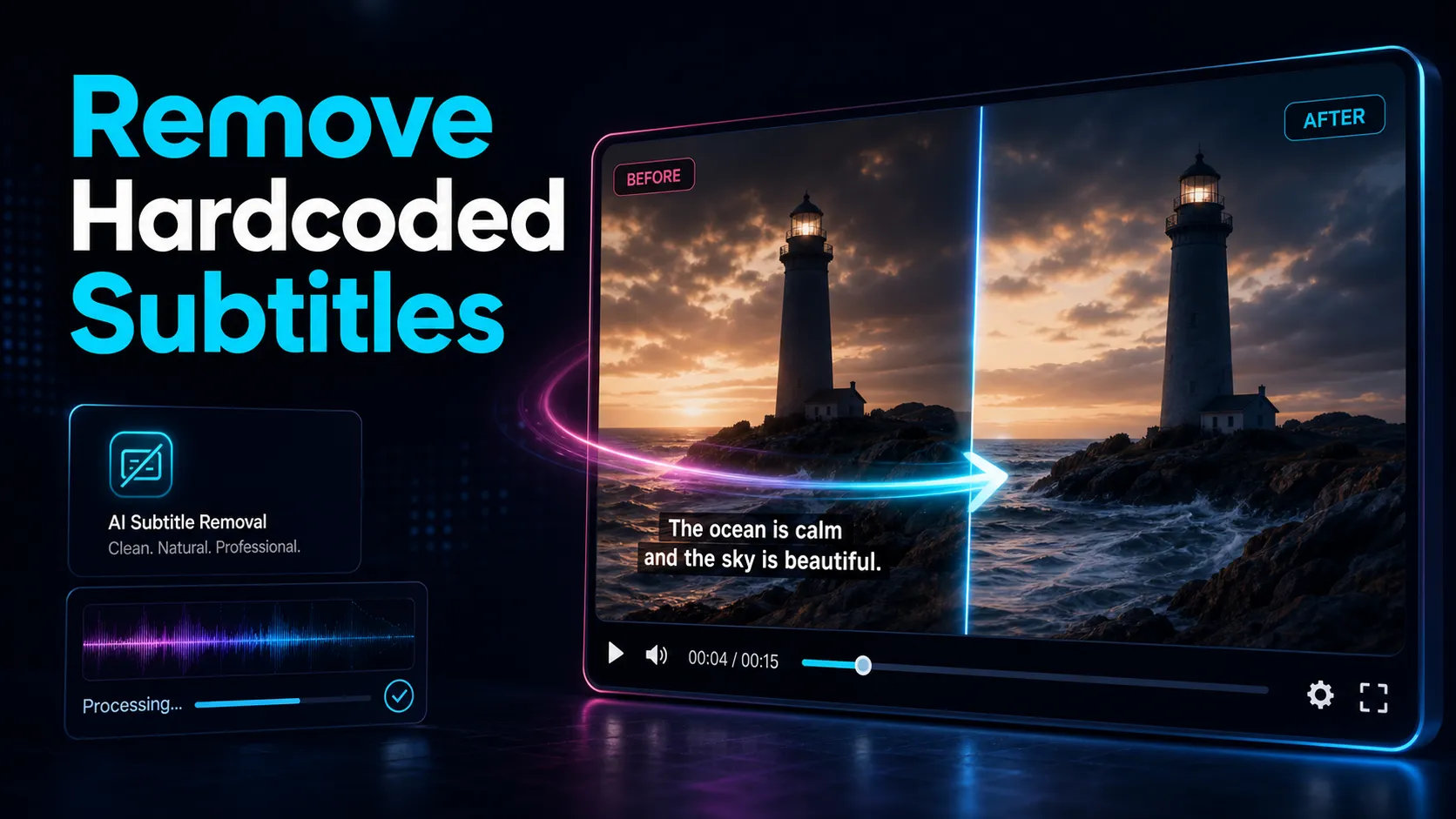
How to remove hardcoded subtitles from a video — the honest truth about burned-in captions, plus crop, FFmpeg, and AI methods, and how to re-caption cleanly.
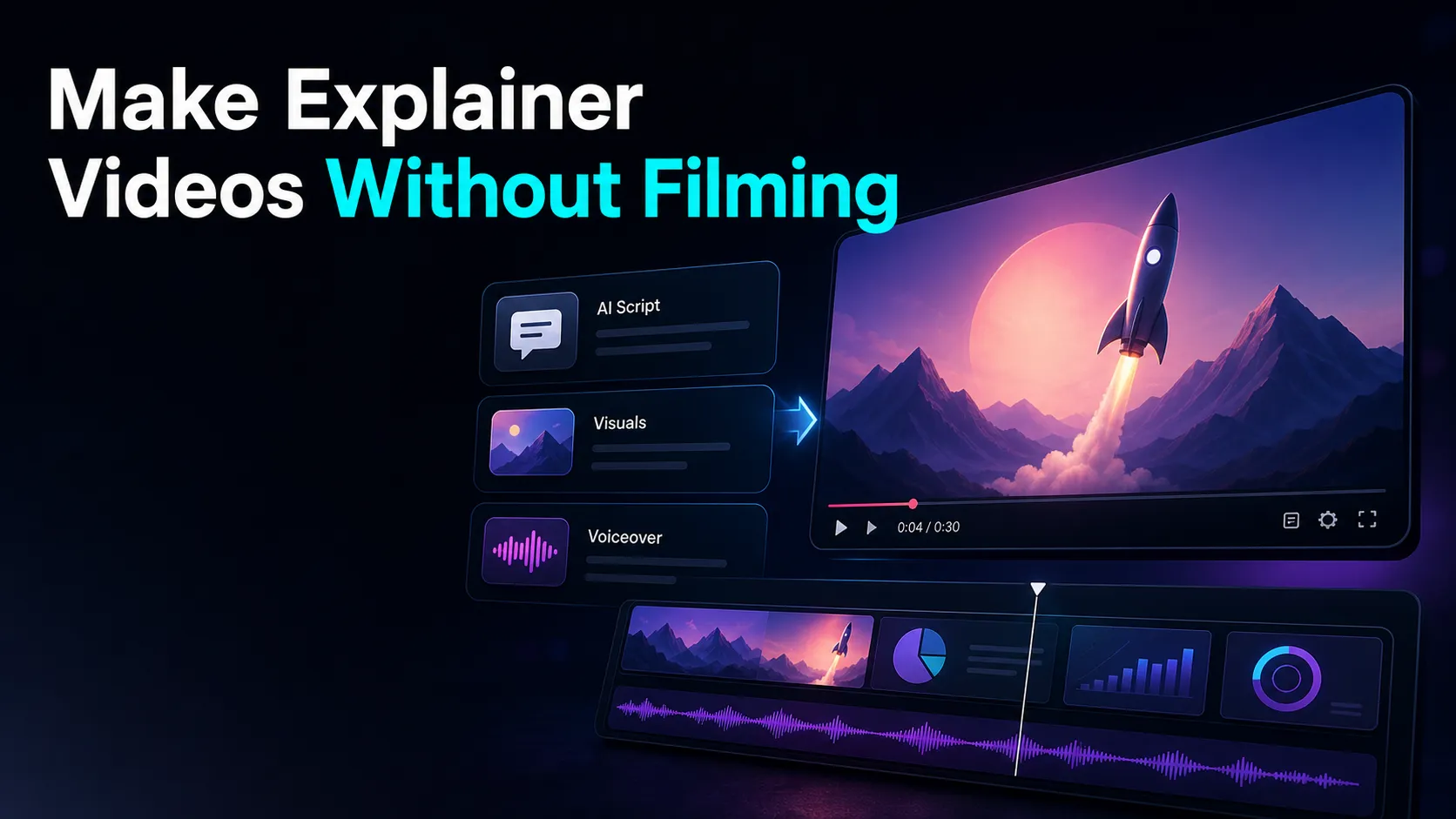
How to make explainer videos without filming: a script-first pipeline — a problem-to-CTA script, a film-free format, AI voiceover, and auto captions.

How to make an AI voice sound natural, not robotic: fix the script, control pauses, add emphasis, pick the right voice.
Review faceless YouTube revenue paths, current YPP eligibility, RPM in your own Analytics, source rights, and a repeatable production cost model.
Compare five faceless YouTube ideas by source rights, production difficulty, audience need, revenue path, and whether you can sustain the format.
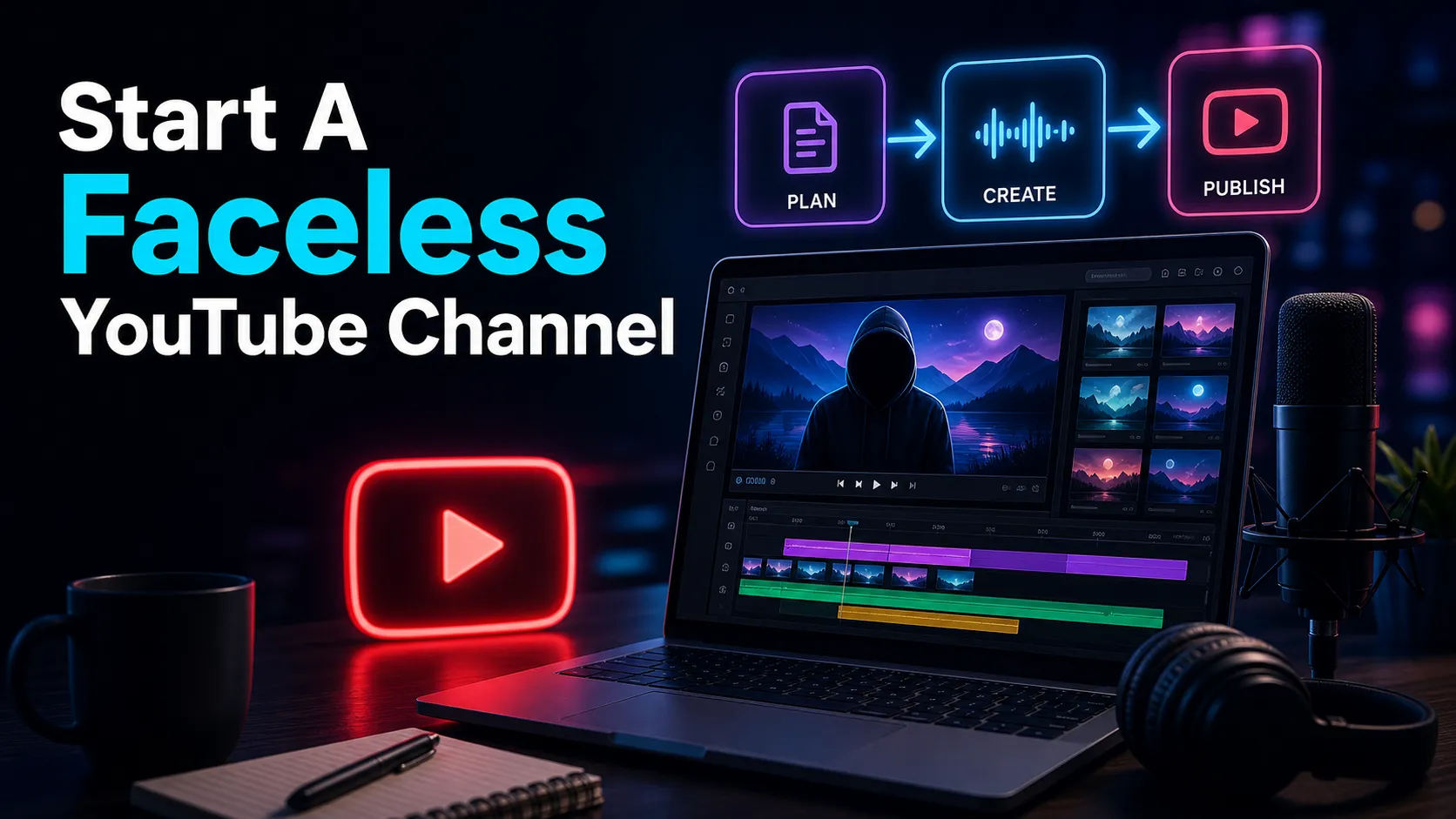
How to start a faceless YouTube channel in 2026: pick a niche, set up the channel, build a repeatable voiceover-and-caption workflow for your first video.
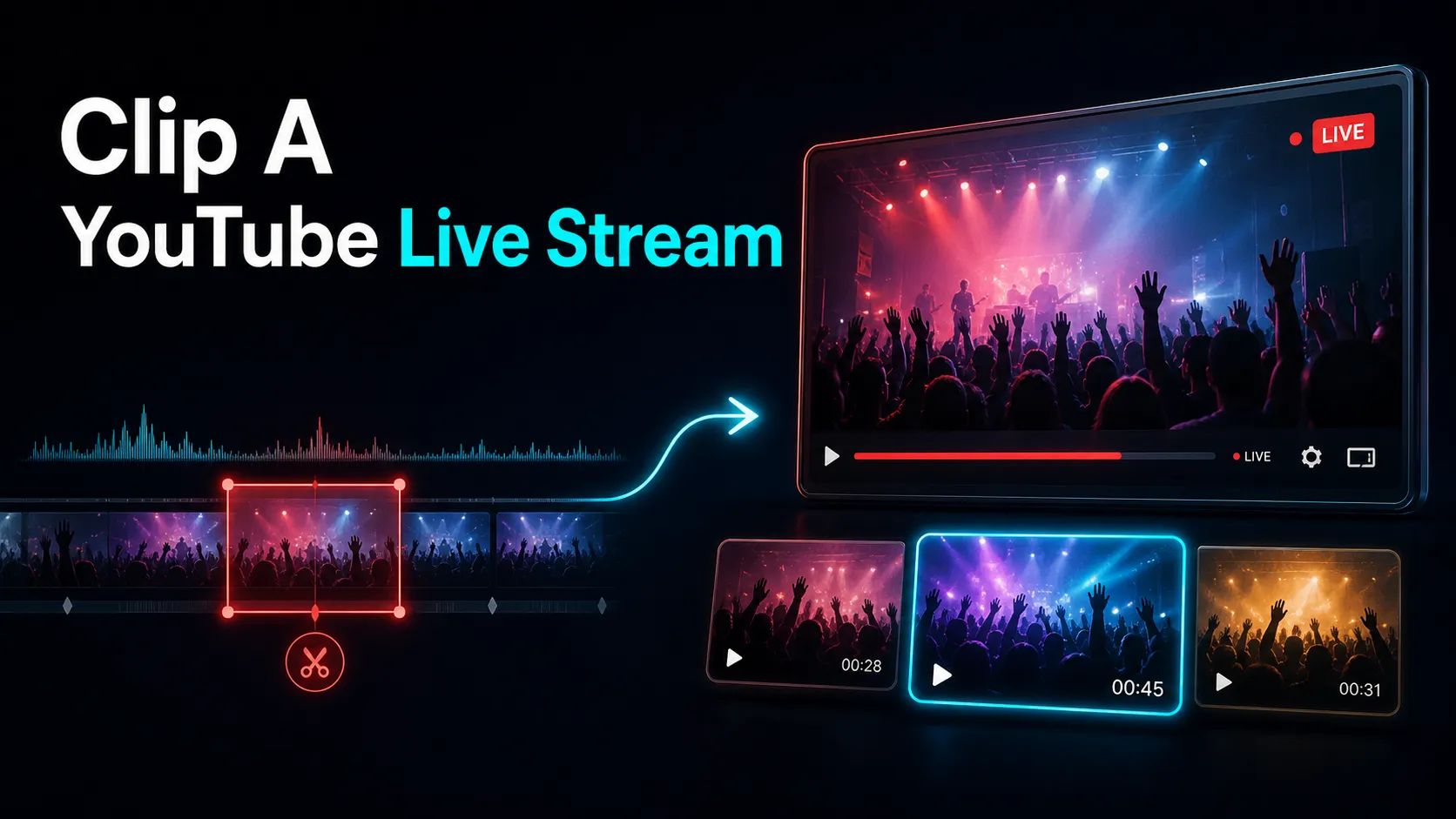
How to clip a YouTube live stream two ways: the native Clip tool (5–60s, DVR-based, opt-in) and repurposing longer segments into captioned Shorts and Reels.
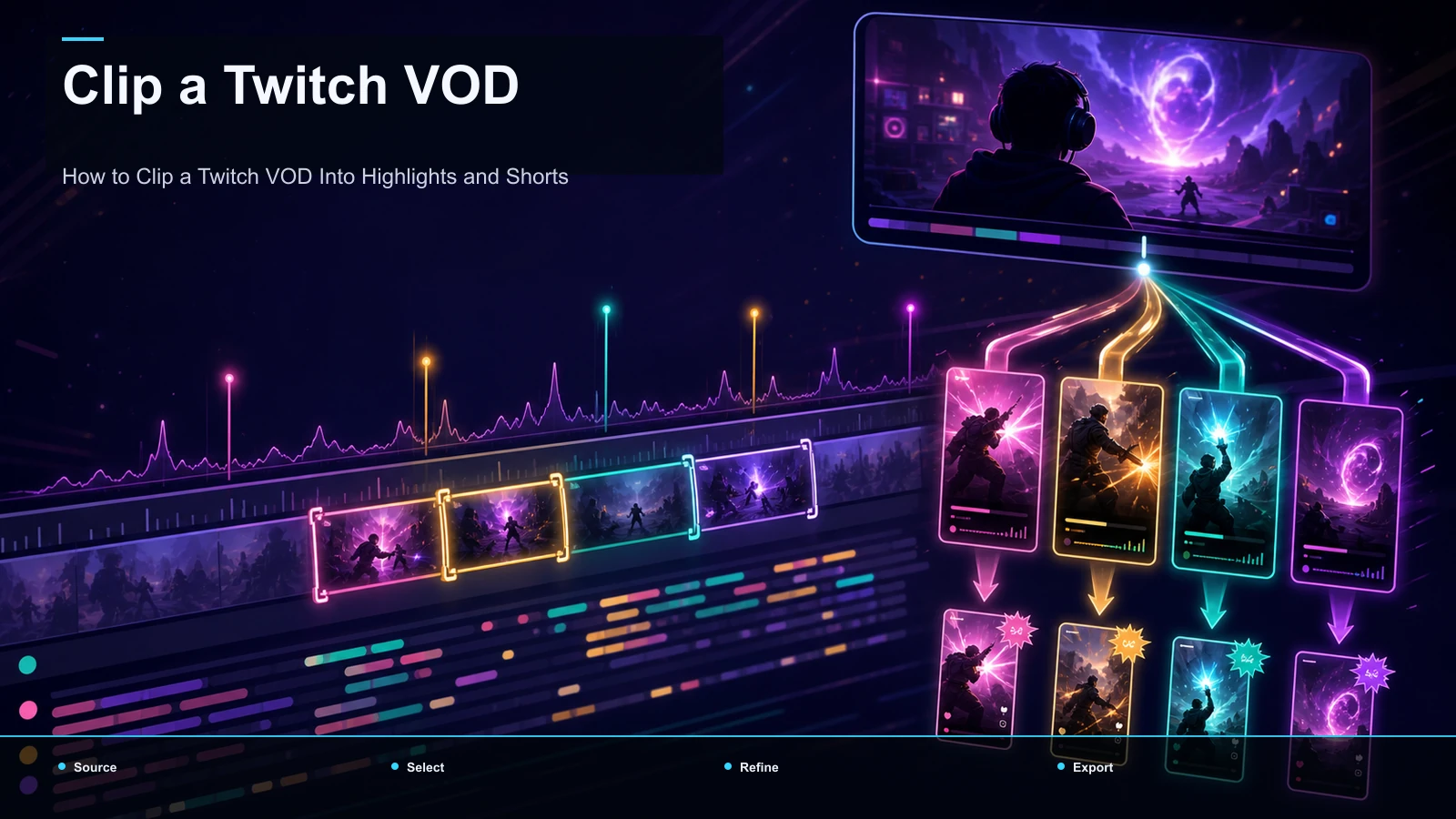
How to clip a Twitch VOD in two stages: save highlights with Twitch's native Highlighter, then reframe and caption them into Shorts, TikToks, and Reels.
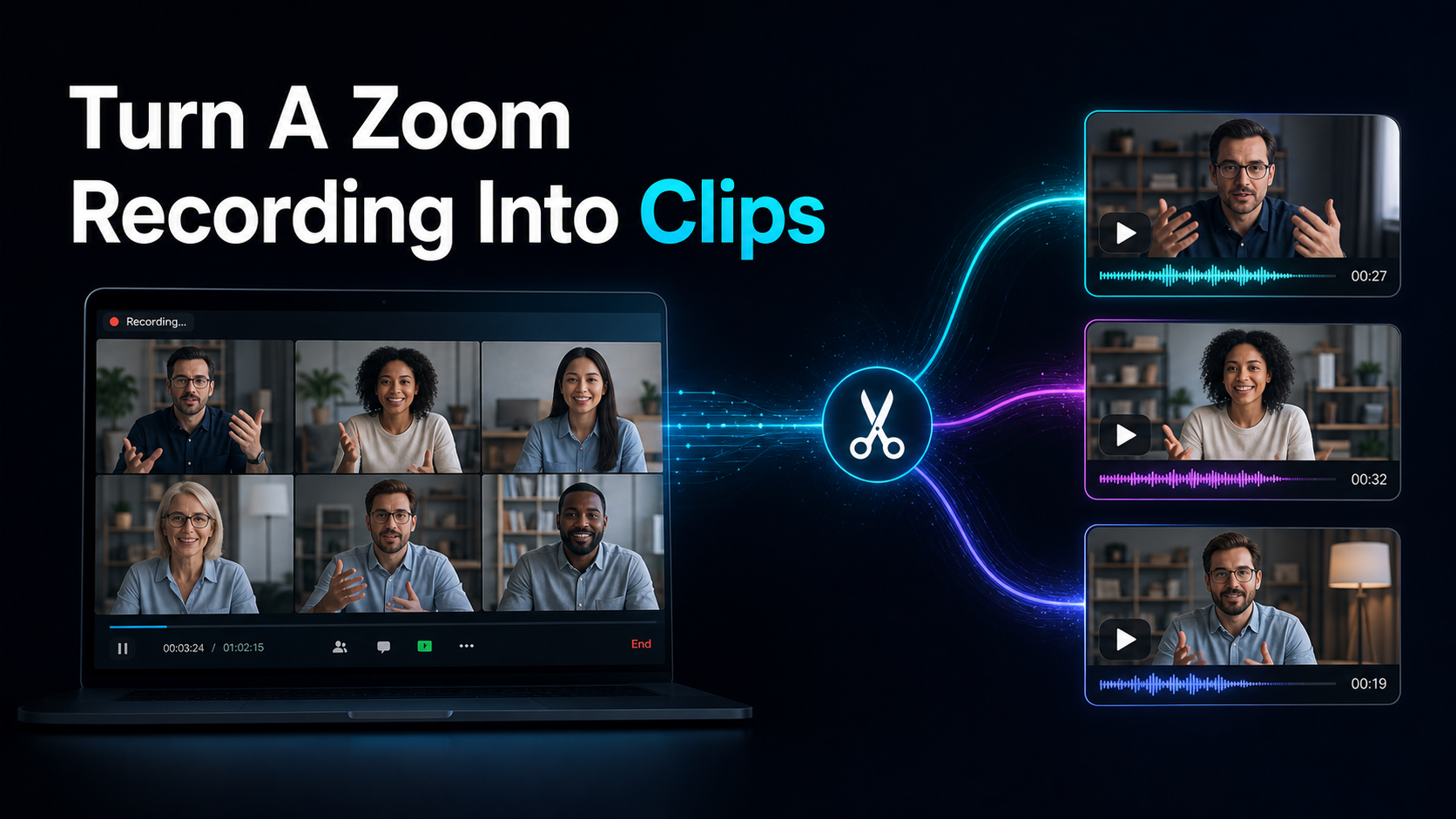
How to turn a Zoom recording into clips: download from the cloud, upload in your browser, auto-find highlights, reframe to 9:16, and add captions — no install.
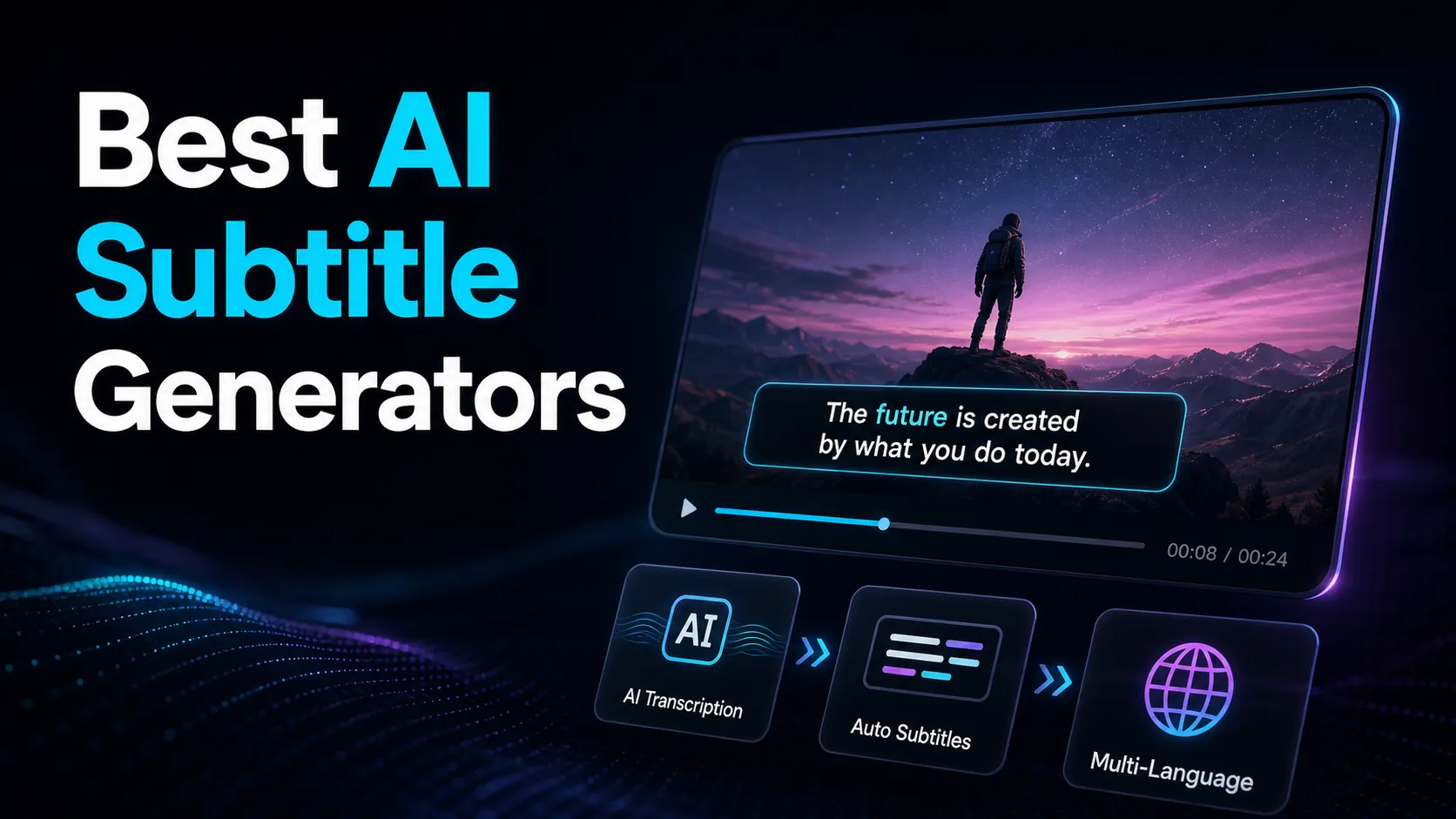
Compare AI subtitle generators on one source file, measuring language accuracy, speaker handling, timing, correction effort, and SRT or VTT export.
Looking for Fliki alternatives? This 2026 guide splits text-to-video generators from AI voiceover tools and maps the faceless repurposing workflow.
Comparing Canva video alternatives? This 2026 guide splits design-first template makers from browser tools that clip long videos into captioned shorts.
Build a solopreneur repurposing workflow, measure keeper yield and editing time, then schedule only the clips and written assets that pass review.
Video editing for coaches, made self-serve: turn one webinar or coaching call into many captioned lead-gen clips for YouTube, TikTok, Shorts, and Reels.
Compare AI video editors for YouTube by job: long-form editing, clipping, captions, collaboration, export, and the workflow your channel repeats.
Comparing 2short.ai alternatives for YouTube long-to-shorts? Get the dimensions that matter, an honest tool grid, and a 15-minute self-test on your footage.
Compare quso.ai alternatives in 2026 (formerly vidyo.ai) at a positioning level, decide bundle vs. clip-and-caption core, and run a 15-minute self-test.
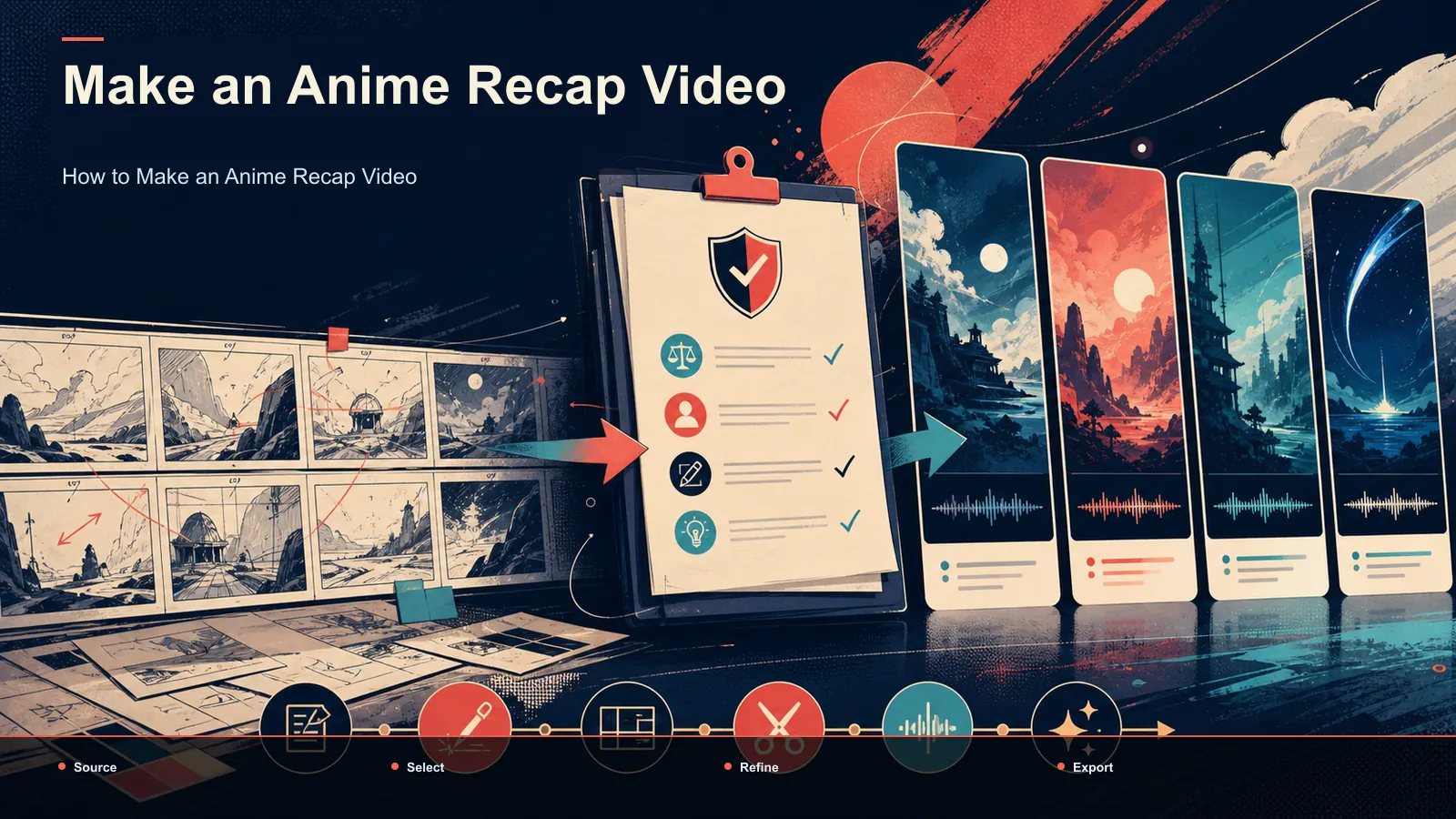
Make an anime recap with a clear editorial angle, original narration, permitted visuals, captions, and a copyright-aware review before publication.
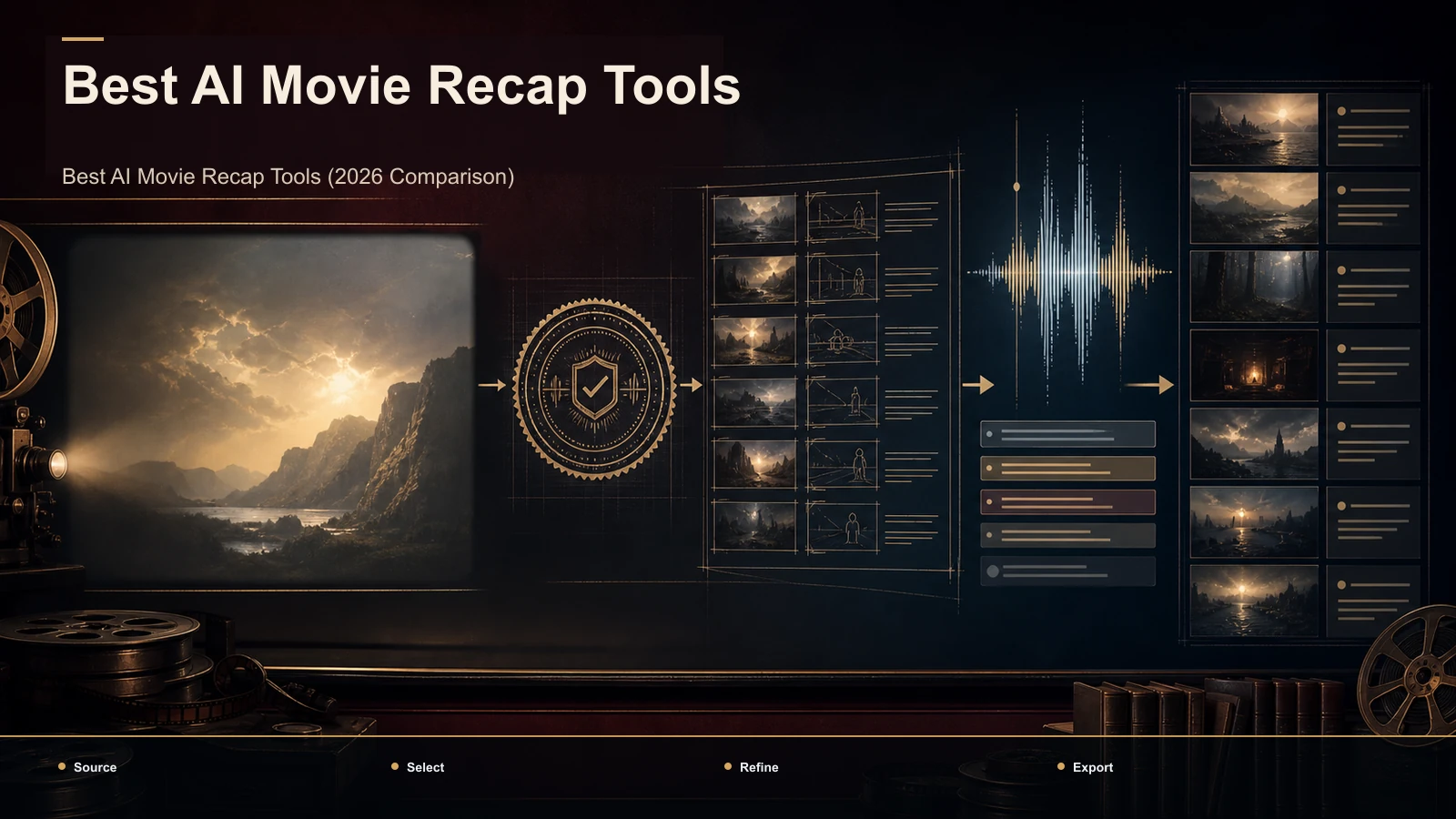
The best AI movie recap tools in 2026, compared stage by stage with copyright risk first — plus a same-film self-test so your footage picks the tool.
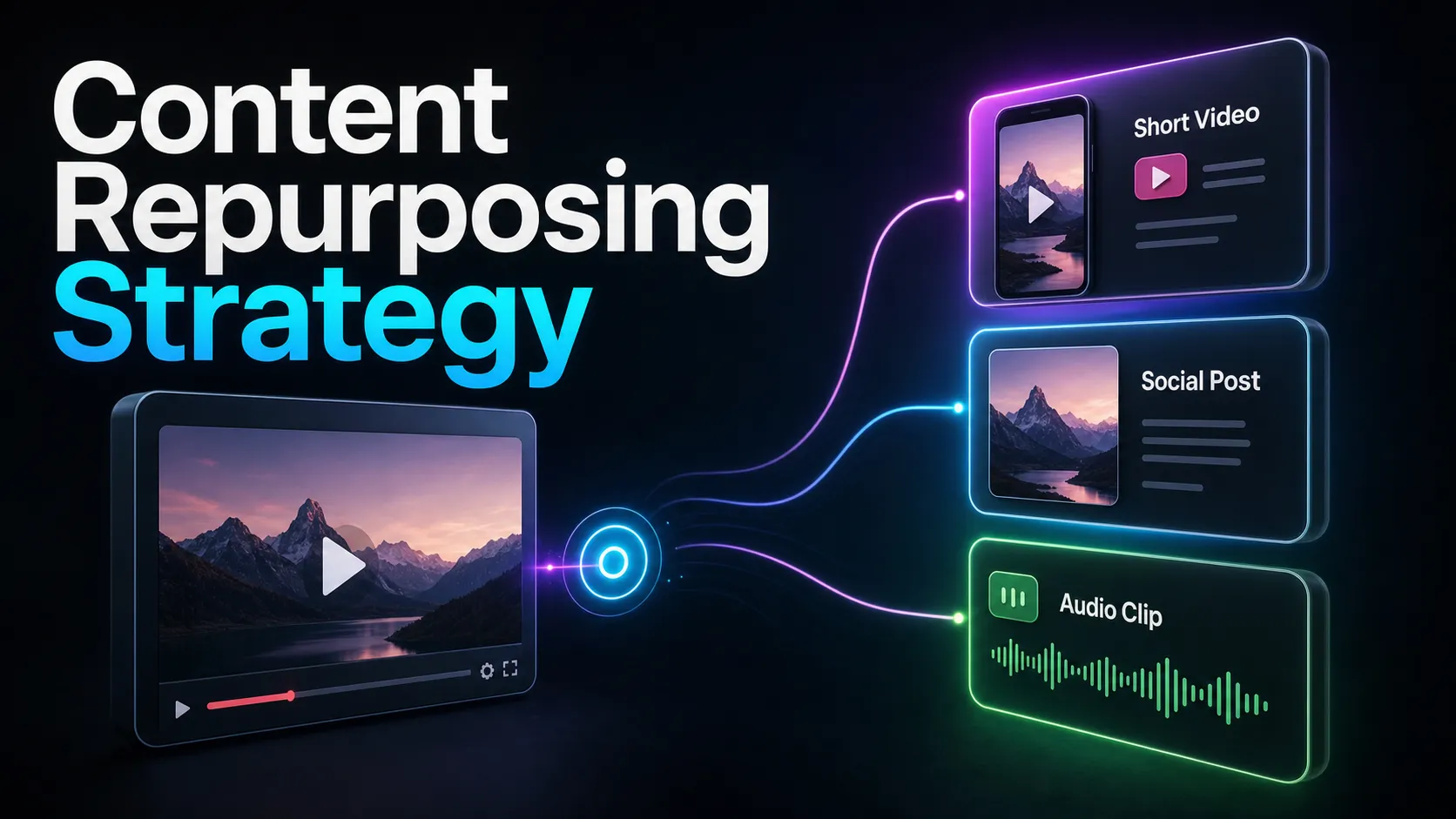
Build a measured content repurposing workflow: map candidate moments, review keeper yield, correct captions, reframe, publish, and compare results.
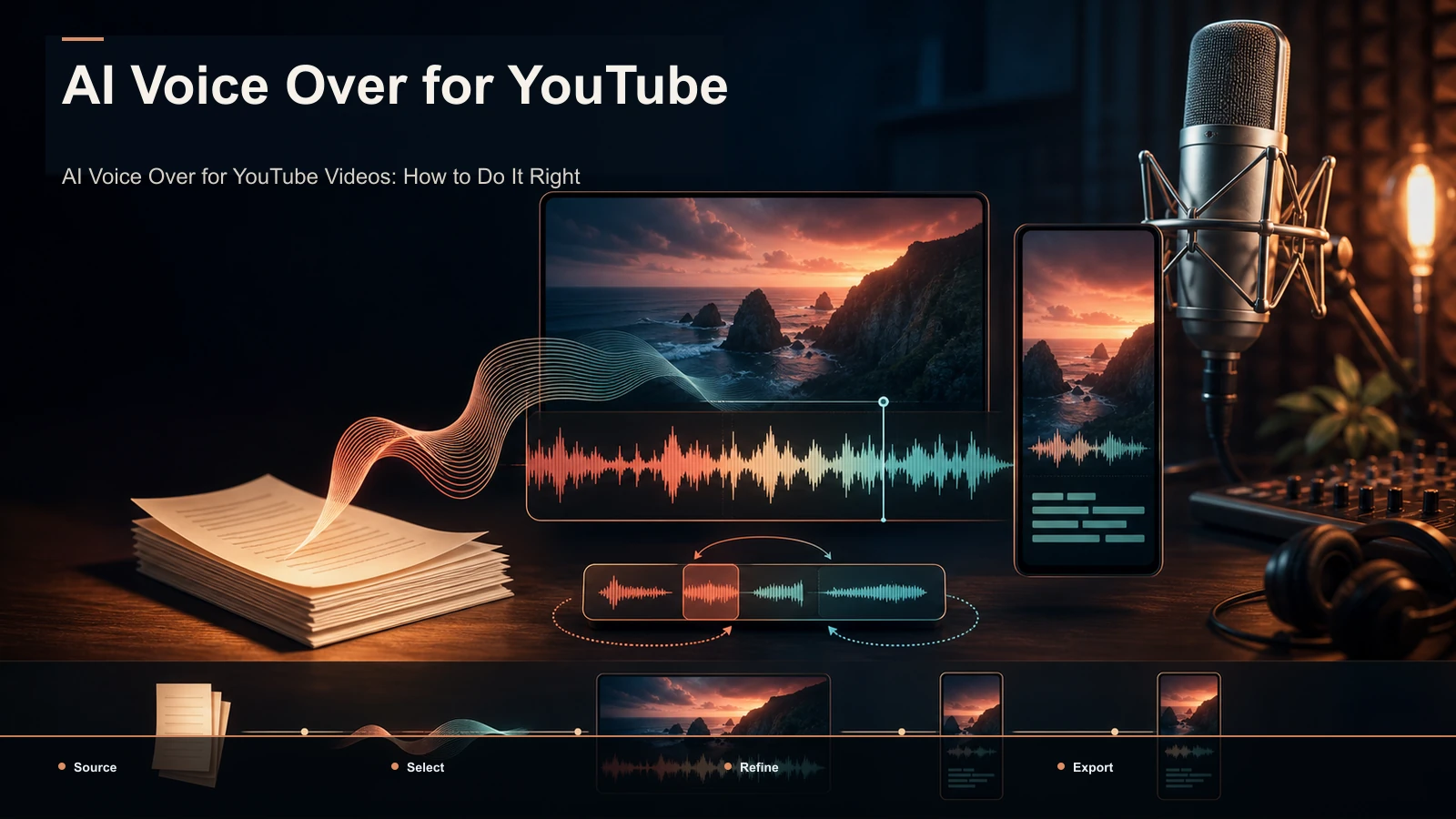
AI voice over for YouTube videos, done right: script for the ear, fix pronunciation, pair captions, disclose AI, and a self-test to pick a voice over generator.
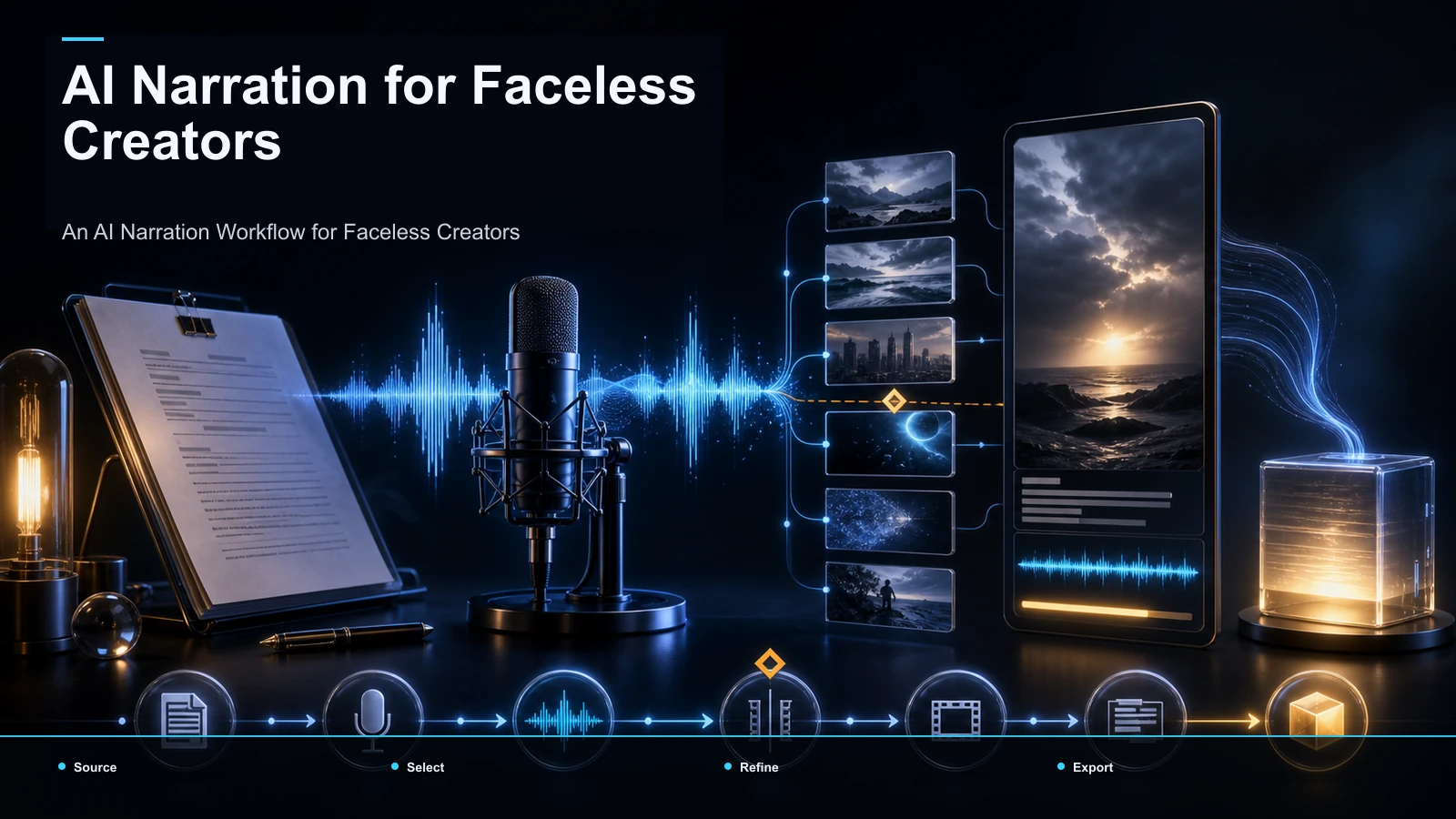
A step-by-step AI narration workflow for creators: script, AI voiceover, clips, captions, vertical reframe, and cover — one pipeline for faceless videos.
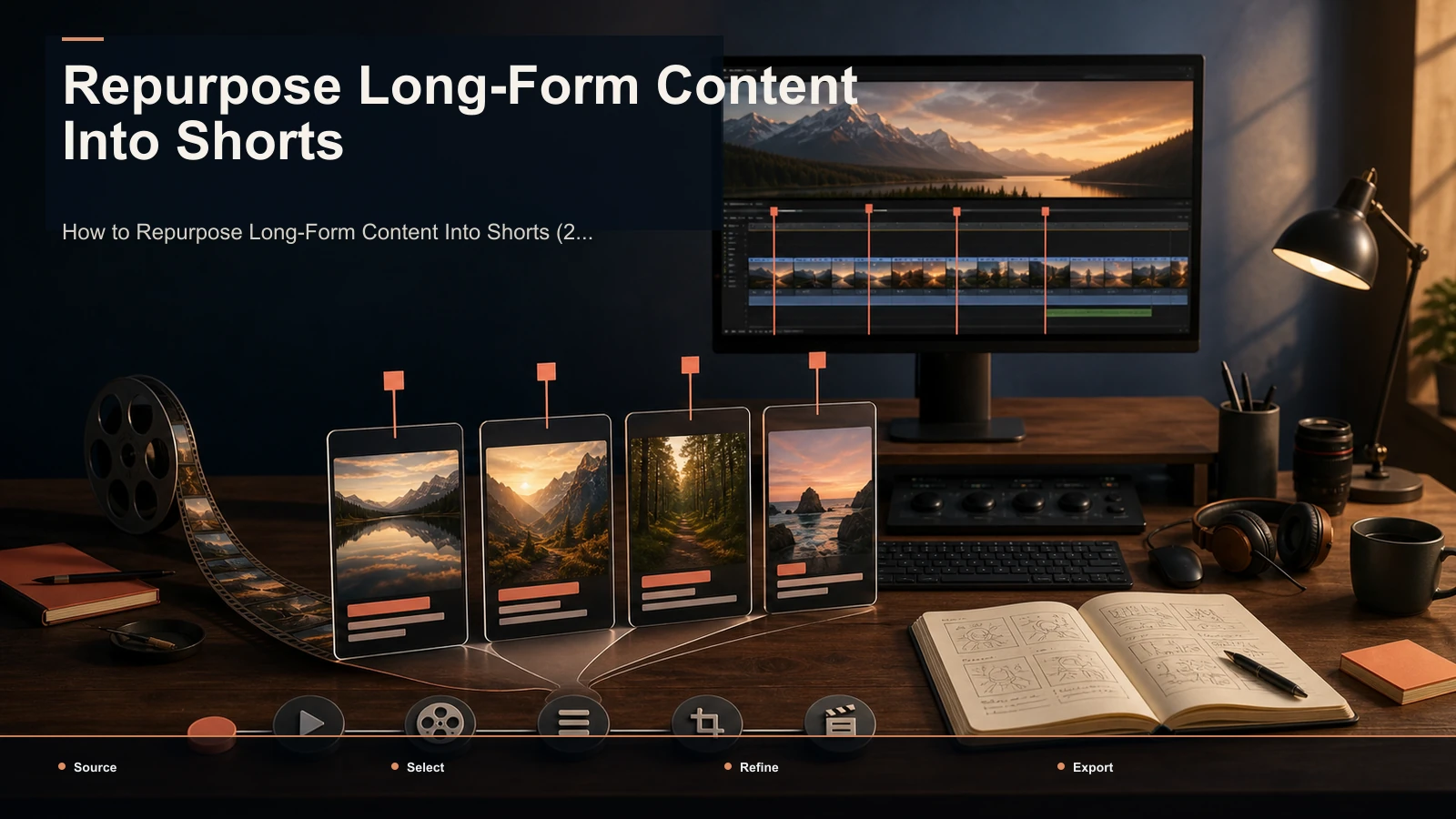
How to repurpose long-form content into short-form video with a selection-first workflow, platform testing plan, and source-by-source playbook.
OpusClip vs Vizard, compared without the hype: pick by your content type, run a 20-minute same-footage self-test, and see where Recapo fits as a third option.