How to Make an Anime Recap Video
Make an anime recap with a clear editorial angle, original narration, permitted visuals, captions, and a copyright-aware review before publication.
By the Recapo.ai Editorial Team · Fact-checked July 10, 2026
An anime recap combines a selected story arc, an original editorial angle, narration, captions, and a reviewed visual layer. Anime footage, music, dialogue, artwork, and manga panels can be protected separately, so no script structure, clip duration, or editing tool can make a recap automatically lawful or prevent a platform match.
This workflow separates production from rights review. It explains how to build the story and documents where to check permissions, source records, Content ID notices, and jurisdiction-specific copyright questions. It is general information, not legal advice.
Information note: This is general information, not legal advice. Copyright outcomes depend on the facts and jurisdiction; primary sources were checked on July 10, 2026.
Official source map: For this anime recap workflow, the copyright and Content ID points below are tied to YouTube's fair-use guidance, Content ID documentation, the U.S. Copyright Office Fair Use Index.
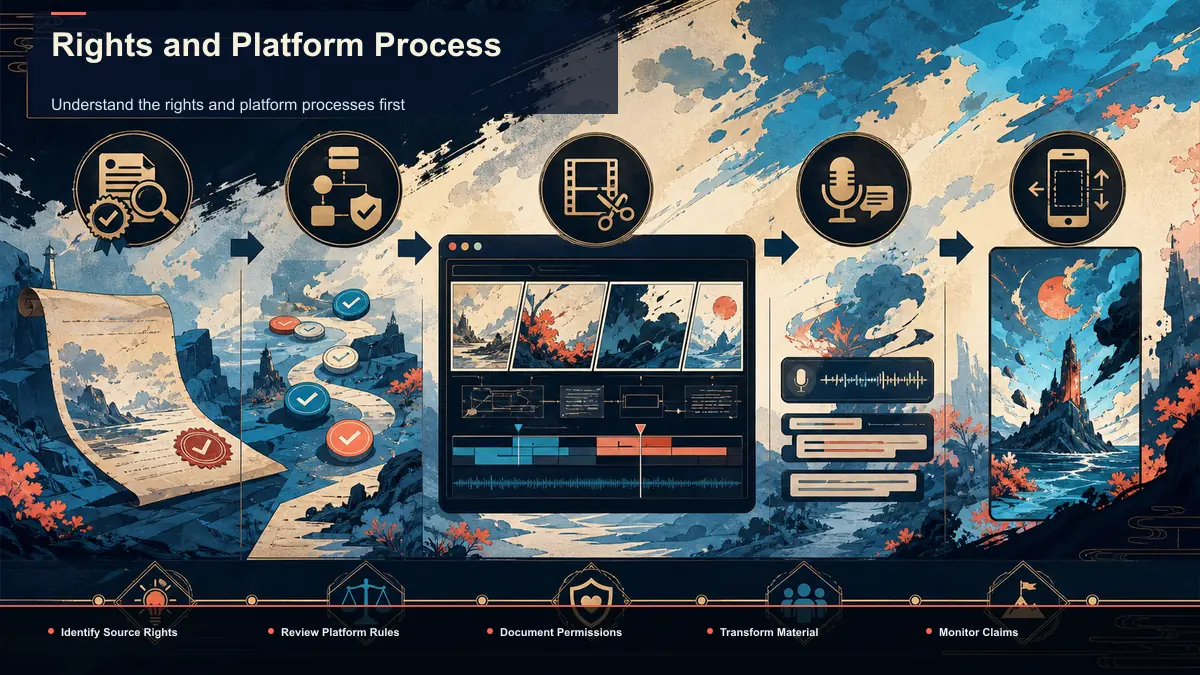
Understand the rights and platform processes first
YouTube's Content ID compares uploaded audio and video with reference files supplied by participating rights holders. A match can produce a claim and apply the rights holder's monetize, block, or track policy. A copyright strike is different: it follows a valid legal removal request. Neither process is a universal verdict on whether a use is fair.
There is no cited platform dataset here that supports ranking anime against every other recap category or making claims about named companies' enforcement speed. Review the exact material you plan to use: episode footage, dialogue, score, opening themes, promotional art, subtitles, manga panels, translations, and fan-created assets may involve different rights.
In the United States, fair use is assessed case by case across four factors; other countries apply different exceptions. Commentary and criticism can be relevant to that analysis, but they are not an automatic license and do not stop Content ID matching. Use licensed, original, or otherwise permitted inputs where possible, keep source records, and obtain qualified advice when the use is commercially important or uncertain.
The anime recap pipeline at a glance
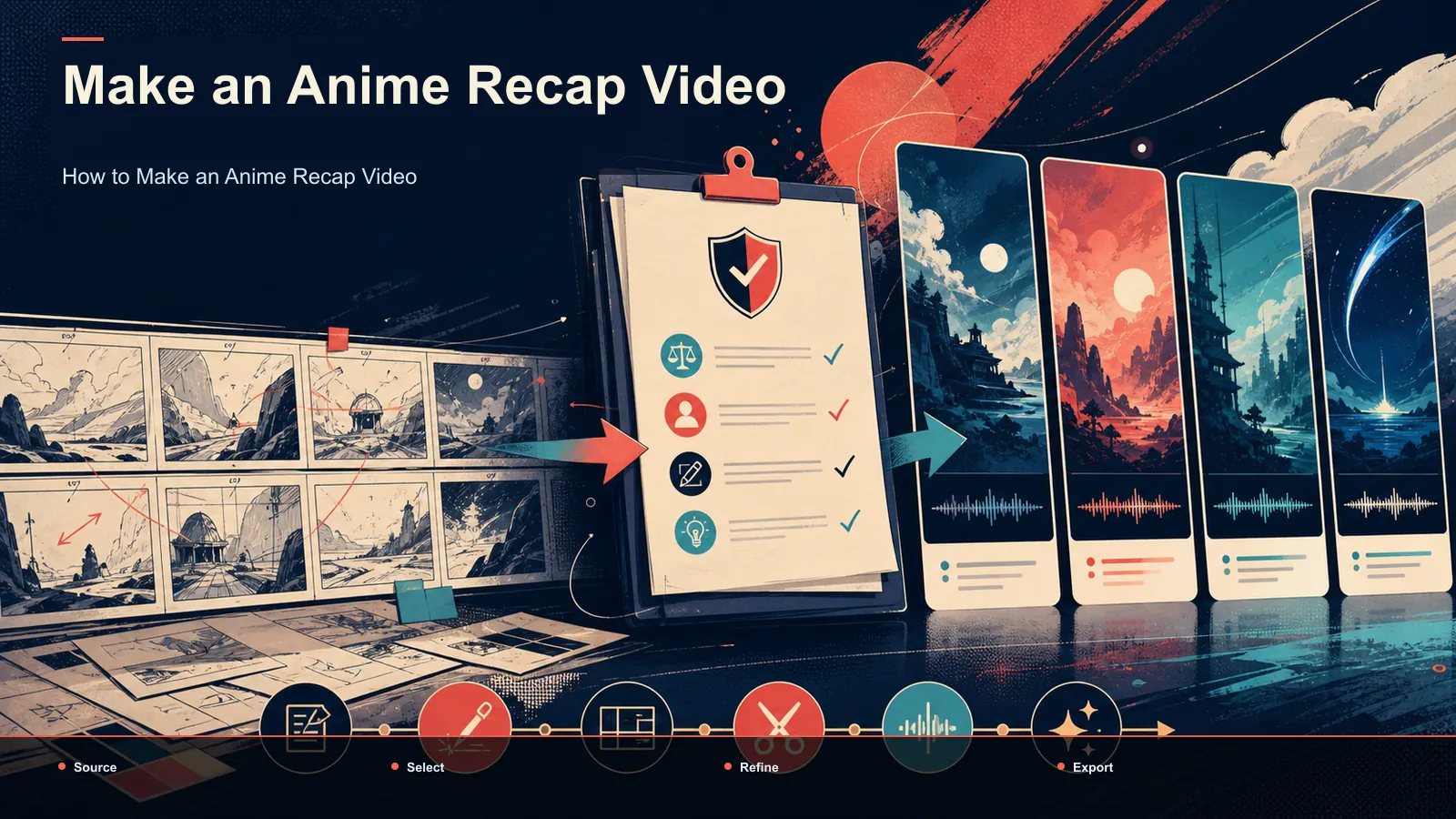
No one-click anime recap generator can turn a title into a legally pre-cleared finished video; the source and editorial judgments remain yours. But the production path is consistent, and each stage has a clear output:
| Stage | What you produce | Where it happens |
|---|---|---|
| 1. Angle | A hook plus the exact arc you'll cover | Plot summary + planning |
| 2. Script | Narration that adds commentary and analysis | Scriptwriting |
| 3. Voiceover | Recorded or AI narration track | Voiceover step |
| 4. Captions | Burned-in captions for silent viewing | Auto-captions |
| 5. Reframe | 9:16 for Shorts/Reels/TikTok, 16:9 for YouTube | Resize |
| 6. Cover & export | Thumbnail and final render | Export |
Run these in order so each stage has a reviewable output. None of the stages, alone or together, grants rights to the source material.
Step 1: Choose your angle and compress the arc
The difference between a forgettable summary and a recap people finish is the angle. "Everything that happened in Season 2" is a plot dump; "Why the Season 2 finale broke the fandom" is a recap. Pick a single throughline — a character's turn, a plot twist, a thematic argument — and let it decide what you cut.
Then compress. A 24-minute episode or a two-hour film holds far more beats than a recap can carry, so you're triaging: which three or four moments must survive for the story to make sense, and which are texture you can drop. Feeding the episode or synopsis into a plot summary generator gives you a clean beat list to cut down from, which is faster than scrubbing the source and re-typing what you remember. Treat its output as a first draft of the skeleton, not the script — the summary is a neutral recap of events, and your job in the next step is to layer a point of view on top.
A practical compression rule: for a single episode, aim to preserve the cold-open hook, the central conflict, and the cliffhanger, and summarize everything between in a sentence or two. For a full season, one strong beat per episode is usually plenty.
Step 2: Write a script with a clear editorial purpose
Choose what the video contributes beyond a plot retelling: criticism, comparison, interpretation, production analysis, adaptation differences, or another clearly expressed viewpoint. Original commentary strengthens the editorial value of the video, but it does not by itself decide fair use, permission, Content ID, or monetization.
Structure the script around the viewer promise:
- Hook: state the question or claim the video will examine.
- Setup: give only the context needed to understand that examination.
- Evidence and commentary: connect each selected moment to your own analysis, and cite factual claims where relevant.
- Payoff: answer the opening question without turning the video into a substitute for the source work.
Write for listening, keep names consistent, and distinguish plot facts from your interpretation. Preserve the script and source notes as part of the editorial record.
Step 3: Voiceover, captions, and vertical reframing
With a script locked, you produce the three assets that carry a faceless anime recap: narration, captions, and the right aspect ratio.
- Voiceover. Record it yourself for personality, or generate it when you want consistency across a weekly upload schedule or you'd rather keep your voice off camera. A voiceover maker turns the finished script into a clean narration track you can drop onto the timeline — useful for faceless channels producing on a cadence.
- Captions. Some viewers watch with audio off, and anime names and specialist terms require careful transcription review, so burned-in captions improve accessibility and comprehension. Running the audio through auto-captions generates timed captions you can style and burn in; always proofread character and place names, because automated transcription can be inaccurate.
- Reframe. Decide the destination first. YouTube long-form recaps stay 16:9; Shorts, Reels, and TikTok need a 9:16 vertical reframe. Producing one horizontal master and one vertical cut from the same script is the efficient way to cover both without re-scripting.
Keep narration and captions editable, and review how every excerpt supports the stated editorial purpose. No fixed mix of commentary and source footage decides the legal result.
Source and review the visual layer
| Visual input | What to document | Review question |
|---|---|---|
| Original art, diagrams, or text graphics | Creator, contributor terms, model or asset license | Do you control every included element? |
| Licensed stock or commissioned work | License, territory, term, attribution | Does the license cover this platform and commercial use? |
| Promotional art or stills | Publisher terms or written permission | Is reuse actually authorized, or merely publicly accessible? |
| Excerpts from an anime or manga | Exact source, purpose, amount, context, jurisdiction | Is permission required, or is there a defensible case-specific exception? |
Avoid describing any row as "strike-proof" or assigning a legal risk percentage. Content ID generally evaluates uploaded audio and video, while thumbnail or still-image complaints can follow other processes. Keep a source sheet and review every asset before export.
Manga recap videos use different source material
A manga recap uses still panels rather than animation, but panels, lettering, translations, cover art, and scans can all be protected. Verify the exact edition and source. Do not assume that still images, an unadapted story arc, or a small number of panels automatically creates permission or fair use.
The production sequence remains useful: define the angle, write the script, create narration, time captions, and assemble a reviewed visual layer. The rights analysis remains specific to what is actually included.
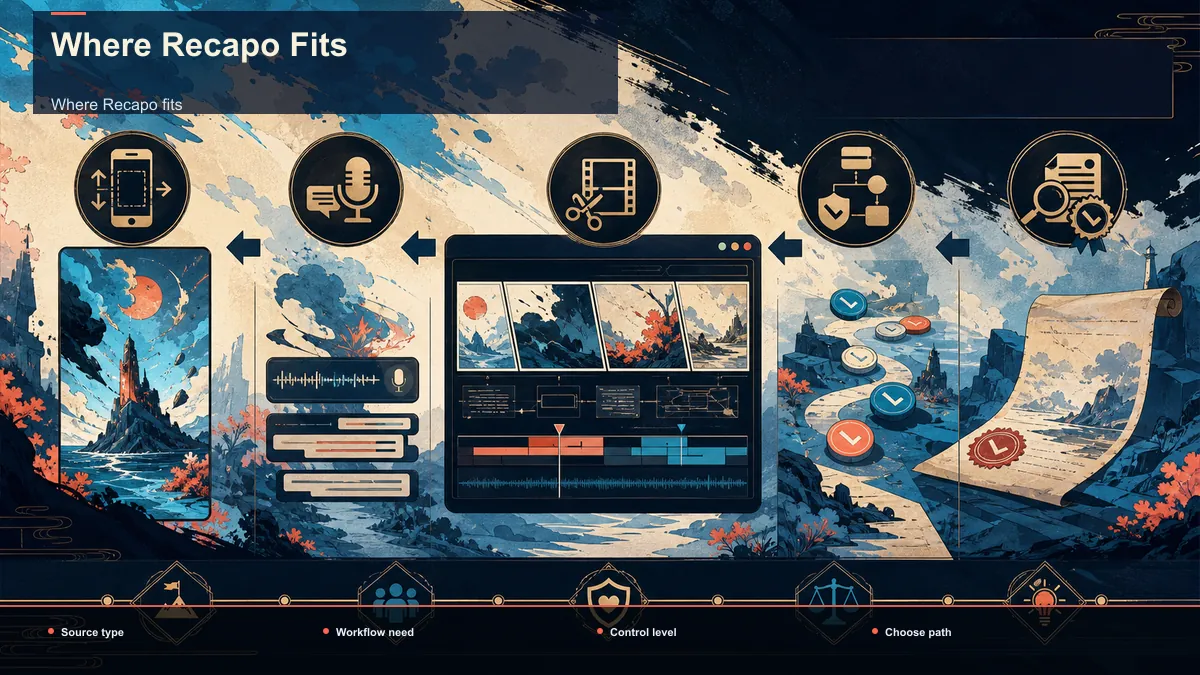
Where Recapo fits
Recapo is a browser-based AI video workspace — nothing to install — and it happens to cover most of this pipeline in one place: transcribe and caption, turn long videos into short clips, generate summaries and scripts, add AI voiceover, resize to vertical, design a cover, and export. For an anime or manga recap, that means you can draft the beat list, generate a narration track, auto-caption it, reframe to 9:16, and export without hopping between apps. It accepts MP4, MOV, and other common formats, up to 6GB total per task, so the actual source file should be checked against that limit before upload.
The practical fit: Recapo handles production steps, but it cannot make a copyright judgment or platform decision for you. The source documentation and final rights review remain your responsibility. If your recap workflow is a weekly habit and you want the script-to-export steps in a single tab, that's the job it's built for. Plans live on the pricing page.
FAQ
Is it legal to make an anime recap video?
There is no category-wide answer. It depends on the material, permissions, purpose, amount, market effect, jurisdiction, and other facts. Commentary may matter to an exception analysis, but it is not an automatic license. This is not legal advice.
How do I avoid a copyright strike or Content ID claim?
No workflow can guarantee avoidance. Use material you are entitled to use, document sources, understand that Content ID claims and copyright strikes are different, and read the actual notice before responding. Counter-notices and some disputes carry legal consequences.
Do I need to show my face?
No. A faceless format can use recorded or synthetic narration, captions, and a visual layer. Confirm the rights and disclosure rules for every voice, music track, image, and clip.
Can I monetize anime recap videos?
Monetization depends on current YouTube Partner Program eligibility, originality review, the actual channel, and any claims on a video. A Content ID policy may affect revenue even on an eligible channel. No article or tool can promise income.
What changes for a manga recap?
The source changes from motion footage to panels and edition-specific material. The same production steps can apply, but the rights review must address panels, lettering, translation, cover art, and scans.
Ready to test an anime recap workflow with material you are entitled to use? Create a free Recapo account, upload a supported source within the current task limit, and prepare the story outline, reviewed narration, captions, vertical framing, cover, and export in one browser workflow. Source rights and final editorial approval remain your responsibility.