How to Make Money With a Faceless YouTube Channel
Review faceless YouTube revenue paths, current YPP eligibility, RPM in your own Analytics, source rights, and a repeatable production cost model.

By the Recapo.ai Editorial Team · Fact-checked July 10, 2026
A faceless YouTube channel can use the same revenue paths as other channels: YouTube revenue sharing where eligible, affiliate commissions, sponsorships, products, services, memberships, or fan funding. None is automatic. Eligibility, audience fit, disclosure duties, source rights, contracts, conversion, costs, and taxes all affect the result.
This guide separates the revenue paths, links current YouTube requirements, and gives you a scenario model based on figures from your own account and agreements. It is educational information, not financial advice or an earnings promise.
Information note: This is general educational information, not financial advice or an earnings promise. Platform eligibility and payout rules can change; official sources were checked on July 10, 2026.
Official source map: For faceless-channel revenue planning, the eligibility, monetization, and RPM points below are tied to YPP eligibility guidance, channel monetization policies, YouTube's RPM definition.
Scope of this guide: This page models revenue paths, costs, eligibility, and unit economics after a faceless channel concept is chosen. To compare candidate formats first, use faceless video ideas with revenue paths; for movie-recap-specific earnings, use how much movie recap channels make.
Key Takeaways
Revenue paths to evaluate
| YouTube revenue sharing | Eligible activity under current program terms | YPP approval, module terms, video status, Analytics revenue | Affiliate commissions | Qualified tracked purchases or actions | Program terms, disclosure, attribution window, returns | Sponsorships | Contracted fee or performance terms | Deliverables, usage rights, disclosure, payment and cancellation terms | Products or services | Sales less fulfillment, fees, refunds, and taxes | Demand, margin, customer support, legal and tax obligations | Memberships or fan funding | Platform or direct supporter payments | Feature availability, fees, benefits, fulfillment, community workload |
Availability is not the same as profitability. A path may be legally available before YPP approval but still produce no revenue without audience trust, conversion, or a valid agreement.
Estimate revenue without a generic niche RPM chart
Topic, audience geography, season, advertiser demand, format, eligibility, and video-level claims can all affect YouTube revenue. Third-party niche estimates use different datasets and methods, so do not present them as stable ceilings or evidence that one category will outperform another.
After monetization, use the RPM and revenue reports in your own YouTube Analytics. Before monetization, create low, base, and high scenarios with assumptions clearly labeled as assumptions. For non-ad paths, use the actual commission schedule, sponsor contract, or product margin rather than a creator anecdote.
Check current YouTube eligibility and policies
YouTube sets Partner Program availability, eligibility, application review, monetization modules, and channel monetization policies. Requirements can differ by feature and region and can change. Use YouTube's official eligibility and policy pages, then confirm what appears in the Earn section of your own Studio.
Meeting a numeric threshold does not guarantee approval or that every video will generate revenue. Originality and policy review, advertiser suitability, Content ID status, geography, and accepted module terms can affect the outcome. Record the date and source whenever the business plan depends on a platform rule.
Model workload and unit economics
Do not assume the only bottleneck is output or that posting more automatically improves revenue. A sustainable operation balances research quality, source rights, production time, audience response, and the economics of each approved video.
Track hours and cash costs by stage: research, scripting, voice, editing, captions, thumbnail, source clearance, review, publishing, sales, and support. Then calculate cost per approved video and contribution after directly attributable revenue. A cheaper workflow is useful only if it preserves accuracy, originality, rights review, and viewer value.
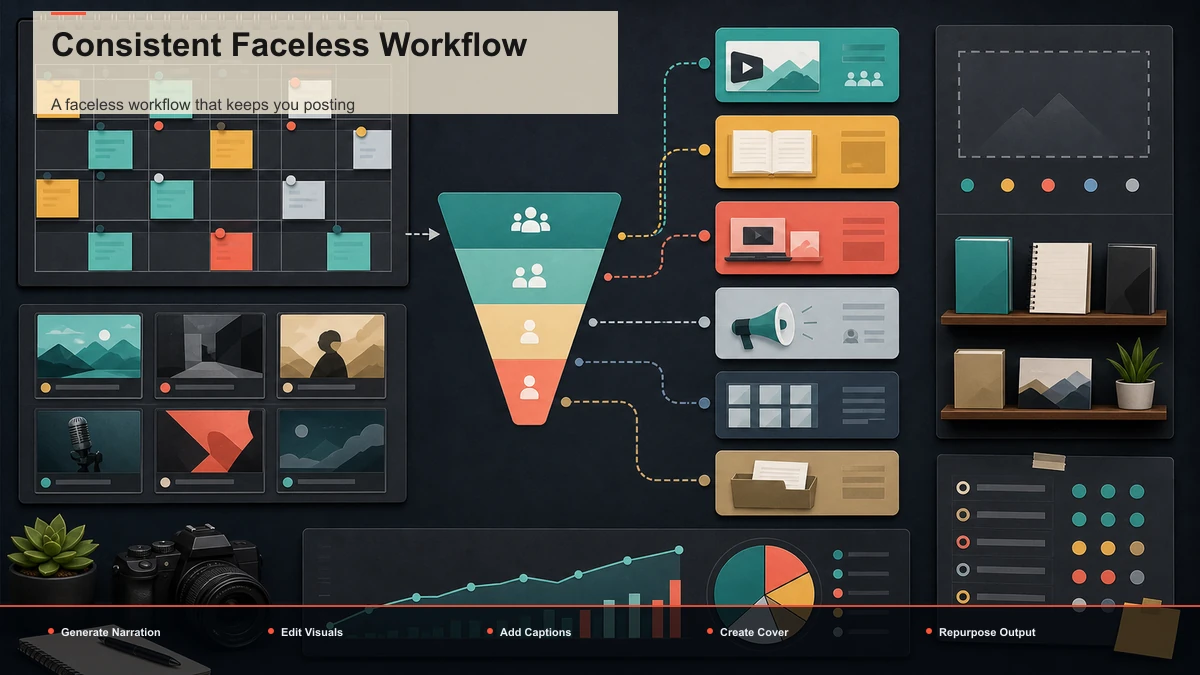
A faceless workflow that keeps you posting
Here's a browser-based production loop designed to keep the cost per video low enough that you actually maintain a schedule. It runs inside a consolidated workspace like Recapo without a desktop install; processing and rendering happen in the cloud, and the sequence works with whatever stack you assemble.
- Lock a repeatable format and script it. Pick one format you can rerun weekly — a top-5, a how-it-works explainer, a news recap, a summary series — and write to a template so scripting is filling in slots, not staring at a blank page. Recapo can also turn a long source video into a summary or script draft you tighten by hand.
- Generate the narration. On a faceless channel your voice is the presenter, so this step carries the show. Produce a clean AI voiceover with a voiceover maker, or record your own — either way, keep the delivery consistent across videos so the channel has a recognizable voice.
- Assemble and cut the visuals. Pull your footage — licensed stock, screen recordings, gameplay you have the rights to, or a long recording you're repurposing — and use an AI clip generator to turn long source material into tight segments instead of scrubbing a timeline by hand. Recapo accepts common formats like MP4 and MOV and handles large sources up to 6GB total per task, so you're not compressing before you even start.
- Caption everything. Auto-caption the video and proofread names, numbers, and any terms, to improve accessibility and make the narration understandable when audio is unavailable.
- Build a cover and export. Pick a strong frame, make a thumbnail, and export a clean file ready to upload — vertical for Shorts, standard for long-form.
- Repurpose into a second surface. Create a self-contained vertical excerpt when it serves a clear viewer need, then measure its traffic separately. Do not assume cross-posting or a fixed duration creates eligibility or distribution.
The point of consolidating transcribe-and-caption, long-to-short clipping, summaries and scripts, AI voiceover, vertical reframing, and cover-and-export into one tab isn't novelty — it's that fewer round-trips between apps is the difference between posting weekly and quietly stopping. Don't take that on faith, though; run a real test, described next.
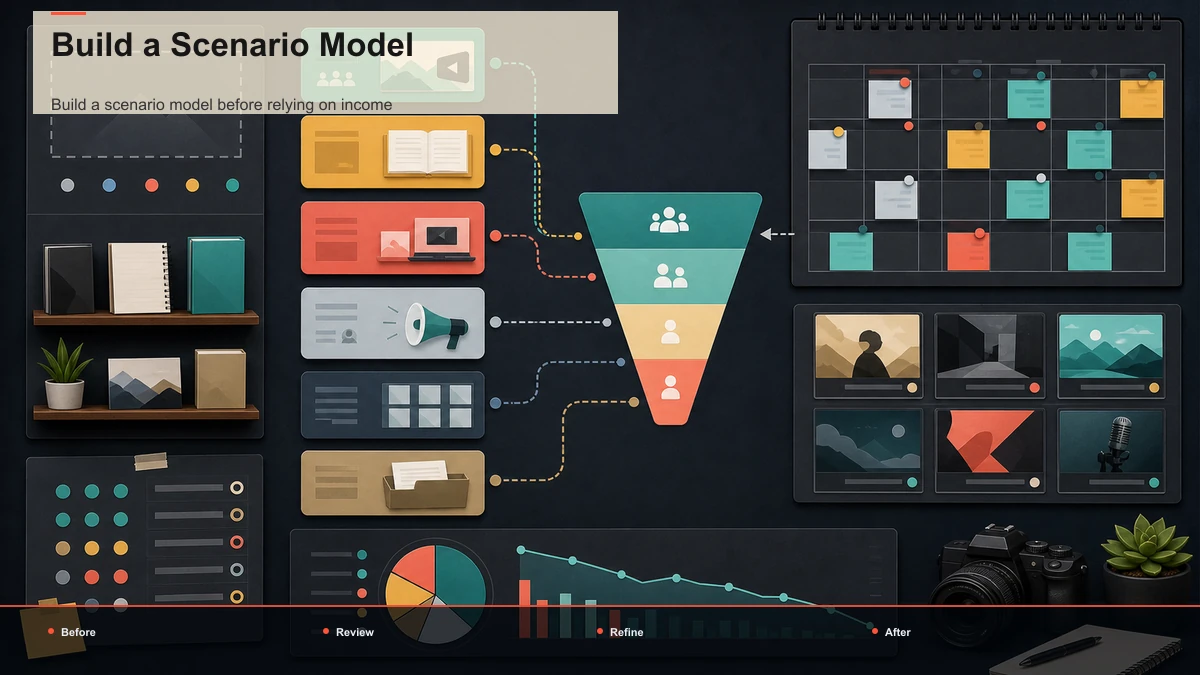
Build a scenario model before relying on income
Use ranges and keep every input traceable:
- YouTube scenario: use the revenue reported in YouTube Analytics or, as a cross-check, total long-form video views divided by 1,000 and multiplied by observed RPM; for Shorts, use engaged views. Review claimed or ineligible videos separately because their status can affect reported revenue.
- Affiliate scenario: qualified traffic x observed conversion rate x net commission after returns.
- Sponsor scenario: contracted fee minus production, agency, usage-rights, and fulfillment costs.
- Product or service scenario: units x net contribution per unit after fees, refunds, support, and taxes.
- Operating result: total attributable revenue minus research, production, software, contractors, rights, sales, and other direct costs.
Before reliable data exists, label every figure as an assumption and test sensitivity. Do not count unsigned sponsorships, theoretical affiliate conversion, or a generic RPM as earned income.
FAQ
How much can a faceless YouTube channel make? There is no reliable category-wide figure. Use actual revenue, RPM, contracts, conversion, product margin, and costs from the specific channel. Before data exists, use labeled scenarios rather than a promise.
Do I need YPP approval to earn any money? YouTube revenue sharing requires the applicable program approval and terms. Other paths may operate outside YPP, but they still require audience demand, program or contract eligibility, disclosures, and legal and tax compliance.
Which niches have the highest RPM? Generic rankings are not a forecast. Review RPM and revenue sources in your own Analytics after eligibility, and evaluate the audience and business fit with documented assumptions before then.
How many videos do I need to post? No fixed count guarantees approval or revenue. Check current YouTube requirements and model how many accurate, rights-reviewed videos your workflow can support.
Can I use AI voiceover and AI-assisted editing? Tools can support production, but you remain responsible for originality, accuracy, source rights, disclosures, and policy compliance. Automation does not make a channel hands-off or guarantee monetization.
Test the workflow and record the economics
Produce one representative video with material you are entitled to use, record every hour and direct cost, and compare the approved output with the revenue paths that are actually available to your channel. Create a free Recapo account to test scripting, voiceover, clips, captions, framing, cover, and export in one browser workflow. Processing and rendering run in the cloud; the tool does not promise eligibility, audience demand, or income.
References and official sources