Best AI Tools for a Faceless YouTube Channel
The best AI tools for faceless YouTube channels, mapped by function — script, voiceover, captions, clips and covers — plus a one-video self-test for 2026.
By the Recapo.ai Editorial Team · Fact-checked July 10, 2026
The best AI tools for faceless YouTube channels aren't a single magic app — they're a short stack of specialists you run in a fixed order: script, voiceover, captions, clips, reframe, cover. If you're building a faceless channel in 2026, the winning move isn't collecting the longest tool list; it's assembling the shortest stack that survives YouTube's originality push and still lets you publish on a schedule. This guide maps the faceless-channel workflow function by function, names the stable reference tools in each slot, and shows where an all-in-one browser workspace can replace three or four separate subscriptions — with a one-video self-test so you judge every tool on your own content, not on a marketing feature grid.
Disclosure and method: Recapo.ai publishes this guide and may appear among the tools discussed. We checked official product pages on July 10, 2026. This edition is a desk-research comparison, not a standardized hands-on benchmark. We compare stated workflow fit rather than unverified performance scores and recommend testing the same source file in each finalist. Features, limits, and pricing can change.
What a faceless YouTube channel actually needs
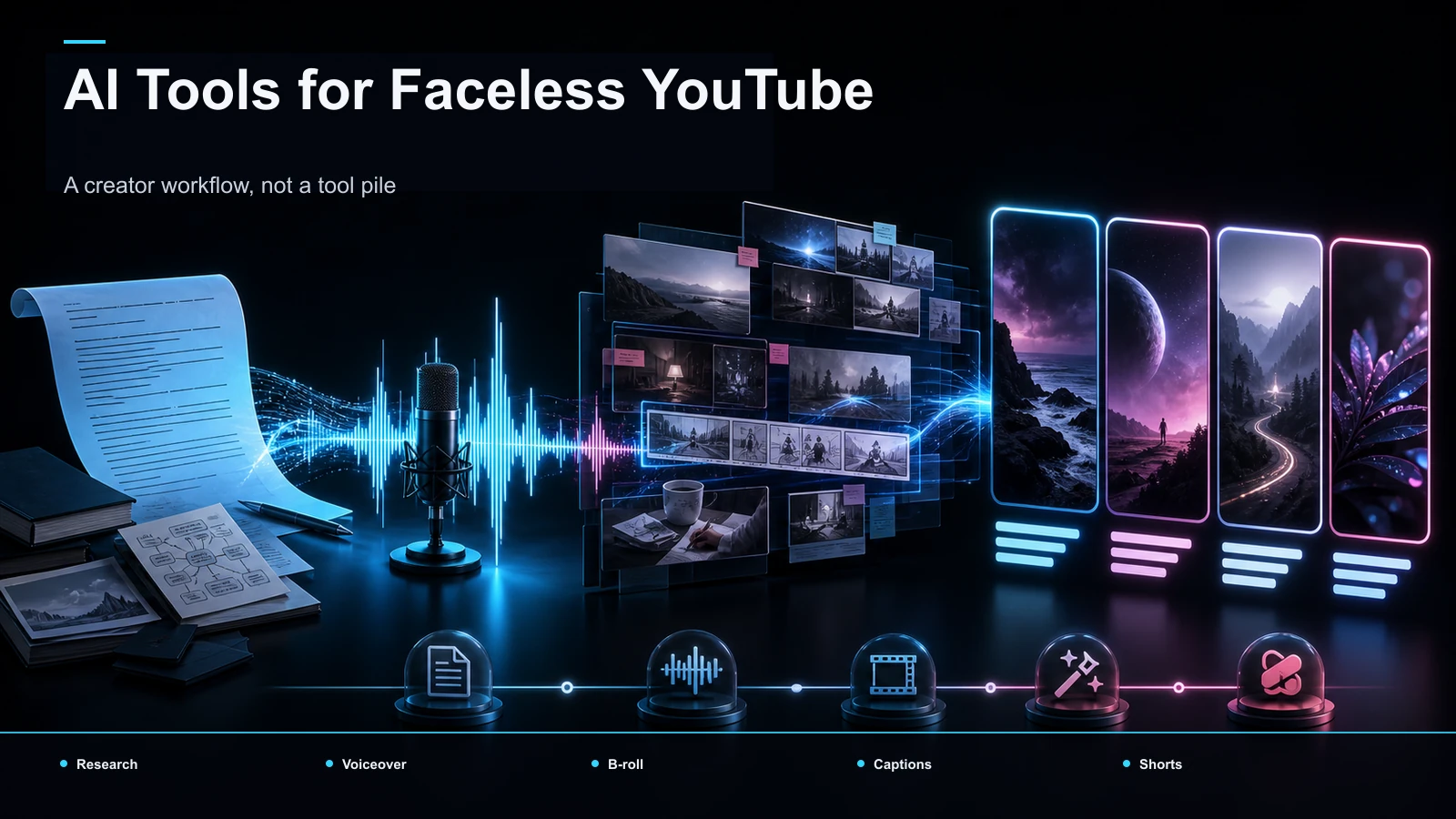
A "faceless" channel just means you never appear on camera. Behind that, every faceless video is built from the same six jobs, and the AI tools for faceless YouTube channels each specialize in one or two of them:
- Idea and script: turning a topic into a tight, original narration script.
- Voiceover: reading that script aloud as a natural voice track.
- Assembly: putting visuals, voice, and text together into one cut.
- Captions: burning accurate, styled subtitles so the video works muted.
- Clips and reframe: cutting the long video into vertical shorts for cross-posting.
- Cover and SEO: a click-worthy thumbnail plus a searchable title and description.
Most "best faceless channel tools" listicles bury this under twenty product names. Once you see the six jobs, tool selection gets simple: you only need one reliable tool per slot, and one tool that covers several slots beats four that each cover one. The mistake that burns beginners is buying a subscription per feature and spending more time exporting between apps than making videos.
The 2026 originality push changes the tool math
Here's the shift that reshapes this whole category. YouTube's Partner Program policies require content to be original and authentic to monetize, and its 2025 update specifically flags mass-produced and repetitious content as ineligible. Read the current rules on YouTube's own Help pages before you lean on any automation — this is the platform's policy, not a number any blog should invent for you.
The practical takeaway: faceless channel automation tools that generate near-identical videos on autopilot — same template, same stock, same synthetic voice, minimal human input — are now a liability, not a shortcut. The channels that keep monetizing pair AI's speed with a human's judgment: your research, your angle, your script, your edit decisions. So when you evaluate any tool below, weight one question heavily — does it help me produce something distinctly mine faster, or does it help me produce something that looks like everyone else's? The first is leverage. The second is a demonetization risk with extra steps.
That reframes "best AI for faceless videos" away from "most automated" and toward "best at accelerating an original workflow you still steer."
The faceless-channel tool stack, by function
Group tools by the job they're built for, and shortlist by need instead of hype. Everything below is described at the stable, publicly-known positioning level — verify current features and pricing on each vendor's own site, because those specifics move constantly.
| Function | What it does for a faceless channel | Reference positioning (verify current specifics yourself) |
|---|---|---|
| Idea & script | Turn research into an original narration script | General AI writing assistants |
| Voiceover | Read the script as a natural voice track | Known for AI text-to-speech voices (ElevenLabs, Murf) |
| Avatar (optional) | Put a synthetic presenter on screen | Known for AI presenter avatars (Synthesia, HeyGen) |
| Assembly | Stitch visuals, voice, and text into one cut | Known for template/text-to-video (InVideo, Pictory); known for faceless pipelines (Faceless.so) |
| Generative footage | Invent B-roll you couldn't film | Known for generative AI video (Runway) |
| Captions | Burn accurate, styled subtitles | Known for auto-captioning (browser caption editors) |
| Clips & reframe | Cut long footage into vertical shorts | Known for AI clipping |
| Cover / SEO | Thumbnails, titles, keyword research | Known for YouTube keyword research (VidIQ) |
Two honest notes. First, "number of templates" isn't in that table on purpose — templates demo well and rarely decide whether you ship on deadline. Second, the avatar row is marked optional because a talking synthetic presenter is one faceless style, not a requirement; narration-plus-visuals with no presenter is the more common — and often more original — format.
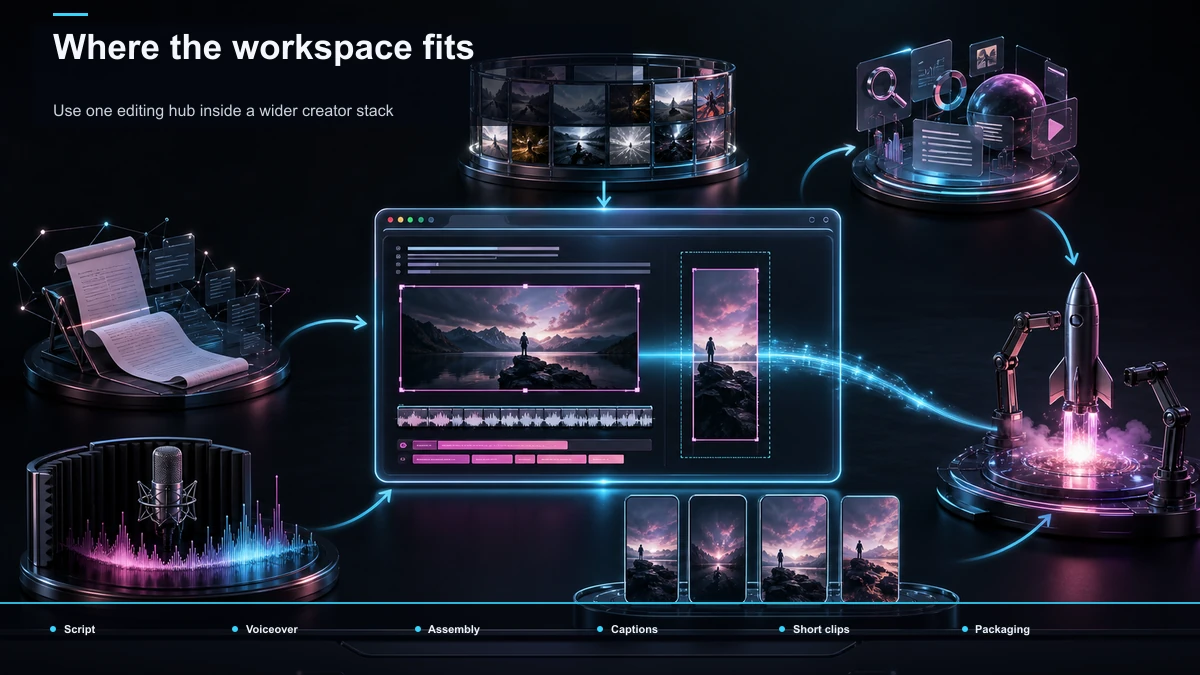
A recurring workflow you can actually run each week
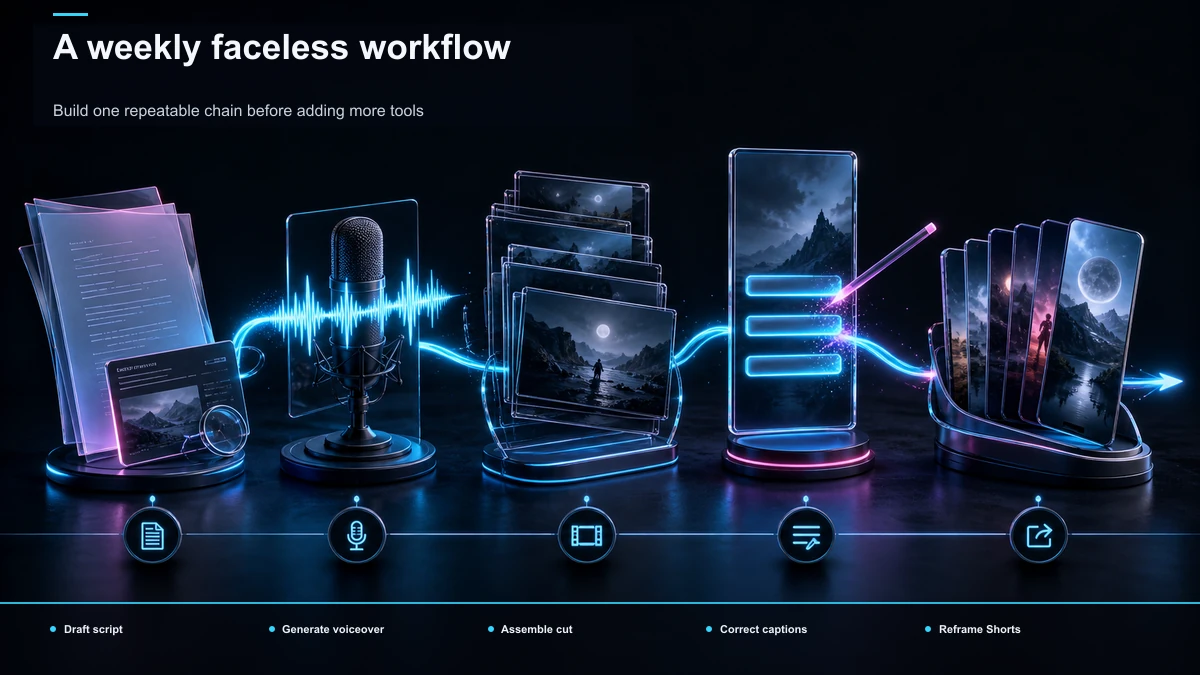
Faceless channels live or die on cadence, so the real test of a stack is whether you can repeat it every week without friction. Here's the order that keeps the six jobs flowing, with the Recapo tools that cover the middle of the chain woven in:
- Draft an original script. Start from your own research and outline, then use an AI writing assistant to tighten pacing and hooks — never to invent facts you haven't checked. If you're new to the format, our guide on how to make faceless videos walks through choosing a niche and structuring a script that reads as yours.
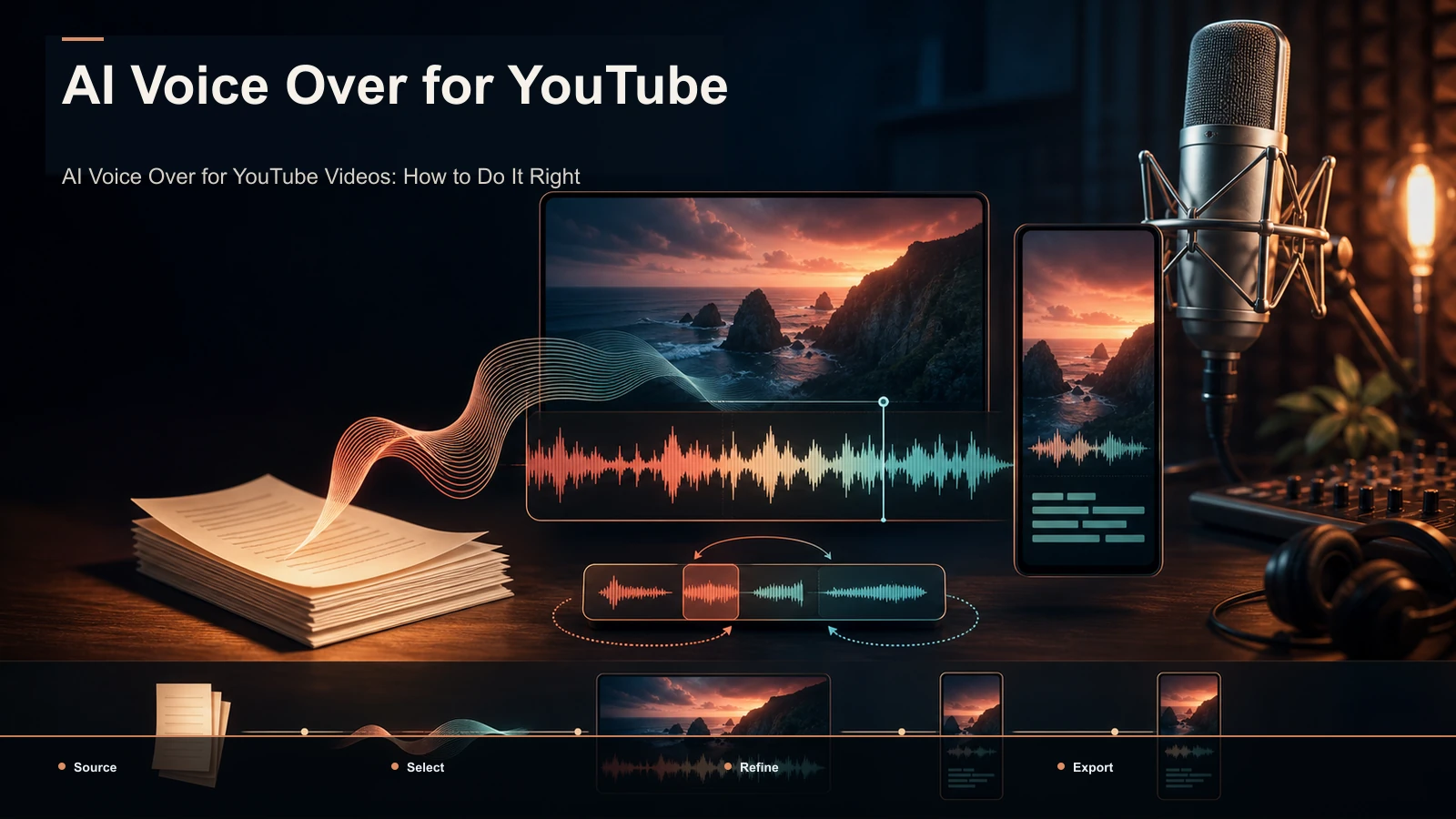
- Generate the voiceover. Turn the finished script into a clean narration track with a voiceover maker so you don't have to record your own audio. Pick a voice and pacing that fit your niche and stay consistent across episodes — a stable voice is part of a channel's identity. Our walkthrough on AI voiceover for YouTube videos covers script-to-voice pacing in depth.
- Assemble the faceless cut. Build the video around your narration and visuals rather than pure stock. A browser-based AI video editor helps you assemble a narration-driven edit from your own material, which is exactly the "distinctly mine" signal the originality push rewards.
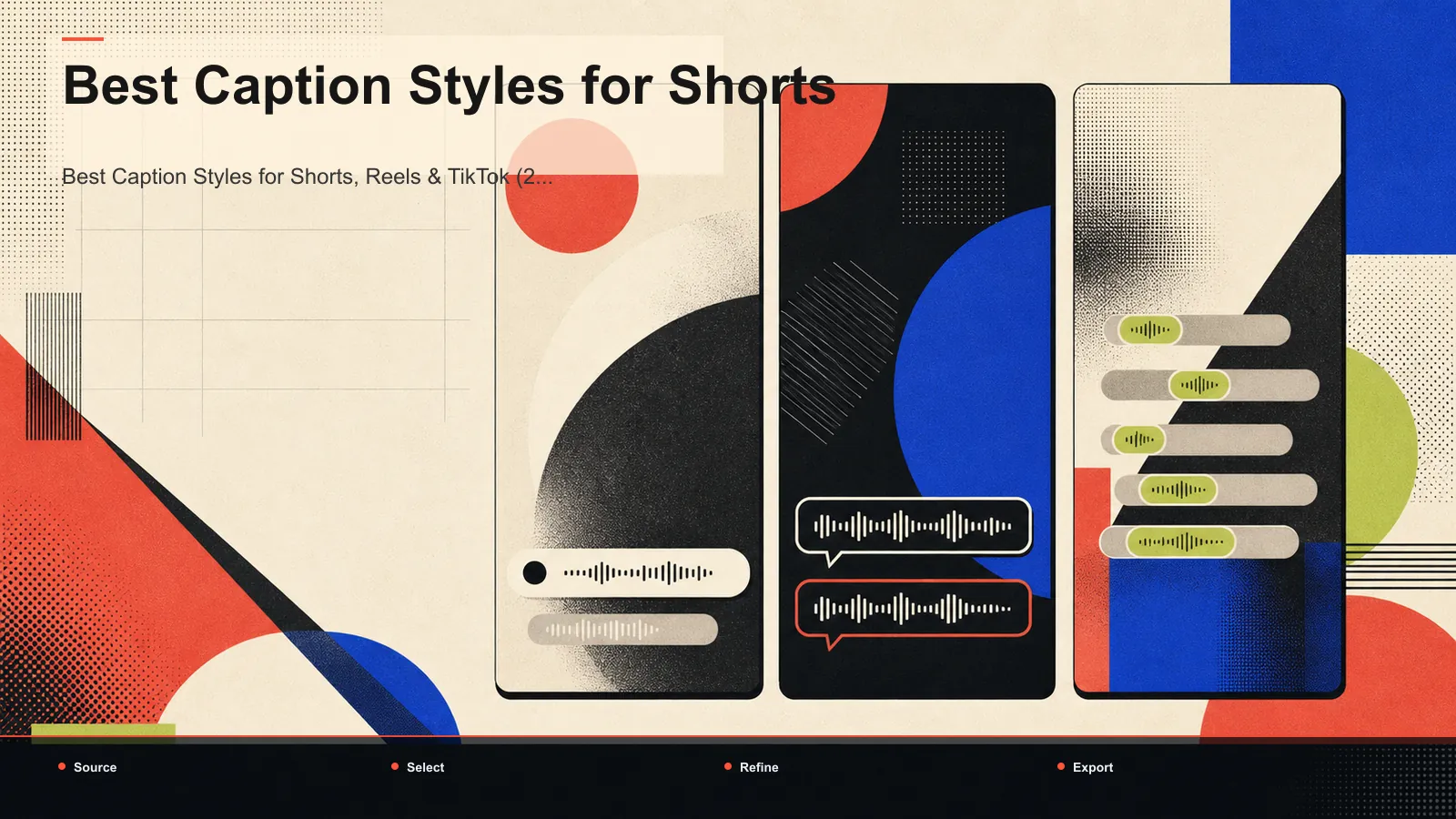
- Caption it accurately. Some faceless-video views happen without audio, so subtitles carry the video. Run auto captions, then proofread your niche vocabulary and brand names — captioning errors compound across every episode. For styling that holds attention, see the best caption styles for shorts.
- Clip and reframe for shorts. Cut the long upload into short, self-contained vertical moments for YouTube Shorts, TikTok, and Instagram Reels. One long faceless video should feed a week of shorts — that's the repurposing multiplier that makes the whole operation worth running.
- Cover and export. Add a cover, export in the format each platform wants, and write a searchable title and description before you publish.
Notice steps 2 through 6 are one continuous editing lane. That's where consolidating tools pays off most.
Where Recapo fits in your stack (and where it doesn't)
Let's be precise about the category. Recapo is a browser-based AI video workspace — it runs in the browser with no install, accepts MP4, MOV and other common formats, and handles up to 6GB total per task. Across the six faceless jobs, it covers the connected middle of the chain in one place: summaries and scripts, AI voiceover, transcription and captions, turning long videos into clips, vertical resizing, and cover and export. For a faceless creator that's often four or five subscriptions collapsed into one browser tab, which is the argument — fewer tools in the chain, not out-scoring any specialist at its single event.
Be equally clear about what it is not. Recapo is not an AI presenter-avatar tool, so if your chosen faceless style is a synthetic person reading to camera, you'll bring an avatar specialist for that slot. It's not a keyword-research suite, so deep title and tag research still belongs to a dedicated SEO tool. And it isn't a prompt-to-video generator that invents an entire video from one sentence of stock — it's built to help you edit and assemble around content you steer.
The practical fit: Recapo earns its place when your faceless channel is a recurring operation — script to voiceover to captions to clips, week after week — because that's a workflow, not a one-off. If you're running a content line on a schedule, the value is in the chain staying in one workspace. Pricing lives on the pricing page; check it there rather than trusting a number in any article, including this one.

A one-video self-test before you pay for anything
Screenshots and comparison tables can't test your niche, your voice, or your originality bar. Run this on the exact content you plan to publish — it surfaces the two things marketing pages hide: real output quality and monetization risk.
- Pick one real topic you'll actually publish. No sample scripts, no demo footage.
- Run the full stack once, end to end. Script, voiceover, assembly, captions, clip, cover — produce one complete faceless video, not a fragment.
- Time it, then count edits. How long from topic to publishable export? How many corrections did the voiceover and captions need? Those two numbers predict your weekly reality.
- Judge originality honestly. Watch the result and ask: could this be mistaken for a hundred other channels? If yes, find where you can inject your own angle, research, or footage before you scale it.
- Check the licensing on the export screen. Any stock voice or media inside the video can carry usage limits. Confirm in writing that the output is cleared for monetized use on YouTube, TikTok, Shorts, and Reels.
- Score the stack, not the demo. Whatever wins on your topic beats whatever wins a feature grid.
Do this once and you'll know within a single video whether a consolidated workspace beats a pile of separate subscriptions for your content.
Red flags when building a faceless stack
Generic patterns worth checking on any faceless youtube channel tools you're weighing — each takes minutes to verify:
- "Fully automated" as a selling point. Hands-off pipelines that spit out near-identical videos are exactly what the 2026 originality push targets. Automate the mechanics, keep a human on the angle.
- Voice and stock licensing. "Free" media isn't the same as "cleared for monetized use." Read the license before you post to a channel that earns.
- Caption accuracy on niche terms. Auto-captions that mangle your jargon or brand name cost watch time on every muted view. Test your fastest, most jargon-heavy minute.
- Metering that fights your cadence. Per-minute or credit-based limits behave very differently at four videos a month versus forty. Model your real volume first.
- Single-format lock-in. If a tool only exports one aspect ratio cleanly, cross-posting to Shorts, Reels, and TikTok becomes a chore. Confirm painless vertical export before you commit.
FAQ
What AI tools do I actually need for a faceless YouTube channel? One reliable tool per job: script, voiceover, assembly, captions, clips, and cover/SEO. That's the whole list. You don't need twenty subscriptions — you need each of the six slots covered, and a single workspace that spans several of them (voiceover, captions, clips, reframe, cover) removes most of the export-between-apps friction that slows faceless channels down.
Will AI-made faceless videos get demonetized in 2026? Not automatically — but lazy automation is now a real risk. YouTube's Partner Program policies require original, authentic content and specifically exclude mass-produced, repetitious material; check the current rules on YouTube's own Help pages. The safe pattern is to use AI to accelerate a workflow you steer — your research, your script, your edit — rather than to mass-produce interchangeable videos.
What's the best AI for faceless videos? There's no single winner, because the "best" depends on your format and niche. AI voiceover tools are the usual reference points for narration, avatar tools for on-screen presenters, and browser workspaces for the edit-and-assemble middle. Run the one-video self-test on your own topic and score each tool on output quality, editing effort, and originality — that beats any ranked list.
Can one tool replace the whole faceless stack? Partly. No single tool does everything well, but a browser workspace can collapse the connected middle — voiceover, captions, clips, reframe, cover — into one place, which is where most of the friction lives. You may still bring a specialist for avatars or deep keyword research. The goal isn't one tool for everything; it's the fewest tools that cover all six jobs.
Are faceless channel automation tools free? Many advertise a free tier, but "free" and "cleared for monetized content" are different questions. Before you rely on any free plan, export one real video and read the output license — free media that can't be used commercially will cost you more than a subscription when a video gets pulled. Test on free tiers, then choose paid plans against your real monthly volume.
Building a faceless channel as a real content operation, not a one-off? Create a Recapo account, take one topic through the full chain — script and summary, AI voiceover, auto captions, clips, vertical reframe, and cover — and time it end to end. If a single browser workspace saves you the four exports you're doing today, you'll feel it on the first upload.
References and official sources
- YouTube: Disclosing altered or synthetic content
- YouTube Partner Program eligibility
- YouTube Help: Add subtitles and captions
- Recapo.ai: Product overview and current upload limits
- Recapo.ai: AI Video Editor
- ElevenLabs: Official product page
- Canva: Official product page
- Descript: Official product page
- Pictory: Official product page
- InVideo: Official product page