How to Start a Faceless YouTube Channel (2026 Step-by-Step)
How to start a faceless YouTube channel in 2026: pick a niche, set up the channel, build a repeatable voiceover-and-caption workflow for your first video.
By the Recapo.ai Editorial Team · Fact-checked July 10, 2026
A faceless YouTube channel is one you grow with your voice, writing, and editing instead of a camera pointed at your face — and this guide walks the exact path most search results only hint at. Here's how to start a faceless YouTube channel from a blank account: pick a niche you can sustain, set the channel up properly, produce a first video with a repeatable workflow, and understand what monetization actually requires in 2026. The angle is deliberately practical — a real production loop you can rerun, not a hype list — because the channels that last now win on a clear point of view and consistent quality, not on cranking out templated uploads.
That last point isn't optional flavor. In mid-2025 YouTube tightened how it treats mass-produced, repetitive content, so the version of "faceless" that worked as a spam farm no longer clears the bar. The good news: a genuine faceless channel — one human curating a real niche — is exactly what still works. This walkthrough is honest about limits, points you to official rules where money is involved, and never promises a number.
Key Takeaways
What "faceless" actually means in 2026
A faceless channel is simply one where you never appear on camera. The value comes from narration, a tight script, screen recordings, animation, gameplay, or stock and licensed footage — think tutorials, top-10 lists, explainers, recaps, finance breakdowns, history, and calm-content channels. What changed is the standard. In July 2025 YouTube updated its Partner Program monetization policies to make clear that mass-produced, repetitive, and inauthentic content isn't eligible for monetization — a direct answer to accounts spinning up hundreds of near-identical AI uploads.
Read that as a green light, not a red one. Faceless is completely fine; a "faceless template farm" is not. Your channel needs a point of view, a recognizable voice, and enough craft that a viewer can tell a person curated it. Because these rules change, confirm the current wording on YouTube's official Partner Program pages rather than trusting any secondhand summary. Every step below assumes you're building a small, repeatable studio — the only thing missing is your face.
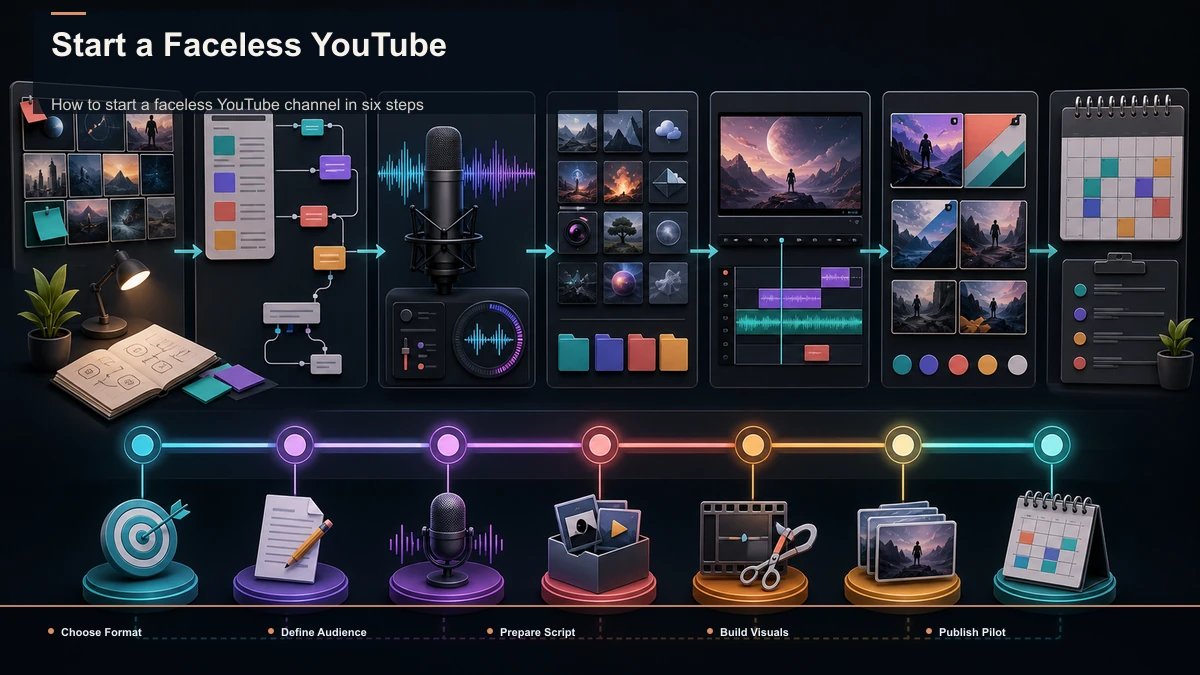
How to start a faceless YouTube channel in six steps
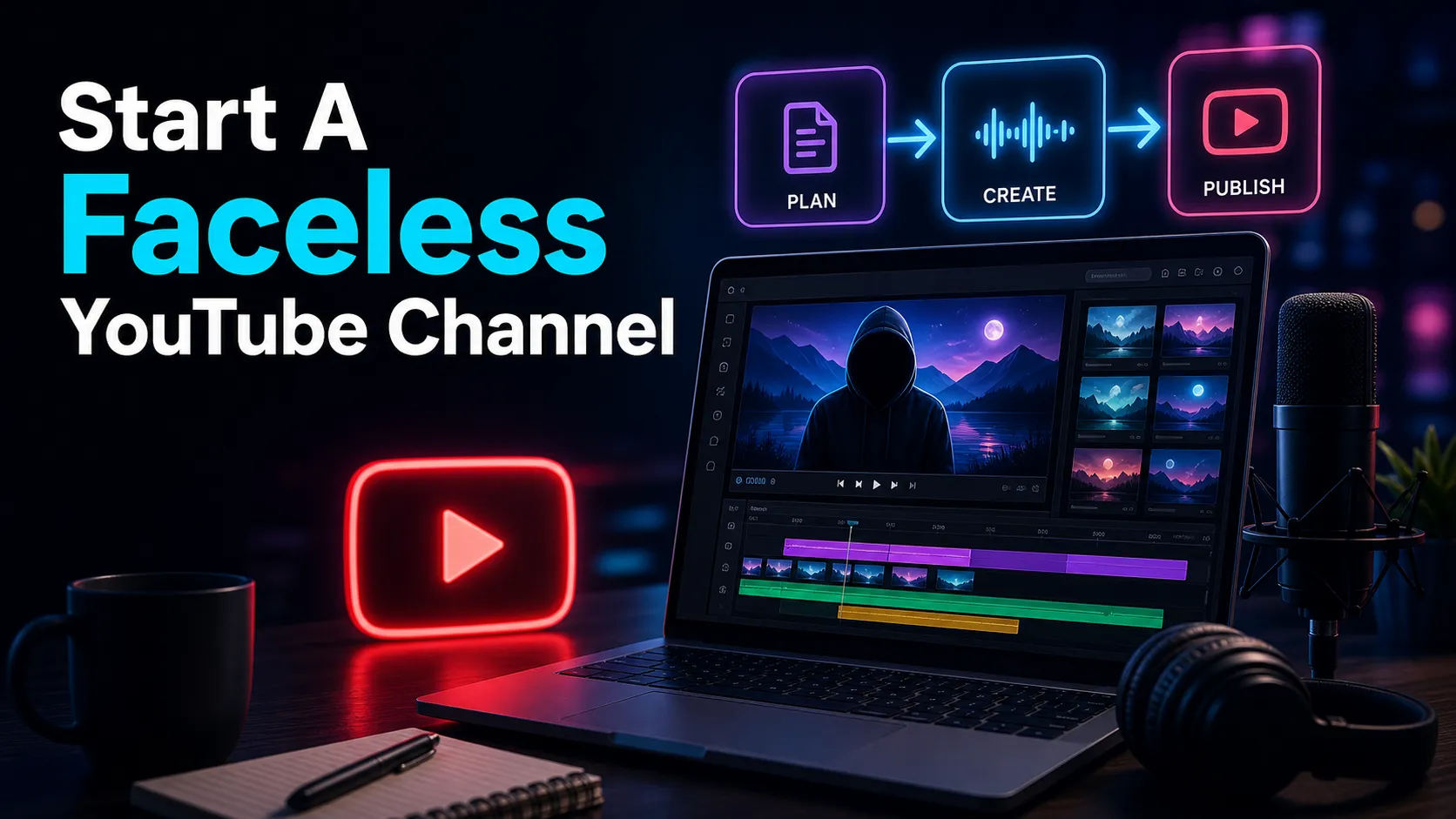
Here's the whole path at a glance before we go deep. Every step is doable in a browser, and none of it puts you on camera.
| 1. Niche | Pick a topic you can sustain | Consistency dies without genuine interest | 2. Setup | Create and brand the channel | First impression plus discoverability | 3. First video | Run a repeatable production loop | Proves the system, not just the idea | 4. Titles & thumbnails | Earn the click honestly | Views begin before the video plays | 5. Publish | Ship on a cadence, quality bar high | Retention and repetition compound | 6. Monetize | Meet YouTube's published thresholds | Income follows the audience, not the reverse |
Steps 1, 2, and 4 you do once or rarely. Step 3 is the loop you rerun for every upload — so that's where most of this guide lives.
Step 1: Pick a faceless channel niche you can sustain
The most common launch mistake is picking a faceless channel niche off a "highest-paying topics" list, making three videos, and quitting because you don't actually care about the subject. CPM matters far less at the start than whether you'll still be making video #50. Choose something you'd research for free, then check that it has a repeatable format — a shape you can pour new episodes into without reinventing the wheel each week.
| How-to / tutorials | Screen recording + narration | Value is the demo, not your face | Top-10 / rankings | B-roll + voiceover + captions | Repeatable template, high search intent | Explainers / educational | Motion graphics or stock + script | People want the answer, not a presenter | Recaps / summaries | Licensed footage + narration | Story is the draw (mind fair-use rules) | Calm / ambient | Visuals + music, light narration | Rewatchable, low on-camera need | Finance / news breakdowns | Charts, headlines, voiceover | Authority comes from clarity, not a face |
Run each idea through three questions: Can I make fifty of these? Is there clear search demand? Can one video be produced in a repeatable loop rather than from scratch? If you're still stuck, browse faceless YouTube channel ideas for formats mapped to demand, then commit to one and stop shopping. A narrow, sustainable niche beats a broad one you'll abandon.
Step 2: Faceless YouTube channel setup, start to finish
Faceless YouTube channel setup is quick once you know the order. Do it deliberately so your first upload lands on a channel that already looks like it belongs.
- Create the channel. Sign in with a Google account and create a new channel (a Brand Account keeps it separate from your personal profile and lets you add managers later).
- Name and handle. Pick a channel name that signals the niche and a matching @handle. Faceless channels lean on the name to set expectations, since there's no host to remember.
- Brand the basics. Add a simple logo, a banner that states what the channel is in a few words, and a channel description with the topics you'll cover — this doubles as discoverability text.
- Fill the About section. Say plainly what viewers get and how often. Clarity here converts browsers into subscribers.
- Set upload defaults. Configure default language, category, and a basic description template so every upload starts consistent instead of blank.
- Verify the account. Verifying unlocks features like custom thumbnails and longer uploads — essential, because thumbnails carry a faceless channel.
You don't need paid software for any of this. The whole setup is free inside YouTube Studio; the craft comes next, in how each video is made.
Step 3: Produce your first video with a repeatable workflow
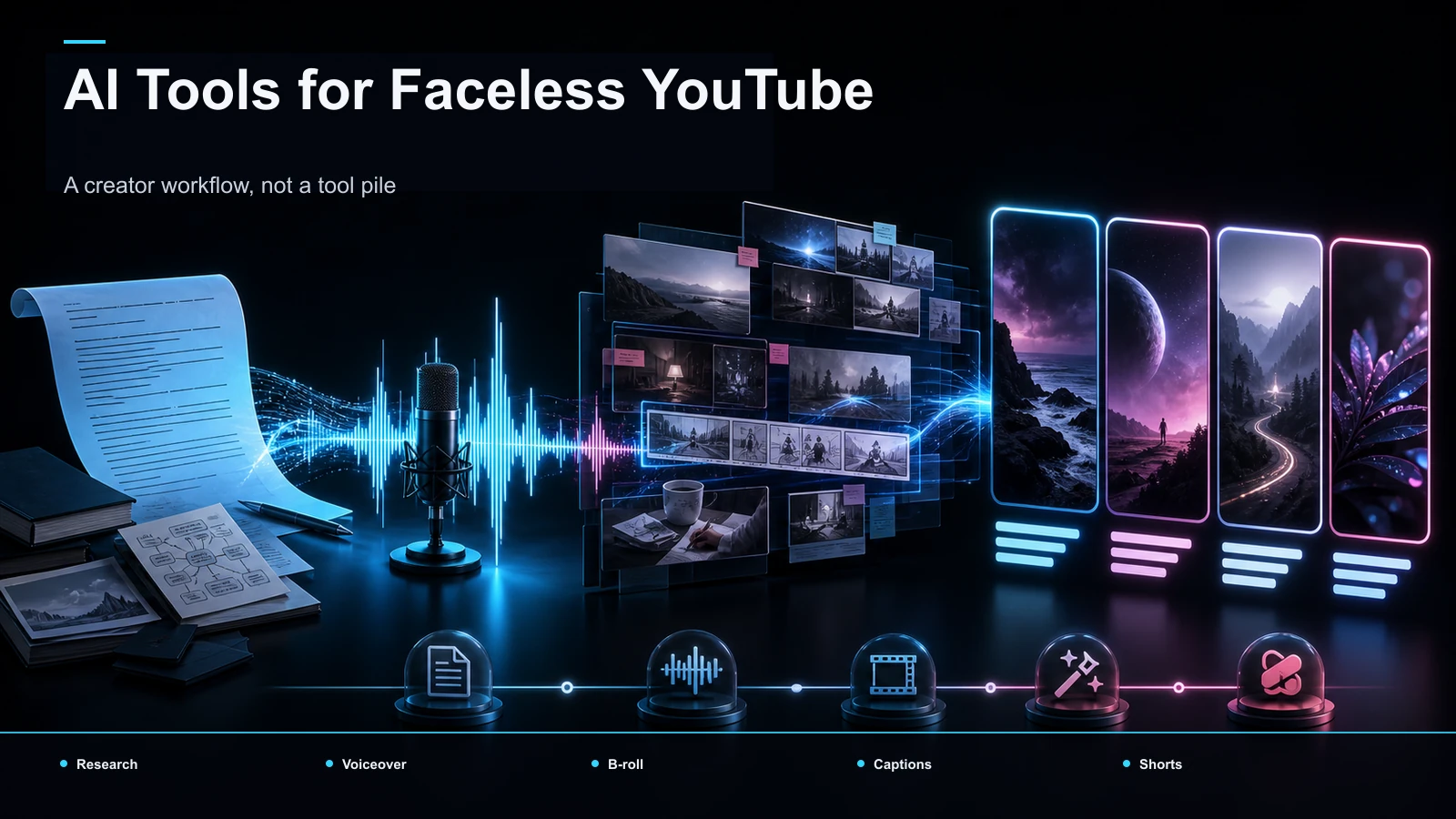
This is the loop you'll run forever, so build it to be fast. The goal isn't one great video — it's a system that reliably outputs watchable videos on a schedule. Here's the end-to-end sequence, all of which runs in the browser with no install.
- Write or summarize a script. Start from a clear angle and a strong opening line. If you're building an episode from a long source — a lecture, a podcast, an article read-aloud — a video summarizer can compress it into a working script draft you then shape in your own voice.
- Create the voiceover. This is the heart of a faceless channel. Record your own narration, or generate a clean AI read with a voiceover maker when you'd rather not use your voice. Pick a natural-sounding delivery and pace it for the topic; a rushed robotic read is the fastest way to lose a viewer. For phrasing and pacing tricks, see how to make an AI voice sound natural.
- Assemble the visuals. Pair the narration with screen recordings, stock or licensed footage, charts, or simple motion graphics — whatever your niche demands. Never use footage you don't have rights to.
- Repurpose long form into shorts. Once your main video is up, feed it through a long-video-to-short-video tool to pull vertical clips for Shorts, TikTok, and Reels. One upload becomes a week of discovery posts that funnel back to the channel.
- Caption everything. Some viewing happens on mute, so burn in captions with an auto-captions pass and proofread names, numbers, and niche terms. Legible captions are non-negotiable for retention.
- Design the cover. Build a bold, readable thumbnail with a cover maker — high contrast, a few words, one clear focal point.
- Export and upload. Render a clean file (standard MP4 or MOV), then publish with your title, description, and tags.
A consolidated browser workspace like Recapo folds this whole chain — summaries and scripts, AI voiceover, long-to-short clipping, transcribe and caption, cover and export — into one tab, accepts common formats like MP4 and MOV, and takes large source files up to 6GB total per task, so you're not exporting and re-uploading between five apps for every episode. Pricing lives on the pricing page; check it there rather than anywhere quoting a number secondhand.
Don't take any tool on faith, though — including this one. Test one representative source instead of comparing feature lists, since every tool promises the same outcome:
| Round-trips | How many export-and-re-upload hops from raw source to a finished, captioned video? | Voiceover quality | Does the narration sound natural enough to publish without re-recording? | Caption accuracy | How much cleanup do your niche terms and names need? | Time to episode two | From one workflow, how fast can you produce your next video the same way? |
Push your first real episode through any setup you're weighing and let the results decide, not the marketing.
Step 4: Titles and thumbnails that earn the click
On a faceless channel the title and thumbnail do the job a host's charisma would — they're where views start. Write titles that name a specific payoff and match the video honestly; a clever-but-vague title gets scrolled past, and a bait title that oversells gets a quick exit that can prompt a quick exit and weaken audience trust. Front-load the keyword or promise in the first few words.
Thumbnails carry even more weight without a face on screen. Keep them to one clear focal point, three or four large words maximum, and colors that pop against a feed. Make a set of three variations and pick the one that reads at a glance on a phone. Consistency across thumbnails also builds a recognizable channel identity — the visual equivalent of a familiar host.
Faceless YouTube monetization: the honest version
Faceless YouTube monetization works the same way it does for any channel, and it runs entirely on YouTube's own rules — so here's the honest version. The YouTube Partner Program has published subscriber, watch-time, and Shorts-view thresholds you must meet before you can earn ad revenue; the exact current numbers live on YouTube's official Partner Program page and change over time, so confirm them there rather than trusting any figure a blog or tool quotes you. No one can promise you a timeline or an income — anyone who does is selling something.
Two honest notes specific to faceless channels. First, disclosure: if you use synthetic or AI-generated media, including AI voice, YouTube's rules may require you to disclose altered or synthetic content in certain cases — check YouTube's official disclosure requirements and label your uploads accordingly. Second, income mix: ad revenue is only one lane. Many faceless channels layer in affiliate links, sponsorships, digital products, or memberships once there's an audience. Treat those as options to explore after you've built reach, not as guarantees. For the platform-specific mechanics, YouTube Shorts monetization guide breaks down how short-form fits in. The throughline: audience first, income second — and always verify the money rules at the source.
Your first-week faceless channel checklist
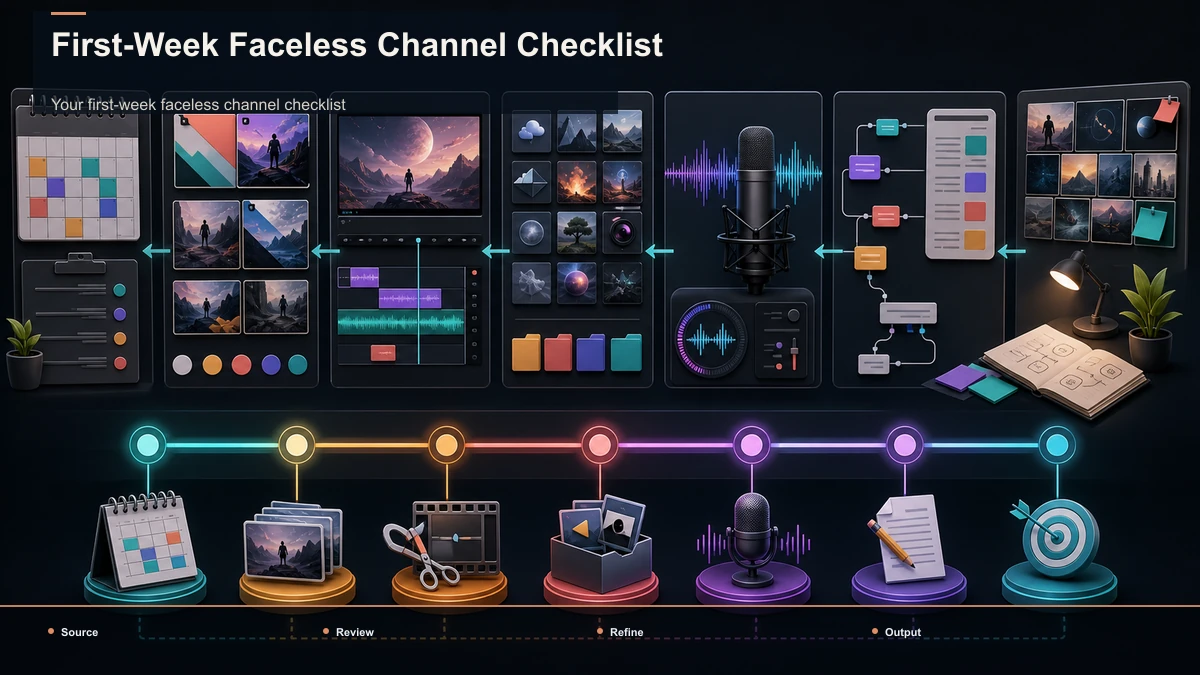
You don't need a perfect launch; you need a running system. Here's a realistic first week that ends with your channel live and your loop proven, not just planned.
| 1 | Lock the niche and channel name | One niche chosen, format defined | 2 | Full channel setup and branding | Logo, banner, About, defaults set | 3 | Script and voiceover for video 1 | Narration recorded or generated | 4 | Visuals, captions, and cover | Video assembled and captioned | 5 | Title, thumbnail, and upload | First video published | 6 | Cut 3–5 Shorts from the upload | Vertical clips scheduled | 7 | Review and plan videos 2–4 | Next batch outlined |
The point of week one is momentum: a real video shipped and a workflow you can rerun on autopilot. By your third or fourth episode, the loop becomes muscle memory and "starting a channel" quietly turns into "running a channel."
FAQ
Do faceless YouTube channels actually get monetized? Yes — faceless channels can join the YouTube Partner Program like any other, as long as the content is original and meets YouTube's monetization policies. What won't monetize is mass-produced, repetitive, low-effort output, which YouTube specifically tightened rules against. Build a real niche with a consistent voice, and confirm the current thresholds on YouTube's official page.
What's the best niche for a faceless channel? The best niche is one you can sustain for fifty videos that also has clear search demand and a repeatable format. Popular faceless families include tutorials, top-10 lists, explainers, recaps, finance breakdowns, and calm-content channels. Chase sustainability over a "high-CPM" list you'll abandon after three uploads.
Can I use an AI voice, and do I have to disclose it? You can use an AI voiceover, and many faceless channels do. Whether you must disclose it depends on YouTube's synthetic-and-altered-content rules, which can require labeling AI-generated media in certain cases — check YouTube's official disclosure requirements and label accordingly. Aim for a natural-sounding, well-paced read either way.
How many videos before I see results? There's no honest fixed number, and anyone promising one is guessing. Results depend on niche, quality, consistency, and titles and thumbnails. Treat your first several videos as reps that sharpen the loop, publish on a steady cadence, and judge by retention and click-through rather than a subscriber countdown.
Do I need expensive software to start a faceless channel? No. Channel setup is free in YouTube Studio, and the production loop — script, voiceover, clipping, captions, cover, export — runs in a browser-based workspace with no install. A consolidated tool reduces app-hopping, but start with what removes friction, and see pricing on the tool's own pricing page.
Start your faceless channel this week
Starting a faceless YouTube channel isn't about hiding — it's about letting your voice, taste, and consistency carry a niche that a camera never could. Pick a topic you can sustain, set the channel up cleanly, and prove your production loop with one real video: script, voiceover, visuals, captions, cover, export. Then rerun that loop until it's a habit, and let monetization follow the audience on YouTube's own terms. Create a free Recapo account to build the voiceover, captions, clips, and covers for your first faceless video in one browser tab — then ship episode one before the week is out.
References and official sources