Content Repurposing for Solopreneurs: One Recording, Many Clips
Build a solopreneur repurposing workflow, measure keeper yield and editing time, then schedule only the clips and written assets that pass review.
By the Recapo.ai Editorial Team · Fact-checked July 10, 2026
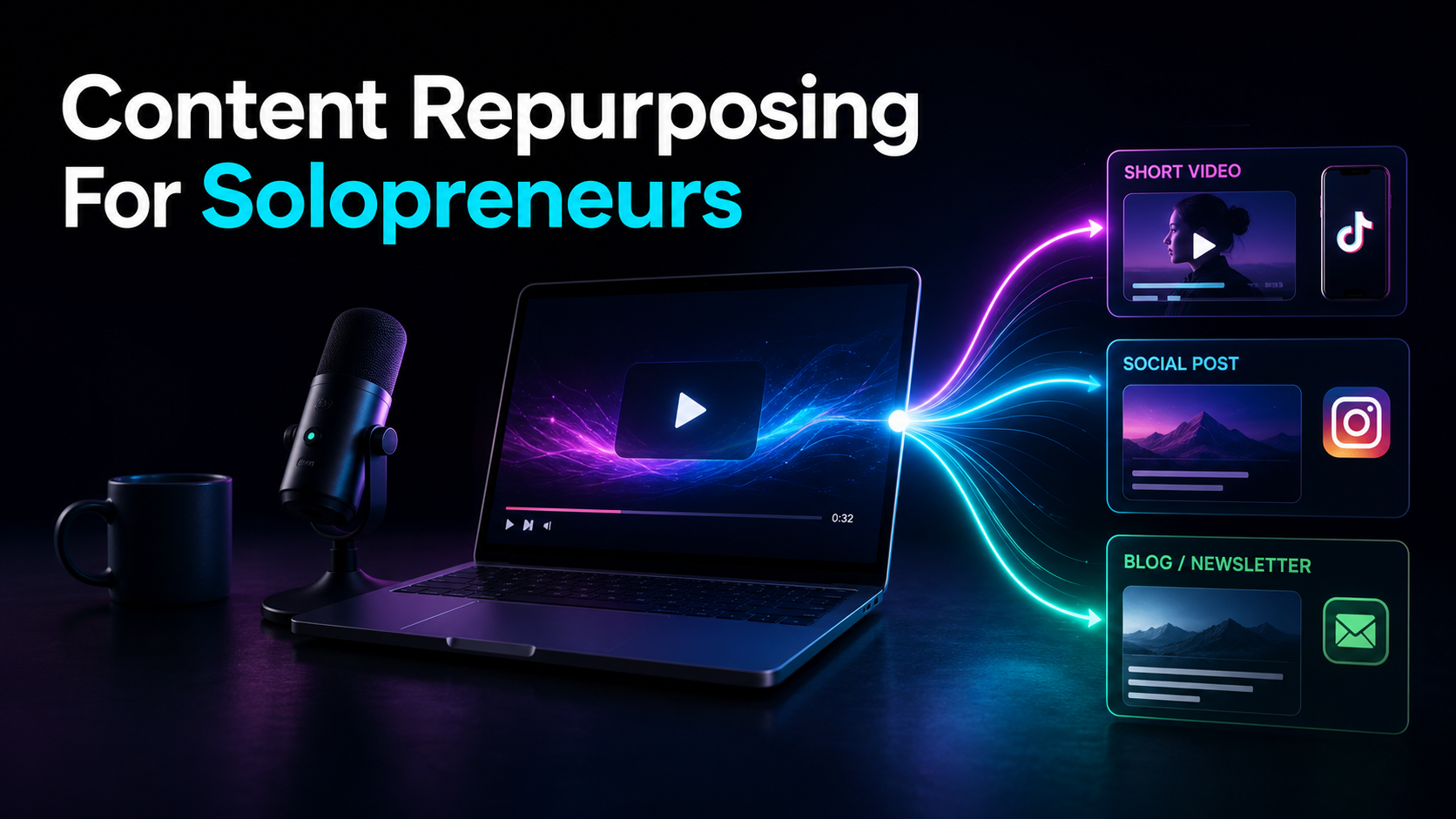
Content repurposing for solopreneurs comes down to one discipline: record one useful source, then build a measured batch from it instead of chasing a fresh idea every day. When you are the host, editor, writer, and marketer all at once, you don't need more content ideas — you need a repeatable system that turns one recording into many clips, captions, and summaries without eating your whole week. This guide hands you that system: the record-once, publish-many workflow step by step, a realistic weekly cadence, and an honest look at whether one consolidated workspace can replace the four-tool stack most guides push.
The angle here is deliberately narrow, because "make more content" is useless advice to a team of one. The only leverage a solopreneur has is throughput per hour of recording — so everything below is built to raise that number. No hustle-culture filler, no twenty-tools-you-must-buy list. Just the workflow, the trade-offs, and where the human judgment actually lives.
Key Takeaways
Why solopreneurs need a system, not more hours
The bottleneck for a one-person business is almost never ideas. It's throughput. You can only sit in front of a camera or mic so many times a week, and every hour spent re-editing the same footage four different ways is an hour you're not selling, coaching, or building the actual product. That's the trap: solo creators try to out-work the throughput problem by grinding more hours, and burn out inside a quarter.
The escape is to change the unit of production. Instead of "one post = one idea = one work session," make the unit "one recording = many assets." A talk, tutorial, livestream, or client Q&A can contain several reusable assets, but the approved set depends on the source — if you have a system to extract it. This is the whole premise of a solopreneur content system: front-load the thinking into one strong recording, then run a mechanical pipeline to fan it out.
Notice what this does to your calendar. You stop context-switching between "what do I post today?" and "how do I make it?" You batch the creative decision once, then the rest is repeatable production. That shift — from daily invention to a planned extraction session — is one useful operational change for a solo creator to test.
Content repurposing for solopreneurs: one recording, many assets
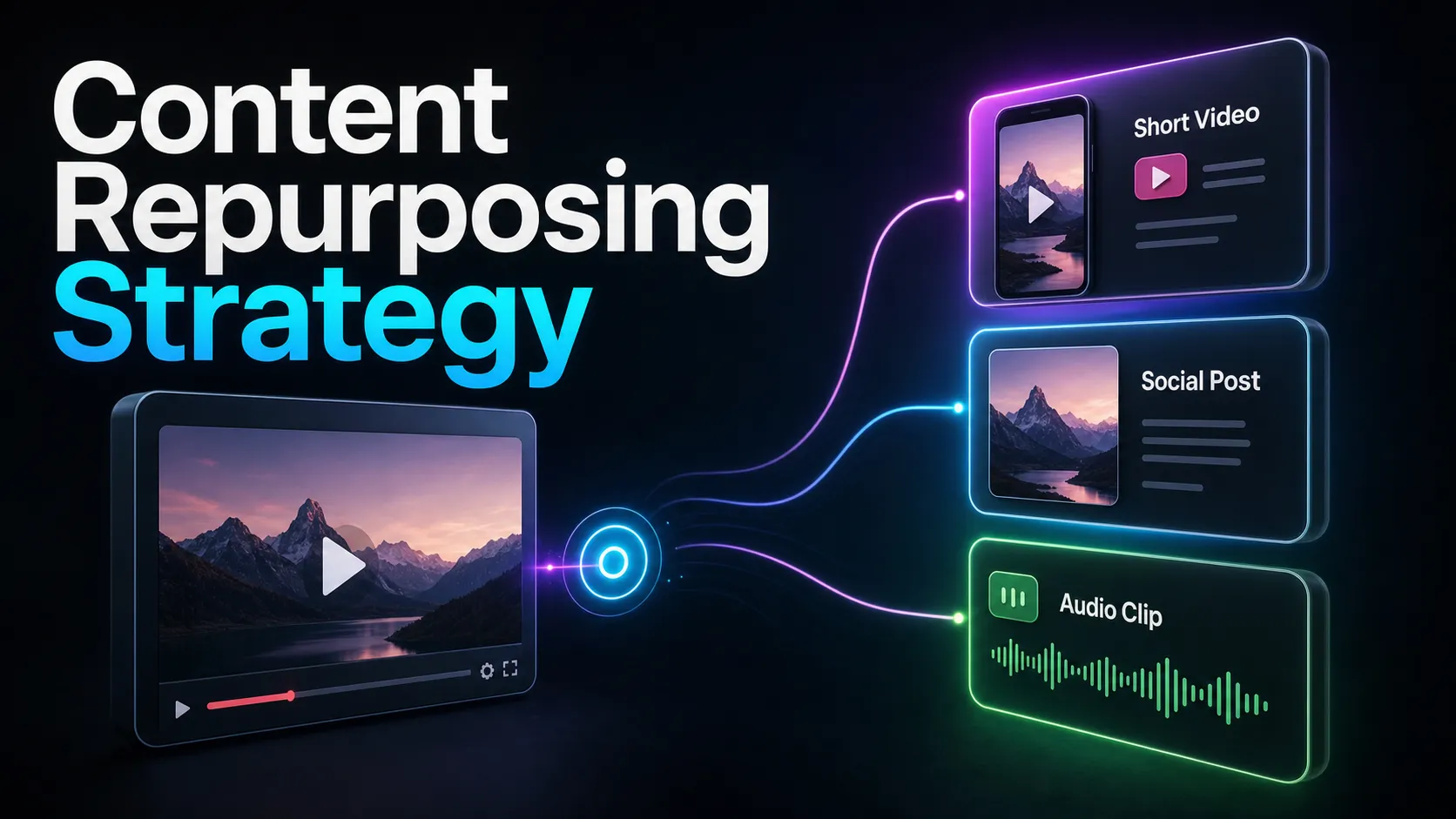
Here's the mental model. Every week you produce one pillar recording — the raw material. From that single file you derive a spread of smaller, platform-native assets. Learn to see one recording as a quarry, not a finished statue.
| 40-min tutorial or talk | Candidate vertical clips, a text summary, caption hooks, and a lead-magnet outline | Client call or coaching session (with consent) | 4–6 "answer the objection" clips, an FAQ post, a testimonial clip | Livestream or webinar | Highlight clips, a recap thread, a voiceover-narrated summary short | Solo audio/monologue | Caption-card clips, quote graphics, a written newsletter section |
The point isn't to mechanically hit every cell. It's to understand that "repurpose one video into many" is a real, repeatable transformation, not a vague aspiration. One recording, captured with a little intention, becomes the source of nearly everything you post that week — which is exactly the leverage a team of one is missing.
Two rules keep this honest. First, record with repurposing in mind: speak in self-contained answers, drop clean one-line hooks, pause between thoughts so clip boundaries fall naturally. Second, don't force volume — a rich recording may yield several approved clips; stop when later candidates repeat ideas or lose independent value. Extract the good ones and stop.
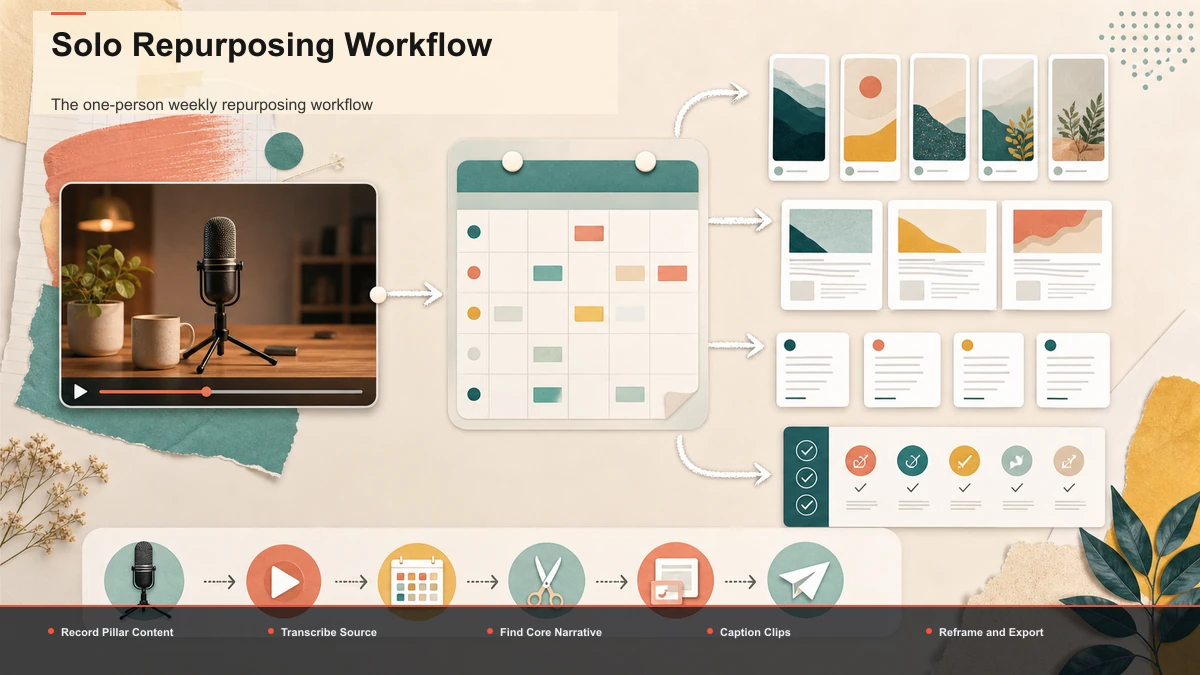
The one-person weekly repurposing workflow
This is the core of the system: a linear, low-decision pipeline you can run the same way every week. It works end to end inside a single browser-based workspace like Recapo — no install, no moving files between apps — but the sequence applies to any toolkit you assemble.
- Record one pillar. Capture a single 30–60 minute recording per week: a talk, tutorial, livestream, or Q&A. This is your only "new content" obligation for the week. Everything else is extraction.
- Transcribe it. Get a timed, searchable transcript before you cut anything — reading is far faster than scrubbing. Run the file through auto-captions so you can skim the whole session and mark moments in minutes.
- Summarize to find the spine. Feed the recording into a video summarizer to get the key points and structure at a glance. Use that summary two ways: as your shortlist of clip-worthy moments, and as the seed for a written post, newsletter section, or caption pack.
- Review and cut the approved clips. Drop the recording into an AI clip generator to surface high-signal segments, then treat its picks as candidates — keep the strong ones, discard the weak, re-trim boundaries by hand so each clip starts on the first interesting word.
- Caption every clip. Add captions and style them large and high-contrast — some short-form viewing happens on mute, so captions decide whether the clip lands. Proofread anything with names, numbers, or jargon.
- Reframe, cover, export. Convert each clip to a 9:16 vertical frame, keep the subject in the middle third away from platform UI, pick a cover, and export a clean MP4 that uploads to every platform.
- Schedule across platforms. Space the clips out — one per day across YouTube Shorts, TikTok, and Instagram Reels — so one recording becomes a schedule based on approved clips.
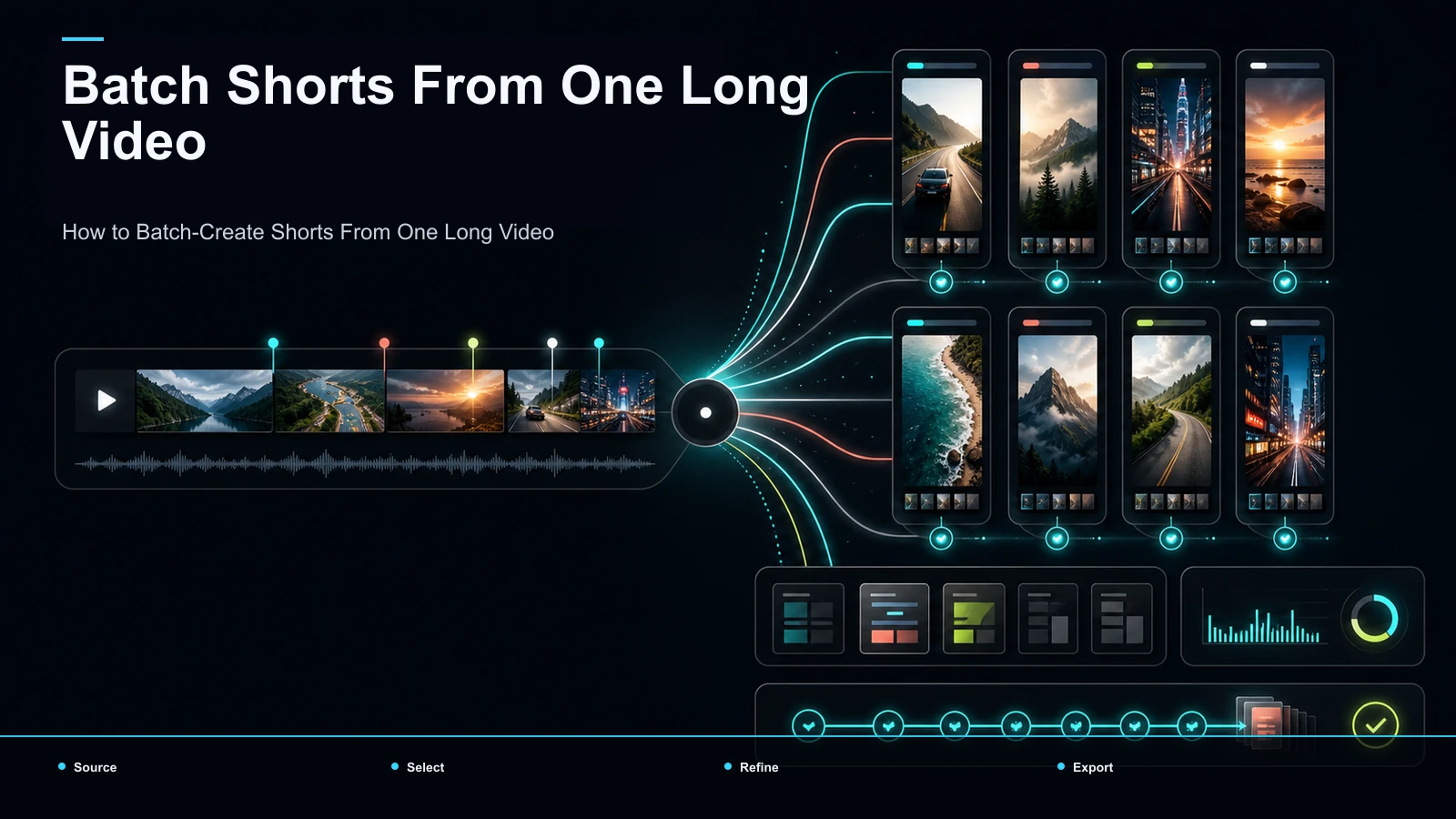
That's the entire loop. Once it's routine, the only variable input is the quality of your pillar recording; the rest is mechanical. For a deeper look at squeezing maximum clips out of a single file, see how to batch-create shorts from one video.
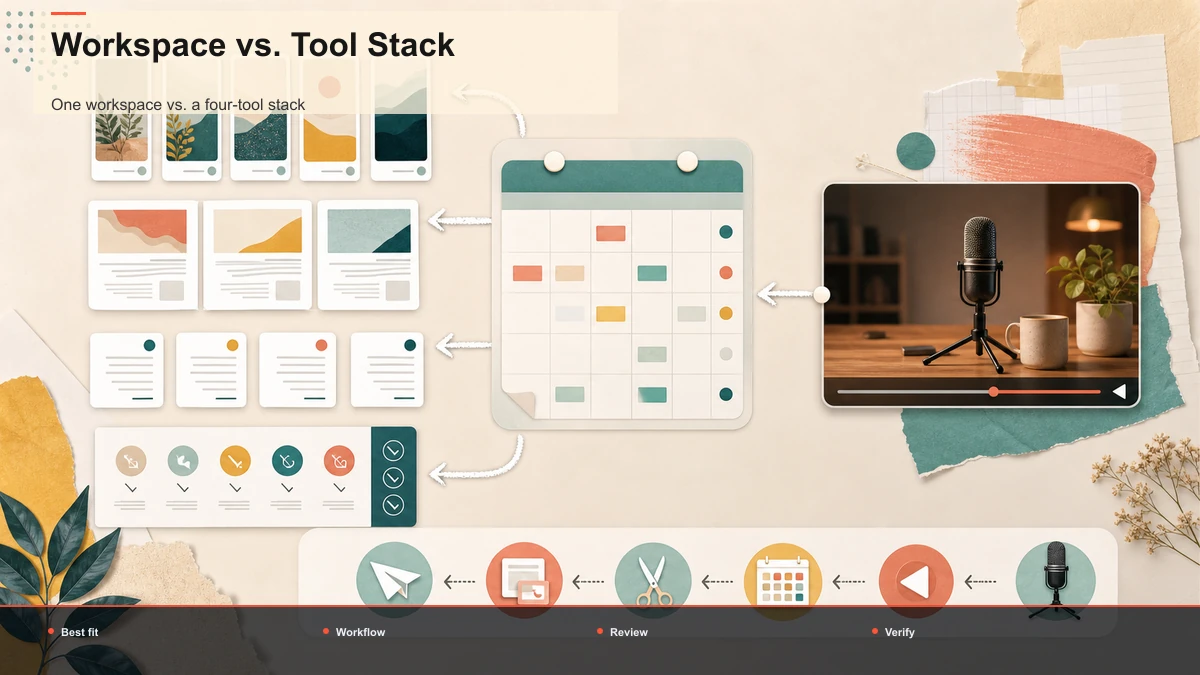
One workspace vs. a four-tool stack
Most repurposing guides hand solopreneurs a "lean stack": a transcription app, a separate clip generator, a caption editor, and a design tool for covers and layouts. Each is fine in isolation. Stacked together, they create the exact cost-and-complexity pain those same guides complain about — and for a team of one, that pain is the whole problem.
Look at where the time actually goes. It's rarely the editing itself; it's the seams between tools.
| Transcribe | Export audio, upload to a transcription app | Transcript generated in place | Find and cut clips | Move file to a clip tool, re-upload | Clip from the same timeline | Caption | Export clips, re-import to a caption editor | Caption without leaving the clip | Reframe, cover, export | Push to a design/export app | Resize, cover, and export in one pass | Hidden cost | Multiple logins, file exports, format mismatches, context-switching | One login, one file, no round-trips |
The four-tool approach isn't wrong — plenty of creators run it well. But every arrow in that left column is a manual export, a re-upload, and a small decision, and for a solopreneur those add up faster than the editing does. A consolidated browser workspace like Recapo collapses the four jobs — transcribe and caption, long-to-short clipping, summaries and scripts, resize and vertical reframing, cover and export — into one place, so a recording moves from upload to publish-ready clips without ever leaving the tab. It handles common formats like MP4 and MOV and large source files, which matters when your pillar recording is a full talk, not a trimmed snippet.
To be clear about the trade-off: consolidation optimizes for speed and low overhead, which is what a one-person operation needs. If you already own a specialized tool you love for one step, keep it — just be honest about the export tax it adds to a weekly pipeline. The right question isn't "which tool is best," it's "how many app-switches can I remove from my week."
A realistic weekly cadence
Systems only work if they fit a real week. Here's a sustainable rhythm that turns one recording into seven days of output without you living in an editor. Adjust the days to your own schedule — the sequence is what matters.
| Day 1 | Record the pillar + auto-transcribe | Full transcript ready | Day 2 | Summarize, mark 5–8 moments, rough-cut clips | Rough clips + written summary | Day 3 | Caption, reframe, covers, export | Finished clips + a text post | Day 4 onward | Schedule one clip per day across platforms | Schedule based on approved assets |
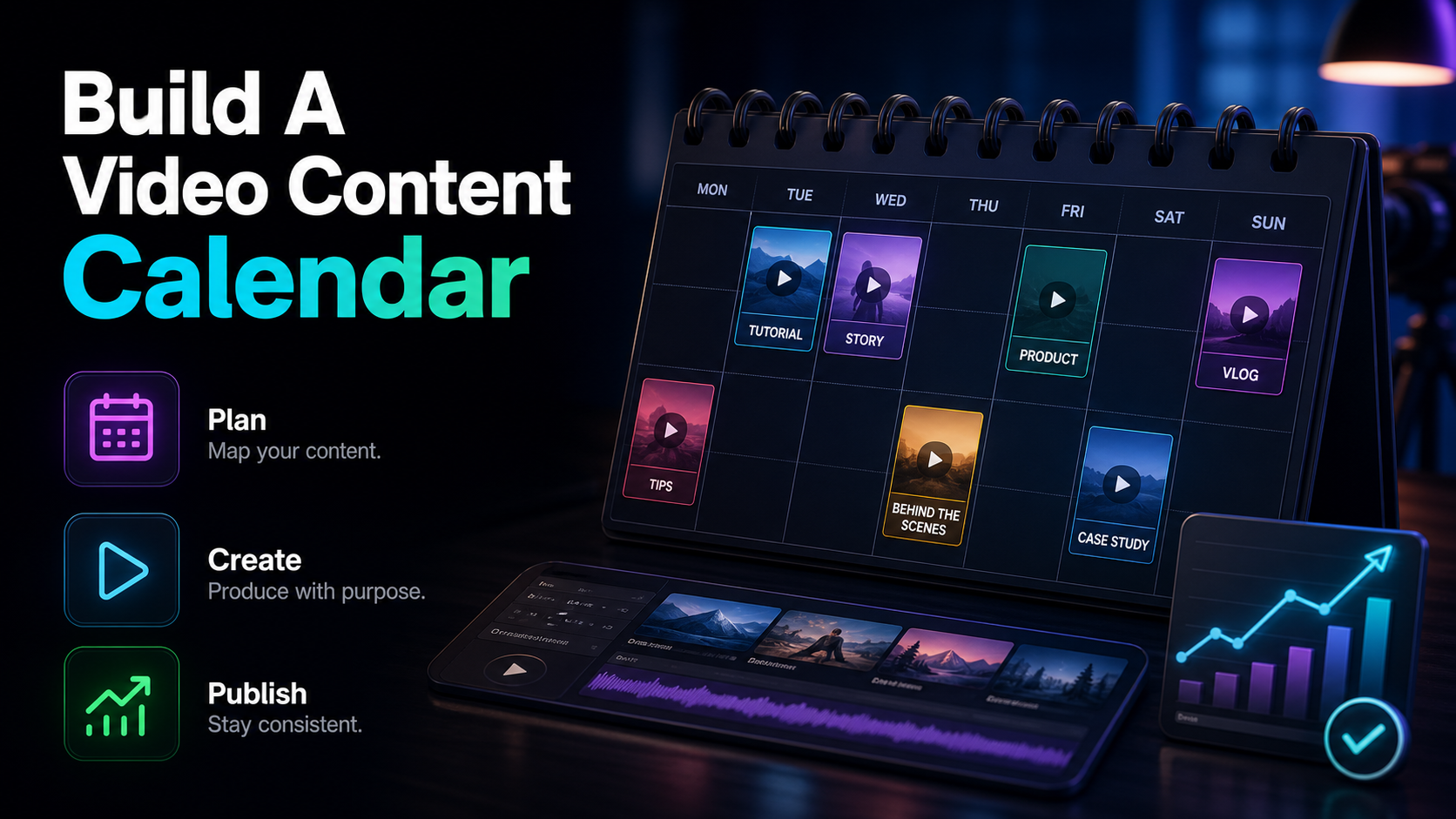
Two honest notes on this cadence. First, protect Day 1 — a strong recording carries the whole week, and a weak one can't be rescued by editing. Second, consistency beats volume: approved clips scheduled consistently create a cleaner test than a quota filled with rushed candidates; compare results at the same video age. If you want to plan several weeks of pillars ahead so you're never scrambling, build a simple video content calendar and batch your recording days.
Where the human judgment lives
It's tempting to believe a good enough tool makes the workflow fully automatic. It doesn't, and pretending otherwise is how solo creators ship bland clips. The pipeline automates the mechanical steps — transcription, cutting, captioning, reframing, export. It does not automate the editorial ones, and those are what move views.
Three decisions stay yours, every week:
Keep those three in your hands and let the workspace do the rest. That division — human judgment on top, mechanical pipeline underneath — is what makes a one person content workflow both fast and worth watching.
How to choose your repurposing setup
The clipping and repurposing space is crowded, and every tool promises the same outcome, so don't evaluate feature lists — run a test with your own material. Take one real recording, push it through any setup you're considering, and measure four things:
- Round-trips. How many times do you export a file and re-upload it to a different app to go from recording to a finished, captioned clip? Fewer is the whole game for a solo creator.
- Selection quality. Do the auto-detected clips match the moments you'd have picked by hand? Count keeps versus discards.
- Caption accuracy. On a segment with names or numbers, how much do you have to fix?
- Time to an approved batch. From one upload, how long until you have the approved 9:16 clips plus a written summary?
Run that same fifteen-minute test on any option — including Recapo — and let the results decide, not the marketing. A browser-based workspace that keeps all four jobs in one tab may reduce round-trips; measure whether it saves time on your own recording, but prove it with your own recording.
FAQ
What is content repurposing for solopreneurs, exactly? It's the practice of recording one substantial piece of content — a talk, tutorial, livestream, or Q&A — and systematically deriving many smaller assets from it: vertical clips, captions, summaries, and written posts. For a team of one, it replaces the exhausting "new idea every day" cycle with a repeatable "record once, publish many" workflow.
How many clips can I realistically get from one recording? For a substantive pillar, use measured keeper yield rather than a fixed clip target, plus a written summary and a few caption hooks. You can force more, but quality drops fast after the best moments — and posting weak clips consistently trains your audience to expect them. See how to batch-create shorts from one video for the extraction details.
Do I really need one consolidated tool, or is a multi-tool stack fine? A multi-tool stack works if you enjoy managing it. The hidden cost for a solopreneur is the seams — exporting files, re-uploading, and switching logins between a transcription app, a clip tool, a caption editor, and a design app. A single browser workspace removes those round-trips, which is usually where a solo creator's time actually leaks.
Can I run this whole workflow without downloading software? Yes. A browser-based workspace like Recapo handles transcription, clipping, captioning, reframing, and export in the same tab, with no install, so you can go from a recording to a batch of publish-ready clips on any machine. It accepts common formats like MP4 and MOV and large source files.
How much time per week does this system take? Once the pipeline is routine, record the sessions and editing minutes required to produce the approved batch. The recurring cost is small because the creative decisions are batched into Day 1 — the rest is a mechanical loop of clip, caption, reframe, and schedule.
Build your one-recording system
Content repurposing for solopreneurs isn't about doing more — it's about extracting more from each thing you already record. Nail one strong pillar a week, run it through a repeatable pipeline of transcribe, summarize, clip, caption, and export, and you turn a single session into a schedule based on approved clips without adding hours you don't have. The less your files bounce between apps, the more of that week you keep. Create a free Recapo account and turn your next recording into a batch of publish-ready clips, captions, and summaries in one place.
References and official sources