Recapo.ai
Video Editing & Recap Blog
Guides and articles from Recapo.ai for video editing, recap workflows, creators, and AI production.
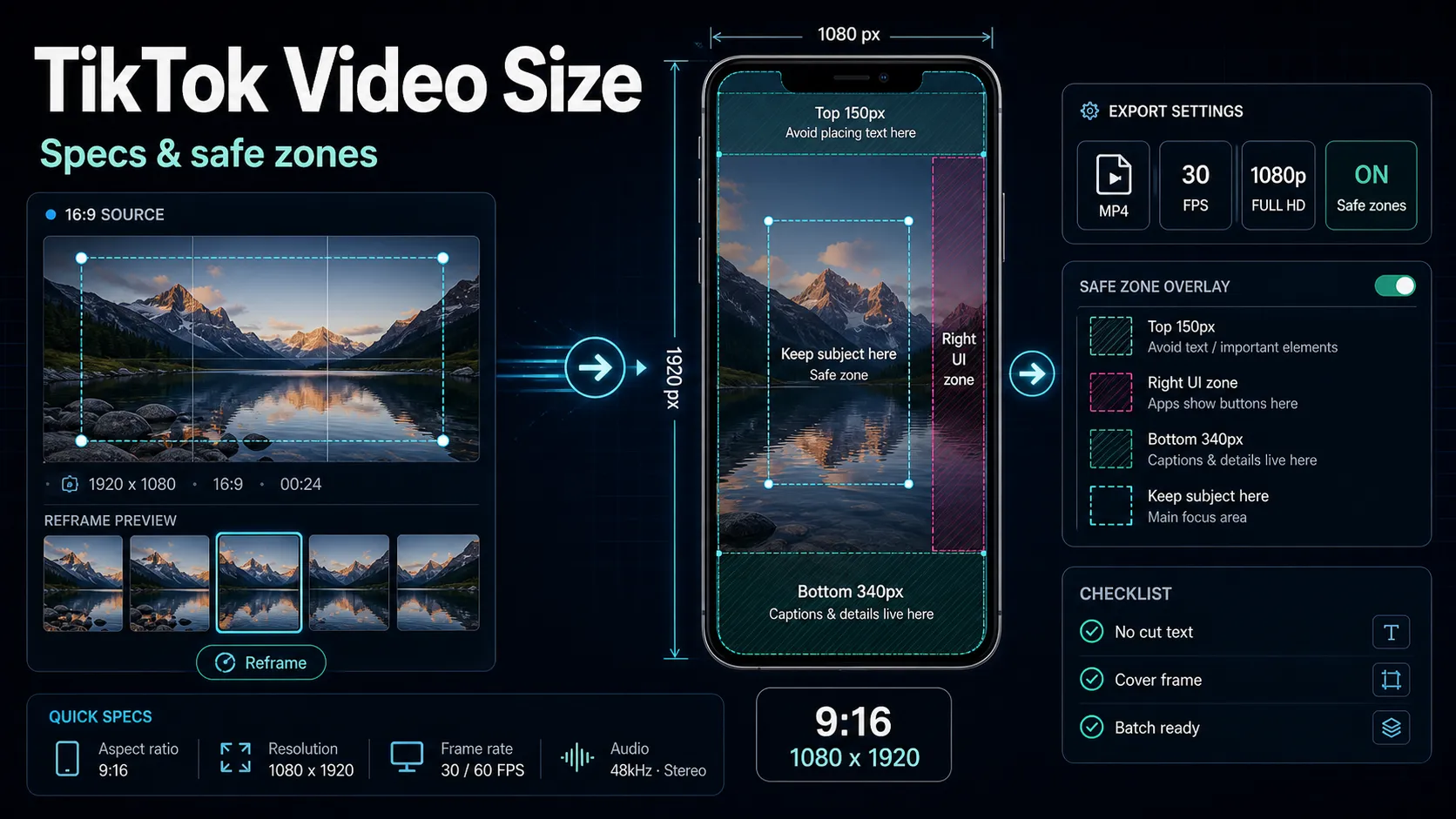
TikTok video size is 1080×1920 px in a 9:16 aspect ratio. Get exact export settings, safe-zone dimensions, and how to convert 16:9 footage to vertical.
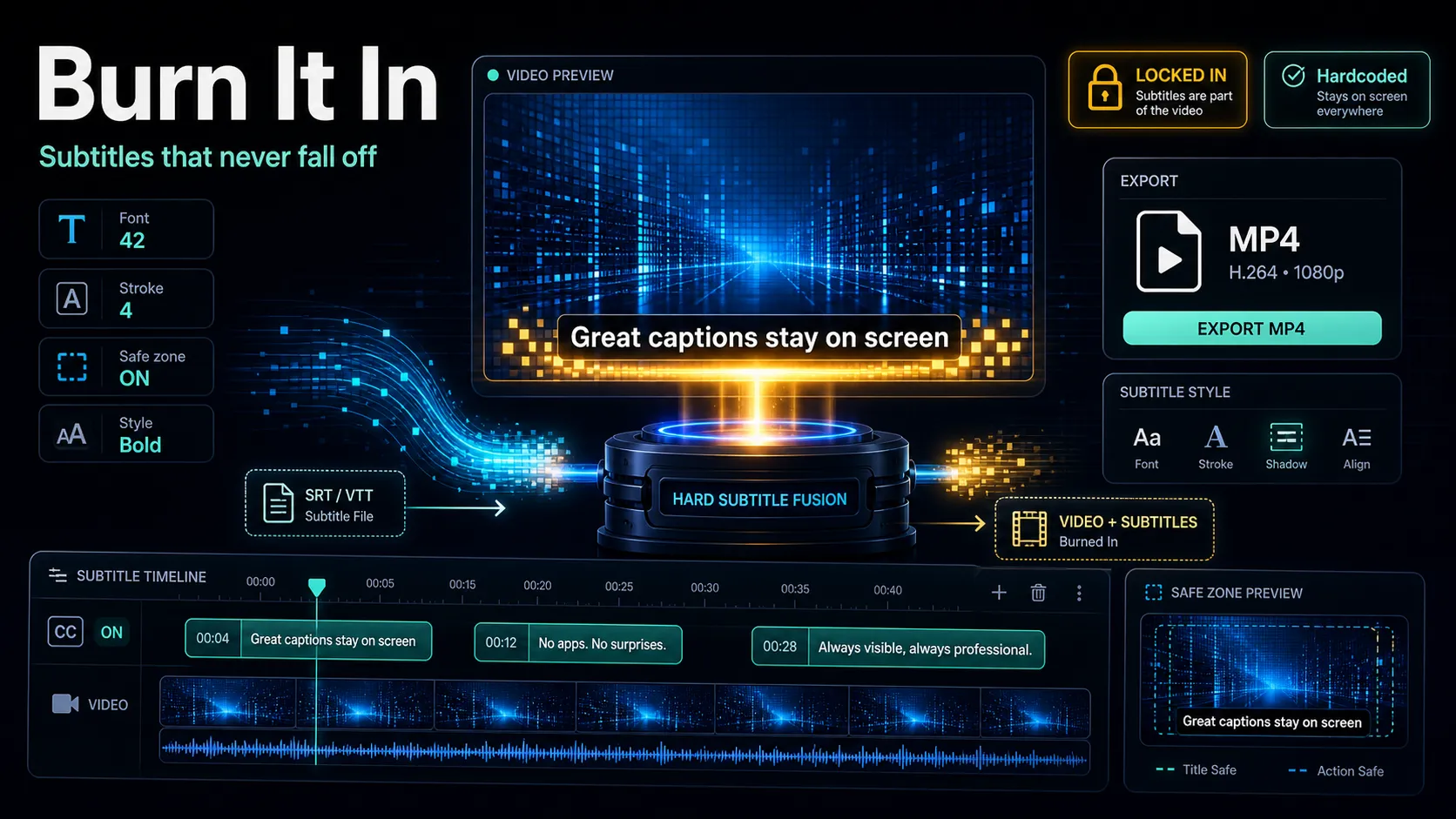
Burn subtitles into video with free tools or a browser workflow, plus caption styling, platform limits, and SRT master-file tips.
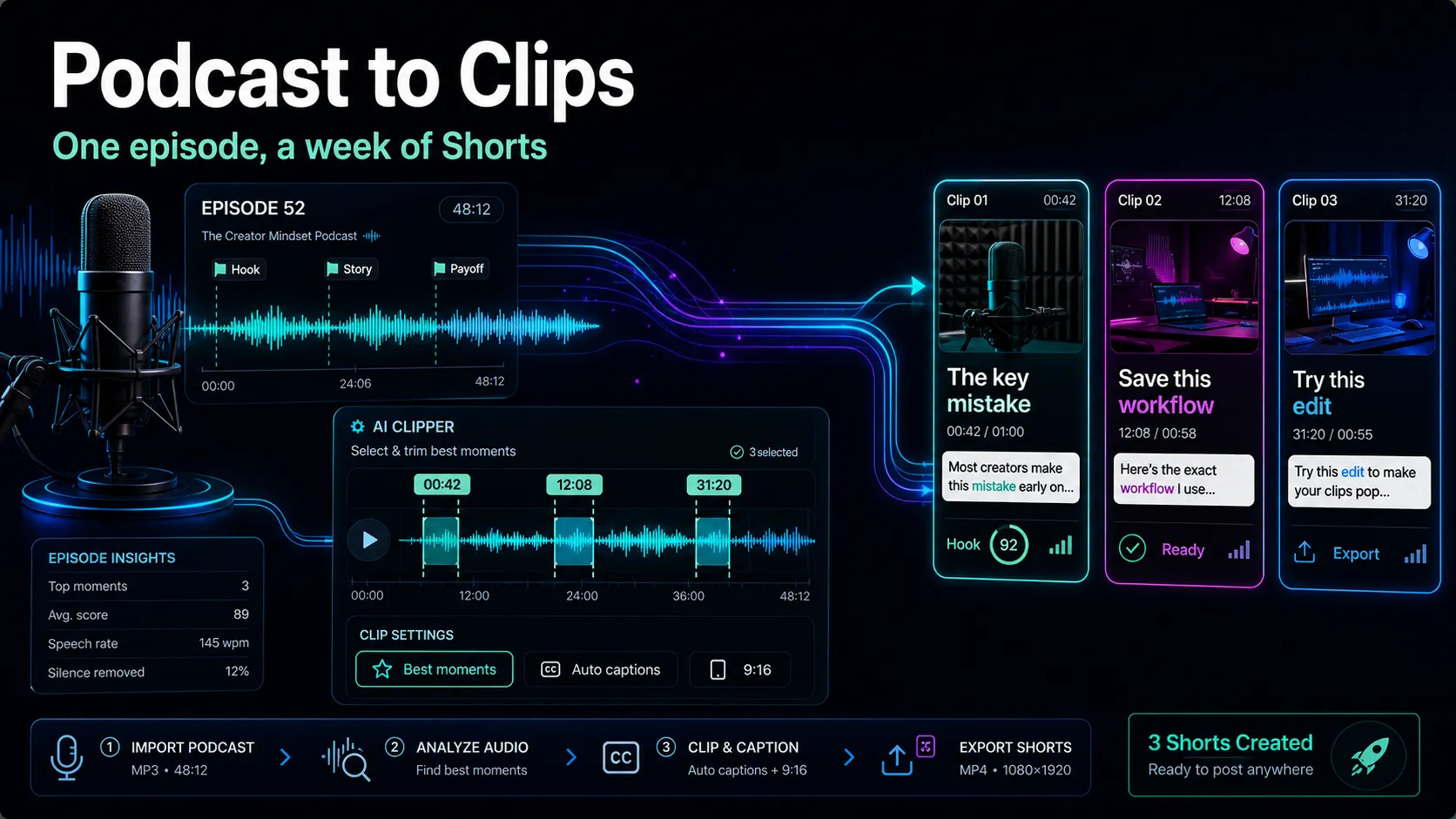
Learn how to turn a podcast into clips: pick clip-worthy moments, add visuals to audio-only shows, format 9:16 with captions, and ship 5–7 shorts per episode.
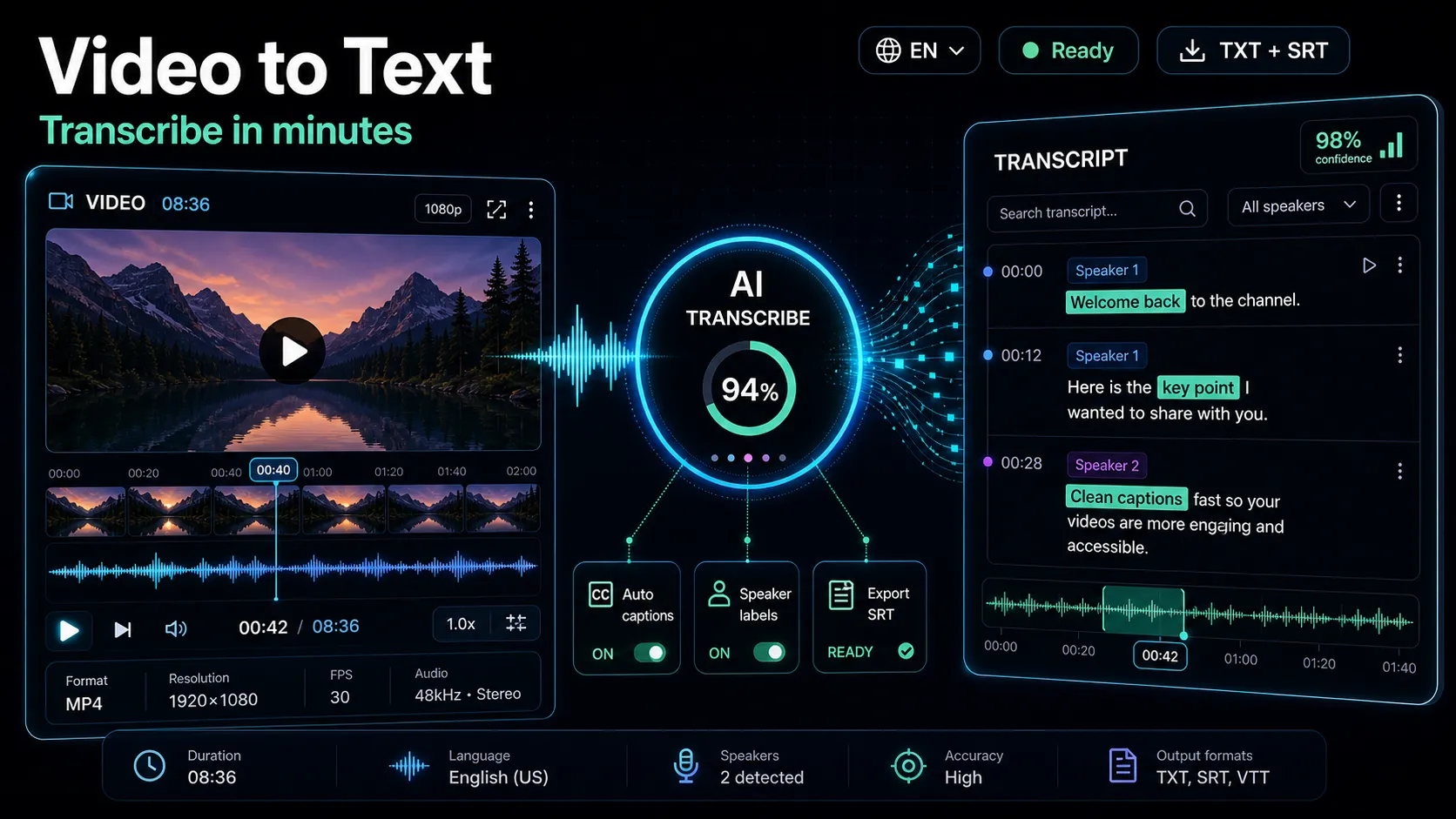
Learn how to transcribe video to text fast and accurately. Compare free, AI, and human methods by time and cost, then export clean SRT or VTT captions.
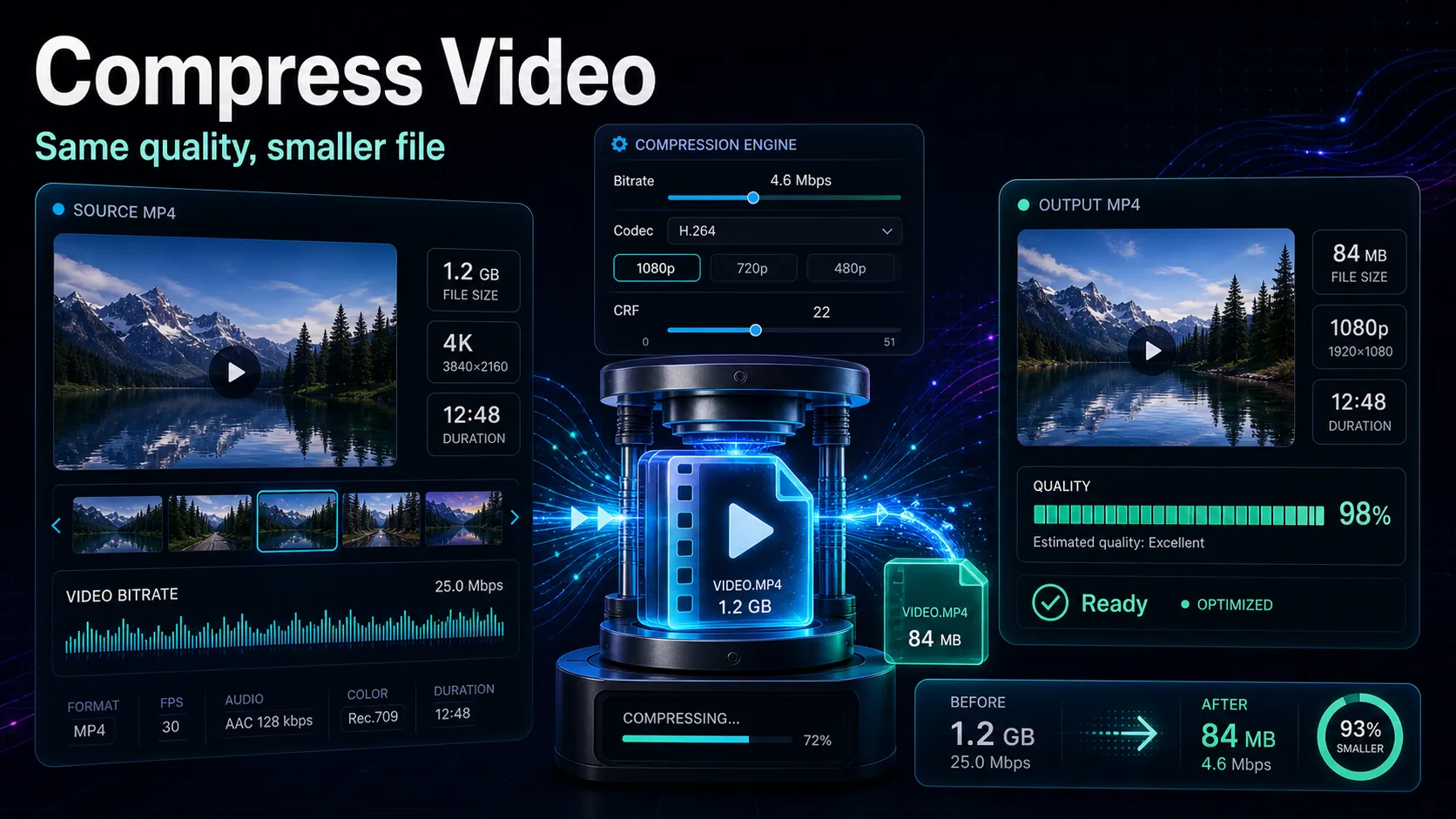
Compress video without visible quality loss: CRF vs bitrate, H.264 vs H.265, platform export targets, and a browser workflow.
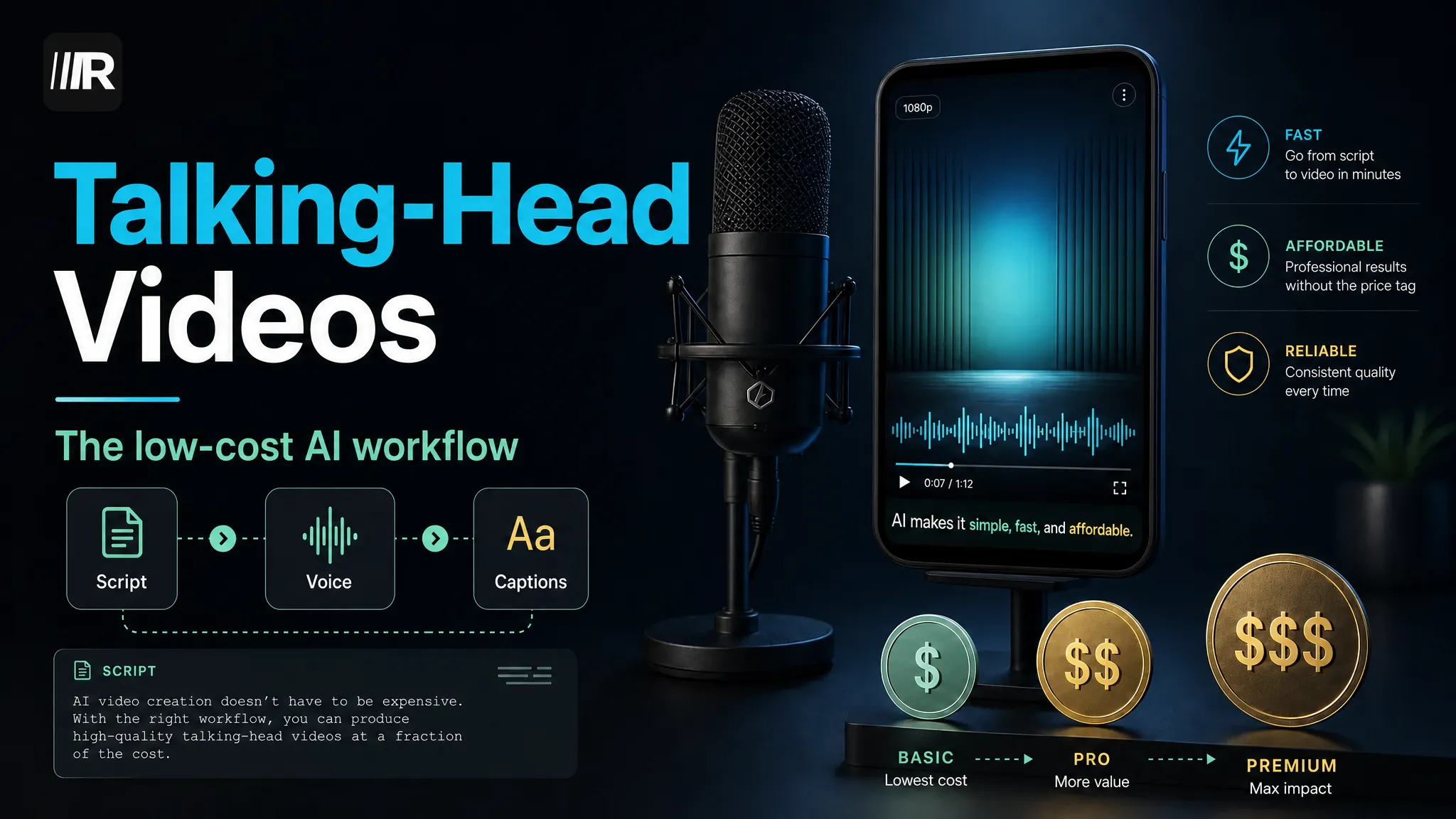
Three ways to make talking-head style videos with AI — cost comparison, script templates, captions and publishing specs for TikTok, Shorts and Reels.
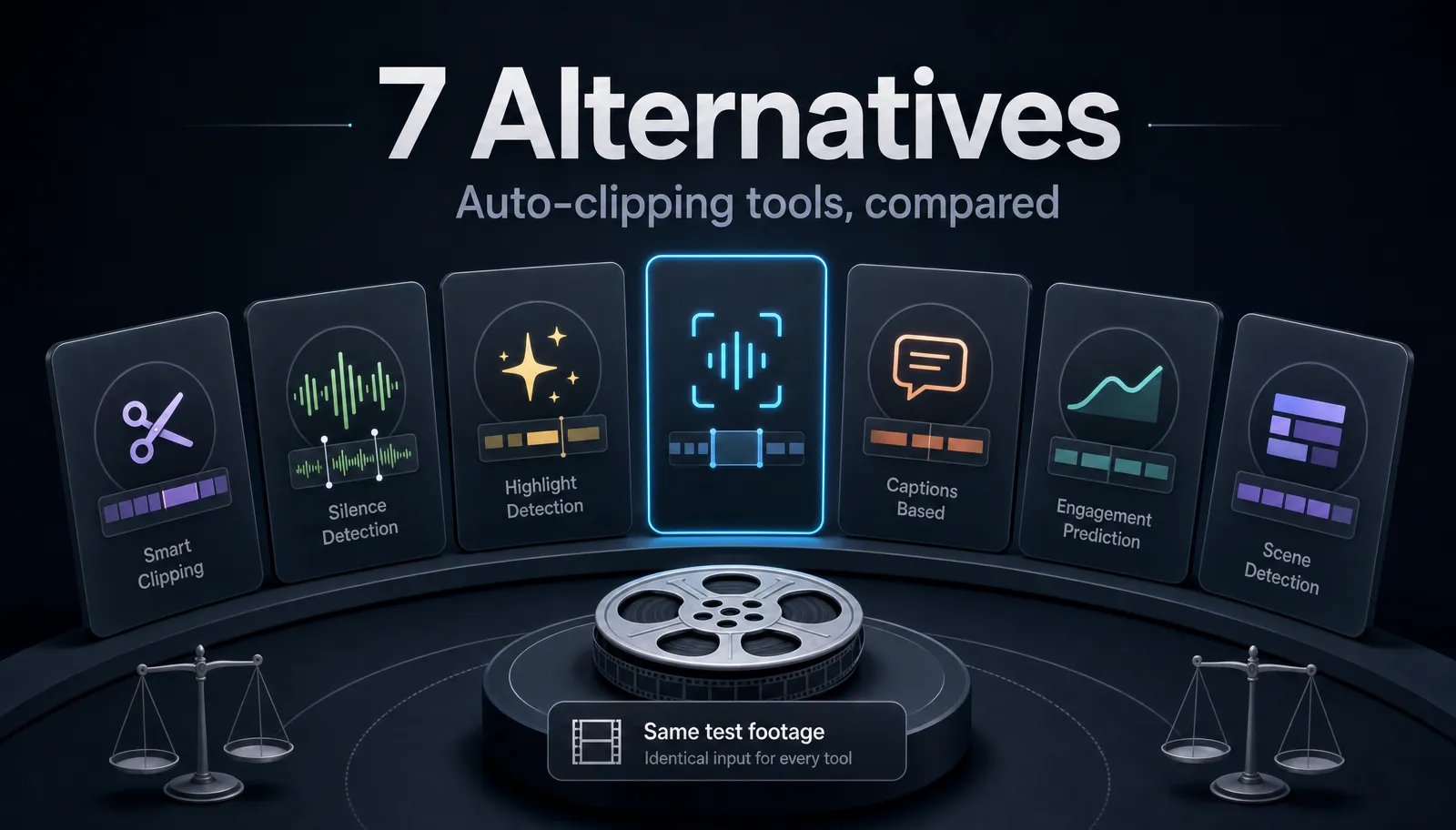
Seven OpusClip alternatives compared honestly: clip accuracy criteria, captions, vertical reframing, free plans and export quality — plus how to test them.
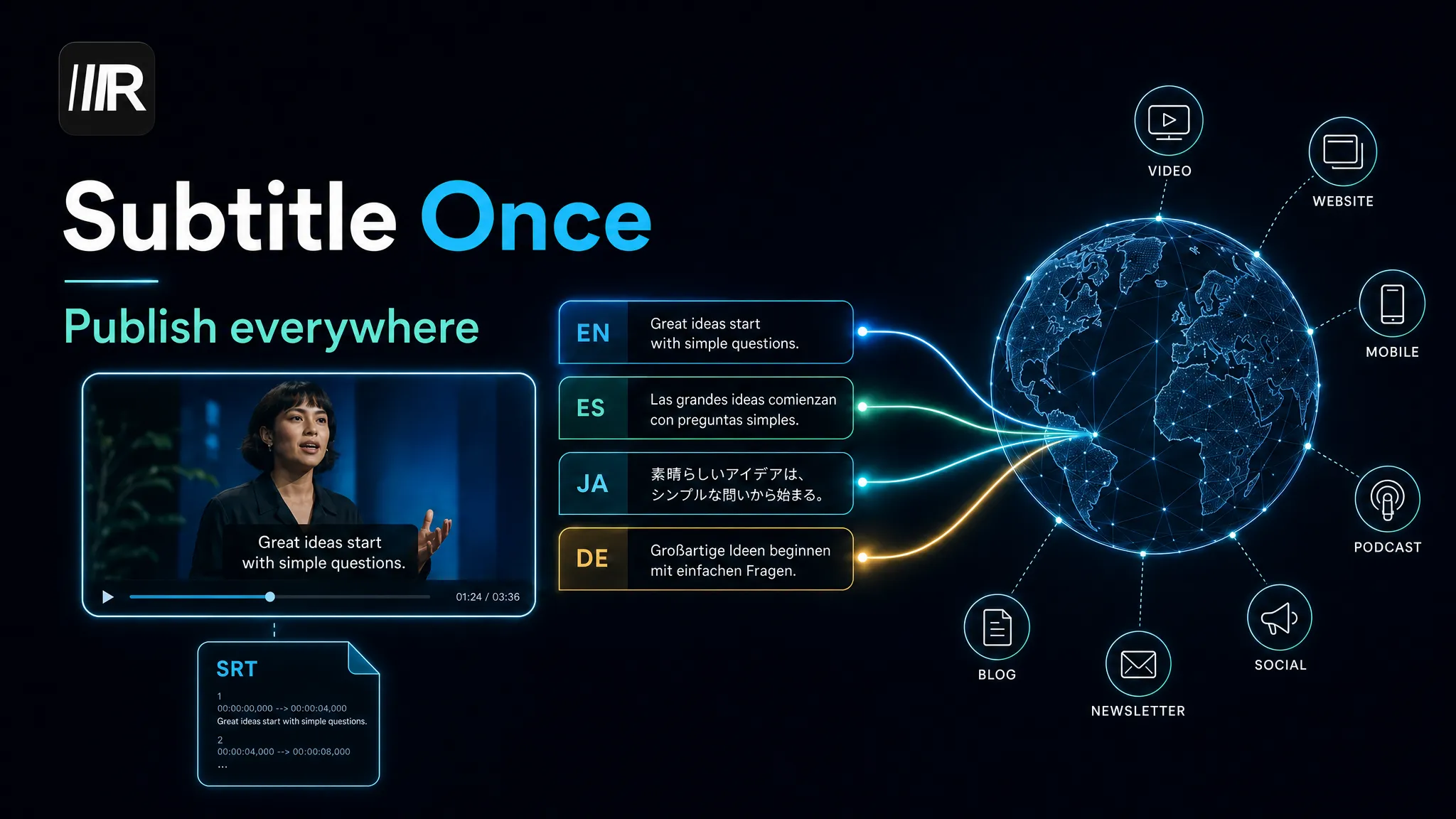
Translate subtitles into multiple languages the right way: proofread once, batch-translate SRT files, keep line limits, and publish everywhere.
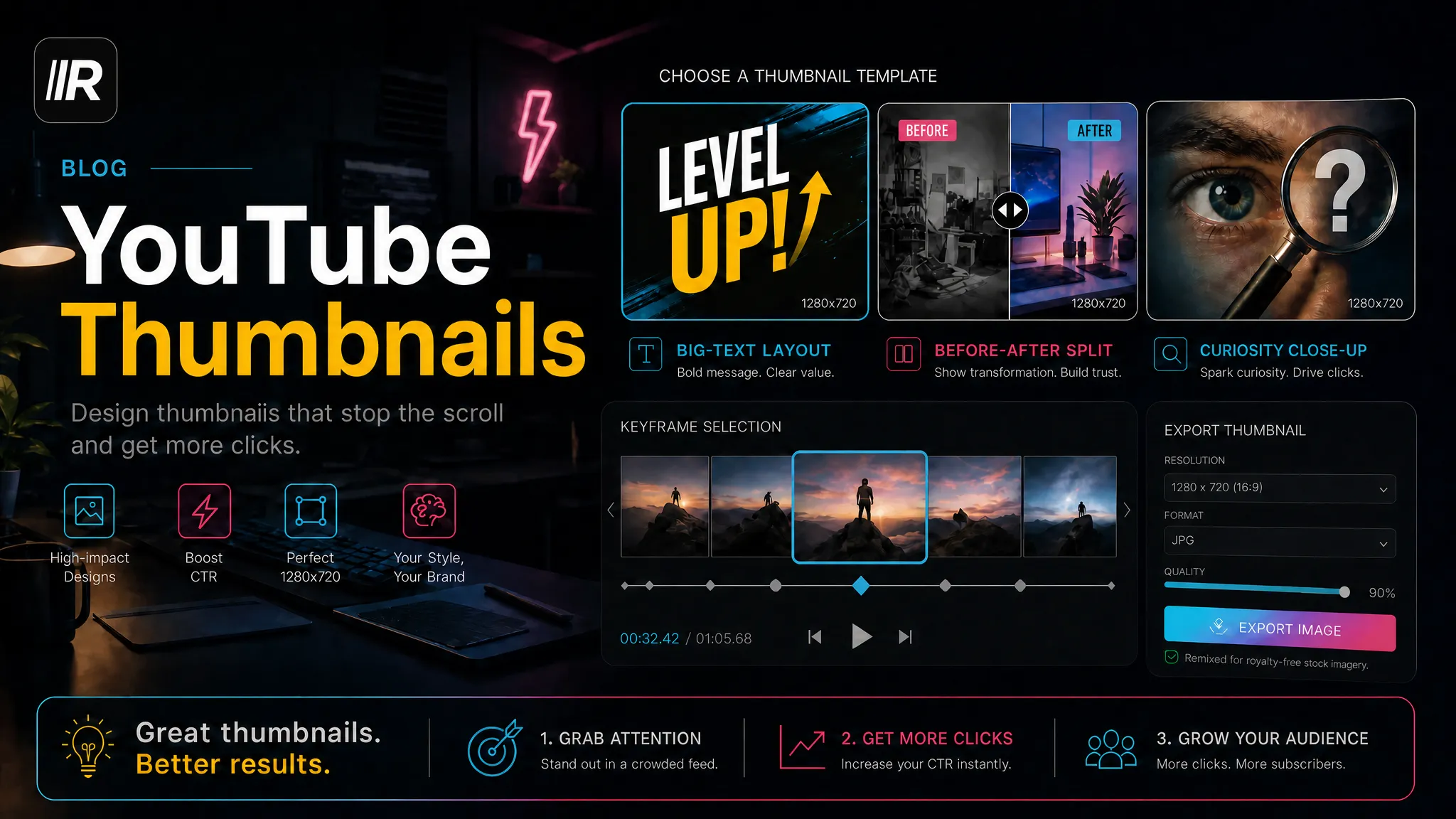
Three high-CTR YouTube thumbnail layouts with copy-ready templates, plus a one-click workflow from video keyframes.
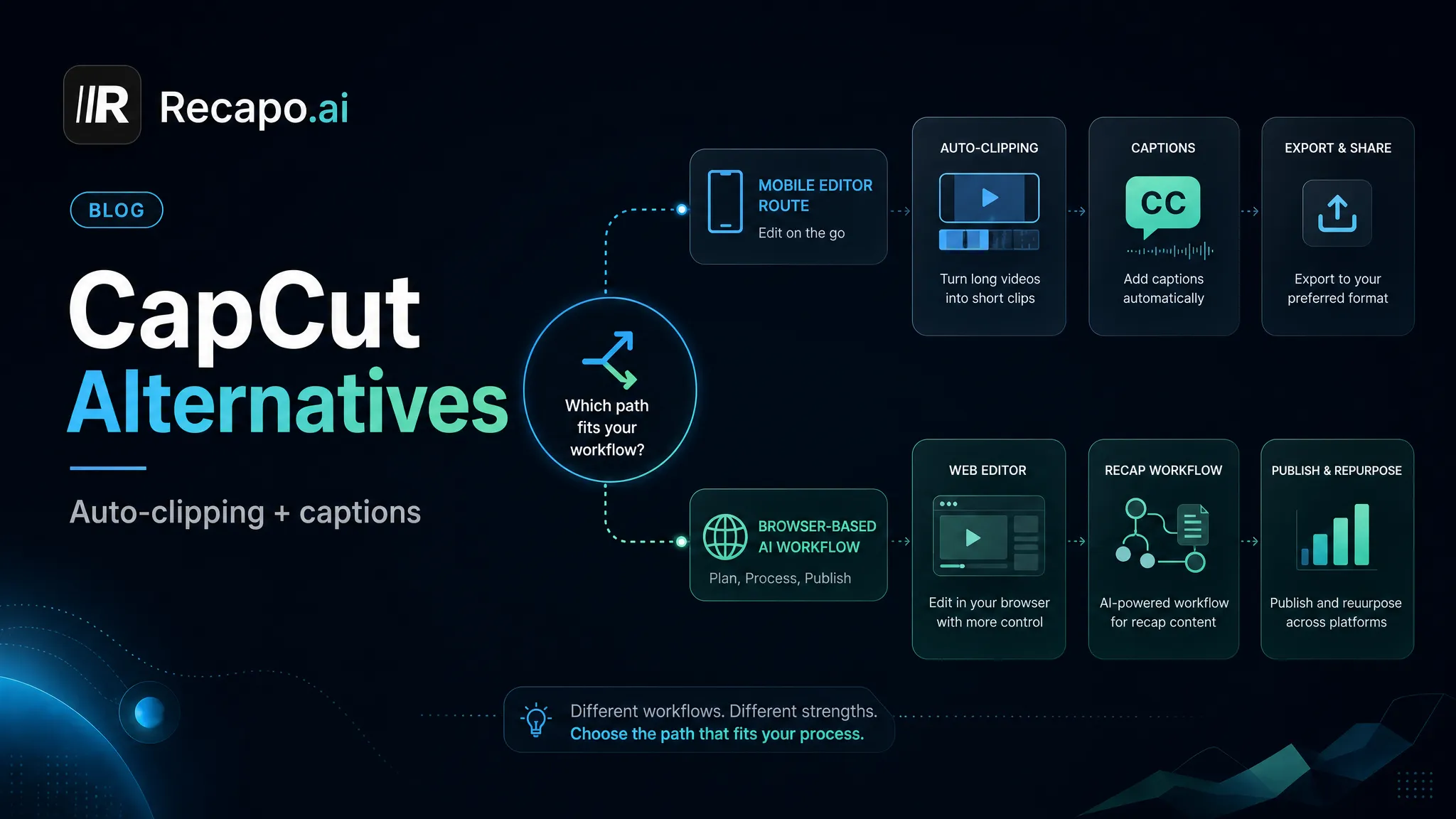
Scenario-based CapCut alternatives: batch clipping, commentary workflows and web-based editors compared, with honest migration advice.
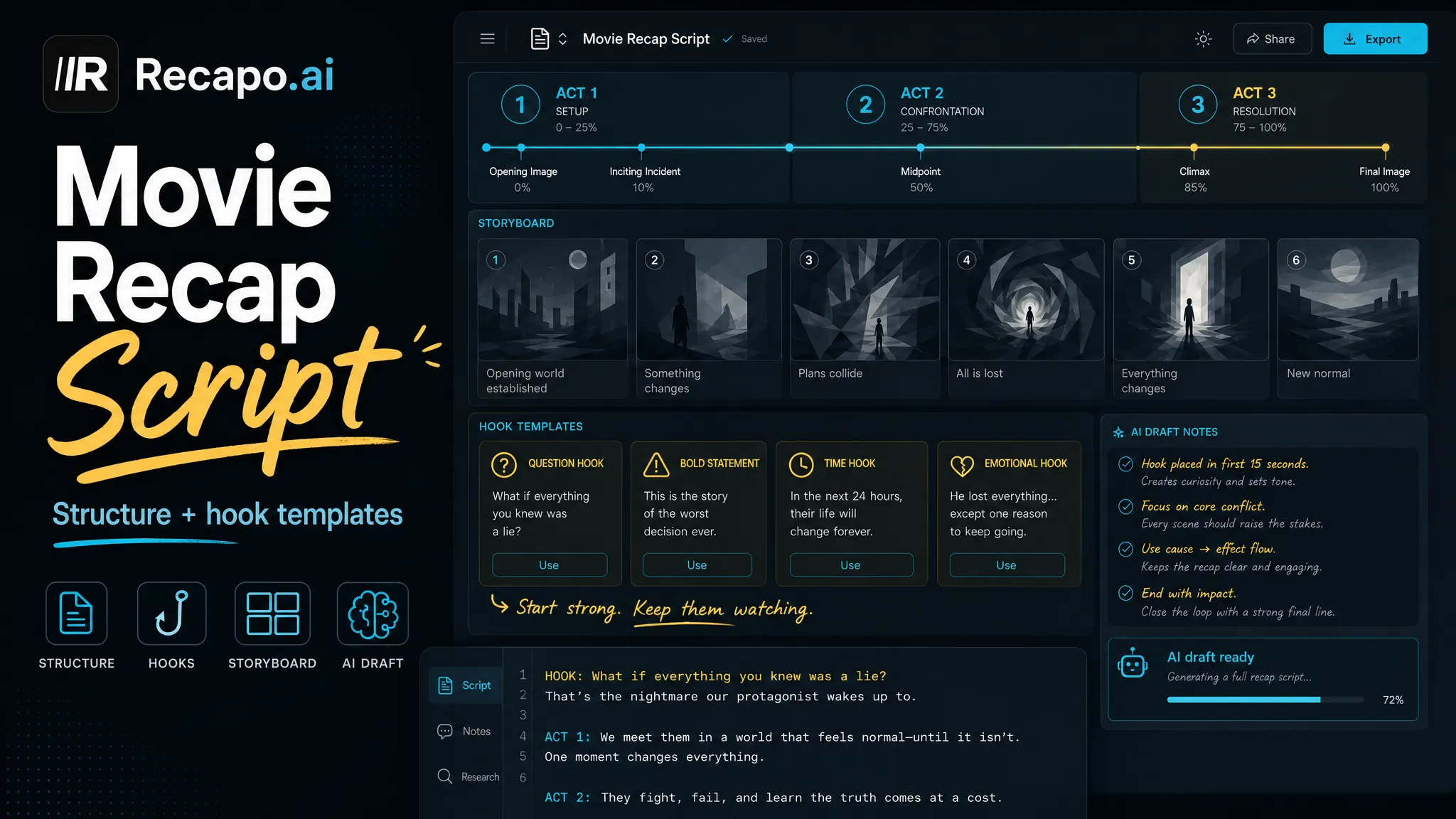
Three-act structure templates and five opening-hook formulas for movie recap scripts, with pacing rules and an AI-drafting workflow.
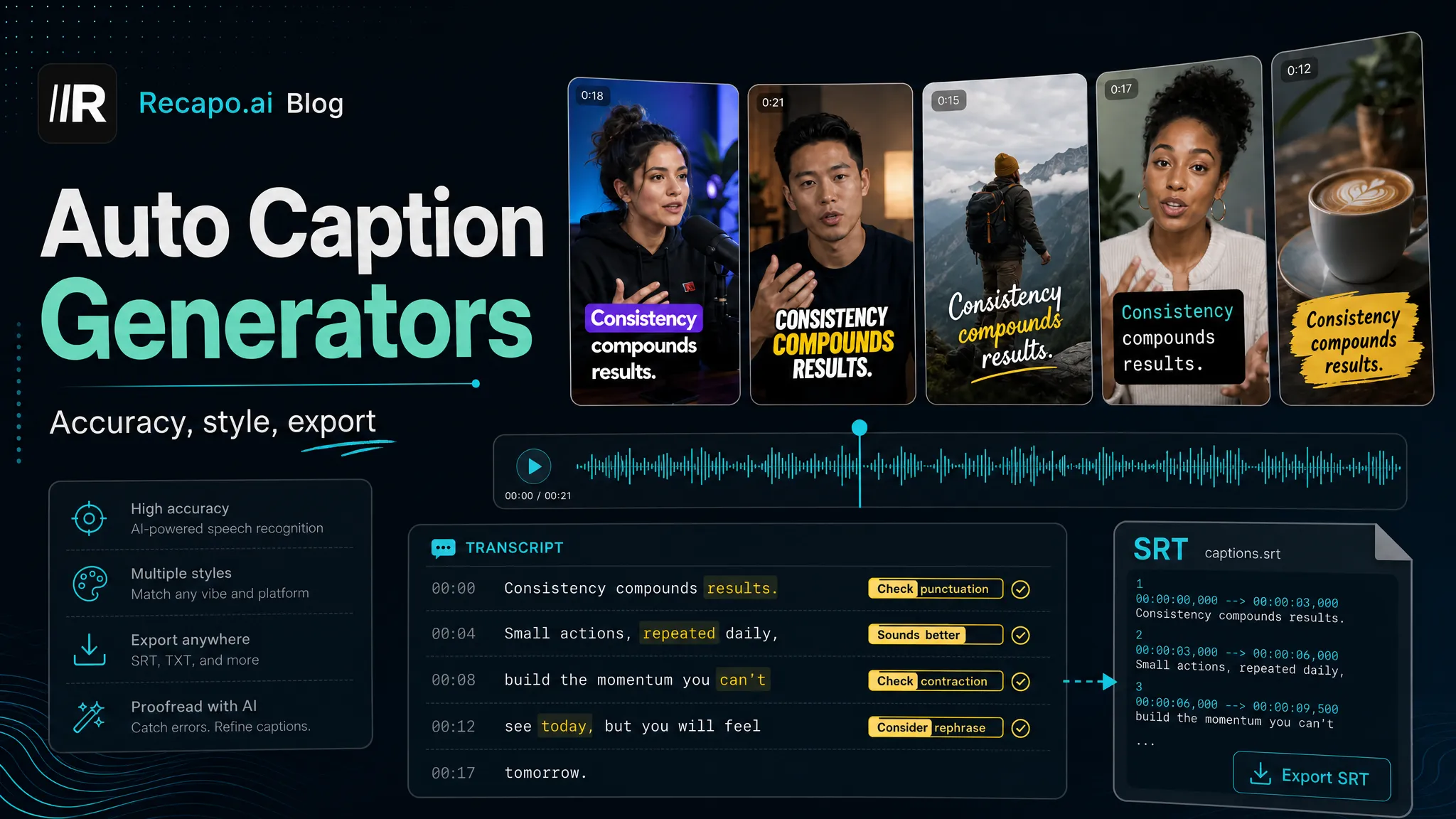
Auto caption generators compared for short-form video: accuracy criteria, styles, multilingual support and export options — pick the right one.
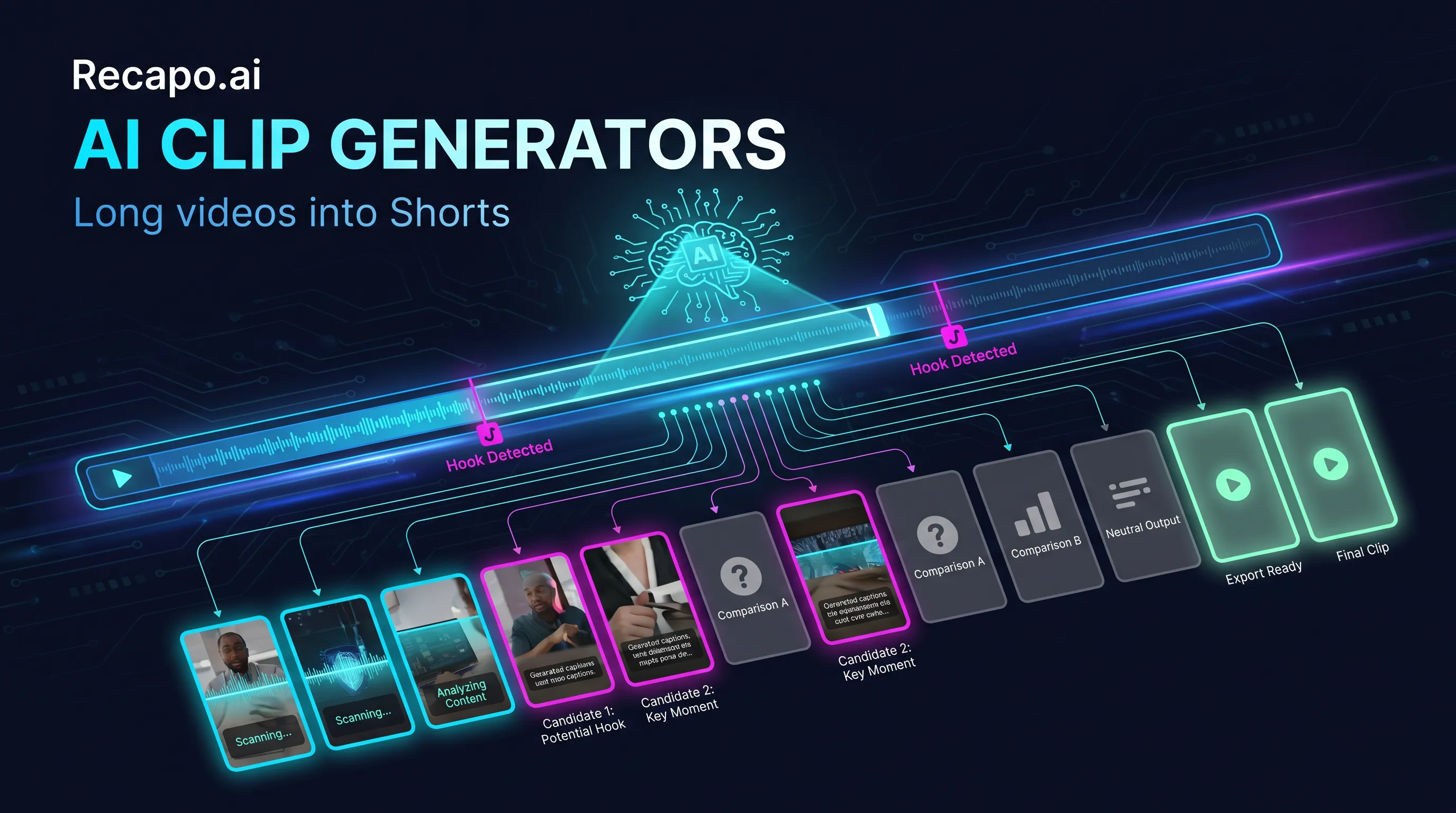
The best AI clip generators of 2026 compared by workflow criteria — clip accuracy, multilingual captions, pricing and who each tool suits.
Make movie recap videos step by step: scene breakdown, script, AI voiceover and subtitles — using licensed footage and fair-use basics.
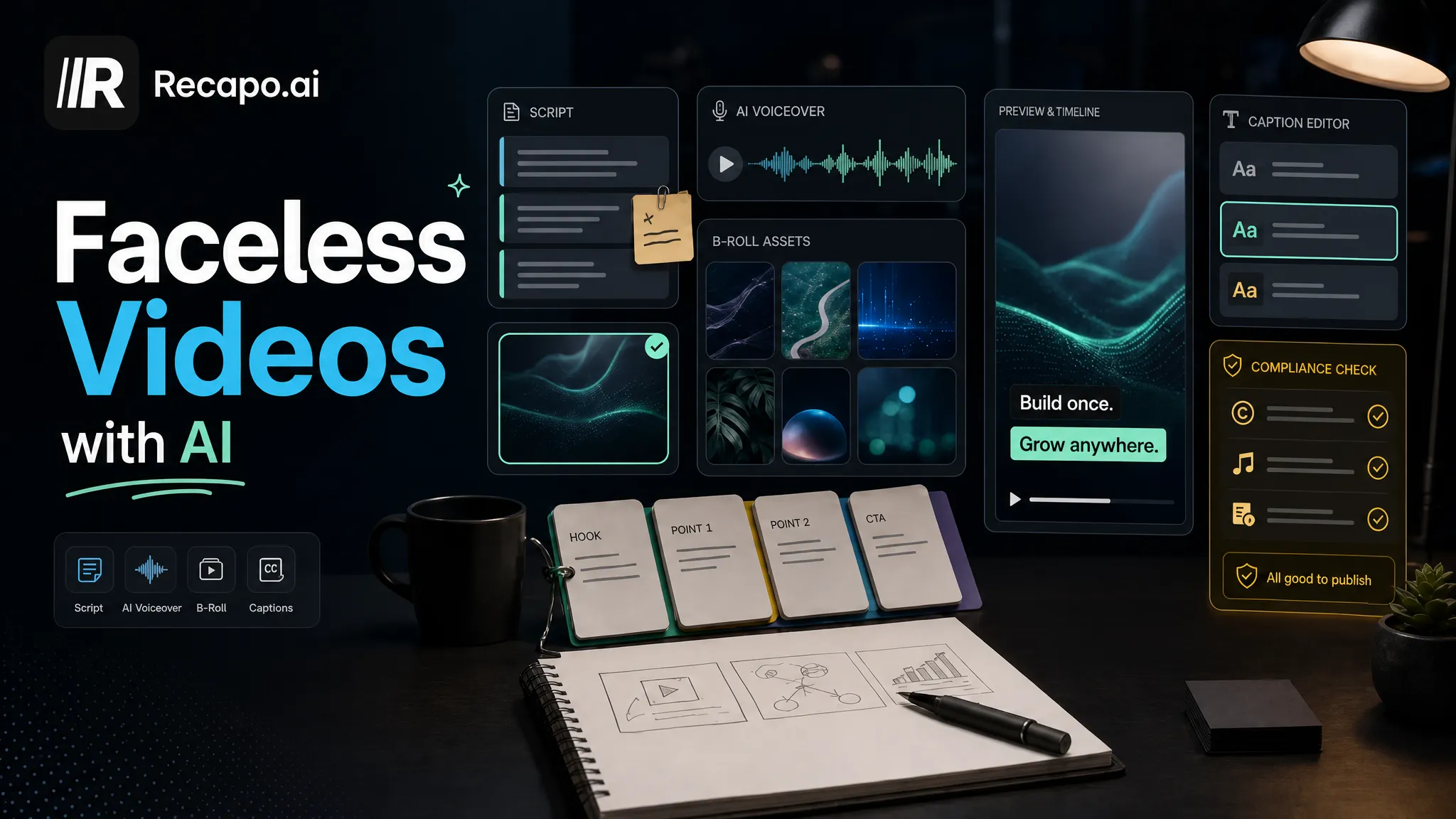
Build faceless videos with AI — script, voiceover, b-roll and captions — and stay monetizable under YouTube's 2025 inauthentic-content policy.
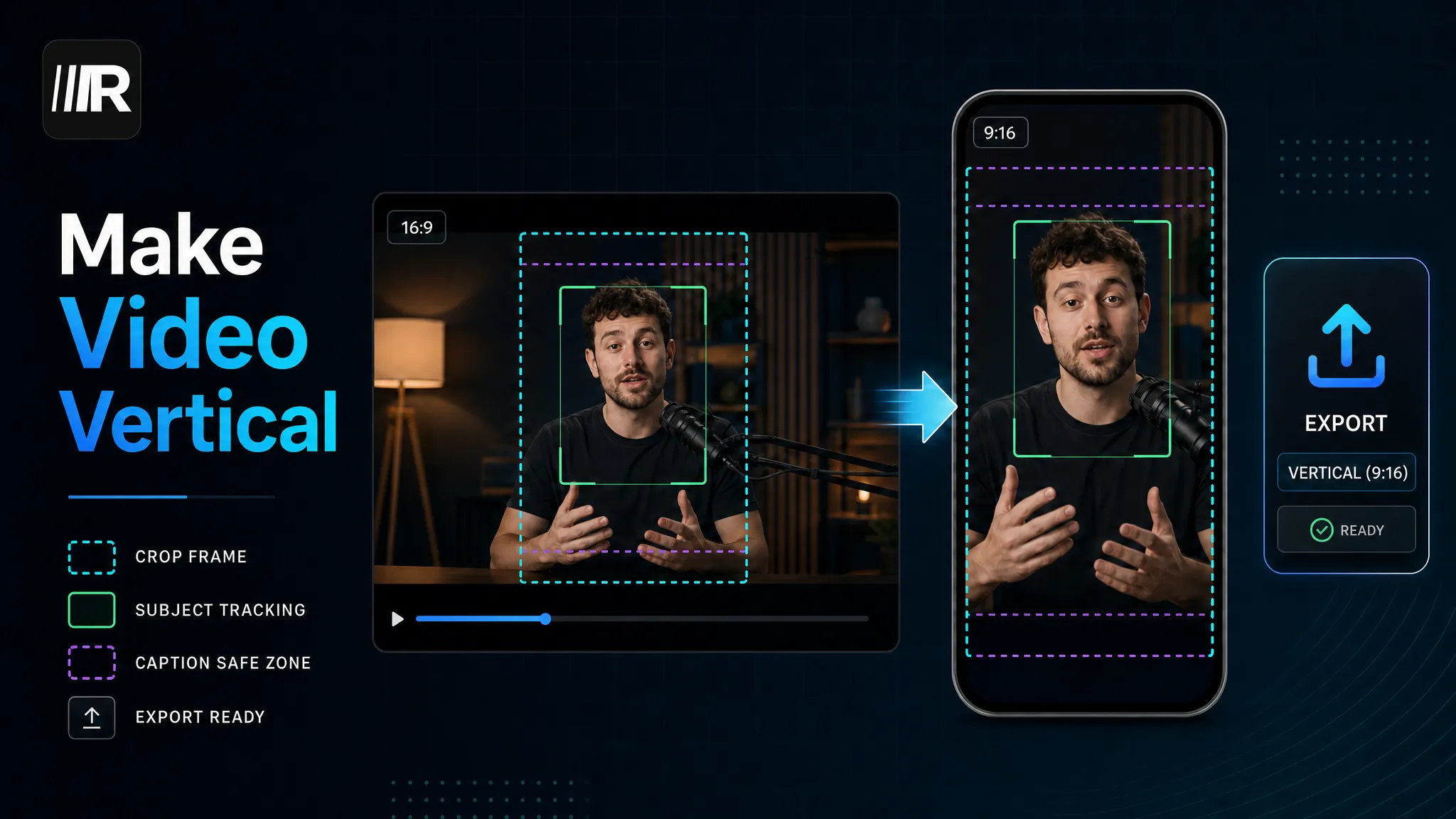
Convert horizontal video to vertical 9:16 for Shorts, Reels and TikTok — three methods compared, plus safe-zone specs for every platform.
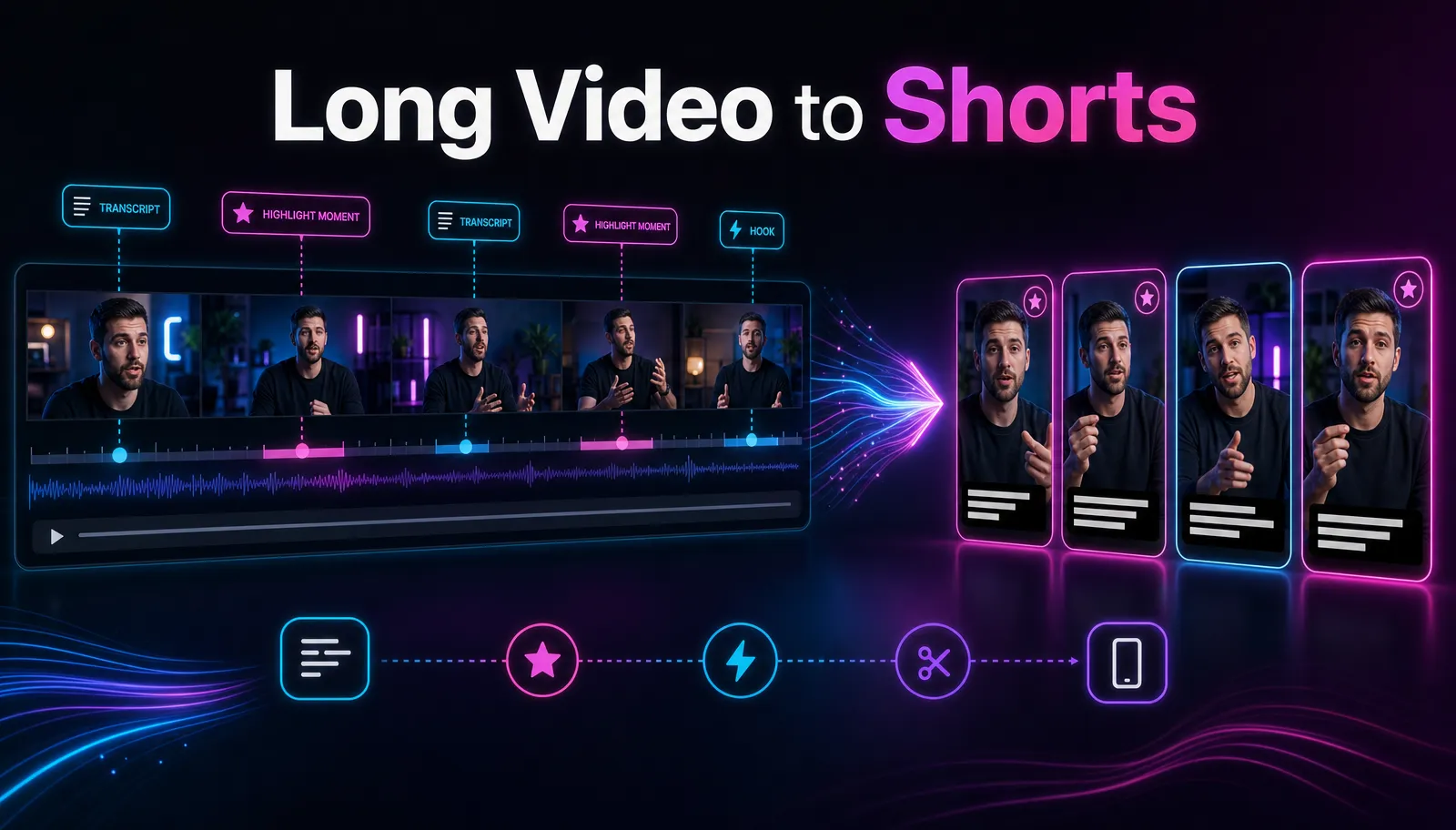
Turn one long video into 10 YouTube Shorts: transcript-based clip selection, 9:16 reframing, hooks and captions — a complete creator workflow.
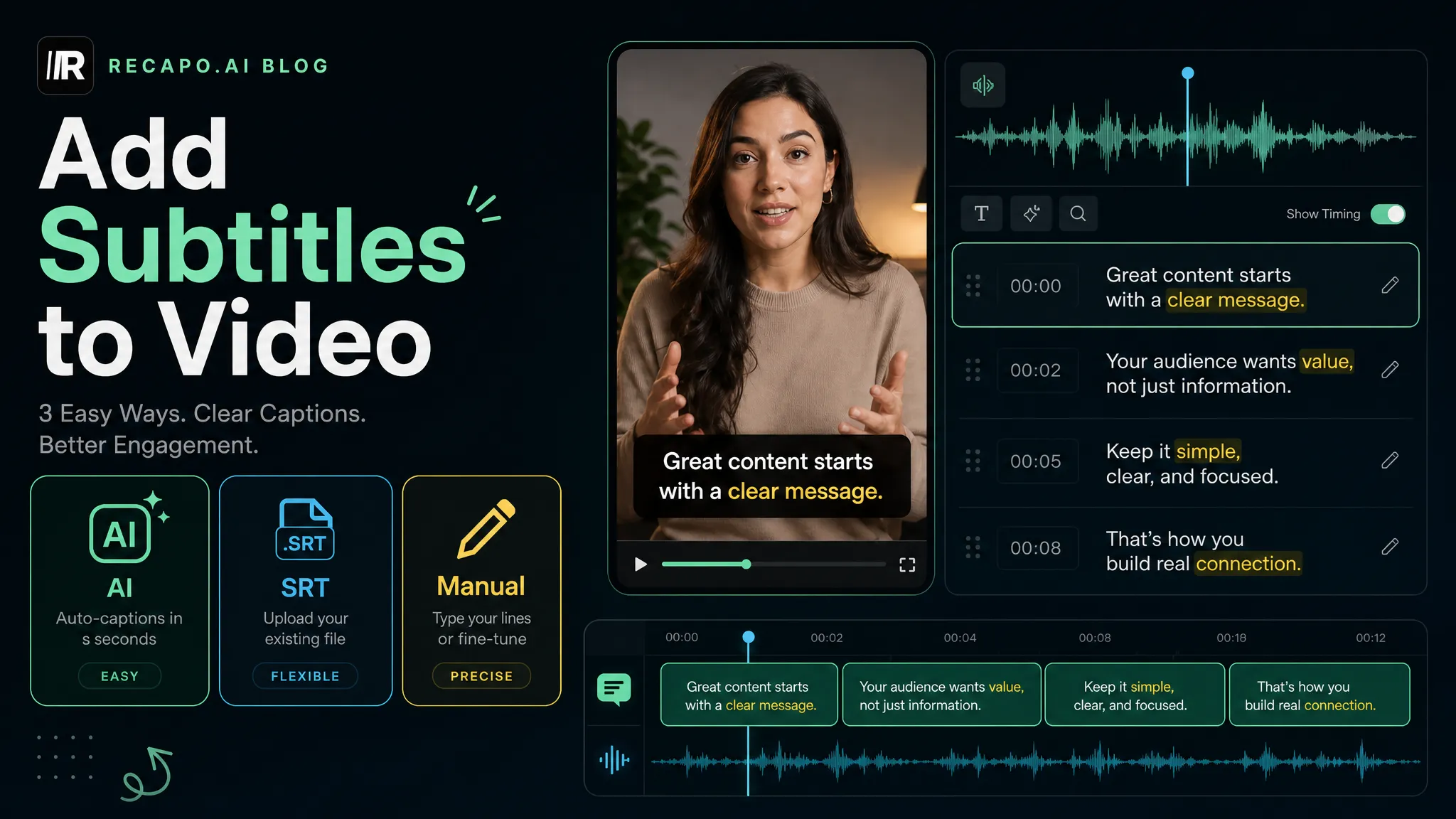
Three free ways to add subtitles to any video: AI auto-generation, SRT upload, or manual editing — with a 4-step accuracy check and export tips.
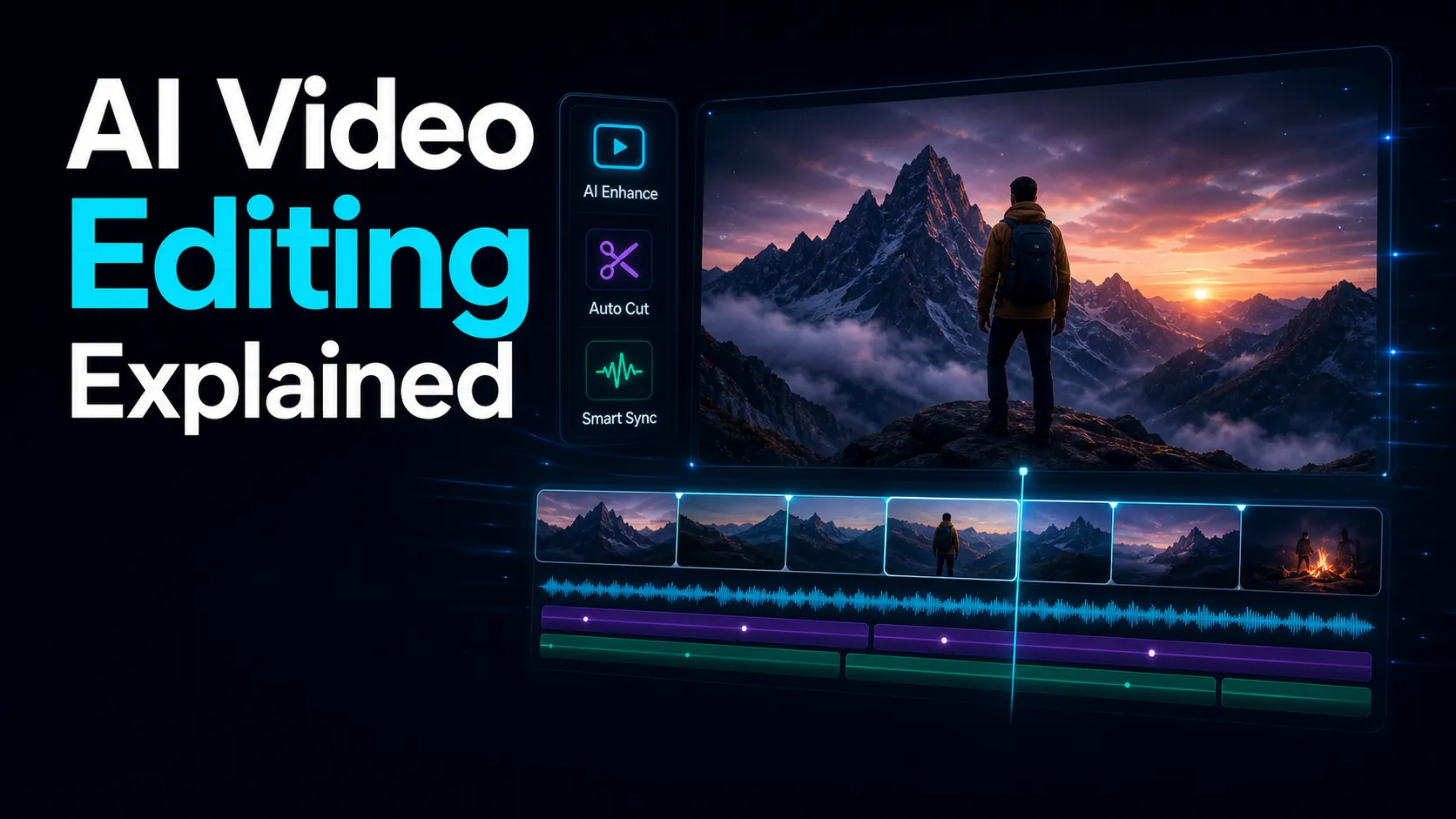
Learn how AI video editing works in 2026 — auto clipping, captions, voiceover and resizing — what it still can't do, and how to choose the right tool.