Differences between video cropping, splitting, and cropping
Learn the differences between cropping, splitting, and cropping videos, and learn how to edit video length and screen composition to your intended purpose.
Crop video — This guide explains important workflows, trade-offs, limitations, and checkpoints before exporting.
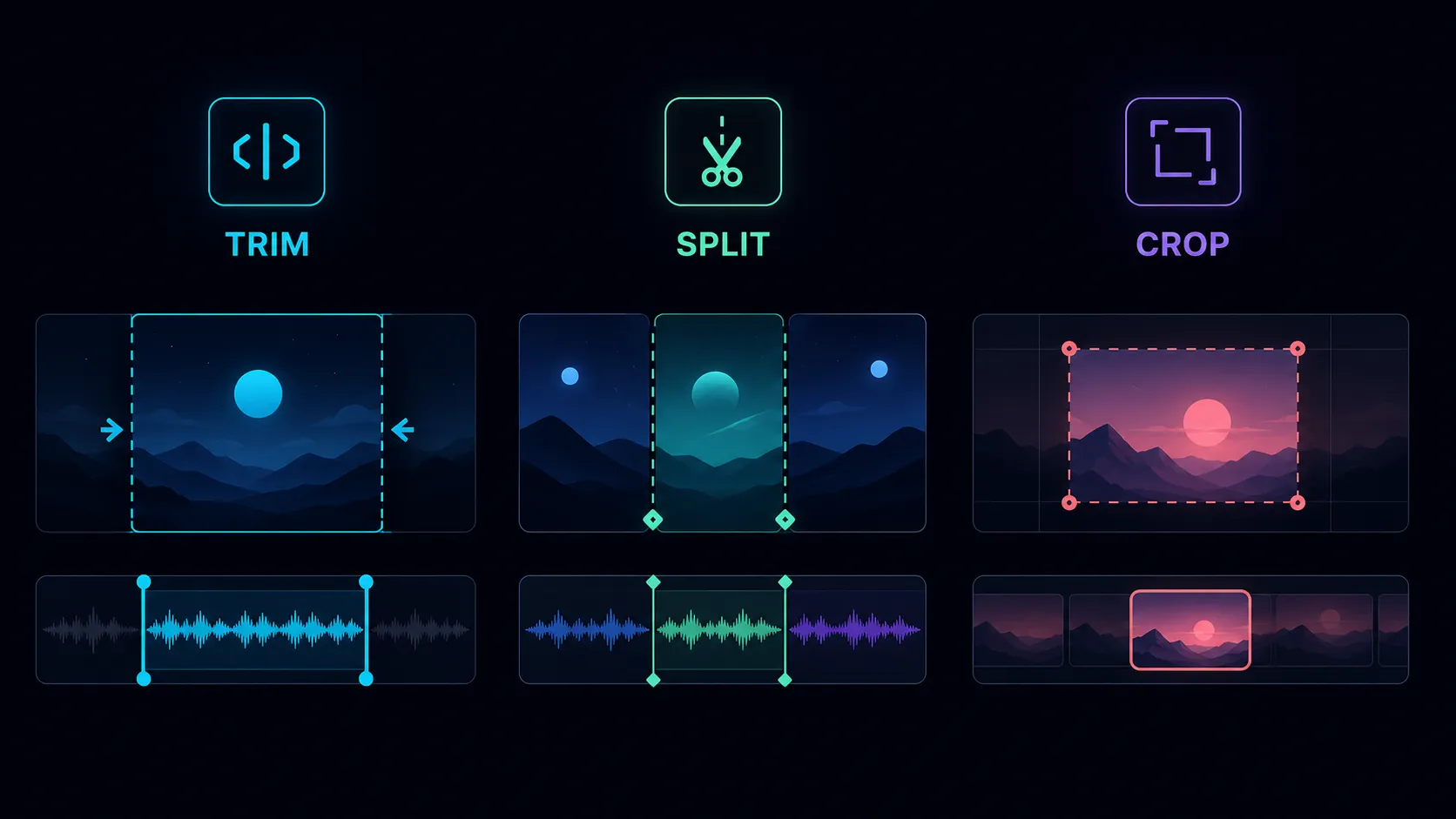
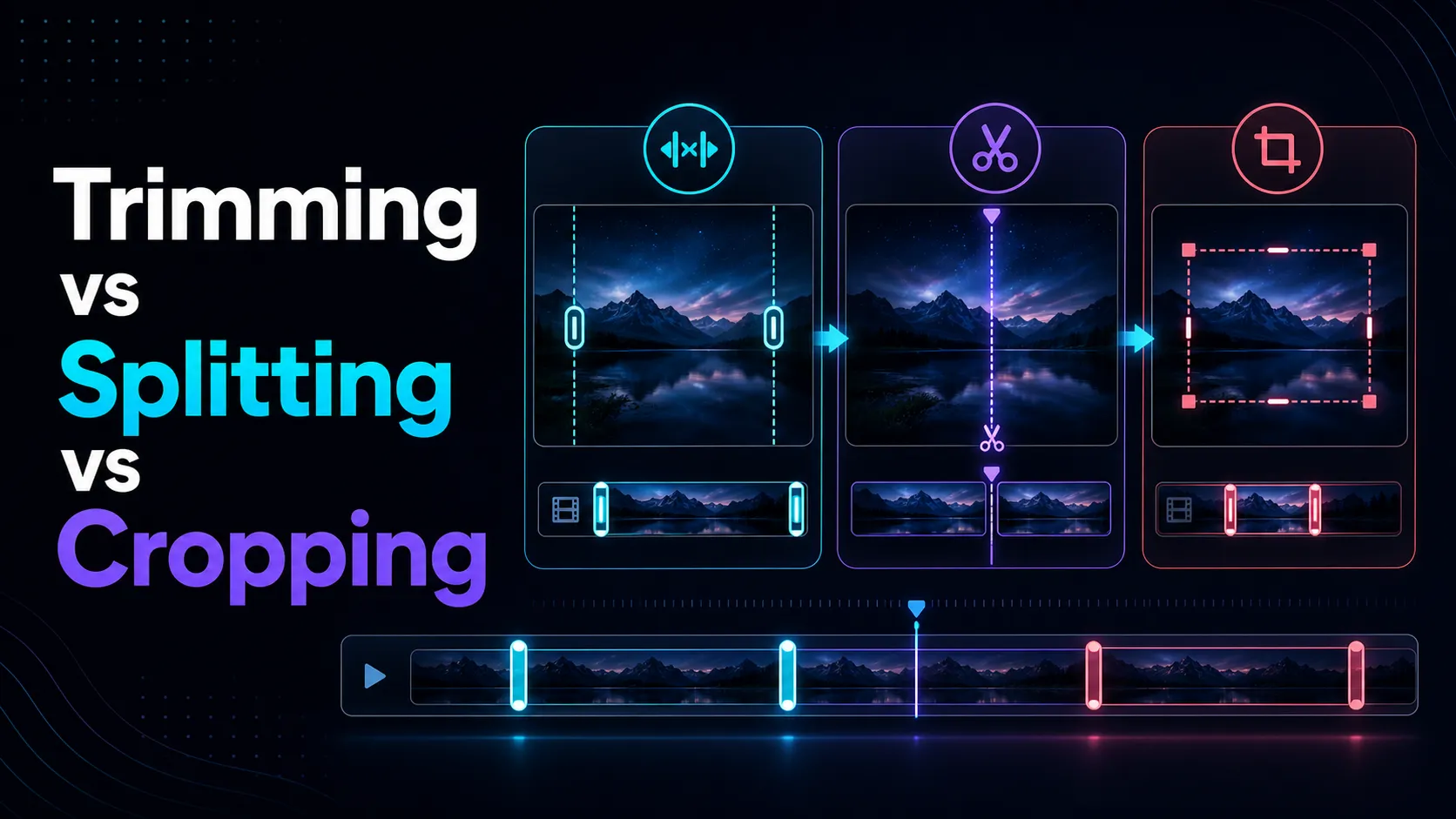
Trimming, splitting, and cropping solve various editing problems. Trimming shortens the start or end, splitting divides a recording into separate clips, and cropping changes the visible frame. Choosing the right work saves time and protects results from unnecessary quality changes.
Trimming Change Duration
Use trimming when useful parts are already continuous. Just remove the introduction, ending, silence, and failed takes. If you observe the edges of each boundary for a few seconds in advance, your words and movements can naturally begin.
Splitting creates separate sections
Splitting is useful when a single source independently captures multiple scenes. After splitting, each segment can be rearranged, deleted, or exported as a separate clip. Keep naming rules so multiple outputs can be easily managed.
Crop Transformation Composition
When you cut it, part of the visible screen is removed. It may be necessary when switching from horizontal recording to a vertical layout or removing unused space. Crops can remove important context, hands, captions, and product details, so review the entire clip rather than just one frame.
How to Choose
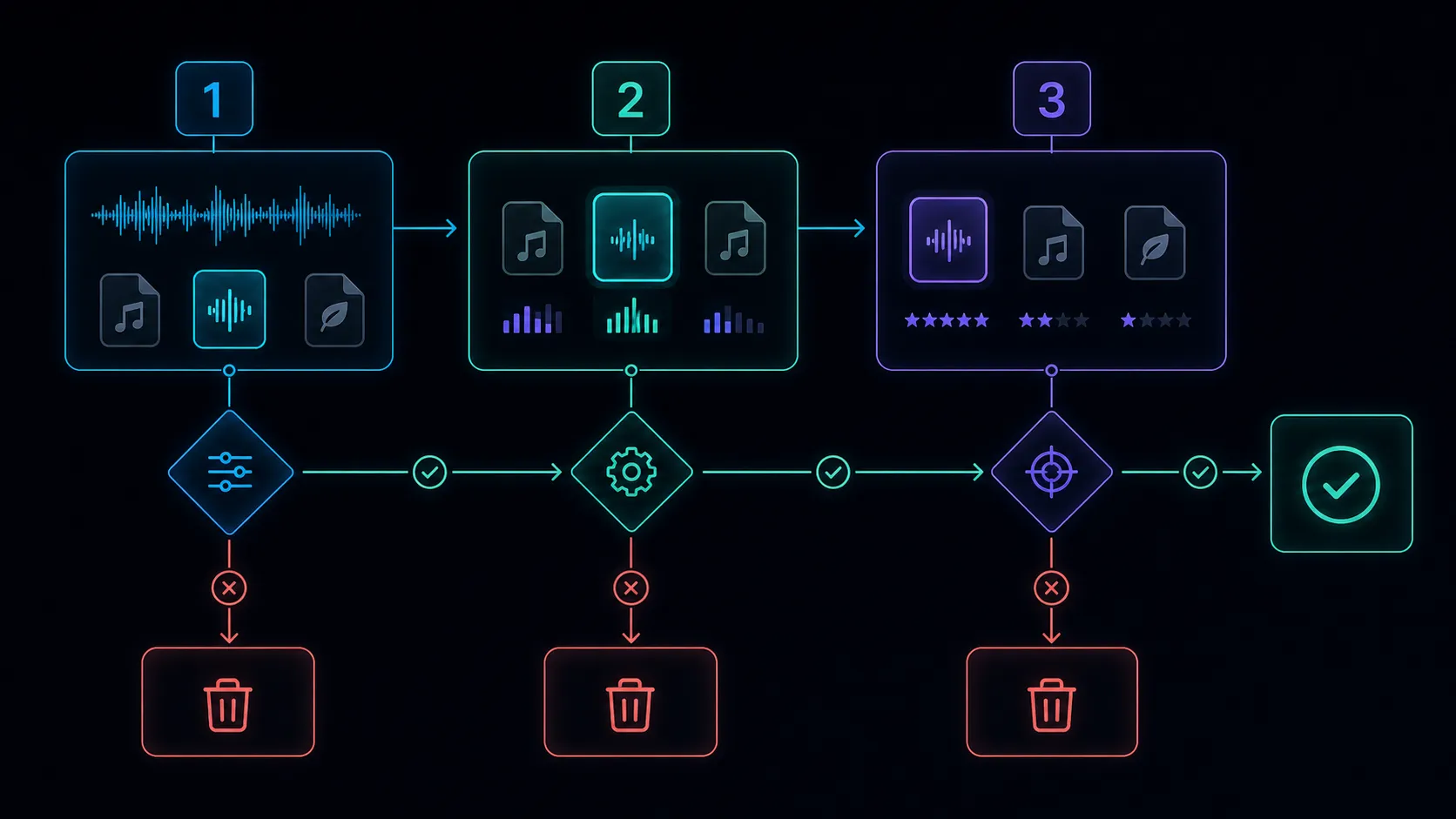
- If there is an unwanted time at the start or end of a problem, refine it.
- If your recording includes multiple individual moments, split them up.
- If the problem is inside the frame, cut it.
- If you need all three, keep the original and work on it in small, reviewable steps.
Use the relevant Recapo Video Cutter on files you own or have editing permissions. Check the live product features before publishing.
Quality and workflow limitations
Changing the duration does not automatically guarantee lossless output. Export settings, resolution, bitrate, and codec remain important. Cropping may require reencoding and changes the available pixels. Keep the originals until all prints are reviewed.
Frequently Asked Questions
Is trimming the same as cutting?
In everyday product terminology, these two often overlap. Trimming usually emphasizes removing material at the beginning or end.
Can crops turn landscape videos vertical?
You can create vertical frames, but you can remove the contents near the left and right edges. Restructuring or scene-by-scene review may be necessary.
Which surgery should be performed first?
First, remove any unwanted length, then decide whether to split or restructure the remaining footage.
References
Related Recapo guides