Best Fliki Alternatives in 2026 (Text-to-Video and Voiceover)
Looking for Fliki alternatives? This 2026 guide splits text-to-video generators from AI voiceover tools and maps the faceless repurposing workflow.
By the Recapo.ai Editorial Team · Fact-checked July 10, 2026
If you're searching for Fliki alternatives, the first thing worth knowing is that Fliki actually does two very different jobs — it turns scripts into videos with an AI voiceover, and it generates AI voiceovers on their own — and the right alternative depends entirely on which of those you came for. This guide is written for one group inside that search: faceless creators on YouTube, TikTok, YouTube Shorts, and Instagram Reels who narrate over footage, want accurate captions, and need to export clean, ready-to-post clips. Instead of ranking every text-to-video generator by feature-list length, it splits the field by the job you're doing and hands you a self-test, so you choose by workflow rather than by marketing.
The most common mistake in a "best Fliki alternative" roundup is blurring three different jobs into one list: generating a video from a text prompt, generating a voiceover from a script, and repurposing footage you already have into narrated, captioned shorts. Those need different tools. Sort out which one you're doing first, and the shortlist shrinks from twenty confusing options to two or three that actually match your work.
Disclosure and method: Recapo.ai publishes this guide and may appear among the tools discussed. We checked official product pages on July 10, 2026. This edition is a desk-research comparison, not a standardized hands-on benchmark. We compare stated workflow fit rather than unverified performance scores and recommend testing the same source file in each finalist. Features, limits, and pricing can change.
Why creators look past Fliki
Fliki is a text-to-video and AI voiceover platform: you write or paste a script, pick a voice, and it assembles a video with stock visuals and narration. It's a genuinely useful shape of tool for certain jobs. Creators go looking for an alternative to Fliki for reasons that have less to do with quality and more to do with fit:
None of this makes Fliki a bad product. It means the shape of the tool may not match the shape of your work — and fit is the only thing worth optimizing for.
The three jobs behind a Fliki alternatives search
Almost every tool that surfaces in this search is built for one of three jobs. Naming them makes the whole decision easier, because most people only need one.
| The job | Turn a script or prompt into a finished video | Turn a script into spoken audio | Turn real footage into narrated, captioned clips | Source material | Words, stock, avatars | Words only | Your own long video | Best for | Explainers with no footage | Adding narration anywhere | Recaps, commentary, repurposing | Typical output | Generated video | Voiceover files | Shorts, Reels, TikTok clips |
If you have no footage and want a video built from words, the left column is your path. If you only need spoken audio to drop into an editor, the middle column applies. If you already have long footage and want to narrate, caption, and export it as shorts, the right column is where the time goes — and it's the only bucket Recapo belongs in. Being honest about that split is the entire point of this article.
Fliki alternatives for text-to-video generation
These are the tools people mean when they want a full video generated from a script, the same core job Fliki does. I'm describing each only at its stable, public positioning — no prices, quotas, or feature checklists, because those change and you'd have to verify them anyway. Treat this as a map of what each is known for, then test the ones that fit.
| Synthesia | Known for AI avatar presenters that read a script on camera | You want a spokesperson-style video without filming | HeyGen | Known for AI avatars and voice, including avatar-led talking videos | You want a digital presenter and voice in one place | VideoGen | Known for turning a script or prompt into a video with stock visuals | You want quick generated video from words alone |
A few honest caveats. These are strong for the "no footage, generate from text" job, and weaker for anything involving your real recordings. "Generated" video also carries a distinct look; whether that reads as polished or synthetic depends on your niche and audience. Don't take any tool's marketing on faith — the 20-minute self-test later settles it for your channel specifically. As a category, these are the closest true Fliki competitors for pure generation.
Fliki alternatives for AI voiceover and TTS
If the only part of Fliki you actually use is the voice — you edit elsewhere and just need clean narration — you want a TTS-first tool, not a video generator. This is the "fliki ai alternative" most voice-focused searchers really want.
| Murf | Known for a studio-style AI voiceover workspace | You want a dedicated voice studio to script and tune narration | ElevenLabs | Known for expressive, natural-sounding AI voices | Voice realism is your top priority | Cartesia | Known for low-latency, real-time voice models | You need fast, responsive voice generation |
The trade-off with a pure TTS tool is that you get audio, not a finished video — you still have to assemble the picture, captions, and export somewhere else. That's fine if you already have an editor you like. If you don't, and your footage is real, the next section folds voice, captions, and export into one workflow instead of three tools.
The faceless repurposing workflow — where Recapo fits
Here's the honest boundary. If you want to type a prompt and get a video with no source footage, Recapo is not that tool — use the text-to-video column above, and don't let anyone tell you a repurposing editor generates video from scratch, because it doesn't. Recapo works on footage you already have. That's a partial overlap with Fliki, and pretending otherwise would waste your time.
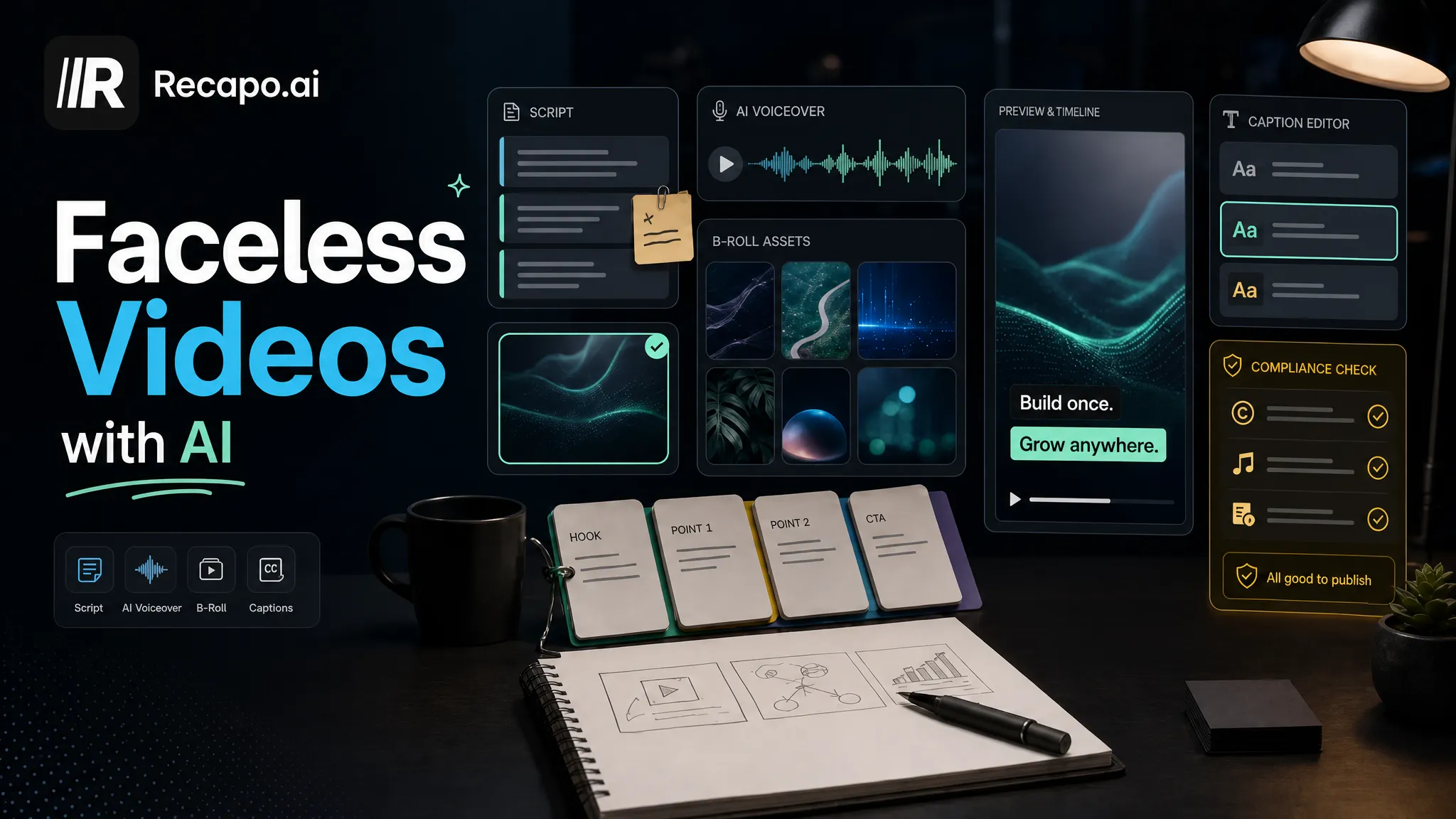
But there's a large group inside this search whose real job is exactly the repurposing loop: you have a long recording, you want to narrate a tighter version of it, caption it, and export vertical clips — over and over. That's the faceless workflow, and it's the shape Recapo is built for. It runs in a browser tab with nothing to install, and it bundles the repetitive steps in one place: transcribe and caption, summarize the long video into a script, cut it into short clips, add an AI voiceover, resize and reframe to vertical, design a cover, and export. It accepts MP4, MOV, and other common formats at up to 6GB total per task, and pricing lives on the pricing page.
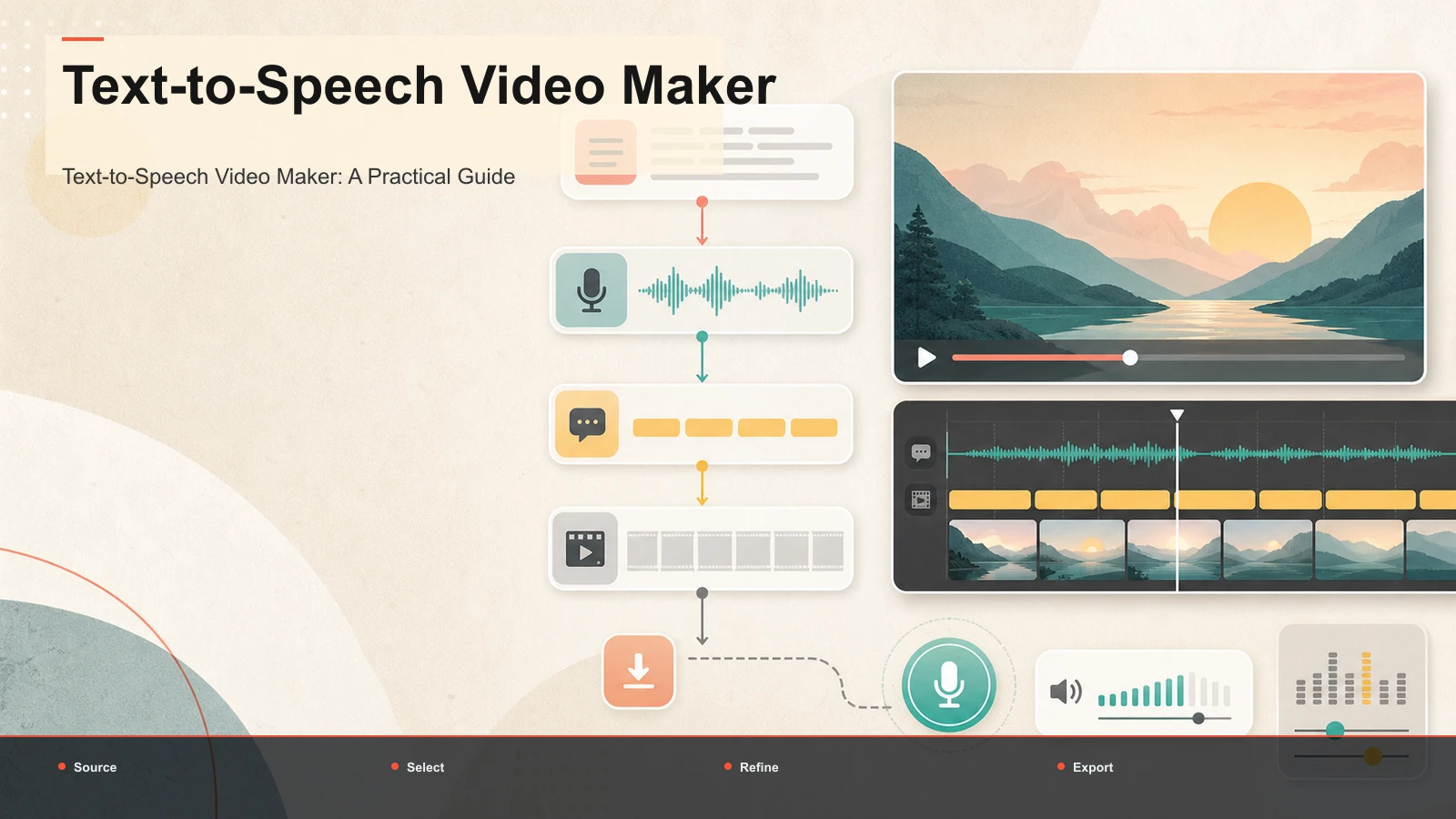
Two features carry most of the weight for faceless creators. The voiceover maker turns your tightened script into narration without recording your own voice or showing your face — the same job you might have wanted Fliki's voice for, but sitting inside the footage you're already editing. And the text-to-speech video flow lets you go straight from written script to a narrated clip when you're building a short around your own visuals. If your channel is recaps, commentary, or repurposed long-form, this loop is where the hours go — and it's honest work on real footage, not generation from nothing. New to the format? Our guide on making faceless videos covers the whole approach.
How to test any Fliki alternative in 20 minutes
The single most useful thing you can do is stop reading feature lists and run a controlled test with your own material. Marketing pages won't tell you whether a tool nails your accent, your script, or your export target. A short test will. This framework works for any tool in any of the three columns.
- Pick one real, representative input. For generators, use a script you'd actually publish. For repurposing tools, use a real 5–10 minute recording with natural speech and some background noise — not a clean demo.
- Do the same job in each tool. For faceless creators that's usually: produce a narrated 30–45 second clip with accurate captions, reframed to vertical, and export it.
- Measure four things and write them down:
| Voice quality | Play the narration out loud — does it sound natural, or do you flinch at the pronunciation? | Caption accuracy | Read the transcript against the audio and count real errors; don't eyeball it | Time to first export | Start a stopwatch; how long until a finished, postable clip? | Format and export | Export at the entry level and inspect the actual file — this settles quality, watermark, and format questions directly |
- Compare the finished files side by side, not the editing screens. Your audience sees the output, not the interface.
- Kill anything that fails step 2. If you can't finish one clip in 20 minutes on a representative input, it isn't your tool — no matter how good the landing page looks.
This is deliberately how the whole article is written: I won't assert a Fliki competitor's price, quota, watermark, or export limit, because those change and you'd verify them anyway. The test above tells you the truth for your workflow today.
A faceless voiceover clip, start to finish
Here's the repurposing loop end to end, entirely in the browser, so you can see what it buys you over generating from scratch. This is the weekly workflow for a lot of recap and commentary channels.
- Upload your long recording. Drop in an MP4 or MOV — a full episode, stream VOD, or talking-head take, up to 6GB total per task.
- Summarize it into a script. Turn the transcript into a tight narration script that hits only the moments worth keeping.
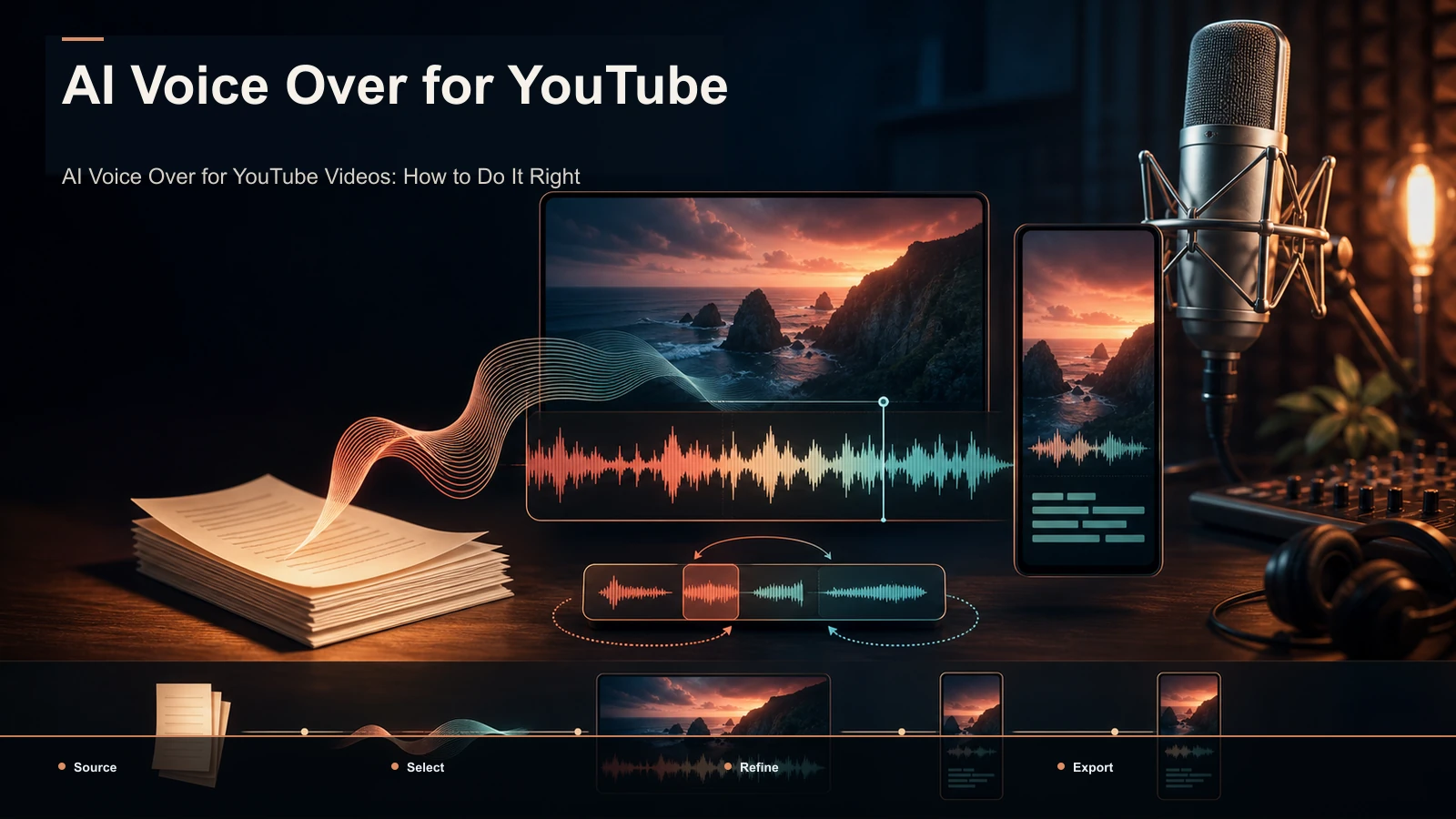
- Generate the voiceover. Use the voiceover maker to narrate the script — no mic, no face on camera. Our AI voiceover for YouTube videos guide covers pacing and tone.
- Caption and cut. Auto-caption the narration and pull the strongest 20–60 second moments into standalone shorts.
- Reframe and export. Resize each clip to 9:16 so it fills the frame on TikTok, Shorts, and Reels, design a cover, and export a clean file ready to post.
Because it runs in a tab, you can do this from any machine — Windows, Mac, or a borrowed laptop — without installing anything or tying the work to one operating system.
Which Fliki alternative fits you?
Match the job to the column and the decision gets simple.
| No footage, want video generated from a script | Text-to-video generators (Synthesia, HeyGen, VideoGen) | A spokesperson-style avatar video | An avatar-led generator | Just need clean narration to drop into your own editor | A TTS tool (Murf, ElevenLabs, Cartesia) | Real footage, want narrated + captioned shorts | A faceless repurposing editor (Recapo and peers) | Turning long recordings into many clips fast | Browser-based editor with clipping and voiceover | Editing across Windows, Mac, or borrowed machines | Browser-based, nothing to install |
The honest summary: there's no single best alternative to Fliki, only a best fit for the job you're doing. If you want video from words alone, a generator is your answer and this article is happy to send you there. If you have footage and your bottleneck is narrating, captioning, and reframing it at volume, a repurposing editor removes the most friction.
FAQ
What's the best free Fliki alternative? It depends on the job. For generating video from a script, avatar and script-to-video tools each have an entry tier; for voice only, TTS tools do too. But "free" and "no watermark" are separate questions that change often, so don't trust any article's claim — run a test export at the entry level and inspect the actual file. That's the only way to know what a free Fliki alternative really gives you today for your specific use.
Is there a Fliki AI alternative that only does voiceover? Yes. If you edit elsewhere and just need narration, a TTS-first tool like Murf, ElevenLabs, or Cartesia does that one job. The trade-off is that you get audio, not a finished video, so you still assemble the picture and captions separately. If your footage is real and you'd rather keep voice, captions, and export in one place, a repurposing editor folds all three together.
Can I make faceless videos with these tools without showing my face? Yes — that's the whole point of the voiceover and TTS categories. You narrate with an AI voice instead of recording yourself, and you never appear on camera. For recap or commentary channels built on real footage, a repurposing editor pairs that AI narration with your clips and captions; for stock-based explainers, a text-to-video generator does it from a script.
Do Fliki alternatives run in the browser? Many do. Most text-to-video generators, TTS tools, and browser-based repurposing editors run in a tab with nothing to install, which means you can work on Windows, Mac, or a borrowed laptop. If avoiding installs is part of why you're switching, filter for browser-based tools specifically and confirm it on the tool's own site.
Does Recapo generate video from text like Fliki? Not in the "type a prompt, get a stock video" sense — that's the text-to-video column, and Recapo isn't that tool. Recapo works on footage you already have: it summarizes long video into a script, adds an AI voiceover, captions and clips it, and exports vertical shorts. If your job is generation from nothing, use a generator; if it's repurposing real footage into narrated clips, that's where Recapo fits.
Try it on your own footage
A quick way to decide whether a repurposing workflow fits you is to run one real recording through it. Upload a long video, summarize it into a script, generate an AI voiceover, caption and cut a vertical short, and export — then compare that finished clip against whatever a pure generator would give you. Create a free Recapo account and put it through the 20-minute test on your own footage. If your channel runs on real recordings and narration, you'll feel the difference on the first clip; if you actually need video generated from scratch, you'll know that too, and you'll have a much clearer sense of which column you belong in.
References and official sources