How to Repurpose Long-Form Content Into Shorts (2026)
How to repurpose long-form content into short-form video with a selection-first workflow, platform testing plan, and source-by-source playbook.
By the Recapo.ai Editorial Team · Fact-checked July 10, 2026
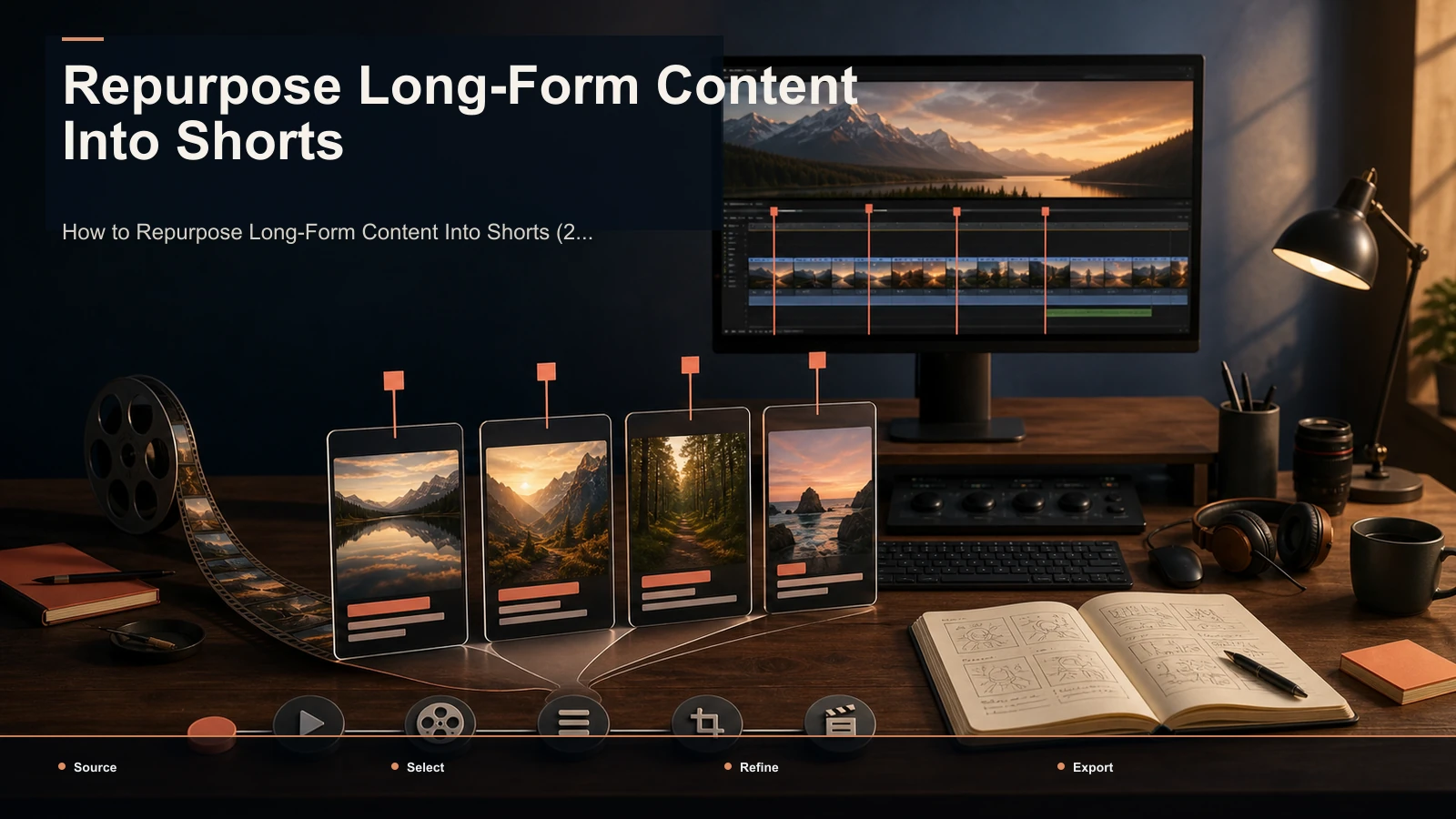
To repurpose long-form content into short-form video, find the self-contained moments that already work inside a long recording, reframe them vertically, caption them, and publish them as native clips to TikTok, YouTube Shorts, and Instagram Reels. Many workflows over-invest in polishing before the moment itself has been approved, so this guide uses a selection-first approach: review and reject candidates early, then spend editing time only on the keepers. Below is the whole system in one place: a selection-first planning framework, a five-stage pipeline, a platform testing table, and a routing map for webinars, Zoom calls, interviews, vlogs, podcasts, and livestreams.
Scope of this guide: This page focuses on cross-platform source mining, candidate selection, and adaptation from long-form content into short clips. For a recurring YouTube production cadence and batch QA, use the video repurposing workflow for YouTubers.
A selection-first heuristic: curate before you edit
A 45-minute recording can contain several candidate moments, but only review can establish which ones are usable. Going from long-form to short-form is mostly the act of finding those few, not polishing all twelve. That's content atomization: treat one long video as raw ore and mine the self-contained nuggets.
Treat 80/20 as a planning shorthand, not a measured platform rule. Front-load the review: decide which moment stands alone, opens clearly, and lands a payoff without requiring the surrounding context. Only then spend time on the vertical crop, captions, and cover. Track your own selection and editing time for a month, then adjust the split from evidence in your production log.
| Where the effort goes | Selection focus | Execution focus |
|---|---|---|
| The question you answer | Which moment stands alone and earns a scroll-stop? | How do I make it look native on each platform? |
| The skill it takes | Judgment about hooks, payoffs, self-contained arcs | Cropping, captioning, cover, export |
| What tools help with | Ranking candidates so you review a shortlist, not the runtime | Reframing to 9:16 and burning captions fast |
| The failure mode | Publishing weak moments beautifully edited | Great moment buried in a horizontal, caption-less clip |
Internalize this and every later decision gets easier: the tool matters less than your taste.
How to repurpose long-form content into short-form video, step by step
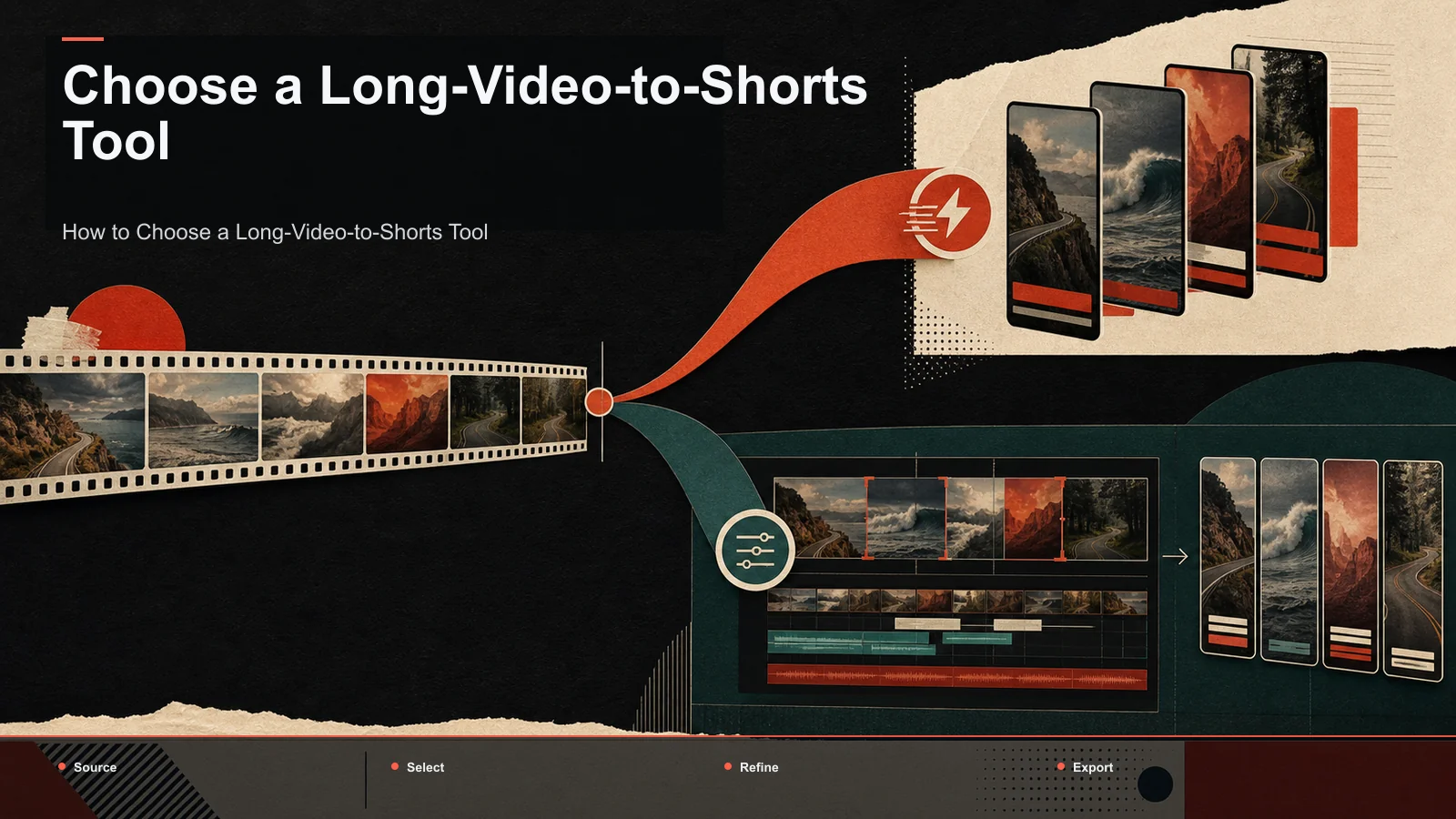
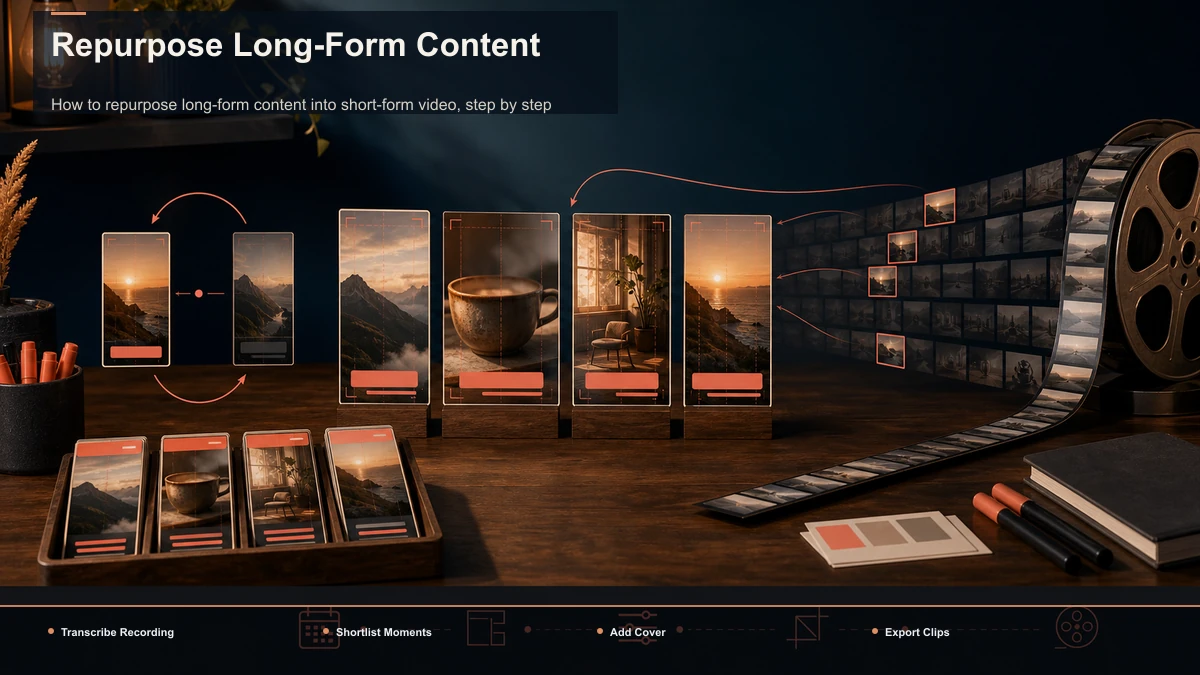
Whatever your source, the pipeline from one long video to many clips runs the same five stages — a repeatable checklist, with the mechanical steps handed to tools so your attention stays on selection.
- Transcribe the recording. A timed transcript is the map you navigate instead of scrubbing the timeline, and it's what the clipping engine reads to score moments — so accuracy on your names and jargon matters. Upload the full file and generate it first.
- Shortlist the moments. Rather than watch the whole runtime, run the AI clip generator to surface candidate segments — hooks, questions, punchlines, self-contained answers — then keep only the ones that earn a spot. This is the selection-heavy step.
- Turn each keeper into a vertical clip. Feed your keepers through a long video to short video AI that trims and reframes to 9:16, tracking the speaker so the subject stays in frame. Fix any bad crop by hand.
- Caption for viewers watching without sound. Some short-form views happen on mute, so captions carry the clip. Generate them with auto-captions, then proofread — one error repeated across a batch reads as sloppy. For styling that holds attention, best caption styles for shorts goes deeper.
- Add a cover and export. Give each clip a legible thumbnail and title, then render. One clean 9:16 export generally serves all three platforms; platform tweaks come at publish time, not render time.
Run these five in order, then record the number of candidates and approved clips from the source. Order matters: skip transcription and you're back to scrubbing; skip the shortlist and you over-edit weak moments.
Per-platform length and format cheat sheet
One vertical master is a practical starting point for all three destinations, but platform requirements, interfaces, and audience behavior change. Use the table below as a test plan rather than a list of proven sweet spots, and read a measured clip-yield method to design comparisons for your own channel.
| Platform | Starting frame | Length test | Caption check | Opening check |
|---|---|---|---|---|
| TikTok | 9:16 vertical | Compare the tightest complete cut with a longer version | Check readability and placement on-device | Make the topic or payoff legible immediately |
| YouTube Shorts | 9:16 vertical | Compare retention for short and longer complete cuts | Check readability at phone size | State the question or promise without a long setup |
| Instagram Reels | 9:16 vertical | Test one complete beat rather than an arbitrary duration | Preview around interface overlays | Make the first frame understandable before adding decoration |
Two checks travel well across platforms. First, make the opening understandable without a long run-up; do not treat three seconds as a universal ranking threshold. Second, review the clip without audio and add captions when they improve comprehension or accessibility. For the full walkthrough of pulling verticals out of long uploads, how to make YouTube Shorts from long videos covers the craft end to end.
Route your source type to the right playbook
The pipeline is universal, but each long-form source has quirks that change where the clips hide. This is the hub of the page: find your source below, apply the tactic, then click through to the deep-dive.
| Source type | Where the clips hide | Watch out for | Go deeper |
|---|---|---|---|
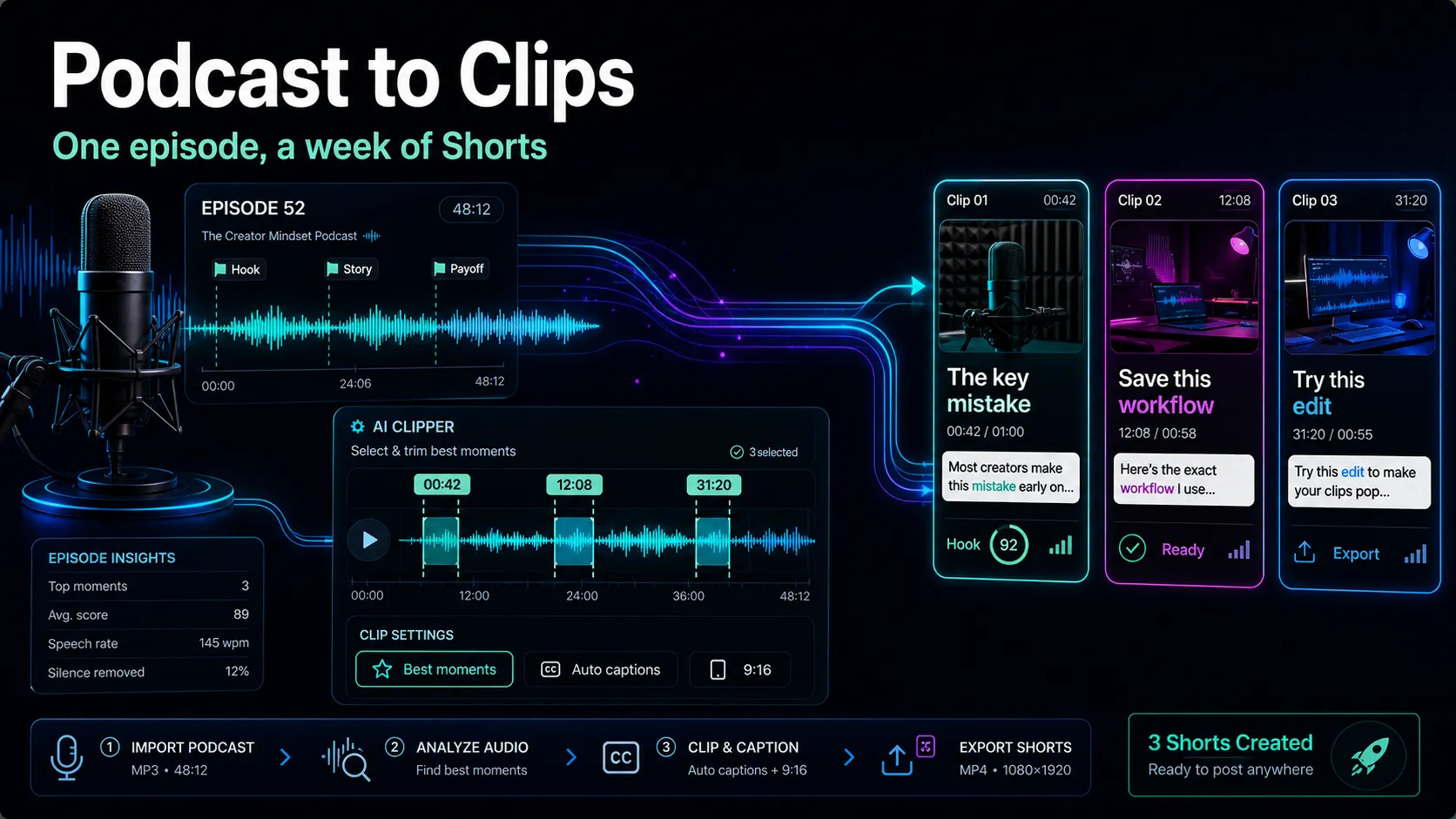
| Podcast / interview | Self-contained answers and hot takes | Speaker tracking in 9:16; batch review speed | the video-editing workflow for podcasters |
| Livestream / long VOD | A few peaks in hours of low-signal footage | Large file size; fast rejection of junk | the clip-creation workflow for streamers |
| YouTube long-form / vlog | Structured segments and strong openings | Keeping a series consistent week to week | Repurposing workflow for YouTubers |
| Webinar / Zoom call | The one slide or answer that stands alone | Screen-share framing; dead air between points | Use the podcast playbook — treat Q&A the same |
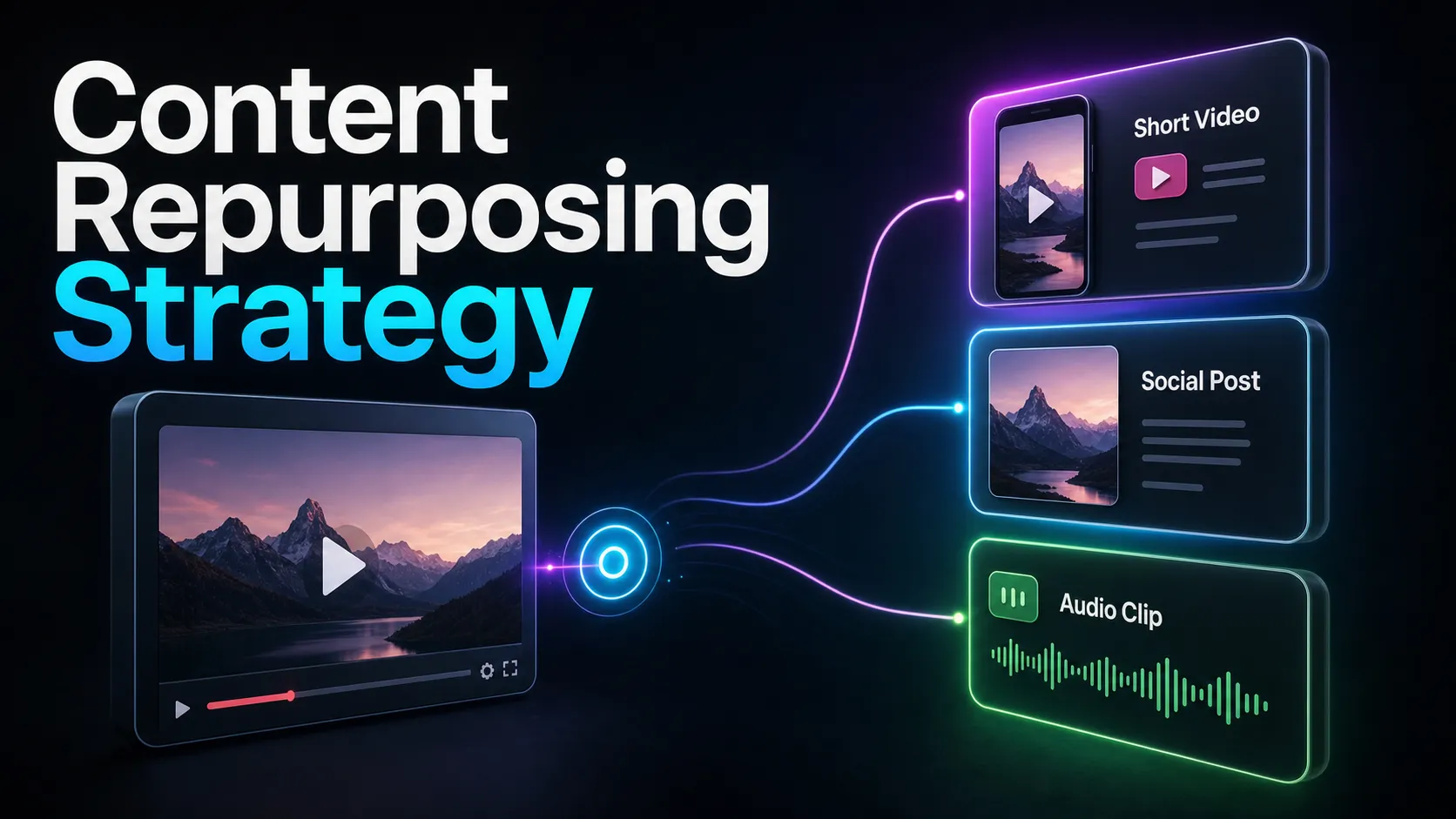
Podcasts and interviews are the friendliest source, because a good answer is already a finished clip; your main variables are whether the vertical crop follows whoever's talking and how fast you can move through a dozen candidates. Livestreams and long VODs are the stress test — a four-hour stream might hold three great moments, so a tool that surfaces forty mediocre ones costs you time; transcript search and fast rejection beat clever styling. Vlogs and structured YouTube uploads are the clipping model's happy path but demand week-to-week consistency. Webinars and Zoom calls clip well when one answer or slide stands alone; ignore the dead air. If you're building this into an ongoing motion, our content repurposing strategy piece frames the calendar and cadence around it.
One browser pass: clip, caption, reframe with Recapo
The friction in most repurposing setups is the handoffs — clip in one app, caption in another, resize in a third, exporting and reimporting between each. Recapo collapses that into a single browser pass: a browser-based AI video workspace with no install, where the clip, caption, and reframe stages above happen in one place.
In practice, that's the five-step flow without the app-switching: upload one long recording in MP4, MOV, or another common format (up to 6GB total per task); let the AI clip generator propose candidate moments so you review a shortlist instead of the runtime; send the keepers through the long video to short video AI to trim and reframe to 9:16; and burn captions with auto-captions pulled from the same transcript, so the words track your edit. When a clip also needs a summary, a scripted AI voiceover, or a redesigned cover, those live in the same workspace.
The practical fit: if clips are your only output from one source type, a focused specialist may serve you just as well — test it. Recapo earns its place when repurposing is a recurring, multi-format job, where the value is fewer tools in the chain than beating a specialist at any single stage. Pricing lives on the pricing page; a quick way to decide is to run one of your files through it.
Turn it into a weekly system, not a one-off
Repurposing pays off through repetition. A simple weekly loop keeps clips flowing from every long-form asset you already publish:
- Batch the curation. Once your long video is transcribed, do all the moment-picking in one sitting while the context is fresh. Switching between selection and editing all day makes repurposing feel like a slog.
- Standardize the look. Lock one caption style, one cover template, and one export setting, then reuse them. Consistency reads as a brand and removes a dozen tiny decisions per clip.
- Keep a moment log. Note which clips earned watch time and which flopped. Over a month it teaches you which moments in your content travel — better selection next time, for free.
- Schedule from a queue. Publish from a backlog rather than clipping under deadline pressure. A queue turns "I should make clips" into a system that runs whether or not you feel inspired.
After a month, use the production log to calculate keeper rate and time per approved clip; those measured values show whether the workflow is becoming more efficient.
Mistakes that quietly kill repurposed clips
Most failed repurposing isn't a tooling problem — it's one of these habits, each easy to fix once you see it.
- Clipping the moment you liked, not the one that stands alone. Your favorite line often needs setup a stranger doesn't have. If it can't open cold, it isn't a clip.
- Leaving the hook at the ten-second mark. Short-form audiences decide in three seconds. Front-load the payoff and trim the run-up ruthlessly.
- Posting horizontal or caption-less. A great moment in a 16:9 frame with no captions reads as a lazy repost. Reframe to 9:16 and caption every clip, no exceptions.
- Over-editing weak moments. Polish can't rescue a moment that never earned a scroll-stop. Spend the effort on selection instead.
- Publishing the same edit everywhere without a native touch. One export can travel, but the title, cover, and opening beat should feel made for each feed.
Avoid these five and your keeper rate climbs with no change of tool — proof repurposing really is 80% judgment.
FAQ
What does it mean to repurpose long-form content into short-form video?
It means extracting the self-contained moments from a longer recording — a podcast, webinar, vlog, or livestream — and republishing them as standalone vertical clips on TikTok, YouTube Shorts, and Instagram Reels. The skill is content atomization: seeing one long video as a source of many independent clips, then selecting the few strong enough to stand on their own.
How many shorts can I get from one long video?
It depends on dialogue density and quality, not a fixed ratio. A structured interview may yield more approved moments than a longer, less focused livestream; measure each source instead of applying a fixed ratio. Aim for a realistic keeper rate, not a quota — a smaller approved batch is easier to evaluate than a quota filled with weak candidates.
Do I need editing skills to repurpose long-form content?
Not much. The mechanical stages — trimming, reframing to 9:16, captioning, exporting — are handled by tools in a few clicks. The skill that matters is judgment: recognizing which moments stand alone and open on a hook. That's curation, not editing, and it improves fastest by tracking which of your clips earn watch time.
Will one export work for TikTok, YouTube Shorts, and Reels?
Usually, yes. All three take 9:16 vertical video with burned-in captions, so a clean export covers them. Vary the title, cover, opening beat, and length at publish time to fit each feed — quick tweaks, not separate renders.
What's the difference between a dedicated clipper and an all-in-one workspace for this?
Scope. A dedicated clipper does moment selection and stops — ideal if clips are your only output. An all-in-one workspace connects clipping to transcription, captions, summaries, voiceover, resizing, and export in one place, which earns its keep when the same long video also needs a script, a voiceover, or a cover. If clips are all you make, test both; if repurposing is a recurring multi-format job, the workspace saves you from stitching tools together.
Ready to measure what your next long upload can produce? Create a free account, upload one long recording — MP4 or MOV, up to 6GB total per task — and run the full pass in the browser: shortlist the moments, reframe to 9:16, burn captions, and export, then count the keepers. That number, on your own footage, tells you more about your repurposing workflow than any guide — and shows whether this pipeline fits how you actually publish.