Video Editing for Podcasters: Turn Every Episode into Short Clips
Video editing for podcasters, built as a weekly system: turn one episode into many captioned, vertical clips for YouTube, TikTok, Shorts, and Reels.
By the Recapo.ai Editorial Team · Fact-checked July 10, 2026
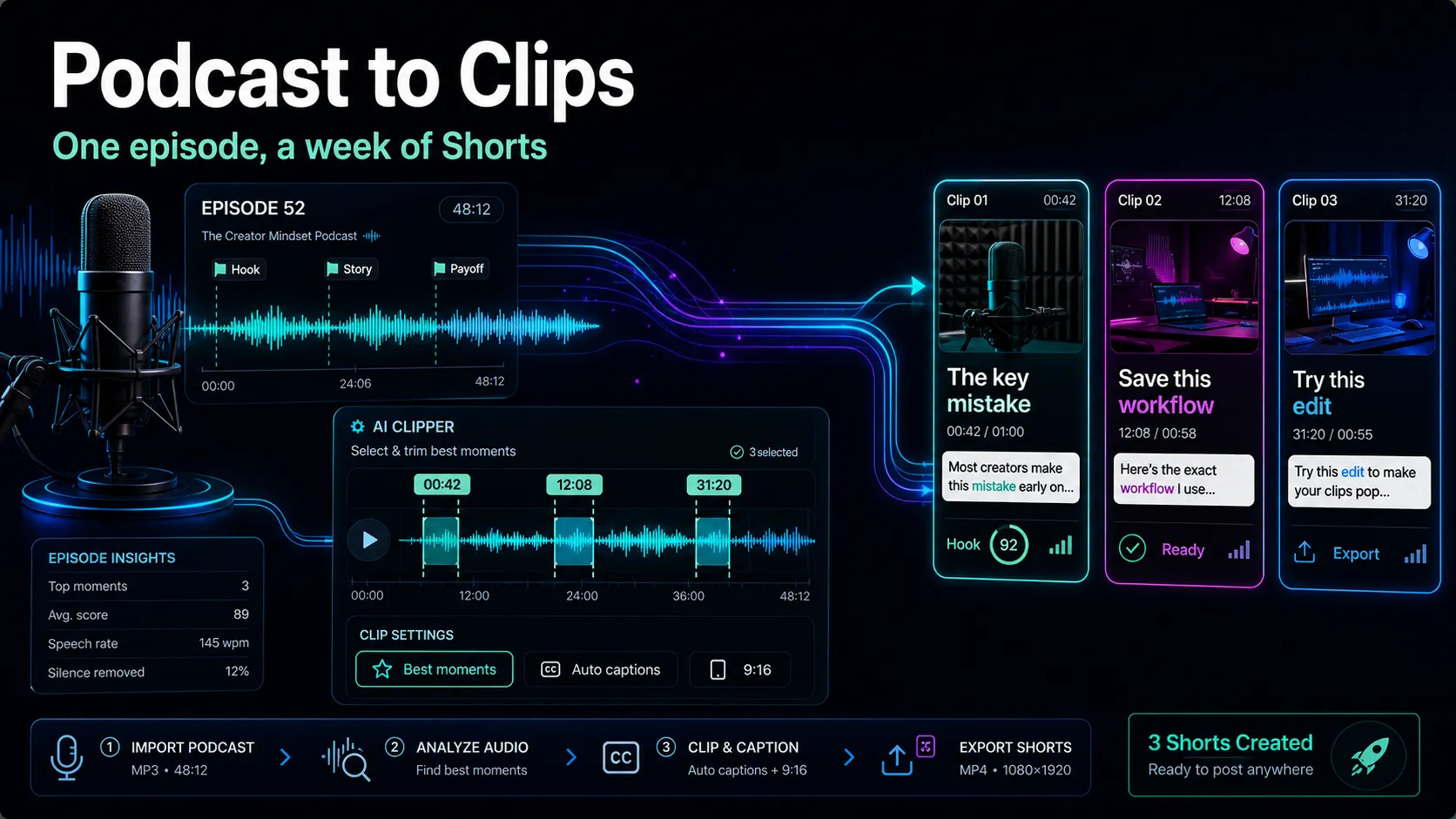
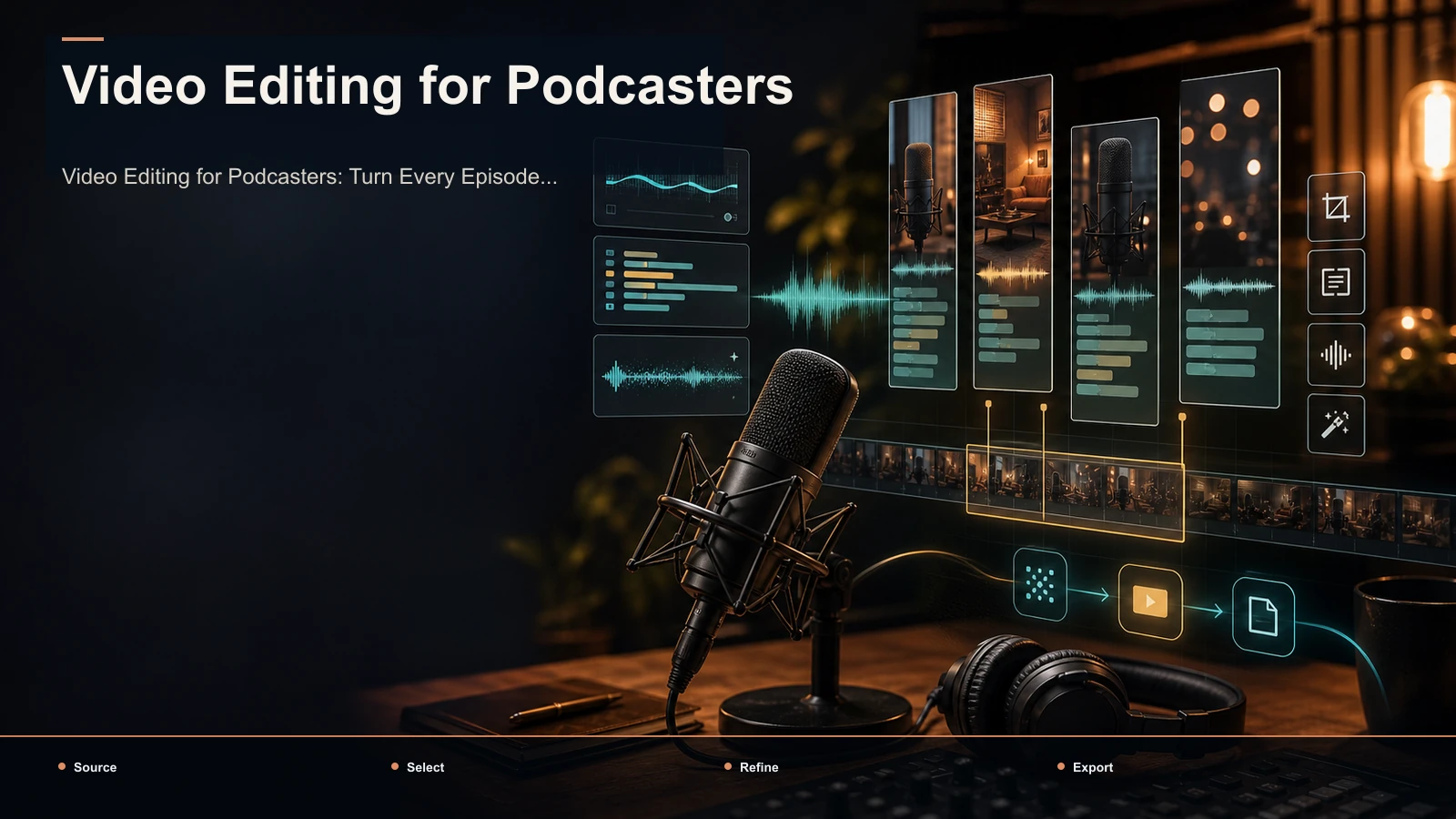
Video editing for podcasters isn't a one-off polish job — it's a recurring system that turns every hour-long episode into a batch of short, captioned, vertical clips your audience can actually find. If you publish on a weekly cadence, the real win isn't a single beautifully finished episode; it's the repeatable pipeline that takes one recording and produces a variable batch of reviewed shorts for YouTube, TikTok, YouTube Shorts, and Instagram Reels without you re-editing from scratch every week. This guide is built for the podcaster persona — the record → clip → caption → reframe → publish loop, the decision at each stage, and how to run it as a habit. The winning angle is yield: designing your podcast video editing so one episode produces many social clips instead of one hero cut, because that's how a show earns discovery on platforms where nobody is searching for a full 60-minute conversation.
What "video editing for podcasters" actually means
For most shows, podcast video editing is really two different jobs wearing the same name, and confusing them is where creators waste hours.
- The full-episode edit: trimming dead air, cleaning audio, adding a title card, exporting the complete video for YouTube or a podcast host. You do this once per episode.
- The repurposing edit: mining that same episode for the moments worth clipping, then captioning and reframing each one for vertical feeds. You do this many times per episode, and it's where growth actually comes from.
This article is about the second job — the one with recurring leverage. A weekly show creates recurring source material, but each episode's approved clip count has to be measured. The only question is whether your workflow extracts them cheaply, or whether each clip costs you a fresh half-hour. Below is the system that makes extraction cheap and repeatable.
The podcast repurposing system at a glance
Every episode you want to turn into shorts moves through the same six stages. Internalize the order and you stop reinventing your process on every upload.
| Stage | What happens | Output to next stage | Where podcasters lose time |
|---|---|---|---|
| 1. Record | Capture the episode with clipping in mind | A clean, clip-friendly master | Bad framing that ruins vertical crops later |
| 2. Find clips | Surface the segments worth clipping | A candidate shortlist to review | Scrubbing the full episode by hand |
| 3. Caption | Auto-transcribe and burn in captions | Captioned clips | Timing subtitles line by line |
| 4. Reframe | Crop each clip to 9:16 vertical | Vertical, captioned drafts | Re-cropping every clip manually |
| 5. Cover & export | Add a cover frame, render the batch | Publish-ready files | Exporting each clip one platform at a time |
| 6. Publish & measure | Schedule across feeds, read the data | Signal for the next episode | Never checking which clips landed |
Two things to notice. First, the expensive minutes are almost never the creative ones — they're the mechanical handoffs: scrubbing for clips, timing captions, re-cropping. Those are exactly the steps AI-assisted tools compress. Second, the order is load-bearing: a framing mistake in Stage 1 costs you nothing to fix then and a re-shoot later. Get the system right and a full episode can become a reviewed batch in one production session.
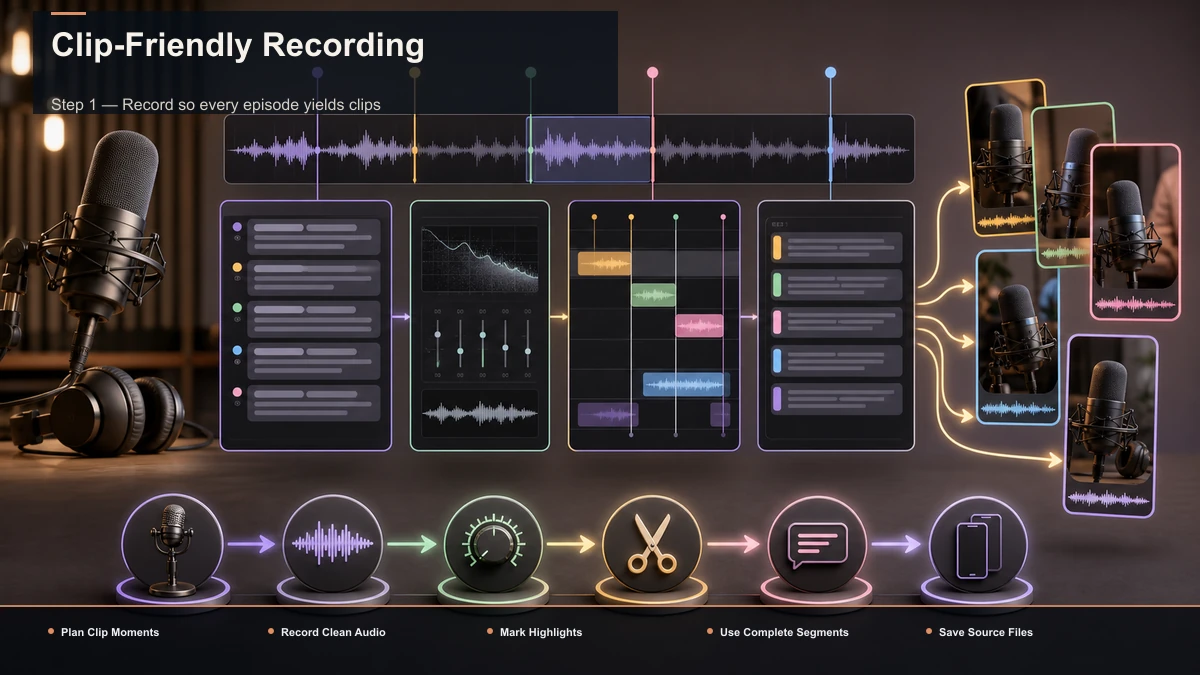
Step 1 — Record so every episode yields clips
The cheapest editing happens before you hit record. A few habits at capture time decide how many clean clips an episode can produce.
- Record each speaker on their own track. Separate audio tracks let you fix one person's levels or noise without touching the other — and they make it trivial to cut a clip where only one voice matters.
- Frame with a vertical crop in mind. Keep faces centered and leave headroom, so a 9:16 crop later doesn't slice anyone's chin off. If you shoot a wide two-shot, plan to reframe per clip rather than force one crop on the whole episode.
- Talk in clippable beats. The best clips are self-contained: a question, a punchy answer, a story with a beginning and end. Coach guests to finish thoughts before moving on, and you'll harvest twice as many clean moments.
- Keep an intake note. As you record, jot the rough timestamp whenever something lands. That five-second note saves you scrubbing the whole episode in Stage 2.
None of this adds production cost — it just front-loads decisions so the repurposing edit stays fast. A well-captured hour is a well-stocked pantry; a messy one is an evening of cleanup before you can cook.
Step 2 — Pull the clip-worthy moments from the full episode
This is the stage that used to eat an entire afternoon: watching a 60-minute recording to find the two-minute gems. It's also the stage where AI saves the most time, because "which moments could stand alone as a short" is exactly the judgment these tools are trained to assist.
Feed the full episode into a long video to short video AI and let it surface candidate segments instead of scrubbing by hand. Then work through the shortlist like an editor, not a machine:
- Start from the tool's suggestions, but treat them as a first draft. You know your show; the tool doesn't know which guest quote your audience has been waiting for.
- Prioritize self-contained moments: a clip that needs 20 seconds of setup to make sense will die in a feed. Keep the ones that hook in the first three seconds.
- Trim to the beat. Use an AI clip generator to cut each moment tight: start on the hook, end on the payoff, no dead air on either side.
- Aim for range, not repetition. From one episode, pull a mix — a hot take, a practical tip, a funny aside, a story. Variety helps the approved batch avoid repeating the same idea in several wrappers.
Our guide on long-form content repurposing framework breaks down how to spot the moments worth cutting. The output is a candidate shortlist; the next three steps determine which clips pass review.
Step 3 — Caption clips for sound-off viewing
Podcast clips live or die on captions. Some feed viewing happens without sound, and a conversation clip with no captions is just two people moving their mouths. Captions aren't a nice-to-have here — they're how the words actually get consumed.
- Auto-transcribe, don't hand-type. Run each clip through auto-captions to generate timed subtitles from the audio, then correct rather than create. Because the captions come straight from the clip's own audio, timing is close out of the box.
- Fix names and jargon. Auto-transcription's weak spot is proper nouns — guest names, brands, technical terms. Scan for those specifically; they're the words your niche audience will notice getting wrong.
- Style for the thumb. Keep a few words per line, high contrast, and a size readable on a phone at arm's length. Pick one caption style and reuse it so every clip looks like it came from your show.
If you want your captions to read cleanly across platforms, the conventions in how to add subtitles to a video apply directly. Consistent, accurate captions are also a branding layer — a recurring style makes a scattered feed of clips feel like one channel.
Step 4 — Reframe to vertical and finish the batch
Your podcast was probably filmed wide or as a split-screen; the feeds you're posting to are vertical. This stage localizes one recording to every platform's shape and gets the batch export-ready.
- Crop to 9:16 per clip. TikTok, YouTube Shorts, and Reels all take vertical, so reframe each clip to 9:16 and check that the active speaker stays in frame. For a two-person clip, that may mean cutting to whoever's talking rather than squeezing both into a tiny box.
- Mind the length. Different feeds reward different clip lengths, and a rambling clip loses viewers fast — trim each clip to the tightest version that still lands the moment before you lock durations.
- Add a cover frame. A clean cover with the guest's name or the clip's hook does a lot of the click-through work, especially on YouTube Shorts and the TikTok grid.
- Export the batch. One clean 9:16 captioned file per clip usually serves all three vertical platforms — length and caption conventions differ slightly, but those are publish-time tweaks, not a reason to render each clip three times.
By the end of this step you have a reviewed set of vertical, captioned, branded clips from one episode — which is the entire point of treating this as a system.
Build a weekly cadence: one record, many clips
A workflow you run once is a chore; a workflow you templatize is a growth channel. Podcasters who sustain a clip pipeline do it by batching stages instead of finishing one clip end to end before starting the next.
| Batch | What you do in one sitting | Why batch it |
|---|---|---|
| Record day | Capture the episode with clean tracks and framing | The full-episode edit and clip mining both start from one good master |
| Mining day | Review all candidates and trim the approved clips | Same footage, same headspace — muscle memory takes over |
| Finishing day | Caption, reframe, cover, and export the whole batch | Repetitive, low-creativity work you can do while distracted |
| Publishing week | Schedule the clips across feeds all week | One episode feeds a full calendar of posts |
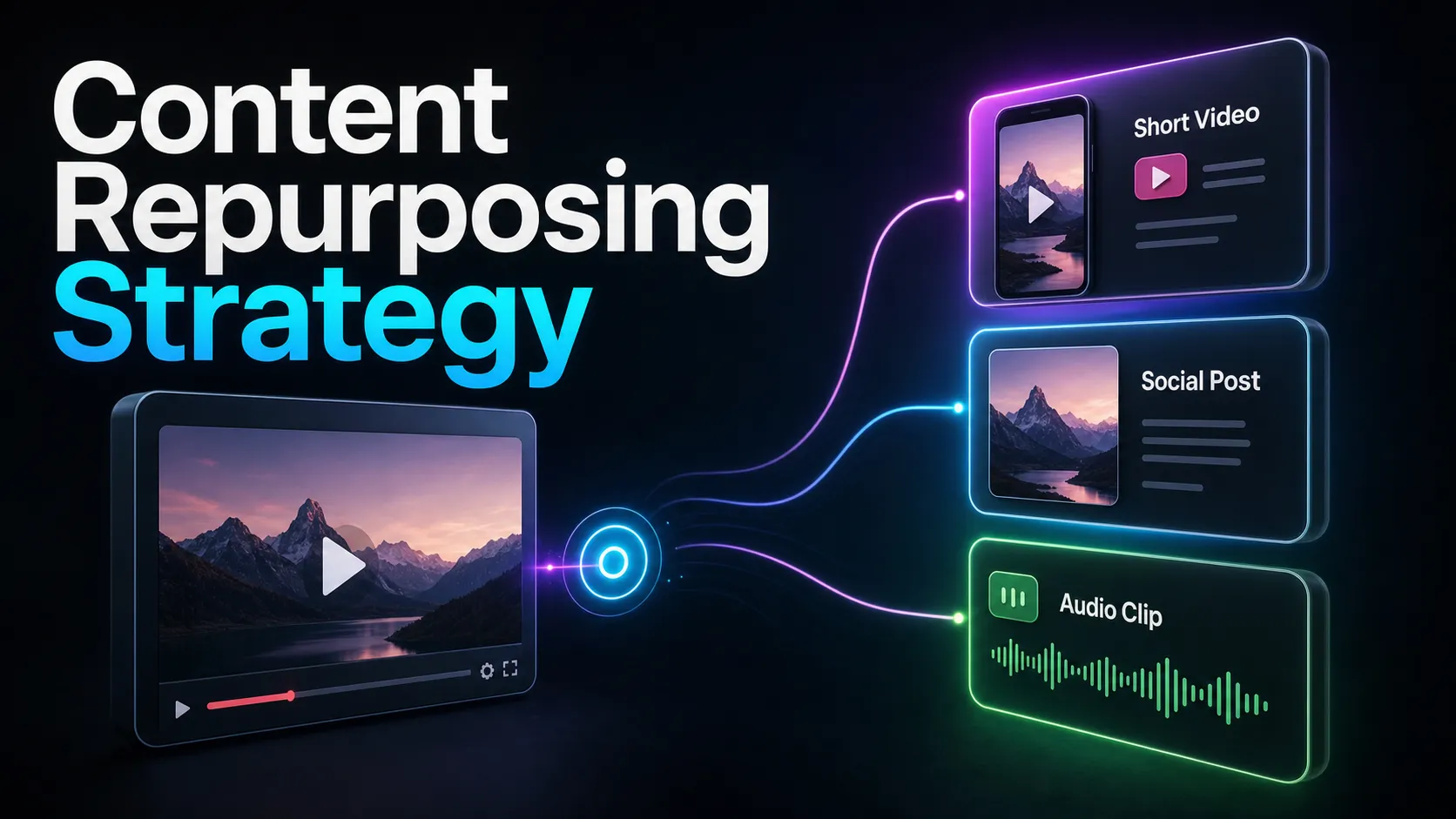
Measure the source before systematizing: record how many clips pass editorial review, then use that keeper yield to set a realistic social schedule. Miss the system and you're back to editing each clip as a fresh project — the difference between a channel and a chore. Content repurposing strategy covers how the clip batch feeds the rest of your funnel.
Choosing a podcast clip maker: a self-test framework
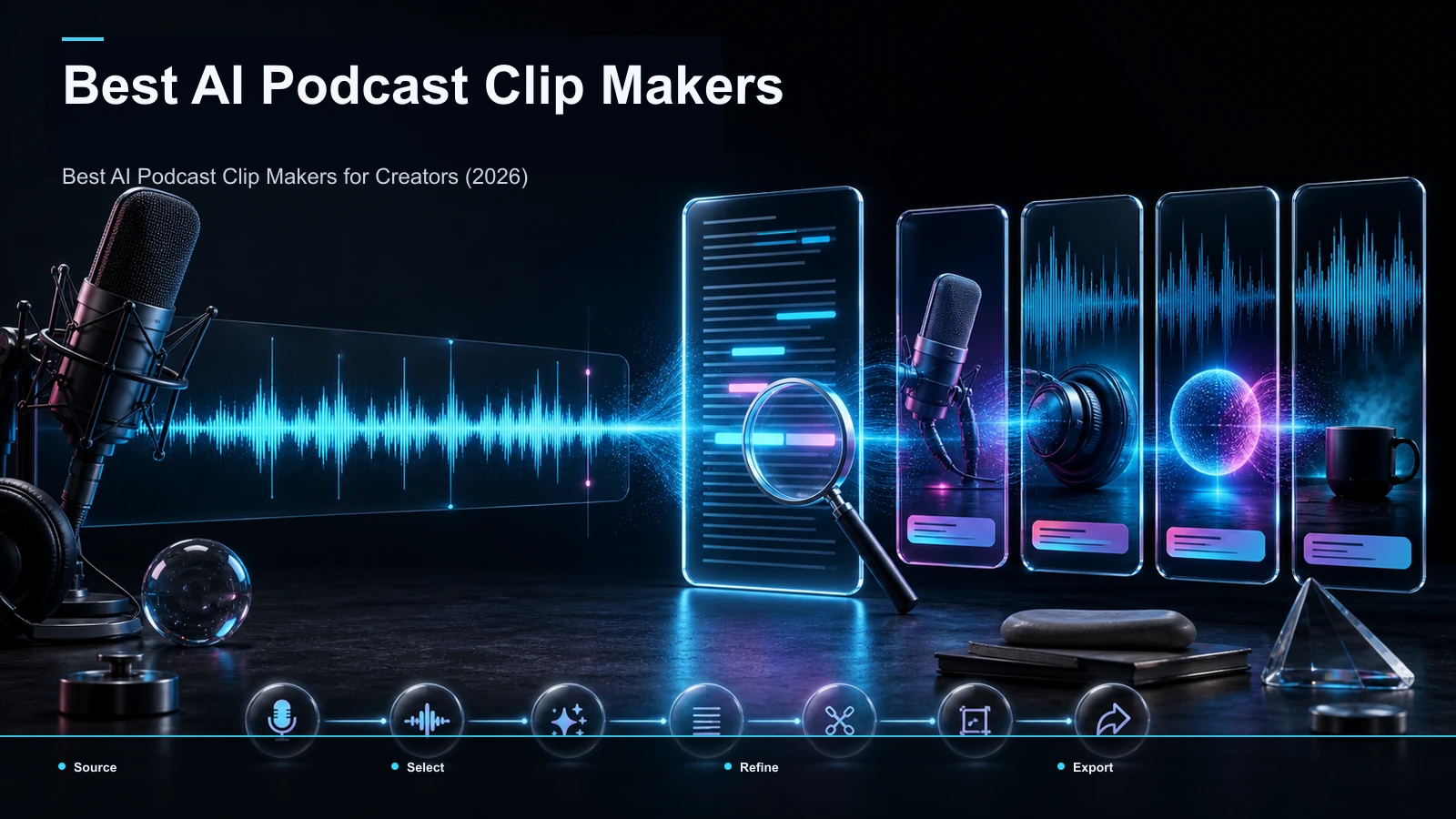
The search results for "video editing for podcasters" are wall-to-wall tool listings — transcript-based editors, browser workspaces, and AI clippers all competing for the same job. Rather than trust anyone's feature checklist, run your own test. Take one real 45–60 minute episode and push it through each candidate, scoring what actually matters to a podcaster:
| What to test | How to test it | Why it matters |
|---|---|---|
| Clip yield | Count how many usable clips it surfaces from one episode | Yield per episode is the whole economics of the pipeline |
| Caption accuracy | Check how it handles guest names and niche jargon | Wrong names are the errors your audience notices |
| Vertical framing | Reframe a two-person clip and see if the speaker stays centered | Bad crops kill conversation clips |
| Time to first clip | Time yourself from upload to one publishable clip | That number is your real weekly cost |
| Format & size support | Upload your actual recording format and file size | A tool that chokes on your master is a non-starter |
Score each tool on your own footage, not a demo. A tool that nails captions but mangles framing, or one that's fast on a five-minute demo but stalls on your real hour-long file, shows its limits immediately. To shortlist candidates before you self-test, see best podcast clip makers. The right pick is simply the one that produces the most publishable clips per episode in the least hands-on time — for your show.
Where Recapo fits
Recapo is a browser-based AI video workspace — no install — built to hold most of this repurposing pipeline in one place. Inside it you can transcribe and caption, turn long videos into short clips, generate summaries and scripts, add AI voiceover, resize and reframe to vertical, and design a cover before you export. It accepts MP4, MOV, and other common formats, up to 6GB total per task — which matters when your source is a full-length episode recording.
The practical fit: Recapo isn't the only way to edit a podcast for social media, and if a single stage is your entire job — you only ever need a transcript, say — a focused single-purpose tool may serve you just as well. A workspace earns its place in exactly the scenario this guide describes: every week, the same episode needs clip-finding, captioning, vertical reframing, a cover, and an export, over and over. Then the value isn't out-scoring a specialist at one step; it's removing the handoffs between four or five tools so a repeatable pipeline stays repeatable and one recording keeps yielding a week of clips. Plans live on the pricing page, and a quick way to decide if it fits your cadence is to run one real episode through the whole thing yourself.
FAQ
What is video editing for podcasters?
It's really two jobs: the full-episode edit (trim, clean, export the complete video once) and the repurposing edit (mine that episode for clip-worthy moments, then caption and reframe each for vertical feeds). The growth comes from the second job — turning one recording into many short, captioned clips for YouTube, TikTok, Shorts, and Reels — which is what this guide is built around.
How many clips can I get from one podcast episode?
An episode can contain several self-contained candidates, but the approved count depends on the conversation and review standard. The trick is variety — a hot take, a practical tip, a story, a funny aside — so the approved batch covers distinct ideas instead of four versions of the same clip. Recording in clippable beats (Step 1) directly increases the yield.
Do podcast clips really need captions?
Yes. Some feed viewing happens with the sound off, and a conversation clip with no captions is just people moving their mouths. Auto-transcribe each clip, then correct the guest names and jargon before you post — those proper nouns are the errors your niche audience will actually catch.
Can I use one export for TikTok, YouTube Shorts, and Instagram Reels?
Usually, yes. All three take 9:16 vertical video, so one clean, captioned export per clip covers them. Ideal clip length and caption conventions differ slightly between feeds, but those are quick publish-time tweaks rather than a reason to render each clip three separate times.
What should I look for in a podcast clip maker?
Test it on your own footage, not a demo. Score clip yield per episode, caption accuracy on names and jargon, whether vertical reframing keeps the active speaker in frame, your time from upload to first publishable clip, and whether it handles your actual recording format and file size. The best pick is whichever produces the most publishable clips per episode in the least hands-on time for your show.
Ready to measure this week's episode and build an approved clip batch? Create a free account, upload your latest recording, and run it end to end — surface the clip-worthy moments, cut them tight, burn in captions, reframe to 9:16, add a cover, and export for YouTube, TikTok, Shorts, and Reels. Push one real episode through the whole pipeline and you'll know within a single upload whether this system fits your weekly cadence.