How to Choose a Long-Video-to-Shorts Tool
Choose a long-video-to-shorts tool by source type, keeper rate, caption accuracy, reframing control, and a repeatable same-footage test.
By the Recapo.ai Editorial Team · Fact-checked July 10, 2026
The best tool to turn long videos into shorts is the one that handles your source cleanly — a talky podcast, a two-hour livestream, and a fast-cut YouTube tutorial each stress a clipping engine in different ways, and no single app wins all three. So this guide skips the brand leaderboard and centers the job you actually have: taking one long recording and shipping a batch of vertical, captioned clips to TikTok, YouTube Shorts, and Instagram Reels without watching every minute yourself. Below you'll find the four-stage pipeline every converter runs, how to match a tool to your source type, the honest free-versus-watermark trade-offs, and a 20-minute test to settle the choice on your own footage. If you'd rather scan a brand-by-brand roundup, we keep a separate best AI clip generators list — this piece is about the workflow that makes any of them worth paying for.
Disclosure and method: Recapo.ai publishes this guide and may appear among the tools discussed. We checked official product pages on July 10, 2026. This edition is a desk-research comparison, not a standardized hands-on benchmark. We compare stated workflow fit rather than unverified performance scores and recommend testing the same source file in each finalist. Features, limits, and pricing can change.
How a long video to shorts converter actually works
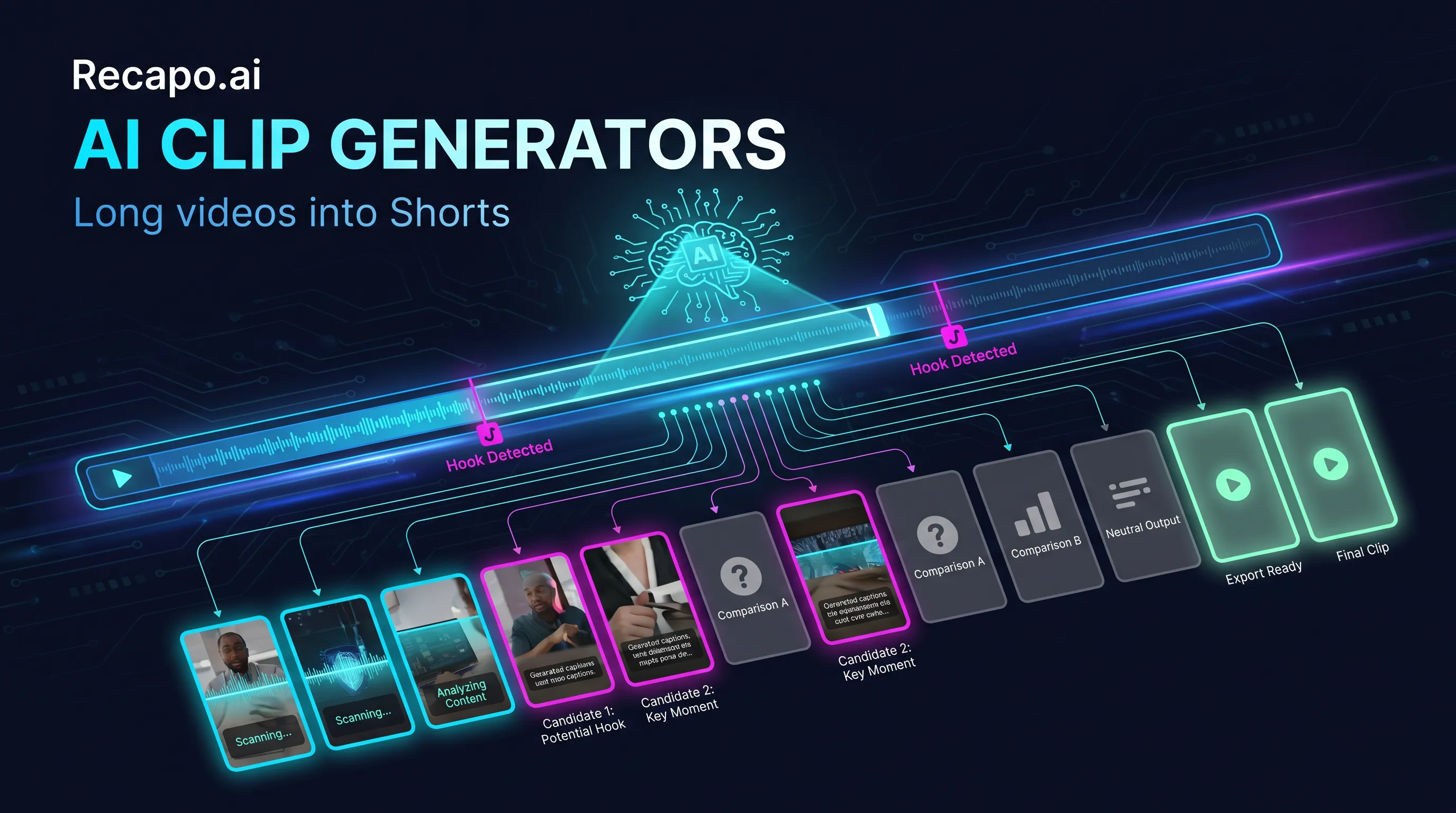
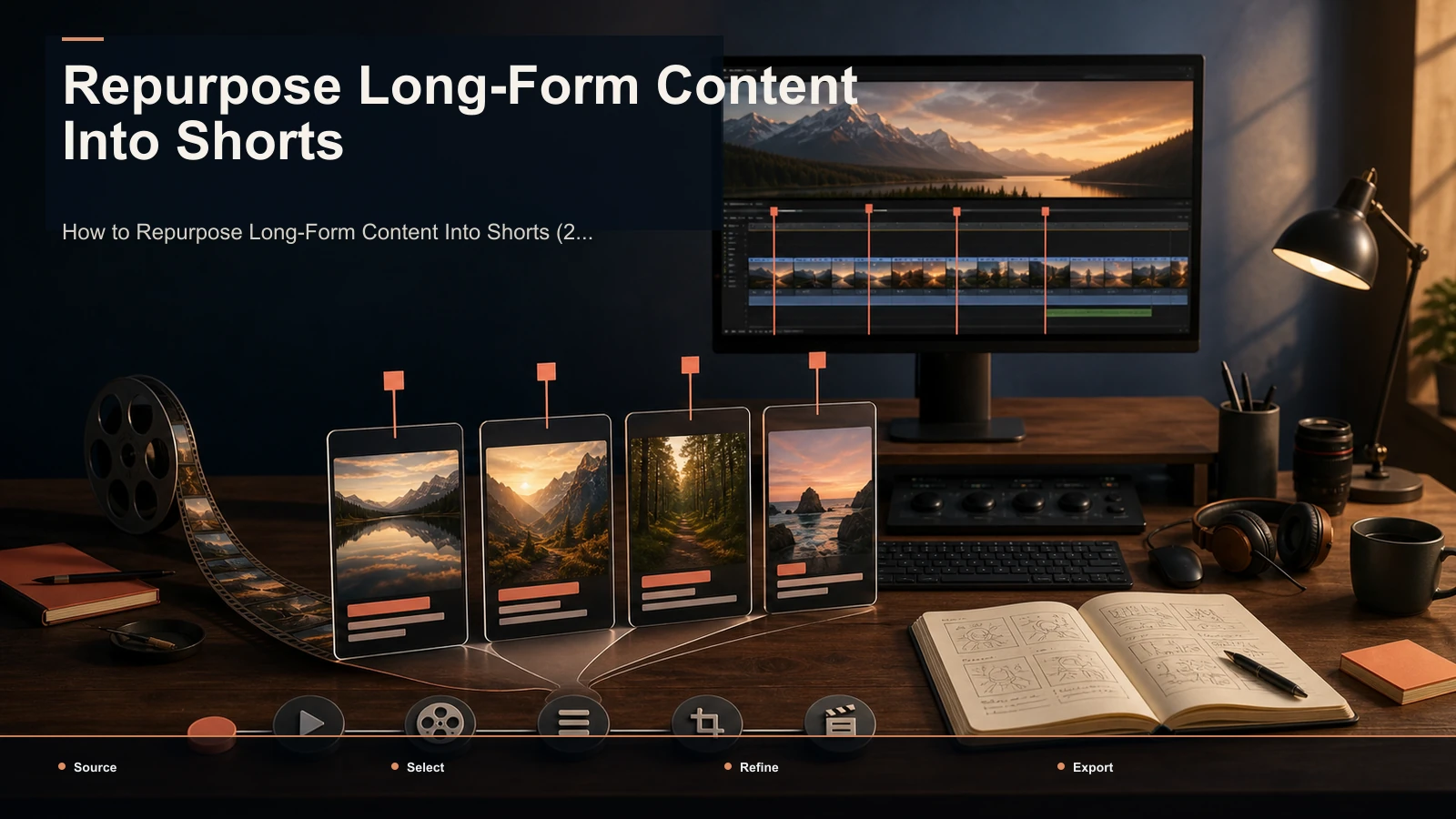
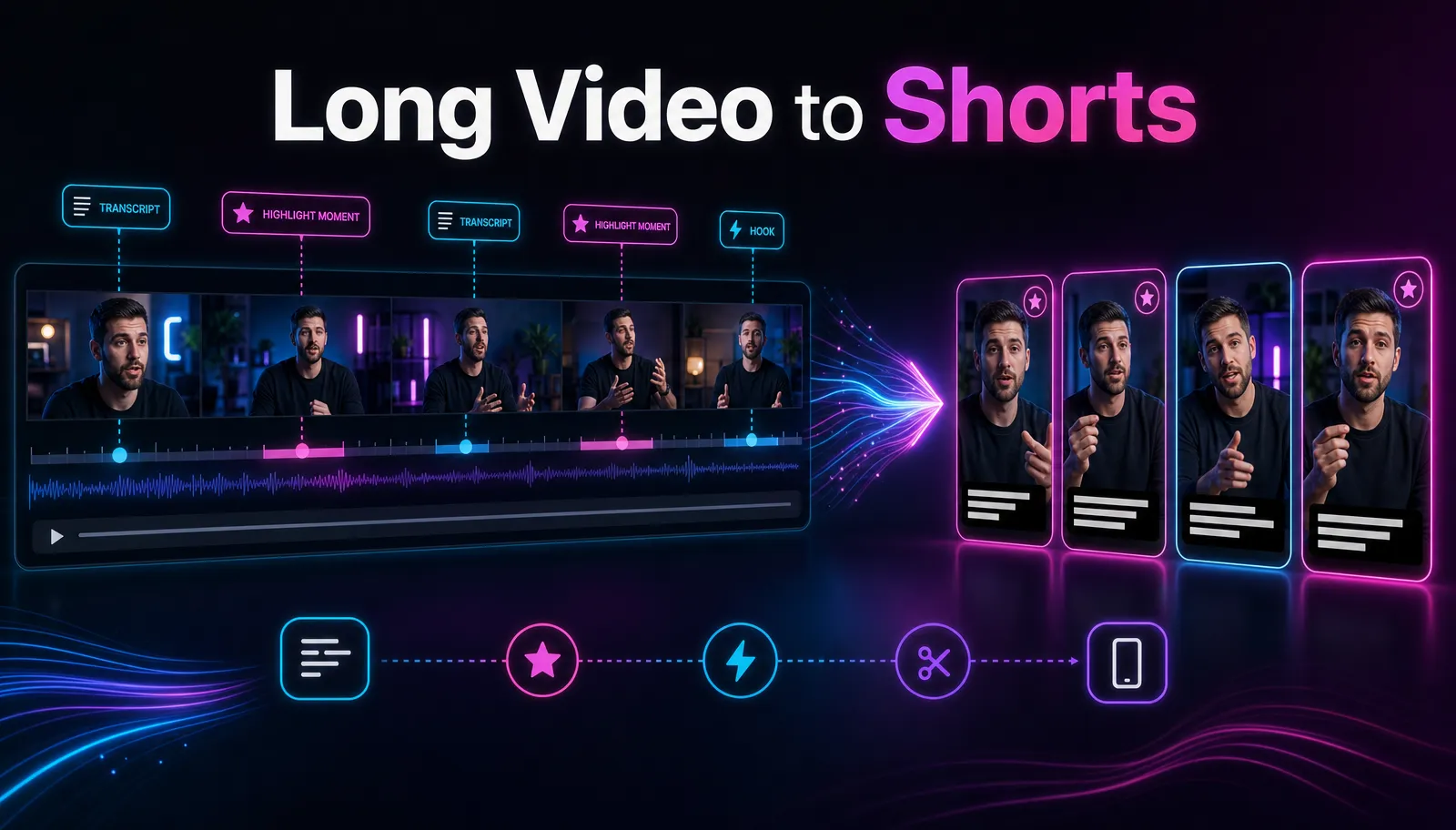
Whether it's a one-trick clipper or a full editing workspace, every long video to shorts converter runs the same four stages. Knowing them tells you exactly where tools differ — and where the marketing pretends they differ but they don't.
| Stage | What the tool does | What to judge it on |
|---|---|---|
| 1. Transcribe | Turns speech into a timed transcript | Accuracy on your accent, names, and jargon |
| 2. Find highlights | Scores transcript segments for hooks, questions, and self-contained arcs | Keeper rate on your real content, not a demo |
| 3. Reframe to 9:16 | Crops and tracks the speaker for vertical | Whether you can fix a bad crop by hand |
| 4. Caption & export | Burns captions, adds a cover, renders the file | Export quality, watermark policy, format options |
The single most important thing to internalize: the engine proposes, you curate. No converter reliably ships publish-ready clips unattended. The real win is triage — reviewing a ranked shortlist of candidates instead of scrubbing the full runtime — with captions and vertical framing handled for you. A long video to short video AI does the mechanical stages; the judgment about what's actually worth posting stays with you. Any tool that promises to remove that judgment is selling the part it can't deliver.
Because stages 1 and 2 lean on the transcript, dialogue density is the variable that decides your results. Talk-rich formats give the selection model something to grab; sparse-dialogue footage leaves it guessing. That's why the same tool can be excellent for one channel and mediocre for another — and why every recommendation here ends at the same place: test on your own source.
Match the tool to your source, not the hype
The biggest predictor of good clips isn't the brand — it's how well the engine handles the kind of long video you make. Sort yourself into one of these three buckets before you compare anything.
| Your source | Why it's easy or hard | Check this first |
|---|---|---|
| YouTube long-form (tutorials, talking-head, commentary) | Dialogue-rich with clear structure — the model's happy path | Keeper rate and caption accuracy |
| Podcast / interview | The ideal case: dense speech, self-contained answers | Speaker tracking in 9:16 and batch review speed |
| Livestream / long VOD | Multi-hour, low signal density, very large files | Per-file size cap, reject speed, transcript search |
YouTube long-form is the friendly path. Clear narration and on-screen structure give the highlight model plenty to score, so a purpose-built AI YouTube Shorts generator tends to produce a usable shortlist on the first pass. Your job is mostly rejecting near-misses and fixing the occasional crop.
Podcasts and interviews are where these tools shine, because a good answer is already a self-contained clip. The variables that matter are speaker tracking (does the vertical crop follow whoever's talking?) and how fast you can move through a batch, since one episode can yield a dozen candidates. If repurposing is a weekly habit rather than a one-off, read our content repurposing workflow alongside whatever tool you pick.
Livestreams and long VODs are the stress test. A four-hour stream might hold three genuinely great moments, so a tool that surfaces forty mediocre candidates costs you review time instead of saving it. Two hard limits bite first: the per-file upload size cap and how fast the review screen lets you reject junk. For reference, an AI clip generator built for this accepts large files and lets you jump straight to transcript search when you already know what was said — but confirm the size ceiling against a typical VOD of yours before you subscribe to anything.
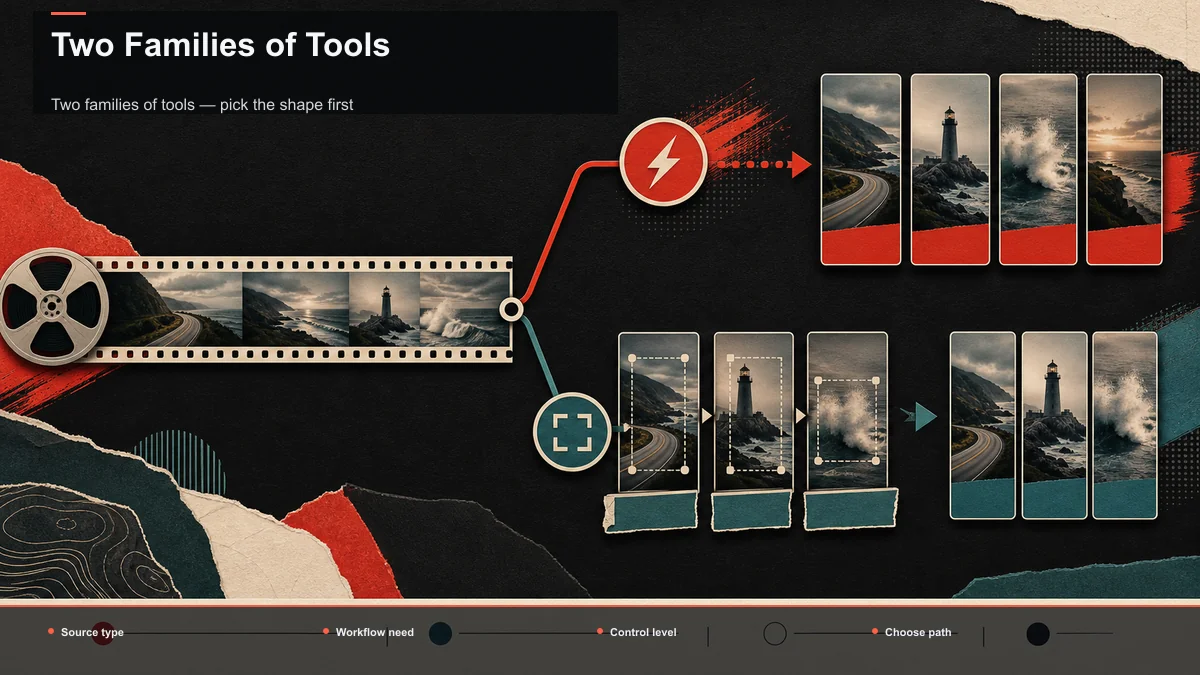
Two families of tools — pick the shape first
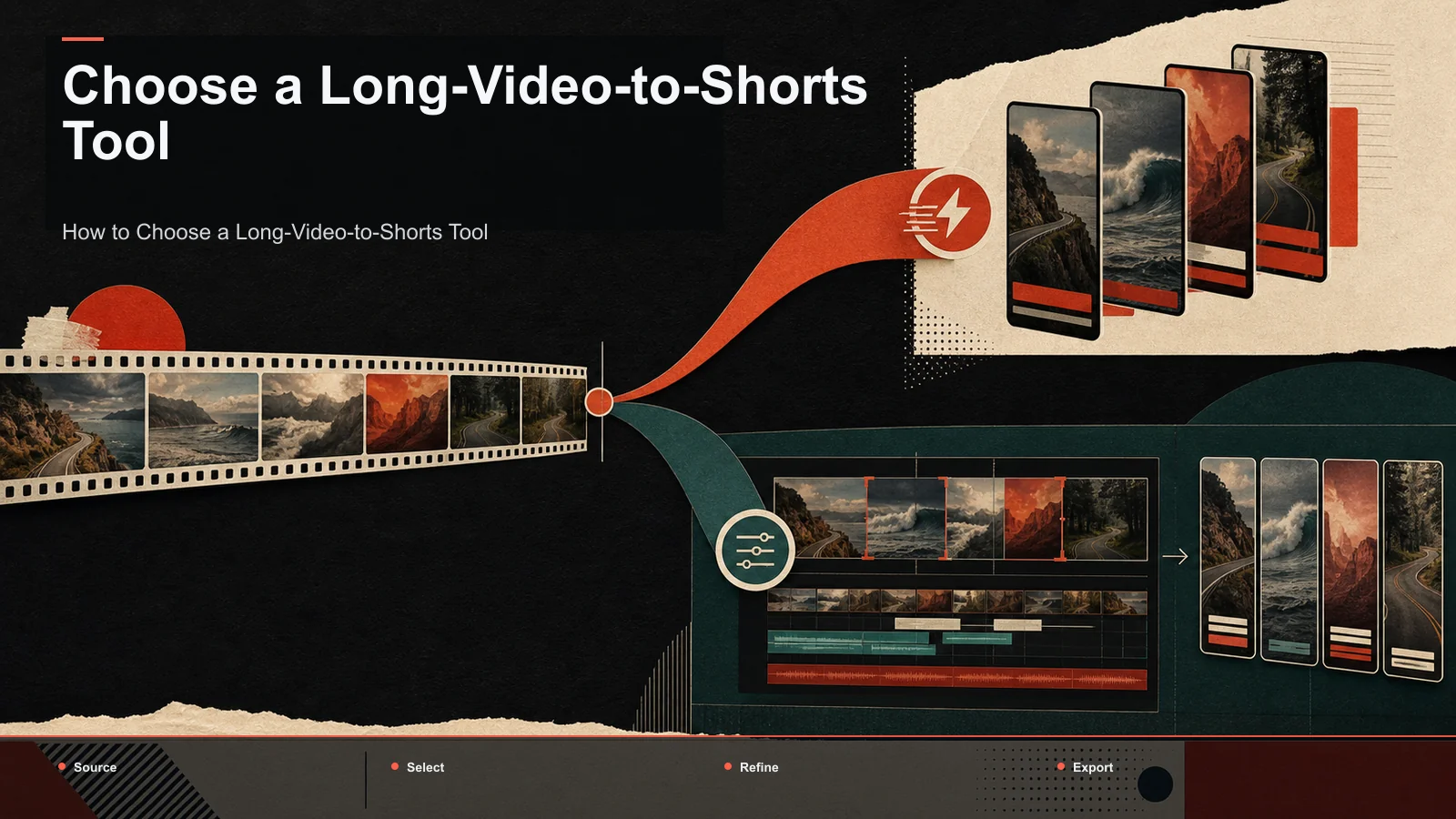
Zoom out and every option in this category falls into one of two shapes. Decide which shape fits your output, then pick a brand within it. This is where a lot of buyers waste money: they compare a dedicated clipper against an all-in-one workspace on price alone, when the two are built for different jobs.
| Dedicated clipper | All-in-one workspace | |
|---|---|---|
| Best known for | One job: auto-clipping long video into shorts | Multi-step repurposing in a single tool |
| Strength | Focused, fast, few decisions to make | Clip, script, voiceover, resize, and export without switching apps |
| Trade-off | You'll add other tools for scripts, voiceover, covers | More surface area to learn; not a specialist at any single step |
| Fits when | Clips are your only output | Clips are one of several outputs each week |
A dedicated clipper — the kind known for virality scoring or one-click YouTube-to-Shorts import — does clipping and stops. If your entire pipeline is "long video in, vertical clips out," that focus is exactly right, and you should evaluate specialists first. For those head-to-head brand comparisons, the best AI clip generators roundup breaks them down individually.
An all-in-one workspace earns its slot when your weekly output isn't only clips — when the same long video also needs a written summary, a scripted voiceover, a redesigned cover, or a resize for a second platform. The argument for a workspace is fewer tools in the chain, not out-scoring a specialist at the single event of clip selection. Be honest with yourself about which describes your week; buying a workspace to only ever clip is overpaying, and stitching four single-purpose apps together to run a real repurposing pipeline is a different kind of tax.
Free tiers and watermarks: read the fine print
"Free" and "no watermark" are the loudest selling points in this category and the easiest to misread. Terms change constantly, so instead of trusting any headline number, here's what actually varies and how to check it in minutes.
- "Free" almost always means metered, not unlimited. The cap might be upload minutes, number of exports, or processing runs per month. Match the metering unit to your real volume: a per-minute meter punishes long-VOD creators, while a per-export cap barely touches someone who publishes twice a week.
- Watermarks usually appear at export, not upload. You can do all the curation work and only discover the branding when you render. Export one throwaway clip before investing real review time.
- A "no-watermark" free tier often trades something else: resolution, length, or format options. Don't assume clean-and-free means unlimited; find the string attached before you commit a backlog.
- The real cost is your time, not the sticker price. A cheaper tool that surfaces weaker candidates or needs heavy caption fixes can cost more hours per clip than a pricier one that lands the shortlist. Price the keeper rate, not just the plan.
The reliable move is the same for every tool: run one real file through the free tier or trial, export a single clip end to end, and see the watermark, resolution, and caption quality with your own eyes. Published reviews can't test your footage; a five-minute export can.
The 20-minute bake-off that settles it
Reviews and star ratings can't see your source, so run a controlled test. It takes about twenty minutes and replaces every "which is best" argument with a number you trust.
- Pick one typical long video: the format you actually publish, not a polished highlight reel. Demo files are clean and hook-dense, which flatters every tool and predicts nothing.
- Push the same file through each shortlisted tool on its free tier or trial. Same file, same day, default settings everywhere. Tweaked settings measure your patience, not the product.
- Track four numbers for each tool: clips proposed, keepers (clips you'd actually publish), caption fixes per keeper, and time from upload to a publishable export.
- Decide on keeper rate first. Styling, templates, and pricing are all adjustable later; selection accuracy on your content isn't. Write the numbers down as you go — after the third tool, the proposal screens blur together.
Run this once and the "best tool to turn long videos into shorts" stops being a marketing question and becomes your own measurement. For the surrounding craft — hooks, titles, and posting cadence that make the clips land — pair it with how to make YouTube Shorts from long videos.
Where Recapo fits
Recapo comes at this job from the workspace side. It's a browser-based AI video workspace — no install — where turning long videos into shorts is one stage in a pipeline that also covers transcription and captions, summaries and scripts, AI voiceover, vertical resizing, covers, and export. You upload one long recording in MP4, MOV, or another common format (up to 6GB total per task), let the AI clip generator propose segments, curate the ones worth keeping, and export vertical clips with captions burned in.
The practical fit: if clips are your only output, run the bake-off above and let keeper rate decide — a focused specialist may serve you just as well. Recapo earns its place when the same long video also needs a scripted voiceover, a summary, or a resize for a second platform, because then the value is fewer tools in the chain rather than beating a specialist at clip selection alone. Plans live on the pricing page; a quick way to decide if it fits is to run your own file through it.
FAQ
What's the best tool to turn long videos into shorts?
There's no single winner, because the answer depends on your source. Dialogue-rich podcasts and tutorials suit almost any transcript-based clipper; multi-hour livestreams need one that handles big files and lets you reject fast. Run the 20-minute bake-off on one of your real videos and let keeper rate — not a star rating — pick for you.
Can I turn a long video into shorts for free?
Often, yes, for testing. Most tools offer a free tier or trial limited by minutes, exports, or watermarks, and those terms change frequently. Use the free tier to run one real file end to end and inspect the export, then choose a paid plan based on your actual monthly volume rather than the headline "free."
How is an all-in-one workspace different from a dedicated clipper?
Scope. A dedicated clipper does clip selection and stops. A workspace connects clipping to transcription, scripts, voiceover, resizing, covers, and export in one place. If clips are your only output, either shape works — test both. If the same long video also needs a script or a voiceover, the workspace saves you from stitching tools together.
Will one export work for TikTok, YouTube Shorts, and Reels?
Usually. All three platforms take 9:16 vertical video, so a clean captioned export covers them. Length limits, caption conventions, and cover images are quick publish-time tweaks, not a reason to render three separate exports.
Do these tools find the "viral" moments automatically?
They detect transcript-level signals that correlate with watchable clips — hooks, questions, punchlines, self-contained stories — and rank candidates by them. Real performance still depends on your title, cover, pacing, and audience, so treat any score as a sorting aid, not a promise.
Ready to test the workflow on your own footage? Create a free account, upload one long video — MP4 or MOV, up to 6GB total per task — and run it through the full pipeline: highlights, 9:16 reframe, captions, and export. Count the keepers yourself. That number will tell you more about the best tool for your content than any buying guide, including this one.