How Many Clips From One Long Video? A Measured Method
Estimate clips from a long video using candidate count, approval rate, rejection reasons, and measured editing time instead of a universal yield claim.

By the Recapo.ai Editorial Team · Fact-checked July 10, 2026
There is no evidence-based universal answer to how many clips one long video will produce. Runtime alone cannot tell you the number: source structure, information density, visual changes, rights constraints, and your editorial standard all affect which moments can stand alone.
The useful answer is a measurement method. Mark candidates in one representative source, record how many pass review, measure the time required per approved clip, and use those two rates to plan the next batch. This guide gives you that auditable workflow without presenting an invented industry average as a fact.
Official source map: For estimating clip yield from one source video, the Shorts and Analytics points below are tied to YouTube's current Shorts creation guidance, YouTube discovery guidance, Shorts Analytics documentation.
Key Takeaways
The short answer: how many clips can you make from one long video
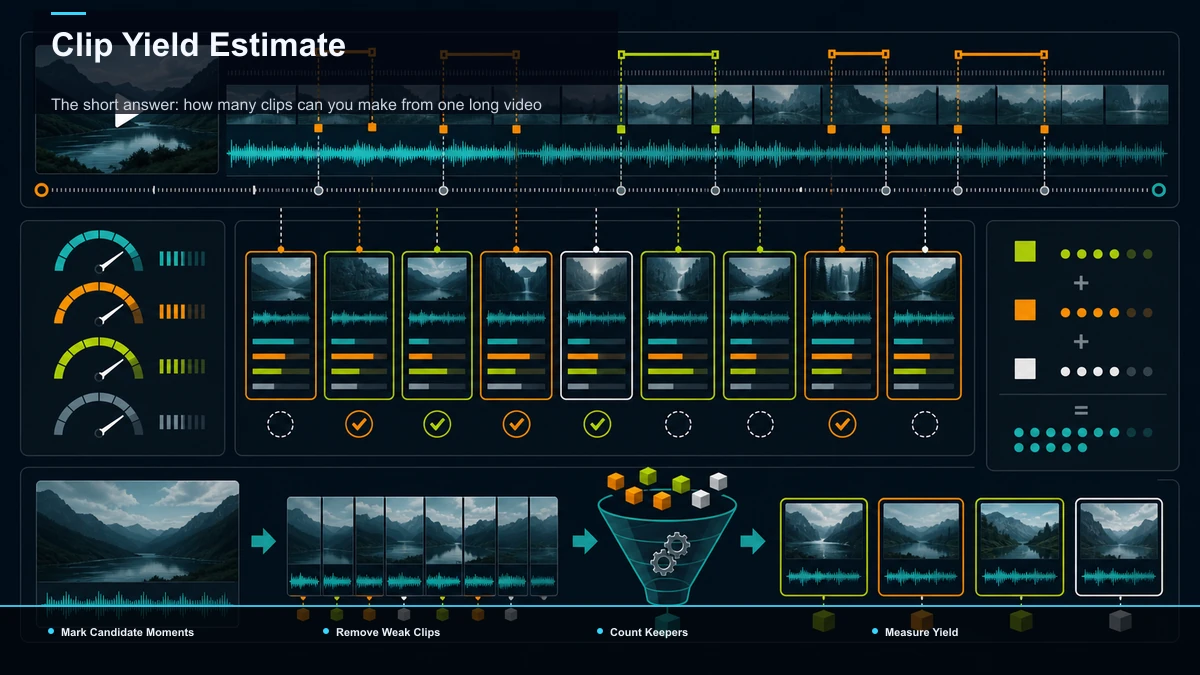
The defensible answer is: as many distinct moments as pass your review. A structured tutorial may expose more clear boundaries than an unstructured stream, while a short interview can contain more complete answers than a much longer recording.
For the first batch, do not promise a number. Mark every plausible candidate, then approve only clips that have a clear premise, enough context, a complete payoff, usable rights, readable framing, and accurate captions. The resulting approval rate becomes your baseline for the next comparable source.
What to measure by source type
| Solo talk or monologue | Distinct claims, answers, or stories | Repeated setup and similar points | Approved clips per source hour | Podcast or interview | Complete answers and meaningful exchanges | Missing question context or speaker attribution | Candidate-to-approved rate | Tutorial or how-to | Steps that deliver value independently | Steps that depend on earlier instructions | Approved self-contained steps | Webinar or presentation | Teaching points, examples, and Q&A | Slides or references missing from the crop | Approval rate by section | Conference talk | Claims, demonstrations, and story turns | Context or source attribution removed | Rejection reasons | Livestream or gaming | Spoken or visual peaks with a complete payoff | Long gaps and rights in music or gameplay | Review time per approved clip | Vlog | Events, reactions, reveals, and before/after moments | Visual context lost in a vertical crop | Approved clips by moment type |
These are search cues, not yield promises. Compare like with like: a measured interview baseline should forecast another interview more reliably than a tutorial or livestream.
What actually determines your clip count
Length is the weakest predictor. These four factors decide how many clips you'll really pull:
- Signal-to-noise density. How much of the runtime is genuinely clip-worthy versus filler, ramp-up, and repetition? A rehearsed tutorial is nearly all signal; a casual stream is mostly noise with occasional peaks. Density, more than any other factor, sets your ceiling.
- Structure. Segmented sources yield more, cleaner clips. If your podcast has distinct topics, your tutorial has numbered steps, or your webinar has a Q&A block, each unit is a pre-cut candidate. Meandering, single-thread footage forces you to manufacture boundaries that may not exist.
- Self-contained moments. A clip has to make sense to someone who never saw the full video. A brilliant point that needs three minutes of setup isn't a clip — it's a chapter. The more moments that stand alone, the higher your usable yield.
- Your quality bar. This is the dial you control. A loose bar ("anything watchable") inflates the count; a tight bar ("would I actually publish this?") shrinks it and, ironically, grows your channel faster. Where you set this bar changes the answer more than the source length does.
Add these up and you'll see why two 60-minute videos can yield three clips and ten clips respectively. You're not counting minutes — you're counting stand-alone moments that clear your bar.
A measured clip-yield estimator
After one representative batch, record four values:
candidate momentsapproved clipsapproval rate = approved clips / candidate momentsminutes per approved clip = total review and editing minutes / approved clips
For the next comparable source, use:
Example: if a previous interview produced 12 candidates and 6 approved clips, its observed approval rate was 50%. If a comparable interview produces 10 candidates, a planning estimate is 5 approved clips before the new review begins. That is a worked example from measured inputs, not a claim that every interview yields five clips.
Recalculate after each batch. A source-type-specific baseline becomes more useful as you collect more examples and document why candidates were rejected.
Quality over quantity: avoid a quota
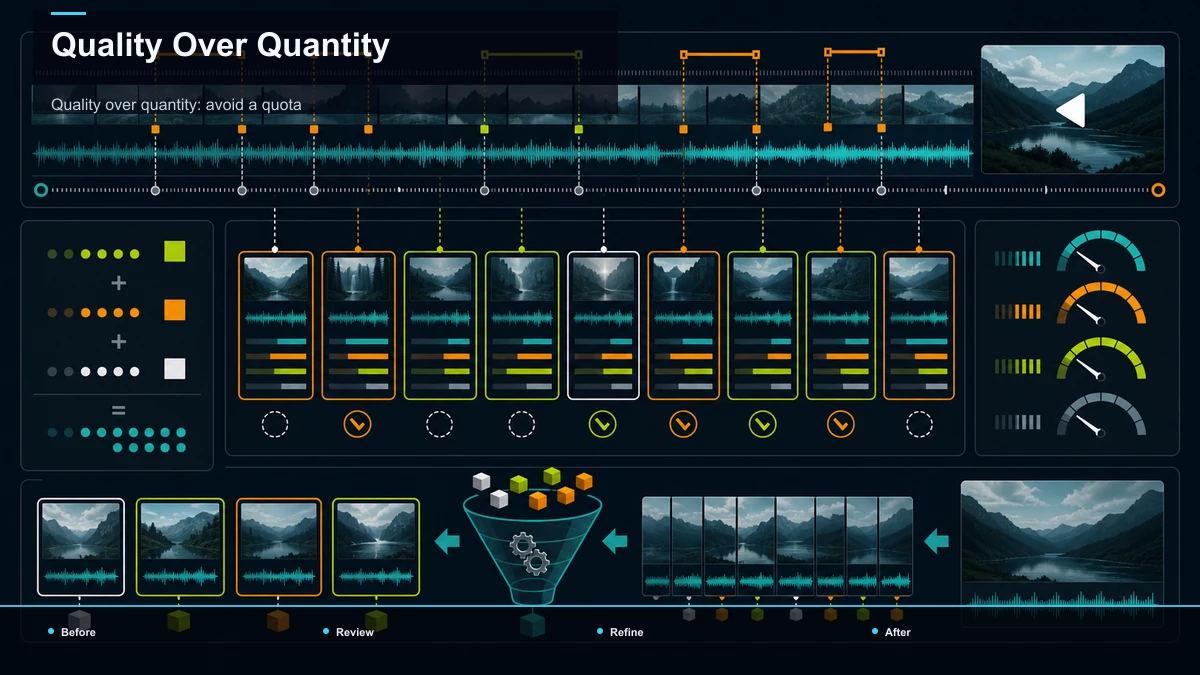
A forecast is a planning aid, not an instruction to publish every candidate. Stop when a segment needs missing context, repeats another clip, lacks a complete payoff, creates a rights concern, or cannot be framed and captioned clearly.
Weak filler also makes your test harder to interpret: differences in topic and execution can overwhelm the variable you intended to compare. Review clips at the same video age and record retention, qualified engagement, traffic source, and downstream action instead of attributing reach to an undocumented algorithm rule.
One clip, many formats — don't double-count
A quick clarification, because it inflates a lot of yield claims: cutting the same moment for YouTube Shorts, TikTok, and Reels does not give you three clips. It gives you one clip in three aspect ratios. That repackaging is genuinely useful — one good selection pass feeds three platforms — but it multiplies your distribution, not your clip count. Count real yield in distinct moments; count format variants separately as reach, not as clips. Keeping those two ideas apart is what stops "how many clips from one video" from turning into wishful math.
How to pull the clips without watching every minute
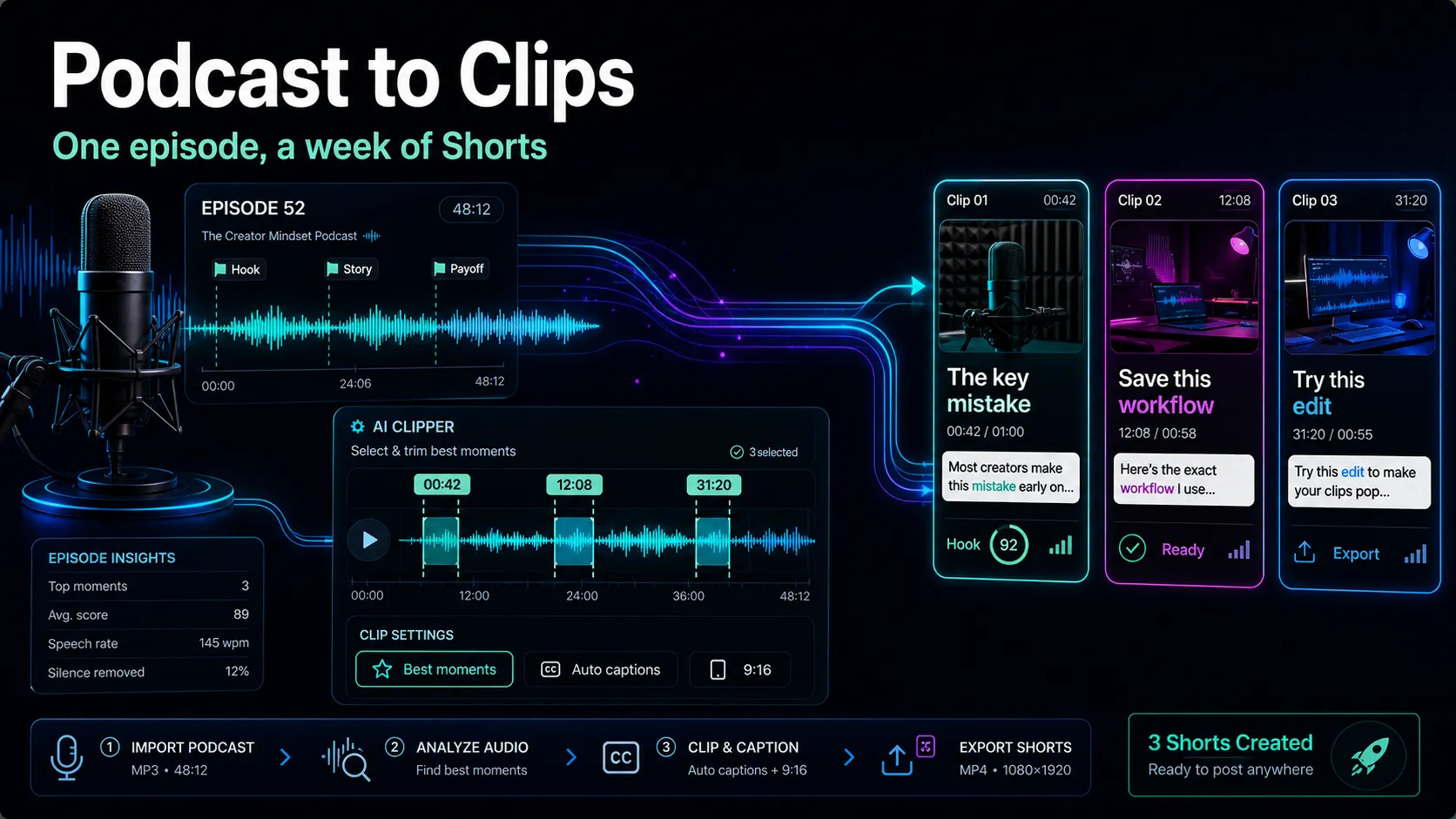
Knowing the number is half the job; extracting the moments efficiently is the other half. The slow way is scrubbing the full timeline by hand. The faster way is to let a first pass surface the candidates, then apply your own quality bar. Here's a browser-based loop. It runs in a workspace like Recapo without a desktop install; processing and rendering happen in the cloud:
- Upload the full source. Bring in the raw recording as MP4 or MOV. Long sources get big — a multi-hour stream especially — so use a tool that accepts large files (Recapo takes up to 6GB total per task) instead of compressing first and losing quality.
- Surface candidates automatically. Run the footage through an AI clip generator or a shorts generator to get a first pass of segments where energy or topic shifts. Treat its picks as a candidate list, not a verdict — it flags where something happens; you decide what clears your bar.
- Score against your estimate. Compare the candidate count to your formula's number. If the tool surfaces fifteen and your bar says six, you're pruning, not accepting — a healthy sign your quality dial is on.
- Trim, reframe, caption, cover. For each keeper: cut a clean in and out, reframe to 9:16 with the subject centered, auto-caption for muted viewing, and add a cover before export.
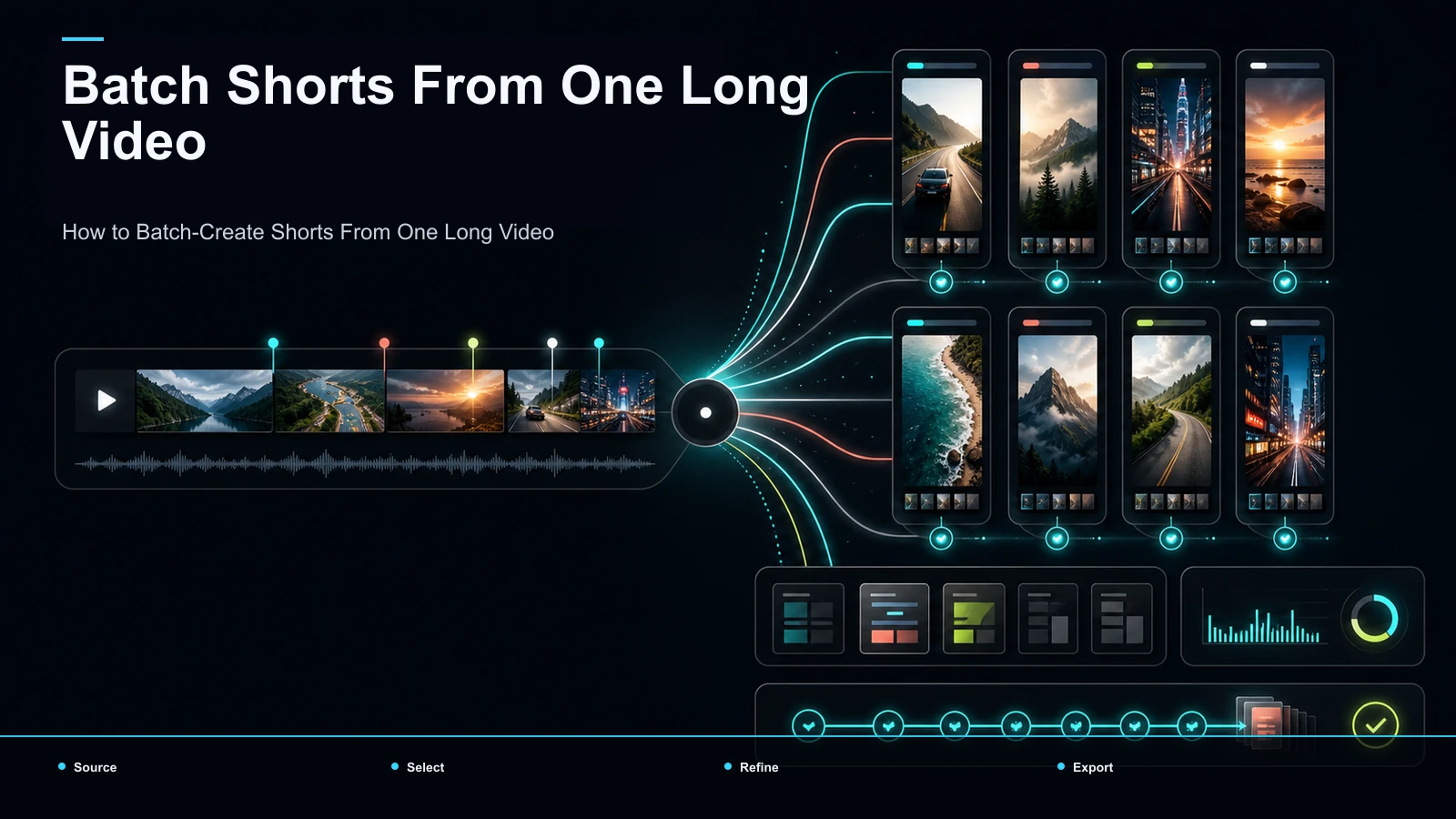
- Batch the rest. Send the finished clips into a posting schedule. The full one-video-to-many-clips system, from a single upload to a queue of Shorts, is laid out in how to batch-create Shorts from one video.
Don't compare tools on feature lists — they all promise the same outcome. Run one test: take a real recording, push it through any setup you're weighing, and check how close the auto-surfaced candidate count lands to your estimate, and how many round-trips it takes to finish one clip. Let the results, not the marketing, decide.
FAQ
How many clips can you make from a one-hour video? There is no universal number supported by public evidence. Mark the distinct candidates, review them, and use your measured approval rate from comparable sources.
How many clips per hour of video is realistic? Use your own approved-clips-per-source-hour rate, separated by source type. A rate measured on tutorials should not be treated as a benchmark for interviews or streams.
Does a longer video always give more clips? No. Longer runtime can add candidates, but structure and density determine whether those candidates stand alone and pass review.
How many clips should I actually publish from one video? Publish only the clips that pass your editorial, rights, framing, caption, and duplication checks. Do not fill a quota with weaker candidates.
Can I count the same moment cut for TikTok, Shorts, and Reels as multiple clips? Count it as one editorial moment with several platform versions. Track versions separately when measuring production work or distribution.
Measure one batch, then forecast the next
Use one representative source to establish candidate count, approval rate, rejection reasons, and minutes per approved clip. Create a free Recapo account to test candidate discovery, vertical reframing, captions, and export in one browser workflow, then keep the measured results in your production log. Your own documented baseline is more useful than an unsupported universal clip count.
References and official sources