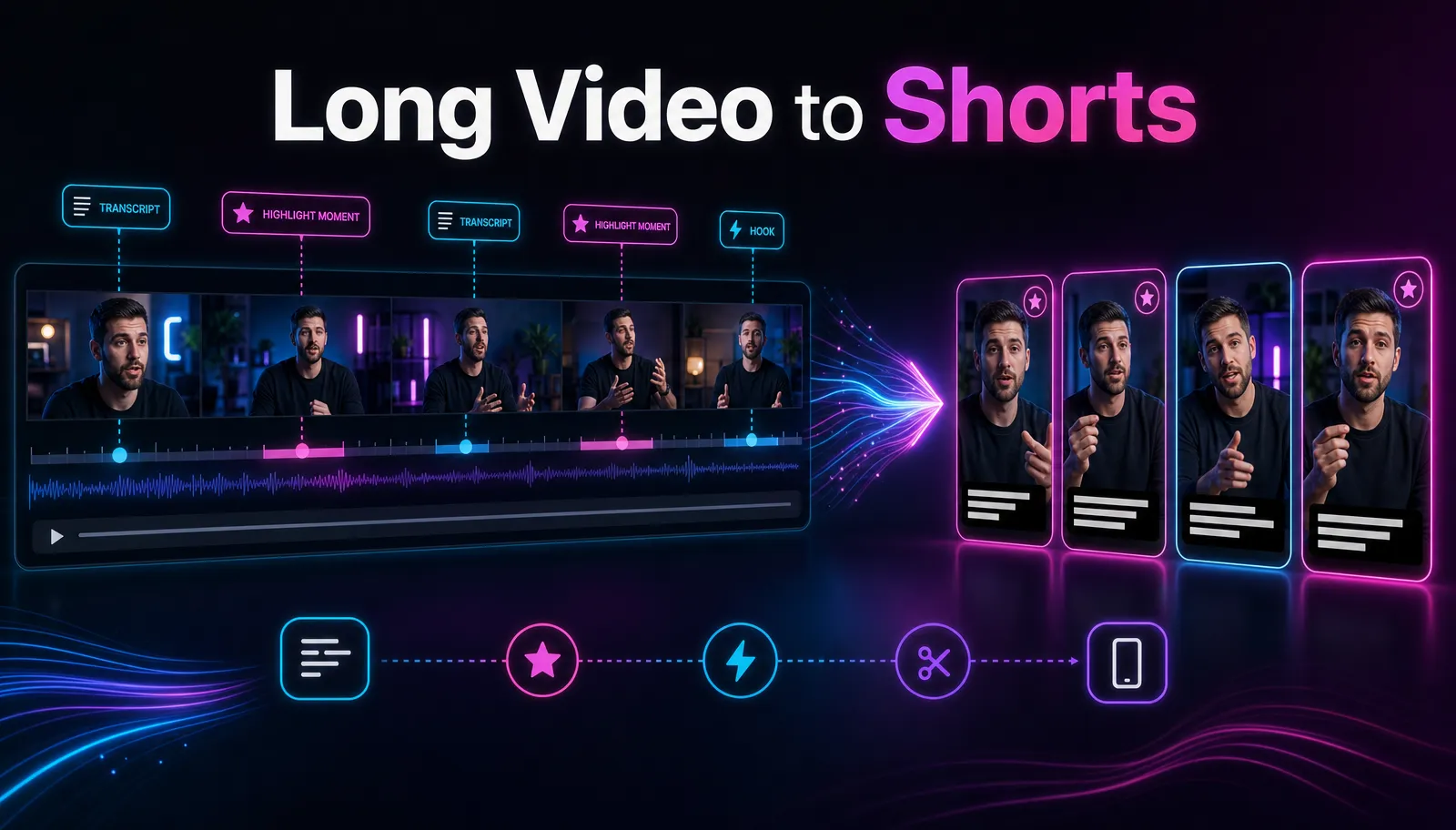
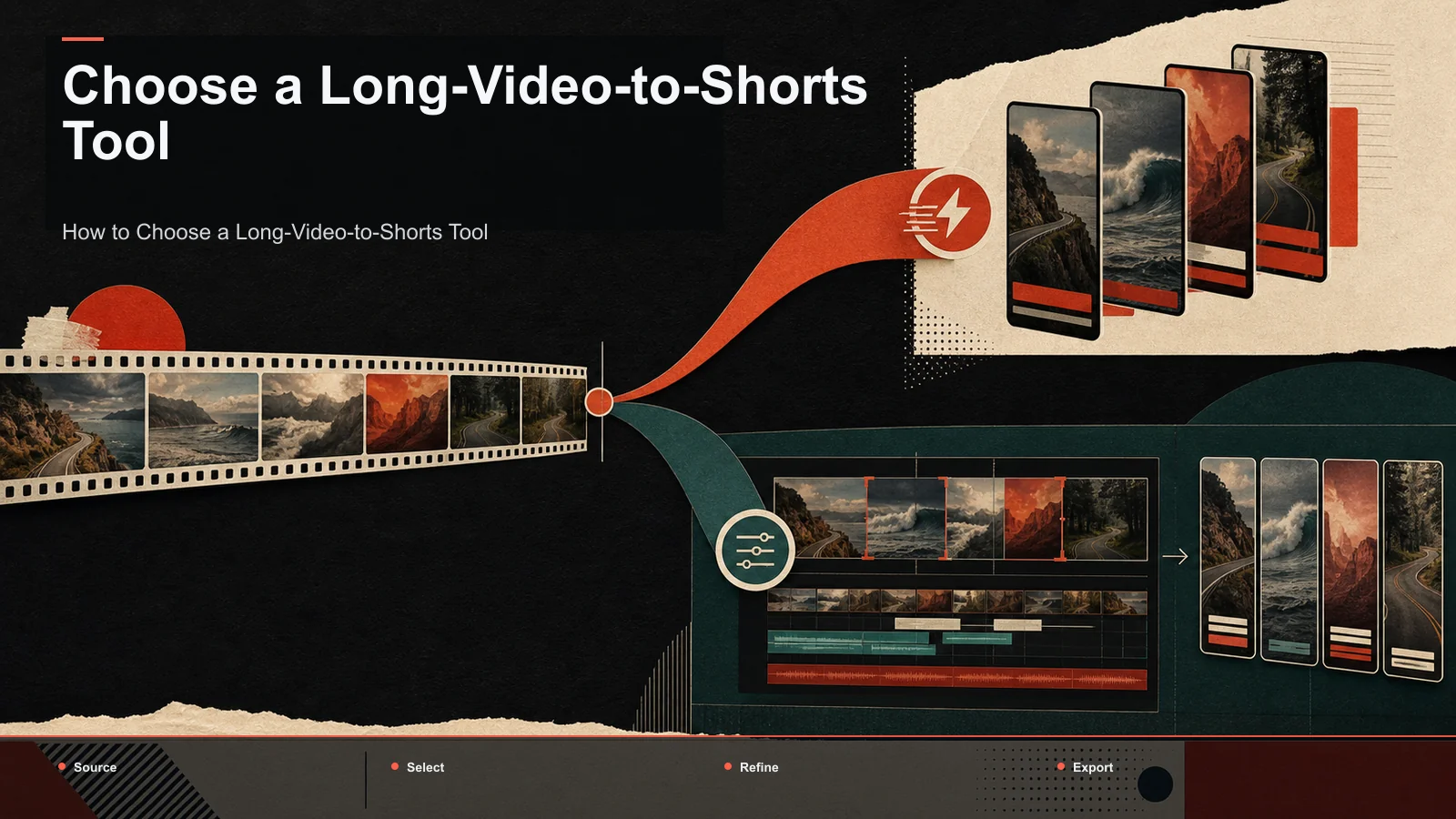
Best 2short.ai Alternatives in 2026 (YouTube Long-to-Shorts)
Comparing 2short.ai alternatives for YouTube long-to-shorts? Get the dimensions that matter, an honest tool grid, and a 15-minute self-test on your footage.
2short.ai is publicly positioned for turning YouTube long-form videos into short clips. An alternative may matter if you need a different source-input method, transcription flow, framing control, review experience, or surrounding workflow. This guide compares those dimensions from official product information and asks every candidate to process the same source; it does not rely on an uncited "common complaint."
Disclosure and method: Recapo.ai publishes this guide and may appear among the tools discussed. We checked official product pages on July 10, 2026. We compare stated workflow fit rather than unverified hands-on scores and recommend testing the same source file in each finalist. Features, limits, and pricing can change.
Key takeaways
- Confirm current input methods, transcript requirements, languages, exports, and limits on the official product page.
- Test caption accuracy and clip selection on your own audio, names, and subject matter.
- Compare vertical framing, manual correction, batch review, and export, not only the number of generated clips.
- Pricing and free tiers change; map the current terms to your real monthly source volume.
- Recapo is a browser repurposing workflow and should be tested on the same source rather than treated as a universal replacement.
When to compare 2short.ai with alternatives
Compare tools when your actual source or review process exposes a requirement that matters: local file upload, a specific transcript path, more control over clip boundaries, different caption languages, or a broader script-to-export workflow. Verify the present feature set on 2short.ai's official page because product capabilities can change.
Use one long video with realistic audio and proper names. Record candidate quality, caption corrections, framing fixes, time to an approved export, and the plan required. That evidence is more useful than assuming why other creators switch.
What 2short.ai does well (be fair)
A guide that only attacks the tool it's "replacing" is a sales page in disguise. So, honestly: 2short.ai does the core repurposing job. Paste a long YouTube video, and it proposes short, vertical-ready clips with captions — a genuine time-saver when your source already lives on YouTube with solid captions. For a creator whose entire catalog is public, well-captioned, English-language talking-head content, that link-and-go flow is fast and pleasant.
The question isn't whether it works. It's whether its two structural choices — caption-driven clip finding and link-first input — match your pipeline. If they do, you may not need an alternative at all. If they don't, keep reading.
The dimensions that actually matter
Feature checklists are the wrong way to compare clippers, because a feature name tells you nothing about how a tool behaves on your footage. Here's a better frame: the dimensions that genuinely decide fit, and how to test each in a few minutes. Fill this in yourself with current, verified numbers rather than trusting any table you didn't build.
| Dimension Why it bites 2short.ai users How to test it in 5 minutes |
| Caption independence | Caption-dependent clipping weakens when captions are poor or auto-generated | Feed a video with weak or no captions and judge the clip quality |
| Input flexibility | Link-first tools can't touch footage that isn't on YouTube yet | Try uploading a raw MP4 or MOV file, not just a YouTube URL |
| Auto-reframe (16:9 → 9:16) | Shorts, Reels, and TikTok need vertical; manual reframing is slow | Reframe one horizontal clip and check the subject stays centered |
| Hook strength | The first 1–2 seconds decide whether a Short retains | Read the opening line each tool picks — would it stop a scroll? |
| Caption styling | Burned-in captions drive silent-feed watch time | Restyle captions to your channel's look and count the clicks |
| Cost at your cadence | "Cheap" depends entirely on how many videos you repurpose | Multiply real per-video effort and cost by your weekly output |
Fill this in for two or three tools and the decision usually makes itself. You're matching a tool's strengths to the one or two things you do most — not chasing a mythical clipper that wins every row.
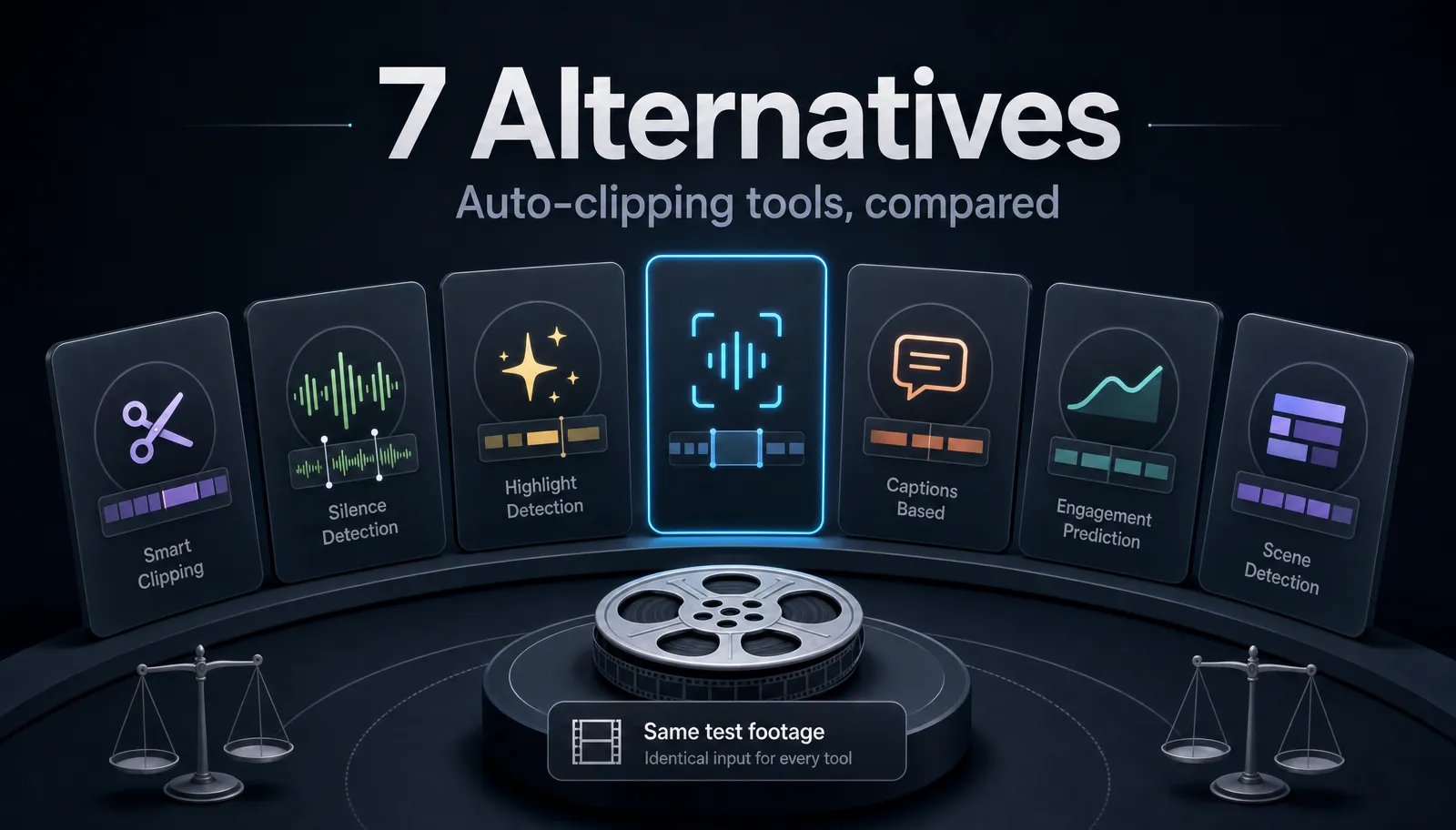
The main 2short.ai alternatives, compared honestly
Below are the names and categories that show up whenever people list 2short.ai competitors, described only at the level that stays true over time — their stable, publicly known positioning. I've deliberately left out prices, free-tier quotas, and export rules, because those shift and you should confirm the current terms yourself. Treat the last column as your homework list, and see a wider roundup in best tools to turn long videos into shorts.
| Tool / category Known for Best fit Verify for yourself |
| OpusClip-style clippers | Auto-finding highlights in long videos and cutting them to shorts | Long-form creators repurposing at volume | Clip-selection quality on your niche and content type |
| Klap | Turning long videos into short vertical clips | YouTubers who want a link-to-shorts flow | Whether reframe and caption style match your channel |
| Quso | A social-video creation and repurposing tool | Creators wanting clips plus broader social posting | Its clip quality versus a dedicated long-to-short flow |
| Short.ai | Generating Shorts from longer videos | Creators focused purely on Shorts output | What inputs it accepts and reframe accuracy |
| Bytecap | Auto-captioning for short-form video | Creators who mainly need animated captions | Whether it also clips or only captions |
| WayinVideo | A browser-based short-video maker | Creators wanting an all-in-one browser tool | What it uploads and how accurate its captions are |
| Recapo | Browser-based repurposing: transcribe, long→short, reframe, voiceover, export | Clippers who want ASR captions plus file uploads in one tab | Clip quality on your own footage via the self-test below |
Two honest caveats. First, most "best 2short.ai alternative" pages on other tool sites are that tool's own promotion — useful for discovery, biased by design, so read them as brochures, not verdicts. Second, no tool above wins every situation: a Shorts-only generator is great when YouTube Shorts is your whole game and limiting when you also cut webinars or podcasts. Match the tool to your dominant job, not to a headline.
Where does Recapo fit? It attacks exactly the two walls that push people off 2short.ai. It runs its own automatic speech recognition, so captions come from the audio itself rather than depending on a pre-existing transcript — useful for accents, jargon, and messy source audio. And it accepts direct file uploads (MP4, MOV, and other common formats up to 6GB total per task) alongside a browser workflow, so you're not limited to content already on YouTube. Its long-video-to-short-video-ai covers the core clipping loop, entirely in a tab with no install.
A 15-minute self-test to pick your tool
Reviews age; your own footage provides more relevant evidence. Run this short test on any two or three candidates — including 2short.ai and Recapo — with the same source video, and you'll have a defensible answer in under 15 minutes per tool.
- Pick a hard clip. Choose a 10–20 minute video with real-world audio: an accent, some fast talking, or niche vocabulary. Clean studio audio makes every tool look good and tells you nothing about the caption-dependency question.
- Test the caption path first. If a tool relies on captions, note what happens with a weak or auto-generated transcript. With an ASR-based flow like Recapo's ai-youtube-shorts-generator, captions are generated from the audio, so compare the transcript accuracy side by side — this is the crux of the whole comparison.
- Check the input method. Try feeding a raw MP4 or MOV that isn't on YouTube. Link-only tools stop here; upload-capable tools keep going. If you ever clip before publishing, weight this heavily.
- Judge the clip picks and hooks. Look at which moments each tool chose and how each clip opens. Would the first two seconds stop a scroll? Weak openings mean weak retention regardless of production polish.
- Reframe and restyle. Reframe one clip from 16:9 to 9:16 and confirm the subject stays framed. Then restyle the burned-in captions to your channel's look. In Recapo the ai-clip-generator covers clip selection, vertical reframing, captions, and export in one place — count the clicks elsewhere.
- Do the money math. Multiply the real per-video effort and cost by your weekly output. A tool that's pleasant once can be painful at scale, and vice versa.
Whichever tool gives you the strongest clip picks, cleanest captions, and least manual cleanup on your real footage is your answer — regardless of what any list, including this one, claims.
Recommendations by creator type
There's no universal winner, so here's an honest, use-case-first map. Recapo appears where it genuinely fits, not everywhere.
- High-volume YouTube repurposers. You upload long videos weekly and need reliable clip picks plus captions. A dedicated long-to-short flow with its own ASR keeps quality steady even when your source captions are rough.
- Creators who edit before publishing. If you clip raw footage, webinars, or unlisted cuts, prioritize file-upload support over a link-only box. This single dimension rules out several "alternatives to 2short" on its own.
- Multilingual or accent-heavy channels. Caption accuracy will dominate your decision. Run step 2 of the self-test on your hardest audio before committing to any tool.
- Shorts-only creators. If YouTube Shorts is your entire output, a Shorts-focused generator can be a clean fit — just confirm it reframes and hooks the way your niche needs.
- Podcast and webinar clippers. Long, multi-speaker source is a distinct job. Test how each tool handles speaker changes and dead air, and see best tools to turn long videos into shorts for the wider field.
When 2short.ai is still the right choice
Honesty cuts both ways. Here are the situations where staying with 2short.ai is the smart move — the section most alternative pages won't write.
- Your catalog is public and well-captioned. If everything you clip already lives on YouTube with accurate captions, the caption-dependency limitation never bites you, and the link-and-go flow is genuinely fast.
- You clip in one language, cleanly. Caption dependency only hurts when transcripts are weak. Clear, single-language audio sidesteps the issue.
- You're already fluent in it. Switching costs are real. If your workflow, presets, and habits live in 2short.ai and you're not hitting a wall, "2short.ai competitors" isn't your problem to solve.
- Your current tier covers your output. If the cost fits your cadence, don't fix what isn't broken.
The honest test is simple: list the one or two things pushing you to switch, then confirm — with the 15-minute self-test above and current pricing pages — that an alternative actually fixes them without breaking something you rely on. If it does, switch. If it doesn't, stay.
FAQ
What is the best free 2short.ai alternative? There's no single answer, because "free" depends on your output and your must-have features. Some tools offer a usable free or lower tier; others gate the exact thing you need. The reliable move is to run the 15-minute self-test on your real footage. Recapo runs in the browser with no install and lists its plans on the pricing page, so you can check current terms directly rather than trusting a table.
Why do people say 2short.ai is caption-dependent? Because it leans on a YouTube video's existing captions or transcript to decide which moments become clips. When those captions are accurate, results are good; when they're auto-generated, sparse, or in a tricky language, clip quality can drop. A tool with its own automatic speech recognition transcribes the audio directly, so captions aren't a prerequisite. Verify the difference yourself on a video with weak captions — that's where the gap shows.
Can I turn a video into Shorts without a YouTube link? Yes, if the tool accepts direct file uploads. Link-only clippers require the video to be on YouTube first, which blocks raw footage, unlisted cuts, and webinar recordings. Recapo accepts MP4, MOV, and other common formats up to 6GB total per task, so you can clip content that isn't published yet — a common need for creators who edit before posting.
Is Recapo a good 2short.ai alternative for YouTube long-to-shorts? It fits well if your core loop is long→short clipping plus captions, reframing, and export in the browser. Recapo transcribes from the audio with its own ASR, cuts long videos into short vertical clips, reframes 16:9 to 9:16, adds AI voiceover, and exports — all in one tab, no install. Whether it beats 2short.ai for you depends on the dimensions above, which is why the self-test matters more than any claim.
Do these tools work for TikTok and Reels too, not just YouTube Shorts? Yes. A 9:16 vertical clip with burned-in captions is portable across YouTube Shorts, TikTok, and Instagram Reels, so most of these clippers serve all three. The thing to verify is reframing quality — check that each tool keeps your subject centered when it crops to vertical, since that's where cheap auto-reframe falls apart.
A practical way to choose among 2short.ai alternatives is to stop reading lists — including this one — and test on your own footage. If your weekly job is turning long YouTube videos into Shorts, Reels, and TikToks, Recapo gives you a browser-based place to do exactly that: transcribe with its own ASR, cut long videos into vertical clips, add captions and voiceover, reframe, and export, all in one tab with no install and file uploads up to 6GB total per task. Create a free account and run the self-test on your next long video.
References and official sources
- YouTube Help: Create a Short
- YouTube: Getting your videos discovered
- YouTube Help: Add subtitles and captions
- Recapo.ai: Product overview and current upload limits
- Recapo.ai: AI Video Editor
- 2short.ai: Official product page
- Klap: Official product page
- OpusClip: Official product page
- InVideo: Official product page