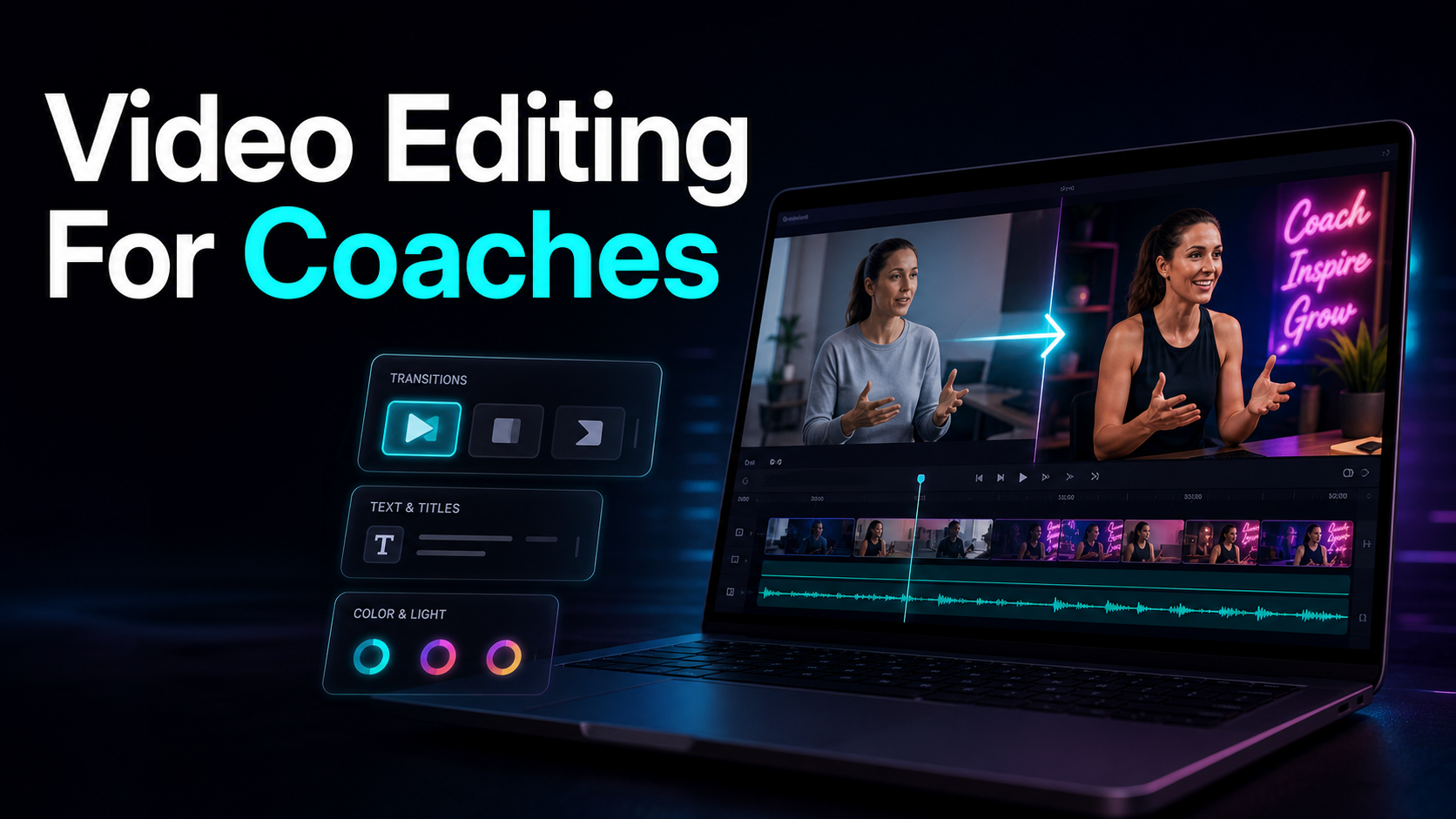
Video Editing for Coaches: Turn Calls Into Client Clips
Video editing for coaches, made self-serve: turn one webinar or coaching call into many captioned lead-gen clips for YouTube, TikTok, Shorts, and Reels.
By the Recapo.ai Editorial Team · Fact-checked July 10, 2026
Video editing for coaches isn't really about editing — it's about turning the sessions you already run into short, captioned clips that bring the next client in. If you coach for a living, every week you generate hours of high-value footage: discovery calls, group sessions, webinars, course modules. The growth question isn't "how do I polish one video," it's "how do I mine this webinar for a dozen lead-generating clips without hiring an agency?" This guide is a self-serve playbook for exactly that. It clears up the editor-vs-clipper confusion that fills the search results, walks through a concrete webinar-to-clip lead-gen workflow, and helps you decide when to DIY and when a done-for-you service actually earns its fee. The angle throughout is lead generation: for a coach, a clip that doesn't move a viewer one step closer to booking is just noise.
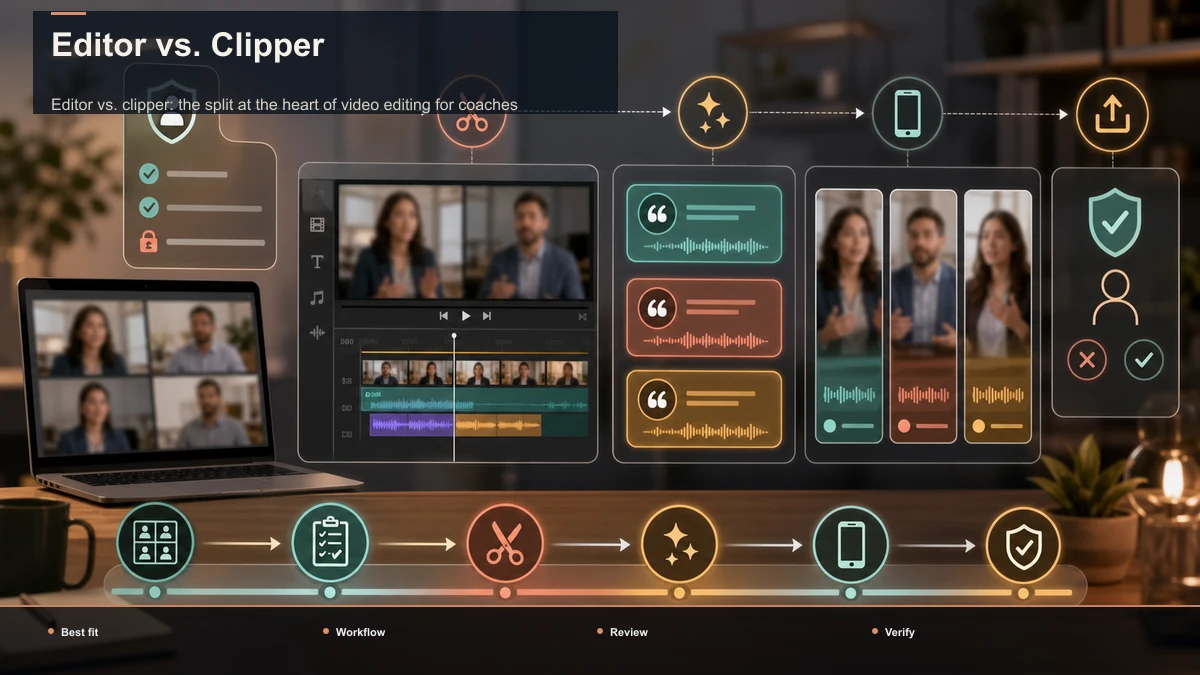
Editor vs. clipper: the split at the heart of video editing for coaches
Search "video editing for coaches" and you'll get two very different kinds of tools jumbled together, and picking the wrong category is where most coaches burn their evenings.
Coaches don't usually need a better timeline editor; they need to stop treating a repurposing job like a production job. Here's the split:
| What it is | A track-based canvas for frame-level edits | A tool that scans a recording and suggests clips | Best for | One polished, deliberate video | Many clips from one long recording | The work you do | Manual cutting, arranging, styling | Reviewing and tightening suggestions | When a coach reaches for it | A VSL, a course intro, a signature piece | The weekly job: turning calls and webinars into clips |
Most of what a coach publishes on social is the second job. Video editing for content creators broadly runs on the same insight — but a coach has a sharper goal than reach for its own sake, which is why the rest of this guide is built around clips that convert, not clips that merely exist.
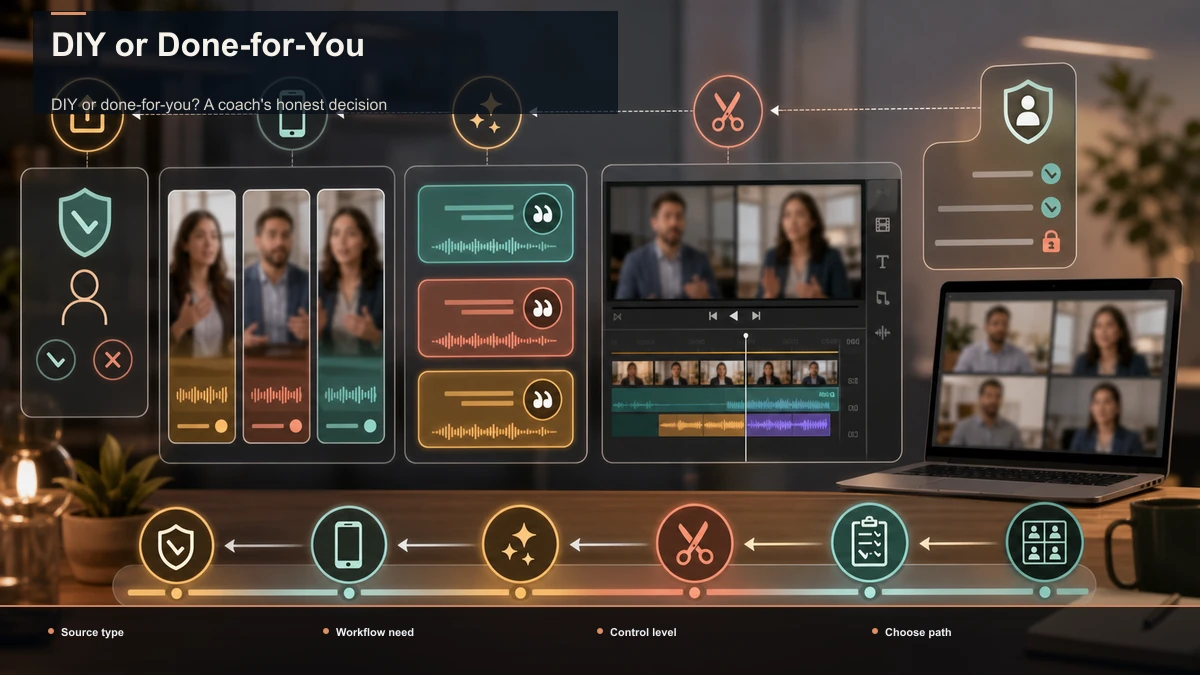
DIY or done-for-you? A coach's honest decision
The other thing filling the search results is done-for-you clipping services — you send a recording, they send back finished shorts. They're a real option, and for some coaches the right one. But the trade is specific, and you should make it on purpose rather than by default.
| Cost model | A tool subscription you control | A recurring fee per batch or month | Turnaround | As fast as you sit down | However long the queue takes | Control over the message | Total — you know which line books calls | You brief someone outside your funnel | Volume | Clip as much or as little as you want | Usually a fixed monthly quota | Best when | You post regularly and want to own the pipeline | You have budget and zero time to touch editing |
The deciding factor is rarely money — it's message control. You know which sentence in your webinar makes someone book a call, because you've watched it happen; an outside editor is guessing. For a lead-gen channel that judgment is the whole game, which is why many coaches who start with a service bring clipping in-house once a tool makes it fast enough. This guide assumes you want to own the pipeline — if you'd rather never open an editor, a service is a legitimate answer.
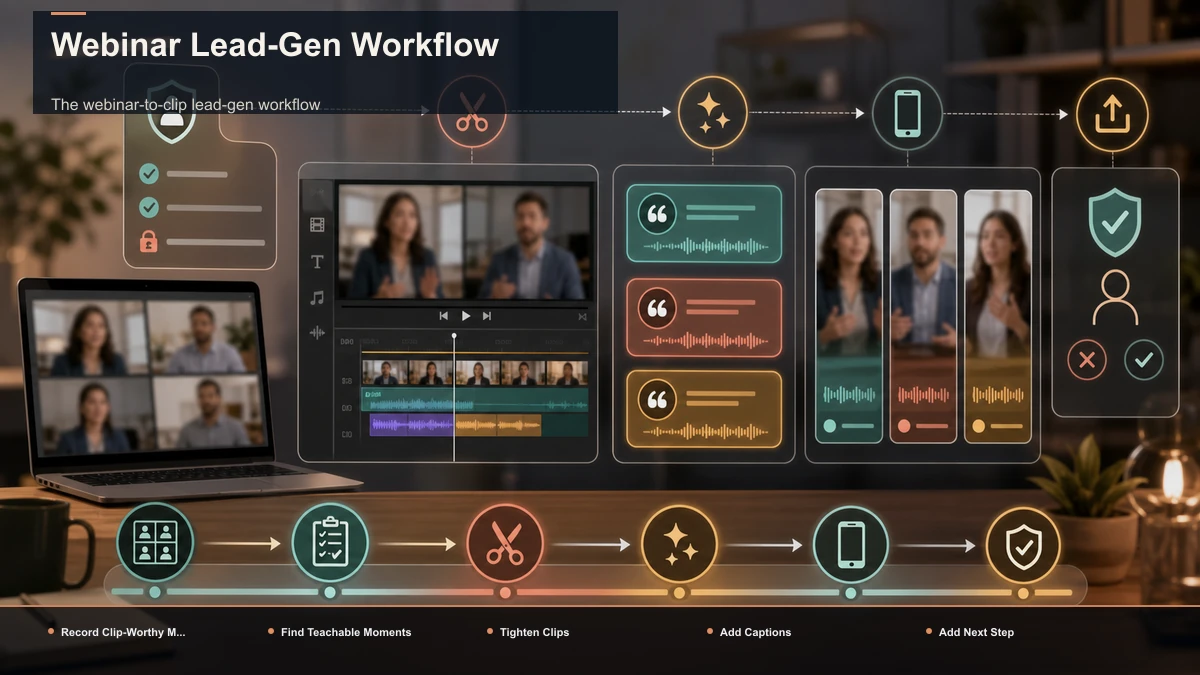
The webinar-to-clip lead-gen workflow
Here's the repeatable pipeline that turns one webinar (or group call) into a batch of lead-generating clips. Run it the same way every time and it stops feeling like editing.
- Record with clips in mind. Decide up front that you'll repurpose it. Keep yourself framed with headroom so a vertical crop later doesn't cut off your head, and teach in self-contained beats — a question fully answered, a framework stated start to finish. A webinar built from clean beats is a webinar full of clips.
- Summarize to find the teachable moments. Instead of scrubbing a 60-minute recording, run it through a video summarizer to get a map of what you covered and where the strong moments sit. This is the step that turns "I have to rewatch my own webinar" into "I have a shortlist in two minutes."
- Cut the clips tight. Take your shortlist into an AI clip generator and trim each moment so it opens on the hook and ends on the payoff — no throat-clearing, no trailing "so anyway." A coaching clip that needs 20 seconds of setup is already dead in the feed.
- Caption everything. Some feed viewing happens with the sound off, so uncaptioned advice simply doesn't get read. Run each clip through auto-captions to generate timed subtitles from the audio, then fix your niche terms and any names — those are the words your audience notices when they're wrong, and getting them right reads as expertise.
- Reframe to vertical and add a cover. Crop each clip to 9:16 so it fills the screen on TikTok, YouTube Shorts, and Reels, keeping your face centered. Add a cover frame with the clip's promise ("The mistake that stalls most clients") to earn the tap.
- End on a next step. This is the part entertainment clips skip and lead-gen clips can't: close with a clear, low-friction ask — a resource, a free session, a link in bio. The clip's job isn't applause; it's a booked call.
For a deeper walkthrough of the extraction itself, see how to repurpose a webinar into clips. The output of this pipeline is ten to fifteen tight, captioned, vertical clips from a single session — a couple of weeks of posts from one hour you were already going to spend.
What makes a coaching clip actually generate leads
A clip that racks up views but books nobody is a vanity clip. Coaching clips convert when they prove you can solve a specific problem, fast. A few formats that reliably pull from a webinar:
Notice what these share: one idea, a hook in the first three seconds, and a reason to want more. When you repurpose coaching content this way, you're not chasing virality — you're filtering for the specific person who's ready to book. Ten of the right viewers beat ten thousand of the wrong ones.
Turn recurring calls into a content engine
The reason this is worth systemizing: coaches produce long footage on a schedule anyway. Every webinar, every group call, every recorded Q&A is raw material you already paid for with your time. The trick is to batch the stages instead of finishing one clip end to end before starting the next.
| Deliver | Run the webinar or call as you normally would | No extra filming — the footage is a byproduct | Mine | Summarize the recording and pick 10–15 moments | Same session, same headspace | Finish | Cut, caption, reframe, and cover the whole batch | Repetitive, low-creativity work you can do on autopilot | Schedule | Queue the clips across your feeds for the week | One session feeds a full calendar |
Compare the workflow with one-off editing by measuring how many webinar clips pass review and how long each approved clip takes; use that evidence to set the publishing schedule. That clip stream then feeds the rest of your funnel — email list, offer, next launch — instead of dying as a one-time upload.
Choosing video tools for coaches: a self-test framework
Rather than trust any roundup, test candidates on one real webinar. Tools that look identical in a demo separate fast on your actual footage. Score what matters for a lead-gen channel:
| Clip yield | Count usable clips from one webinar | Yield per session is the pipeline's whole economics | Caption accuracy | Check your niche terms and any names | Wrong jargon reads as "not really an expert" | Vertical framing | Reframe a talking-head clip | You're usually on camera; bad crops cut you off | Time to first clip | Time yourself from upload to one finished clip | That number is your real weekly cost | Text & cover control | Add a hook overlay and a cover frame | Lead-gen clips need a promise and a next step | Format & size | Upload your actual recording | Webinar files are long and heavy |
Run one real session through each finalist, and the right pick is simply the one that produces the most publishable, on-brand clips in the least hands-on time — for your practice, not a reviewer's demo reel.
Where Recapo fits
Recapo is a browser-based AI video workspace — nothing to install — built to hold most of this repurposing pipeline in one place. Inside it you can transcribe and caption, summarize a long recording into its key moments and a script, turn long videos into short clips, add AI voiceover, resize and reframe to vertical, and design a cover before you export. It accepts MP4, MOV, and other common formats up to 6GB total per task, which matters when your source is a full-length webinar rather than a five-minute clip.
The practical fit: Recapo isn't the only way to do video editing for coaches, and it won't replace a done-for-you service for coaches who'd rather never touch editing. If a single stage is your entire need — you only ever want a transcript — a focused single-purpose tool may serve you just as well. A workspace earns its place in the scenario this guide describes: every week the same webinar needs summarizing, clipping, captioning, vertical reframing, a cover, and an export, and you want to own that pipeline instead of paying per batch. The value isn't out-scoring a specialist at one step; it's removing the handoffs between four or five tools so a coach can run the whole lead-gen loop solo. Plans are on the pricing page, and a quick way to decide if it fits is to push one real webinar through it end to end.
FAQ
What does "video editing for coaches" actually mean?
For most coaches it means repurposing, not production: taking a webinar, group call, or course module you already recorded and turning it into short, captioned clips that generate leads. Polished timeline editing has its place — a VSL, a signature video — but the recurring, growth-driving work is mining long footage for many clips, which is what this guide is built around.
Do I need a video editor or an AI clipper?
Different jobs. A timeline editor is for precise, one-off pieces you assemble by hand. An AI clip finder scans a long recording and proposes segments so you can pull many clips out of one session with far less scrubbing. For turning coaching calls and webinars into a steady stream of shorts, the clipper-style workflow is the one that scales.
Should I hire a done-for-you clipping service or do it myself?
It comes down to message control and cadence, not just budget. A service makes sense if you have money and zero time to edit. But you know which line in your webinar books calls while an outside editor is guessing — so coaches who post regularly usually bring clipping in-house once a tool makes it fast enough to fit between sessions.
How many clips can one webinar produce?
A focused hour commonly yields ten to fifteen self-contained moments worth clipping — a myth-bust, a client-question answer, a mini-framework, a quick win. Recording in clean, self-contained beats raises that number, because each finished thought becomes a clip that can stand on its own in a feed.
How do I make a coaching clip that gets leads, not just views?
Give it one idea, a hook in the first three seconds, and a clear next step — a resource, a free session, a link in bio. Views are vanity; the goal is the specific viewer who has that exact problem and is ready to book. Captions matter too, since some feed viewing is muted and uncaptioned advice never gets read.
Ready to turn your last webinar into a month of lead-gen clips? Create a free account, upload the recording, and run it end to end — summarize it to find the teachable moments, cut them into tight clips, burn in captions, reframe to 9:16, add a cover, and export for YouTube, TikTok, Shorts, and Reels. Push one real session through the whole pipeline and you'll know within a single upload whether owning your clip engine beats paying for one.
References and official sources