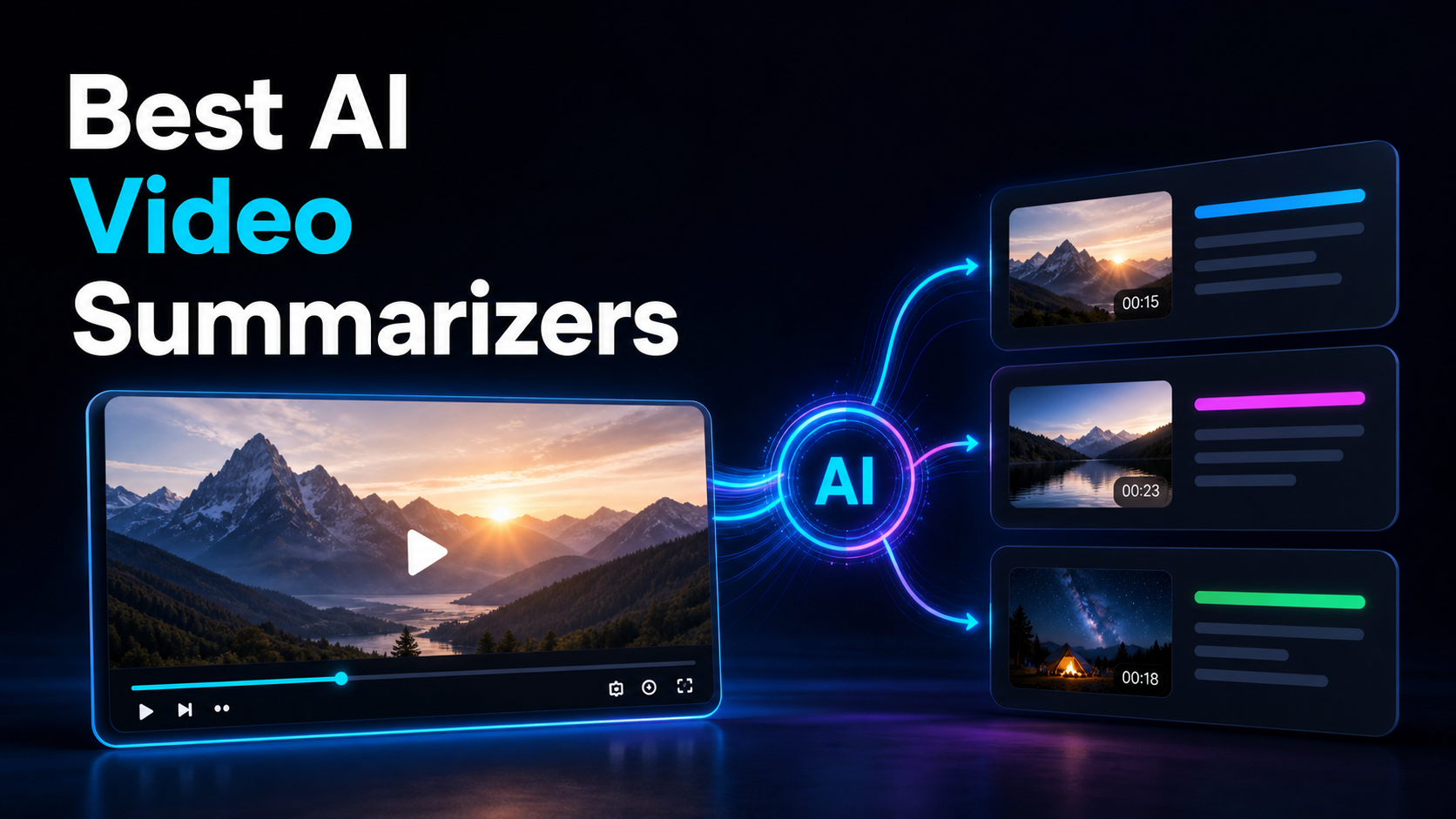
Best AI Video Summarizers
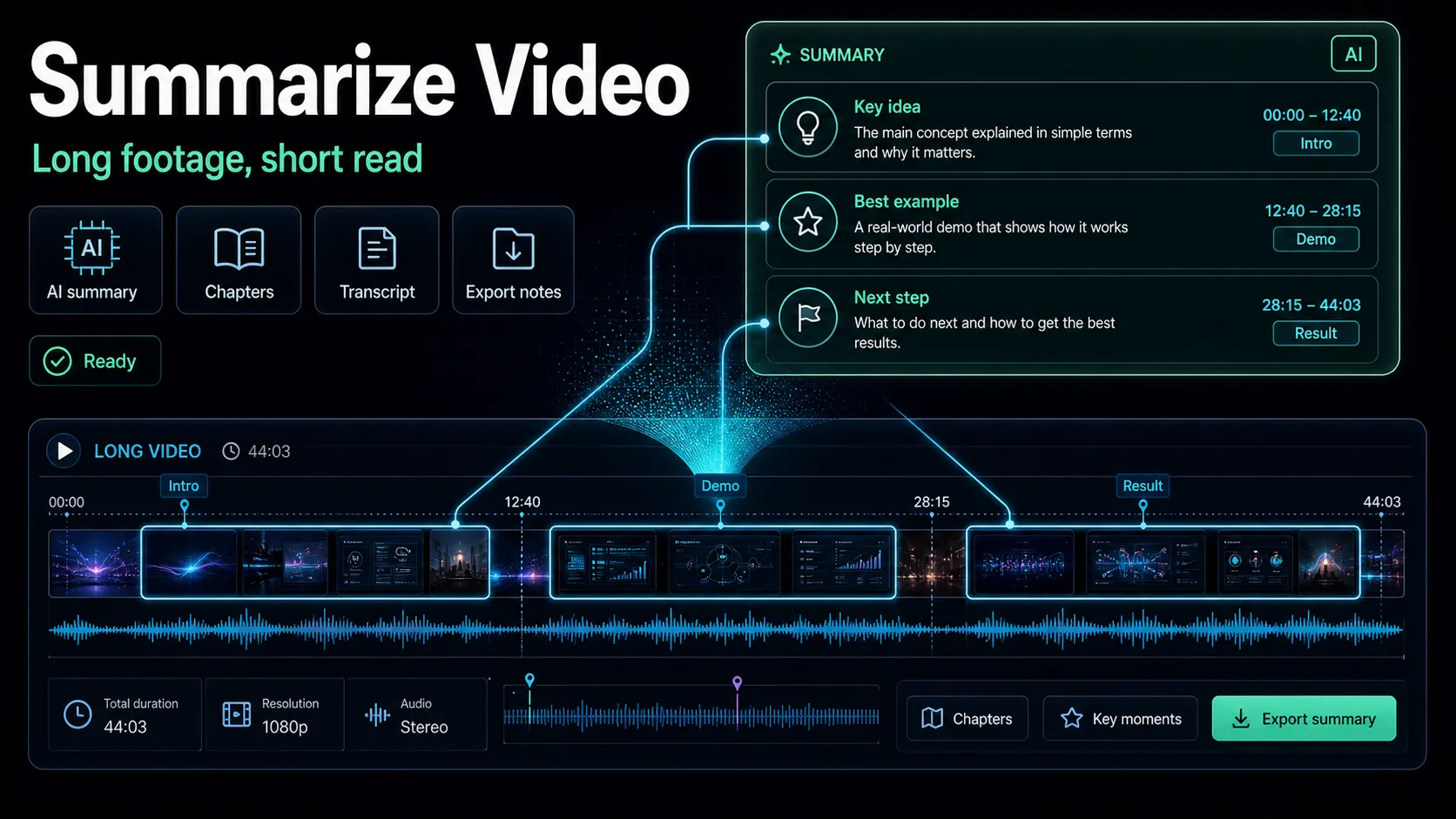
Compare the best AI video summarizer options for creators: consumption tools for watching less vs. summarize-to-script recap workflows.
By the Recapo.ai Editorial Team · Fact-checked July 10, 2026
"AI video summarizer" describes at least two jobs: helping a viewer understand a long recording and helping a creator turn source material into an editable production draft. The outputs and evaluation criteria differ. This guide separates the two intents, uses official product positioning, and gives each candidate the same source test; it does not assume that a tool strong in one category is poor in the other.
Disclosure and method: Recapo.ai publishes this guide and may appear among the tools discussed. We checked official product pages on July 10, 2026. This edition is a desk-research comparison, not a standardized hands-on benchmark. We compare stated workflow fit rather than unverified performance scores and recommend testing the same source file in each finalist. Features, limits, and pricing can change.
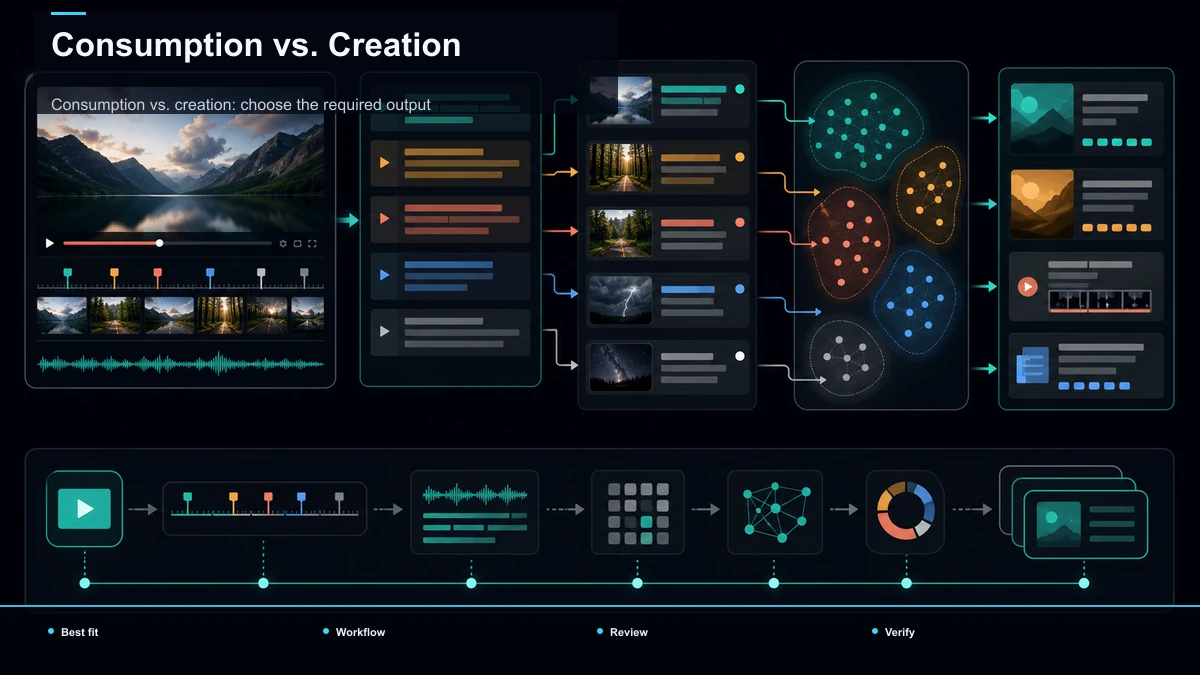
Consumption vs. creation: choose the required output
Some products may support both. Confirm the current feature set on official pages and test the output you actually need rather than choosing from the product category label alone.
What "best" means depends on the job
"Best" isn't a property of a tool; it's a match between a tool and a finish line. The same feature that makes a great study summarizer can make a useless scripting tool.
| Watching less | Speed, timestamped accuracy, clean transcript export, easy search and Q&A | Scripting a recap | Faithful plot and beat capture, an editable draft, a path from summary to voiceover and clips | Pulling notes from a meeting | Speaker labels, action items, and a shareable summary | Studying a topic | Mind maps, structured notes, and the ability to ask follow-up questions |
Notice that only one of those rows describes a creator shipping content. That's the row this guide leans into, because it's the one the search results mostly ignore — and the one where the tool choice actually changes what you can produce.
The main types of AI video summarizer you'll meet
Nearly every option in this search fits one of five buckets. Naming them makes the decision faster, because most people belong in just one. These are described at their stable, public positioning only — confirm current details on each vendor's page, since free tiers, limits, and export terms change and you'd have to verify them yourself anyway.
| Browser-extension summarizers | Paste a link, get a timestamped summary and transcript, usually YouTube-focused | You skim talks and lectures and want the gist fast | All-in-one AI assistants | A general chat assistant where video summary is one feature among many | You already live in one assistant and want summaries there | Meeting and call note-takers | Record or upload a call, get notes and action items | Your source is meetings, and follow-ups are the point | Knowledge and mind-map tools | Turn a video into a visual map or structured study notes | You're learning a topic and want to retain it | Repurposing workspaces | Summary is the first step of a long-to-short production pipeline | You summarize a video to make a new video from it |
Where Recapo fits. Recapo is a browser-based repurposing workspace, so it lives in the fifth bucket, not the first four. You upload a video (MP4, MOV, and other common formats, up to 6GB total per task), condense the runtime with the AI video summarizer, and — when the source is a film or episode — turn it into recap-ready structure with the plot summary generator and scene breakdown generator. From there the same tab takes you onward: shape the summary into a script, add an AI voiceover, cut vertical clips, design a cover, and export. It's honestly not a study tool — there are no mind maps, and it won't help you pass an exam faster. If your reason for summarizing is to watch less, a consumption summarizer from one of the first two buckets fits you better. Recapo's value shows only when the summary is the start of production, not the end of understanding.
Summarizers for watching less: what to check
If you're in the consumption camp — reaching for a youtube video summarizer to compress lectures, webinars, and talks — here's what predicts a good experience. It's short on purpose: for this job, almost any competent tool will do.
The quick self-test: pick a video you already know cold, run it through the tool, and check whether the summary skips anything important or invents anything that wasn't there. If it's faithful on material you can verify, you can trust it on material you can't.
Summarizers for writing a recap script: what changes
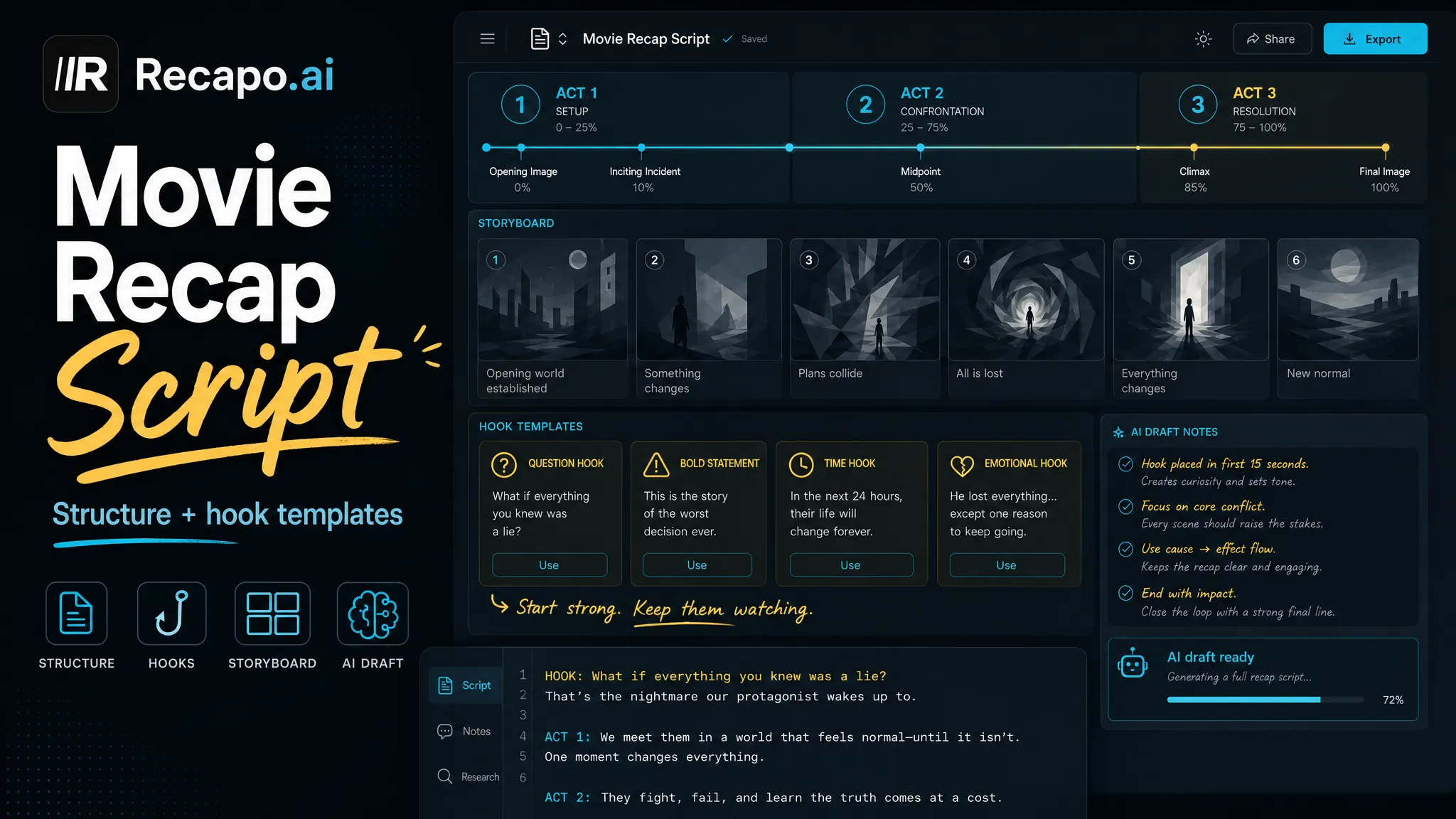
This is the convertible sliver — the creator subset the SERP under-serves. When you summarize a film to script a recap, the bar moves: your output isn't a note to yourself, it's the backbone of a video other people will watch. A study summary can drop details; a recap script can't misstate the plot, scramble the order of events, or spoil the wrong beat.
| Narrative fidelity | A recap lives or dies on getting the story right, in order — not just the topics | Summarize a film you know cold and check the beats are correct and sequential | Editable structure | You need beat-by-beat or scene-by-scene output, not one flat paragraph | Look for a breakdown you can rearrange and trim, not a wall of prose | A draft you can narrate | The output should read as, or convert cleanly into, spoken script | Read it aloud — does it sound like narration or like meeting minutes? | A path onward | Summary is step one; you still need script, voiceover, and clips | Check whether summary, script, and voiceover live in one place or five | Full-length support | Your source is a whole movie or episode, not a ten-minute clip | Upload the real runtime and confirm it isn't truncated |
This is exactly why a scene breakdown or plot summary isn't the same thing as a bullet-point recap of a lecture. A study summary answers "what did I need to learn?" A recap summary answers "what's the story, in order, that I'm going to retell?" The two look similar and behave completely differently once you try to narrate from them. If you want the deeper method, video summarizer covers compressing runtime without losing the thread, and how to write a movie recap script turns that summary into a script that actually holds attention. One honest caveat: summarizing someone else's film for a published recap carries copyright and fair-use considerations that vary by region and by how transformative your commentary is — that's a judgment call the tool can't make for you.
From summary to script to voiceover: the creator loop
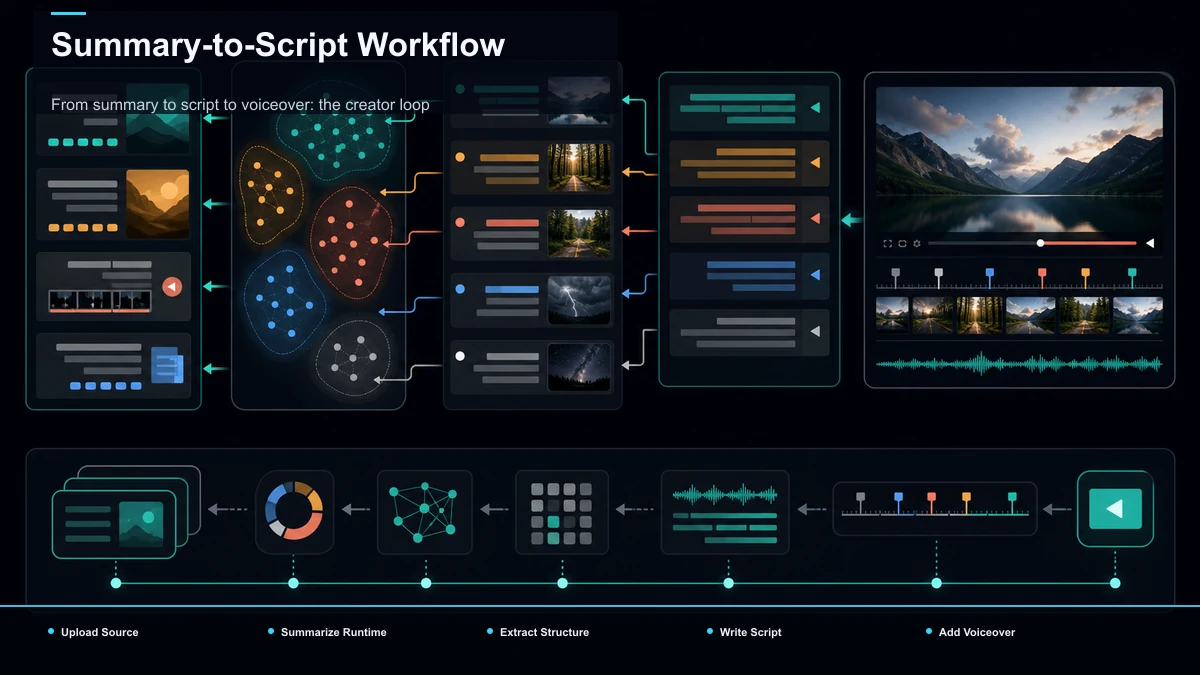
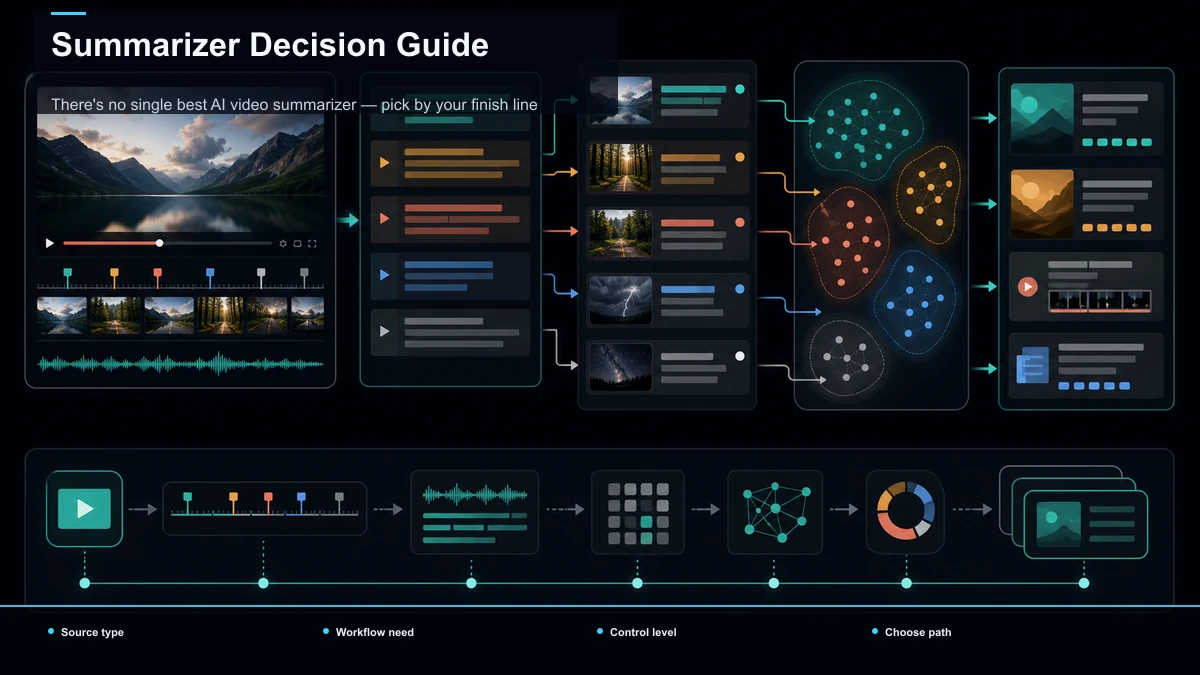
Here's where "summarize to create" becomes concrete. For a recap or faceless creator, the summary isn't the deliverable — it's the raw material for one. This is the loop, entirely in the browser:
- Upload the long source. Drop in your MP4 or MOV — a full film, an episode, or a long recording, up to 6GB total per task.
- Summarize the runtime. Run the video summarizer to compress two hours into the core of the story, so you're working from the essence instead of scrubbing a timeline.
- Get the structure. For narrative sources, the plot summary generator and scene breakdown generator turn the summary into ordered beats you can rearrange and trim.
- Write the script. Shape those beats into narration — a hook up front, the story in order, the payoff last. This is where your voice and angle live; the AI gives you a draft, not the final word.
- Add a voiceover. Generate an AI voiceover so a faceless recap has narration without a mic or a booth, or record your own over the same script.
- Cut and caption. Reframe to vertical and add captions for the TikTok, Shorts, and Reels versions; keep a wider cut for long-form YouTube.
- Cover and export. Design a thumbnail and export — one tab, one pass, no files shuffled between apps.
The point of a single workspace is that the summary from step two carries all the way to export. When the tool that summarizes also scripts, voices, and clips, you skip the copy-paste tax between disconnected apps — which is why a repurposing workspace and a study summarizer aren't interchangeable, even though both "summarize videos."
Test any video summarizer in 15 minutes
Stop reading feature lists. The only test that predicts your real experience uses a video you can grade yourself. This framework works for either camp.
- Pick a video you know cold. A film you've seen, or a talk you've studied — something where you'll instantly spot an error.
- Run it through each candidate at default settings. Same video, same settings, no cherry-picking.
- Grade for your job. If you're consuming, check for omissions and invented facts. If you're creating, check that the beats are correct and in order, and that nothing story-critical is dropped or wrong.
- Push the output toward your real deliverable. Copy the transcript you'd actually use, or try to draft a script from the summary, and measure how much rewriting it needs — that rewriting time is the real cost.
- Test the full runtime. Use a whole movie or episode, not a trimmed sample, because truncation only shows up on long files.
Same video, same checklist — now the tools are directly comparable on the exact job you do, not on a vendor's demo. It stays a fifteen-minute task, so rerun it whenever your shortlist changes.
There's no single best AI video summarizer — pick by your finish line
Match the job to the bucket and the choice stops being agonizing.
| Skim lectures and talks to learn faster | A browser-extension summarizer | Ask a long video follow-up questions | An all-in-one AI assistant | Pull action items from calls | A meeting note-taker | Turn a video into a study map | A knowledge / mind-map tool | Summarize a film to script a recap | A repurposing workspace (Recapo and peers) |
There's no universal winner, only the best fit for your finish line. If you're consuming, optimize for speed and transcript quality and stop reading — the differences between good tools barely matter. If you're creating, weight narrative fidelity and the onward path to script and voiceover far above everything else, then let the 15-minute test break the tie. An ai tool to summarize videos for study and one built for scripting answer different questions — the trap is using one answer for the other problem.
FAQ
What's the best AI video summarizer? There's no universal answer, because "best" depends on your finish line. If you're summarizing to watch less, almost any competent timestamped summarizer will do, and you should optimize for speed and a clean transcript. If you're summarizing a film to script a recap, you need narrative fidelity and a path from summary to script to voiceover — a very different tool. Decide which job you're doing before you shortlist, then run the 15-minute test on a video you already know.
Can an AI summarize a YouTube video? Yes — a youtube video summarizer can produce a timestamped summary and transcript from a link or an upload. The catch is that every summarizer occasionally omits a key point or states something the video never said, so treat the output as a draft, not gospel. For casual understanding that's fine; if you're building a recap on top of it, verify the facts and the order of events before you narrate anything.
Which video summarizer is best for making recap videos? Look for narrative fidelity — the story captured correctly and in order — plus an editable, beat-by-beat structure and an onward path to script, voiceover, and clips. No tool is best for everyone; run your own test by summarizing a film you know well and checking whether the beats are right and the output reads like narration. That test predicts your workload better than any feature list.
Is it legal to summarize a movie for a recap? It depends on your region and on how transformative your recap is. Commentary, criticism, and genuinely new framing are treated differently from a plain retelling, and rules vary by country and platform. A summarizer can compress the plot, but it can't make the fair-use call for you — that's your responsibility. When in doubt, add substantial original analysis and check your platform's guidelines before publishing.
Do I still have to edit an AI summary? Almost always, yes. AI summaries can drop details or invent them, and a raw summary reads like notes, not a script. Treat it as a fast first draft: proofread the facts, fix the order, and rewrite it in your own voice before it becomes narration. The tool saves you hours of watching; it doesn't replace your editorial judgment.
Take one long video from summary to a finished recap draft
If your reason for summarizing is to create — not just to consume — a quick way to decide whether a browser workflow fits is to run one real film or long recording through it end to end. Upload your source, condense it with the summarizer, turn it into a scene breakdown, shape that into a script, add an AI voiceover, cut a vertical clip, and export a cover — all in one tab, with uploads up to 6GB total per task. Create a free Recapo account and take a single long video all the way from summary to a finished recap draft; if recaps are your channel, you'll feel the difference on the first one.
References and official sources