How to Review AI-Generated Clips Before Publishing
Use a six-gate review process to evaluate AI-generated clip candidates for context, edit points, framing, captions, audio and publishing rights.
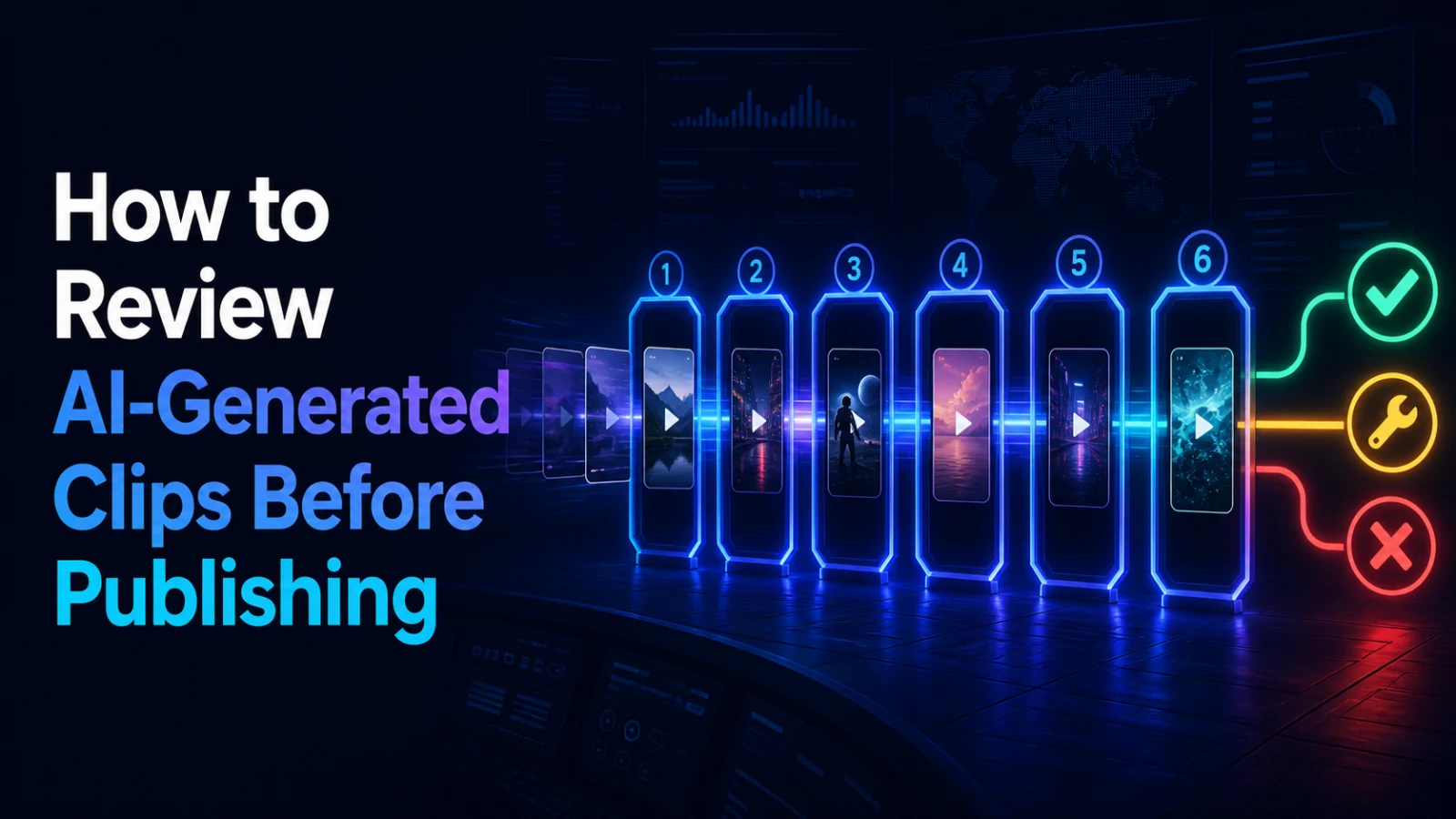
AI-generated clip candidates are starting points, not finished publishing decisions. Review each candidate through six gates: audience relevance, standalone context, edit points, vertical framing, captions and audio, and publishing rights. Reject a clip early when its central idea cannot survive outside the long-form source; polish only the candidates that pass.
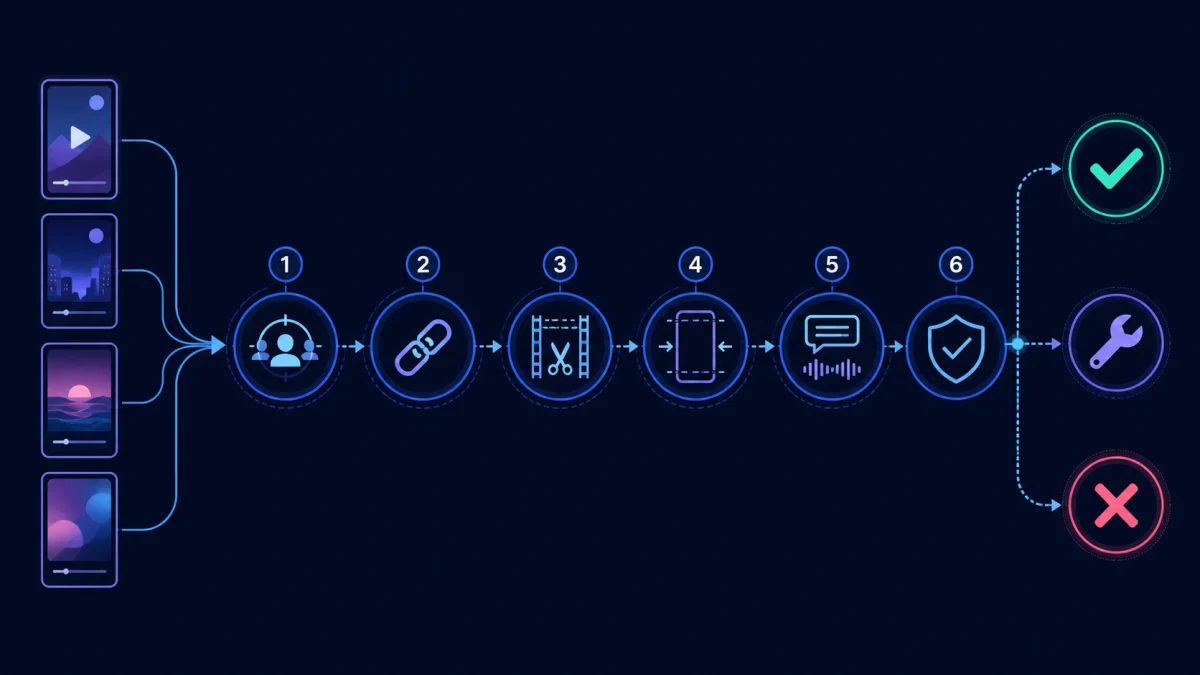
Why candidate generation and publishing are different jobs
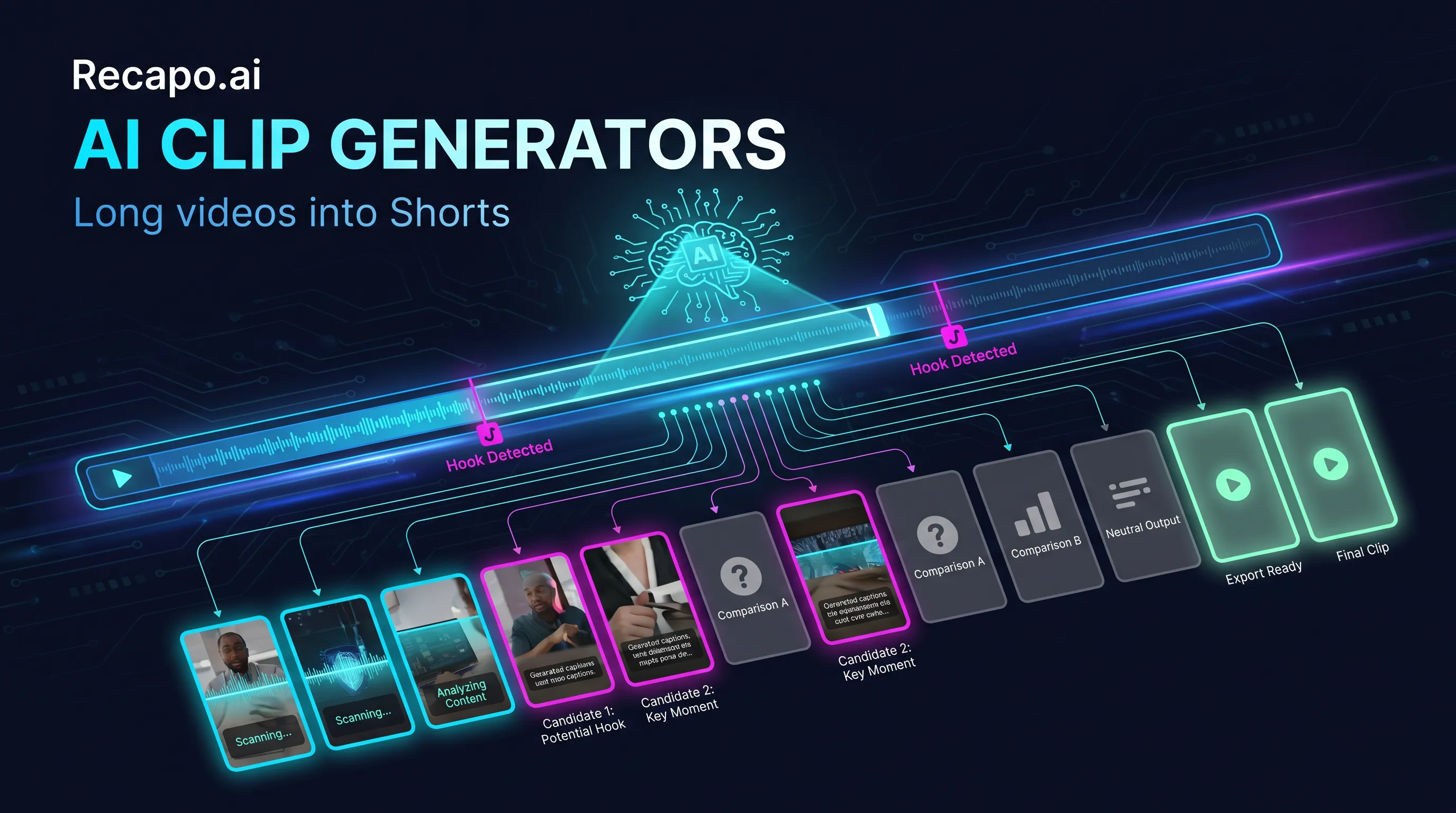
A system can identify a change in topic, a strong sentence, a question, applause or a visual shift. That does not mean the extracted section works as a complete Short. The candidate may begin after the necessary setup, cut before the answer, frame the wrong speaker or depend on a chart that disappears in a vertical crop.
The reviewer owns the final decision. Compare tools in Best AI Clip Generators, but evaluate their outputs with the same repeatable method.
Gate 1: audience relevance
Write the audience and the useful outcome in one sentence. A strong moment for existing fans may be meaningless to a first-time viewer. Reject clips that are lively but unrelated to the topic, offer or audience you are trying to reach.
Questions to ask:
- Who is this for?
- What will the viewer know, feel or be able to do afterward?
- Does the clip support the source video's real message?
Gate 2: standalone context
Play only the candidate, starting on its first frame. Listen for unexplained pronouns, references to an earlier slide, missing questions and conclusions that require the previous minute.
Some candidates can be repaired with one short context line. Others should be rejected because the setup would take longer than the payoff. Do not use misleading titles to hide missing context.
Gate 3: edit points and complete thought
Check the first and last word, breath and visual action. Common failures include beginning mid-word, cutting before a reaction, ending before the promised result and leaving an unnatural audio tail.
Extend the source selection when a few additional seconds complete the thought. Choose a different candidate when the moment is only interesting because of what happened much earlier.
Gate 4: vertical framing
Preview the entire candidate in a vertical frame. Track speaker changes, gestures, products, demonstrations and slides. A crop that looks correct at the opening may fail when a second speaker enters or the action moves.
Screen recordings deserve special attention: menu labels and cursor actions can become unreadable after a horizontal interface is squeezed into a narrow frame.
Gate 5: captions and audio
Check names, numbers and specialist terms against the source. Make line breaks follow meaning, not arbitrary character counts. Then listen on headphones and a phone speaker for clipped words, sudden music changes, noise and lip-sync drift.
Caption styling cannot rescue the wrong words, and audio cleanup cannot restore context that was never included.
Gate 6: rights and final purpose
Confirm that you can use the source footage, music, images, voice and any third-party clips visible inside the candidate. Then decide the next step: publish as a Short, send it for review, use it as an ad variation, or reject it.
AI selection does not create permission to reuse protected material. Keep the rights check attached to the original project, not only to the exported clip.
A simple decision record
Use a sheet with one row per candidate:
| Candidate Relevance Context Edit points Framing Captions/audio Rights Decision |
| Source timestamp | Pass/repair/reject | Pass/repair/reject | Pass/repair/reject | Pass/repair/reject | Pass/repair/reject | Pass/reject | Edit/publish/reject |
Do not turn this into a fake universal score. The value is the reason for the decision. A candidate that fails rights review cannot be rescued by a high hook score.
Review the cheapest failures first
Use this order when you have many candidates:
- Rights and relevance: reject unusable material immediately.
- Context: reject moments that cannot stand alone.
- Edit points and framing: estimate repair effort.
- Captions and audio: polish only the survivors.
- Final playback: verify the exported file.
This prevents the team from spending ten minutes styling captions on a clip that should never be published.
Move approved candidates into a Shorts workflow
Once a candidate passes, shape it for the destination: refine the hook, choose the final boundaries, review the vertical composition and check the exported file. Open the Recapo YouTube Shorts Maker for the Shorts-specific production step.
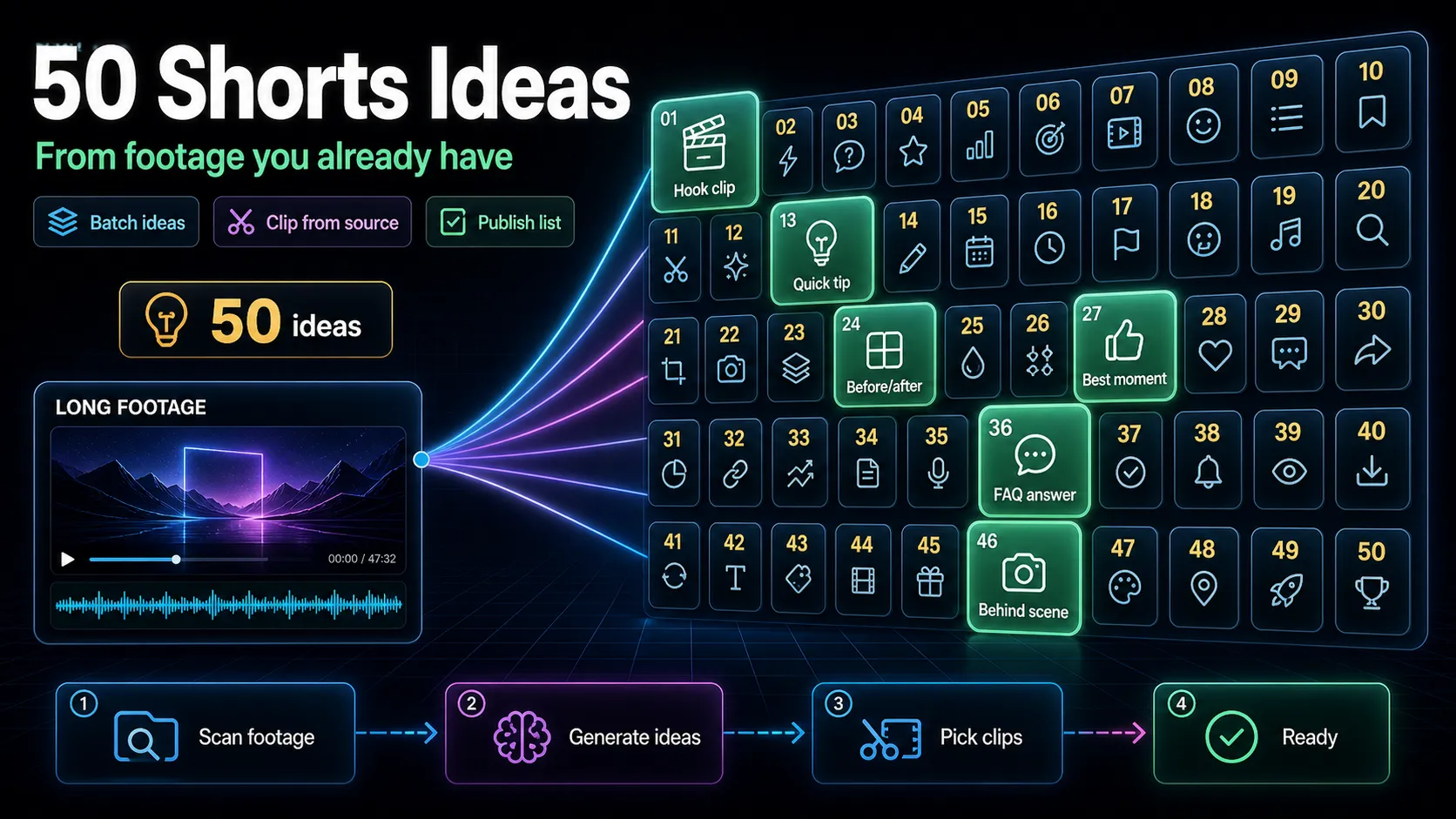
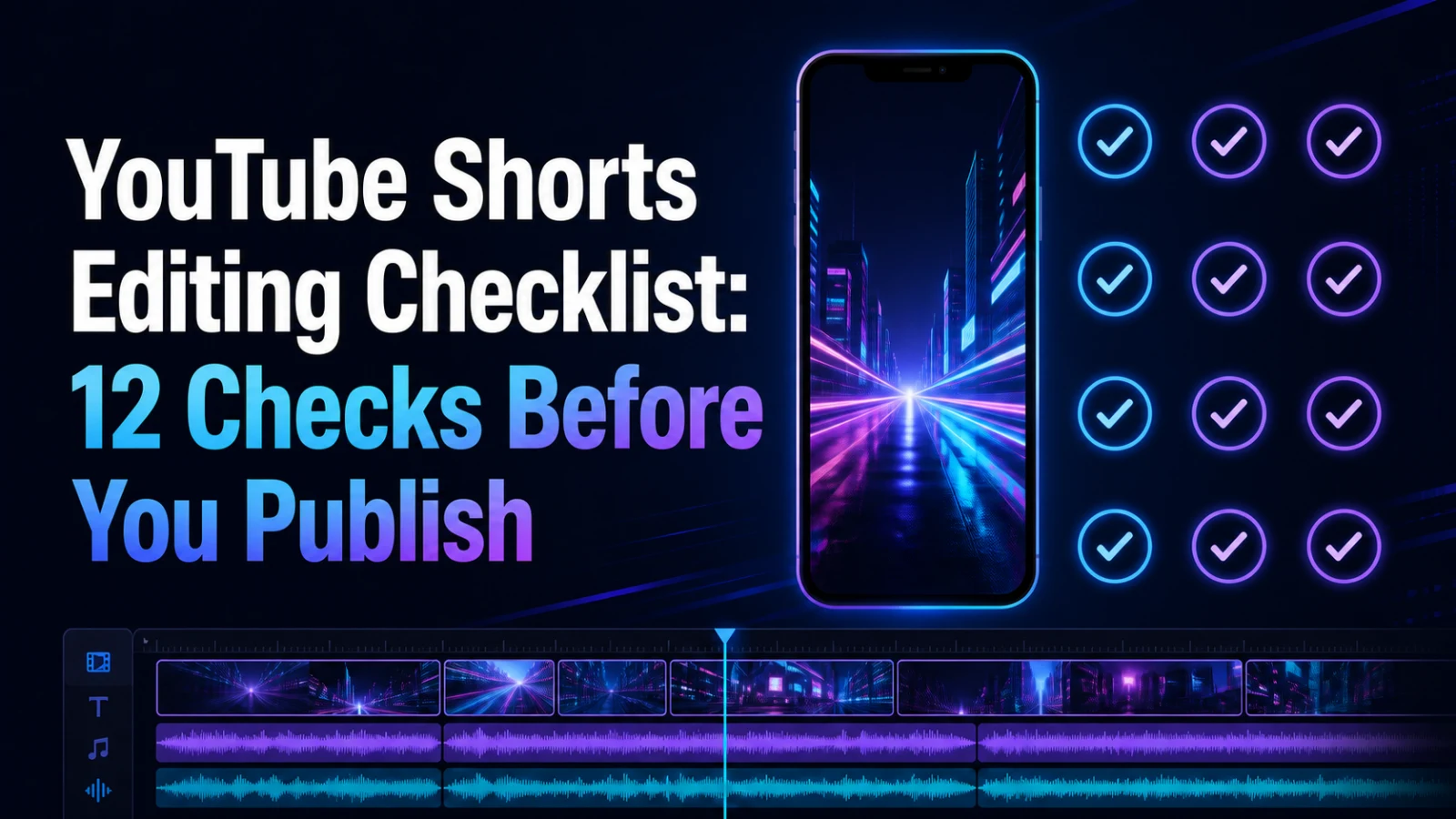
If you still need source ideas, use 50 YouTube Shorts Ideas From Videos You Already Have. For the final pre-publish pass, follow the YouTube Shorts Editing Checklist.
FAQ
Should I publish the highest-scoring AI clip automatically?
No. A model score does not verify context, rights, crop, caption accuracy or fit with your audience. Use it as one signal, then review the clip.
How many candidate clips should I keep?
Keep the candidates that have a clear audience, complete idea and reasonable repair cost. The right number depends on the source, not a universal quota.
Can I fix missing context with a title?
Sometimes a short setup line helps, but the clip still needs to deliver what the title promises. Reject it if the missing context is the main idea.
What is the fastest reason to reject a clip?
Unavailable rights, wrong audience or an incomplete thought. These issues cannot be solved by visual polish alone.
Candidate generation is the beginning
Apply the same six gates to every batch, record why each clip passed or failed, and move only approved candidates into the Recapo YouTube Shorts Maker. That makes AI clipping a controlled editorial workflow instead of an automatic publish button.