YouTube Shorts Editing Checklist: 12 Checks Before You Publish
Use this 12-point YouTube Shorts editing checklist to review the hook, framing, captions, audio, rights and final export before publishing.
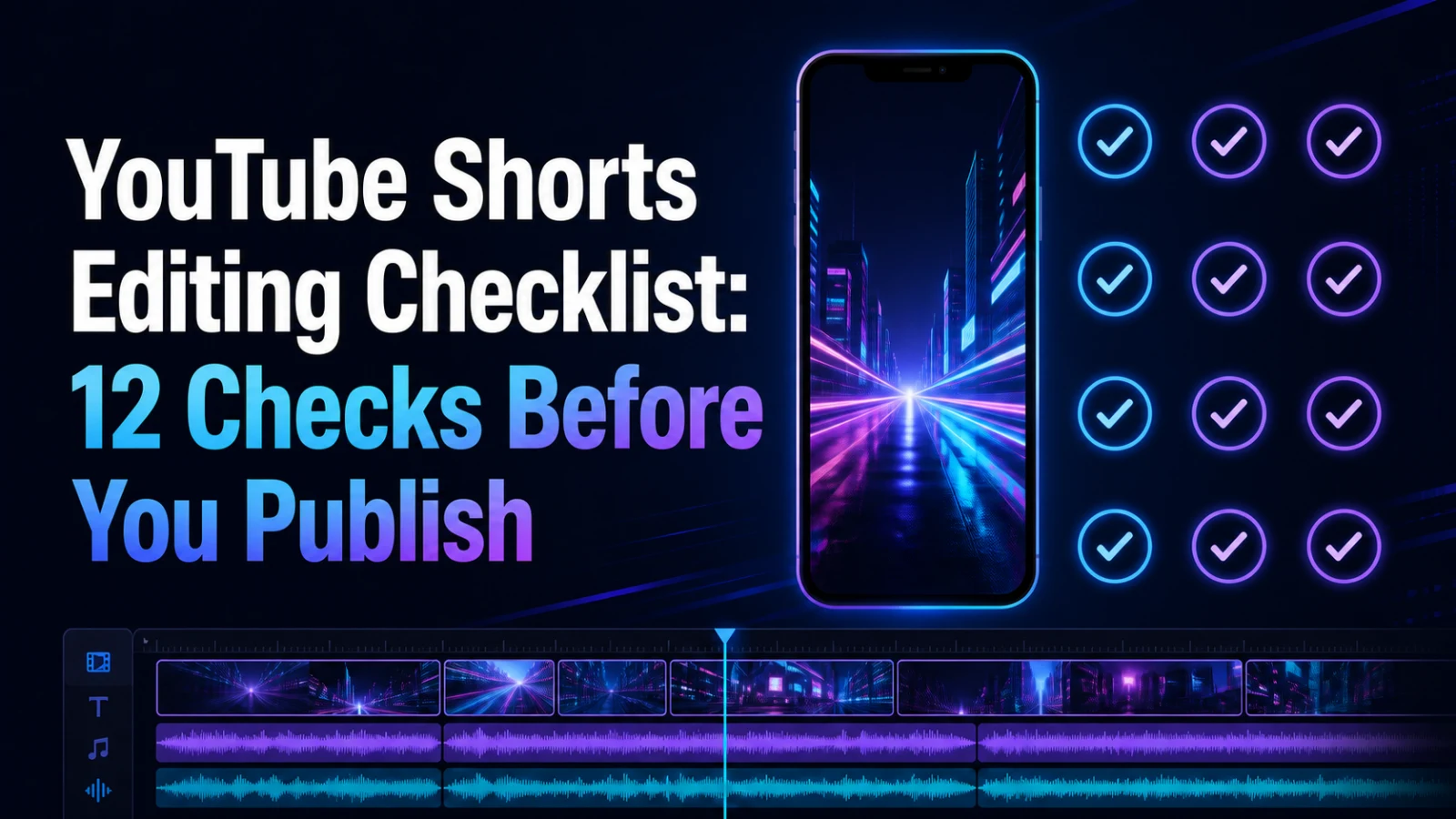
A Short is ready to publish only after the idea, hook, framing, text, audio, rights and final playback have been reviewed together. Use this 12-point YouTube Shorts editing checklist on the exported file—not only inside the editor—so you catch cropped subjects, unreadable captions, abrupt cuts and audio problems before viewers do.
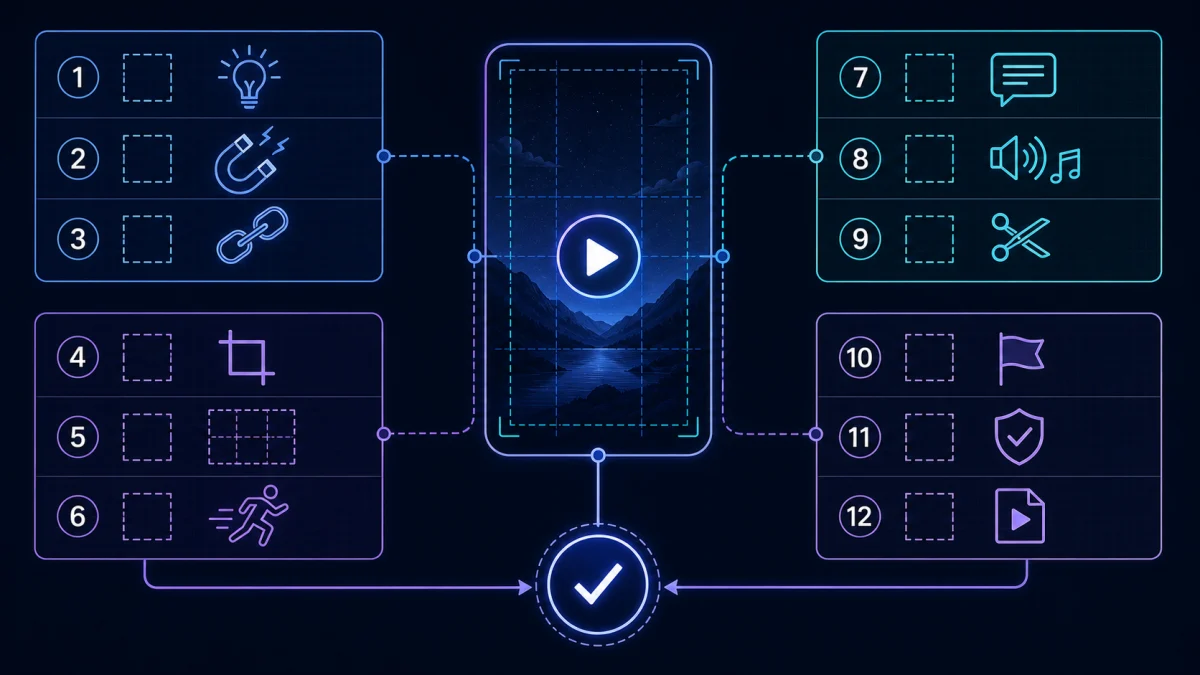
The 12-point checklist
1. You have the right to use every element
Confirm the source video, music, images, voice, logos and supporting footage are yours, licensed or otherwise cleared for the intended use. Editing a clip does not automatically grant publishing rights.
2. The Short makes one clear promise
Write the viewer's expected payoff in one sentence. If the clip tries to teach three ideas, tell two stories and sell a product at the same time, split it into separate Shorts.
Need a starting point? Browse YouTube Shorts ideas from videos you already have before opening the editor.
3. The first seconds work without an introduction
Remove greetings, channel introductions and setup that the viewer does not need. Start with the clearest claim, question, action or visible result. The hook must match the clip; curiosity that leads to a different payoff damages trust.
4. Every cut preserves enough context
Listen from the first frame. Pronouns, unfinished questions and references to earlier scenes can make a clipped moment confusing. Add a short setup line or choose a segment that can stand alone.
5. The vertical framing follows the subject
Review the entire clip, not just the opening frame. Make sure faces, hands, products, slides and screen recordings remain visible when the subject moves. Avoid a crop that works for one speaker but cuts off the next.
6. Important text stays clear of interface areas
Keep captions, labels and calls to action away from edges where platform controls may cover them. Check the exported video on a phone-sized screen and leave breathing room around essential text.
7. Captions match the spoken meaning
Correct names, numbers, terminology and punctuation. Break lines at natural phrases instead of splitting a name or thought across frames. For visual options, compare caption styles for Shorts, Reels and TikTok.
8. Captions remain readable over every shot
Text that works on a dark opening shot may disappear over a bright cutaway. Check contrast, outline or background treatment scene by scene. Do not solve readability by covering the speaker's face or the product being demonstrated.
9. Dialogue, music and effects stay balanced
Listen once on headphones and once through a phone speaker. Speech should remain understandable without sudden music jumps, clipping or distracting effects. If the source mix blocks the voice, fix the audio before adding more visual polish.
10. The pacing removes dead time without sounding broken
Trim empty pauses, repeated words and unnecessary transitions, but keep enough space for the viewer to understand the point. Aggressive jump cuts can make speech exhausting or remove the moment that explains the payoff.
11. The ending lands the promised payoff
The final seconds should complete the idea, show the result or provide a clear next action. Avoid cutting a sentence just to shorten the runtime. A loop is useful only when it feels intentional rather than accidental.
12. The exported file passes a clean playback test
Watch the actual export from beginning to end with no scrubbing. Check orientation, black bars, first and last frame, caption timing, audio sync, compression artifacts and thumbnail frame. Platform requirements can change, so compare the final file with the current YouTube upload guidance before publishing.
A practical review order
Reviewing the clip in layers is faster than trying to notice everything at once:
- Watch muted for hook, crop, text and visual continuity.
- Listen without looking for speech, music, effects and edit points.
- Watch normally on a phone-sized screen.
- Check rights, title, description and chosen cover frame.
- Ask a teammate unfamiliar with the source whether the clip makes sense alone.
Use the Recapo YouTube Shorts Maker to start the Shorts-specific edit, then run the exported result through this checklist before upload.
Which issues require a new clip?
Some problems are faster to fix by choosing a different source moment:
- the hook needs context that takes longer than the payoff;
- the important action cannot fit a vertical crop;
- the speaker refers constantly to an earlier section;
- speech is masked by music or noise throughout;
- the clip depends on material you cannot clear for reuse.
AI or automated clip candidates are suggestions, not publishing decisions. Compare your options in Best AI Clip Generators and keep human review in the workflow.
FAQ
Should I check the editor preview or the exported file?
Both, but the exported file is the final authority. Rendering can reveal sync, compression, crop and first/last-frame problems that were not obvious in the editor.
How many ideas should one Short contain?
Usually one clear promise and payoff. If two sections can stand alone, create two clips and test them separately.
Are captions required for every Short?
The decision depends on your audience and content, but captions often improve comprehension when viewers watch without sound or when audio is difficult. They still need manual review.
Does passing the checklist guarantee views?
No. It reduces avoidable production problems; it does not guarantee distribution, ranking or engagement.
Save the checklist with your publishing workflow
Choose the idea, build the edit, export once, then complete all 12 checks. Start the production step in the Recapo YouTube Shorts Maker and treat final human review as part of publishing—not an optional extra.