Movie Recap Thumbnail Ideas to Test
Design movie recap thumbnails with clear hierarchy, original graphics, tested text hooks, and properly licensed or otherwise permitted source imagery.
By the Recapo.ai Editorial Team · Fact-checked July 10, 2026
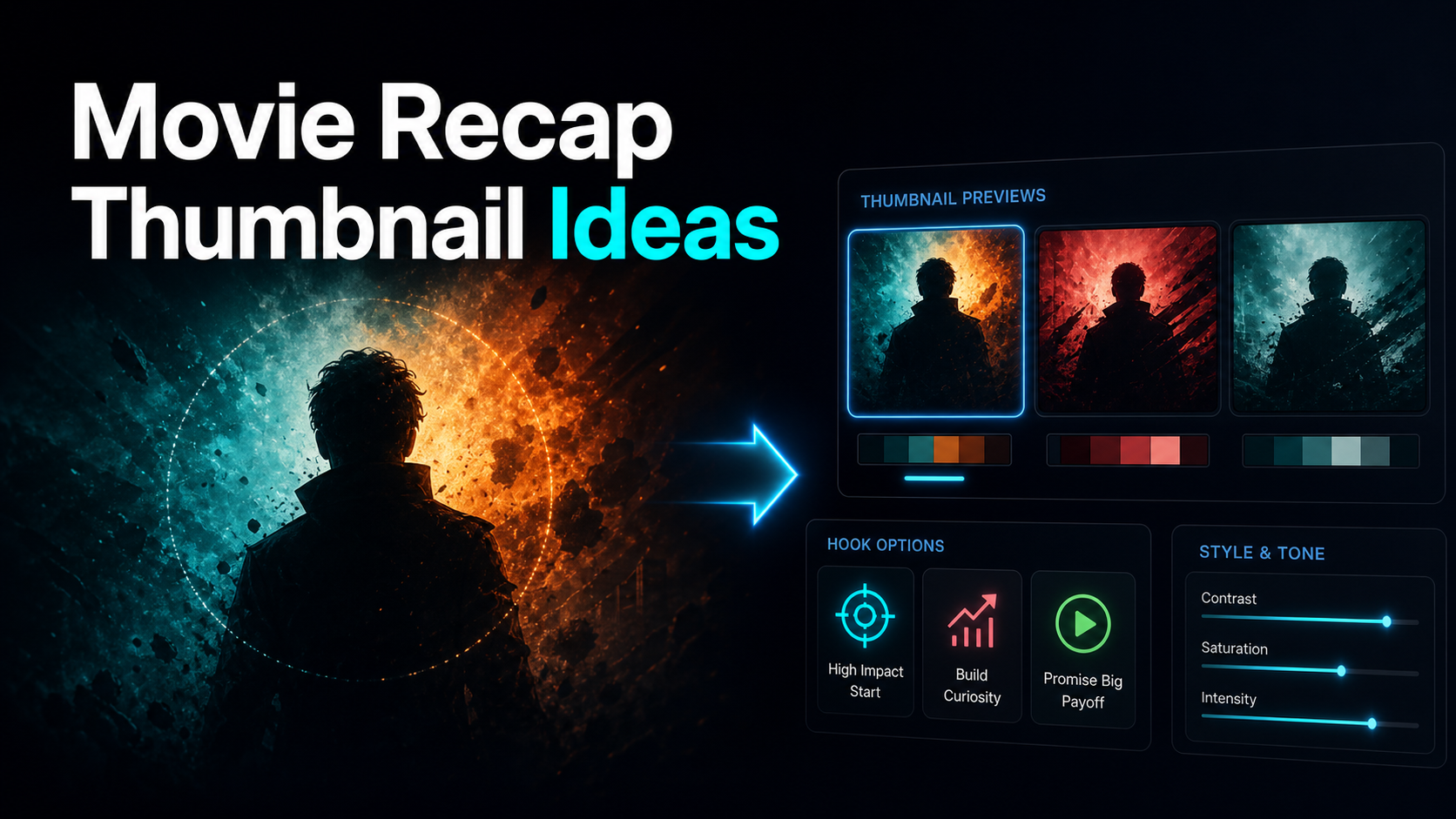
A movie recap thumbnail has two jobs: communicate the video's angle at a small size and use imagery with a documented basis for reuse. Tension, contrast, and a concise text hook can support the first job. Original, commissioned, licensed, verified public-domain, or otherwise permitted assets support the second.
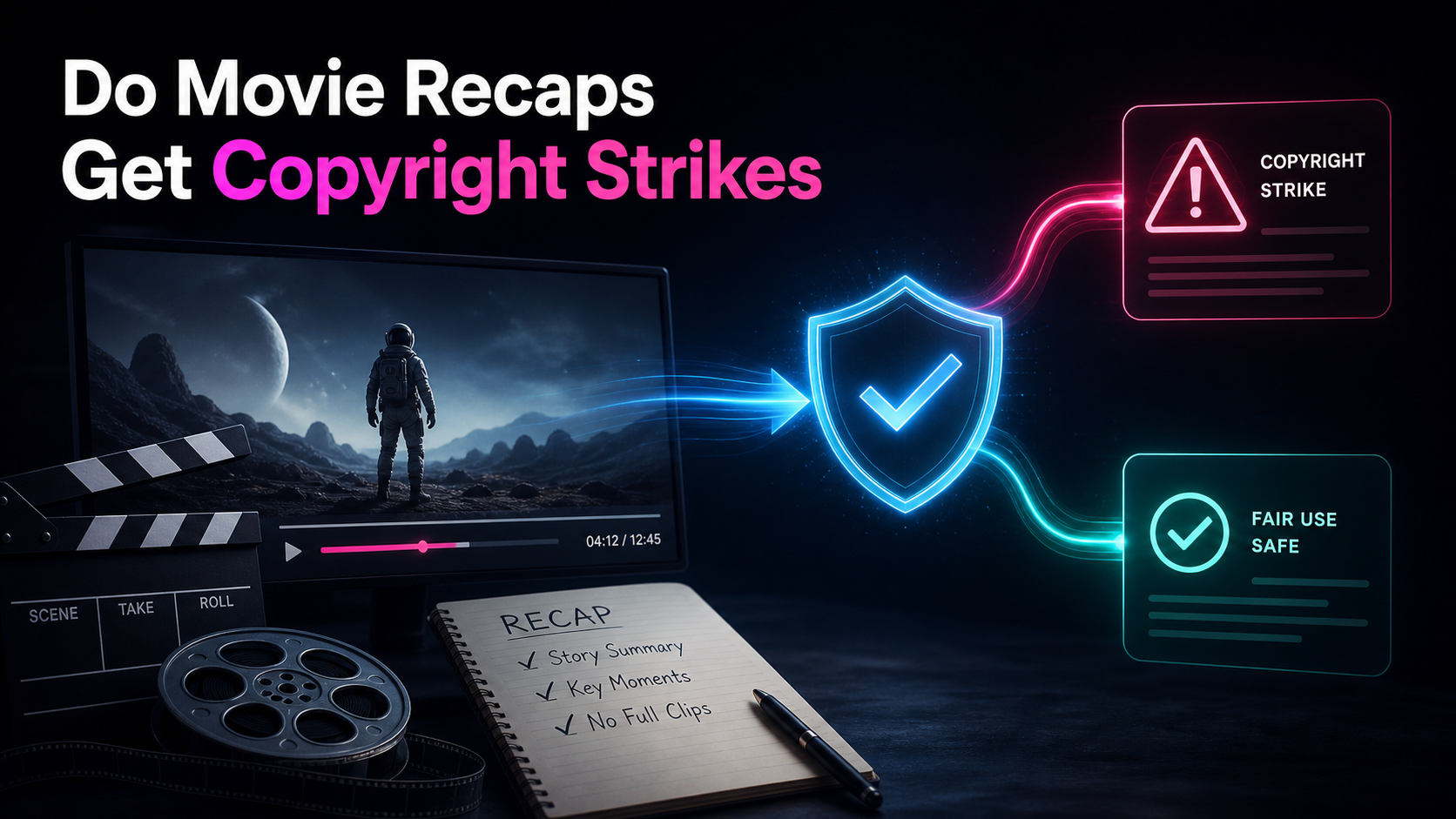
YouTube Content ID evaluates uploaded audio and video, not the custom thumbnail image. That does not make thumbnails exempt from copyright or platform rules, and taking a frame from your own edit does not transfer ownership of the underlying film image. This guide treats design and source review as separate steps. It is general information, not legal advice.
Information note: This is general information, not legal advice. Copyright outcomes depend on the facts and jurisdiction; primary sources were checked on July 10, 2026.
Official source map: For movie recap thumbnails, the image-rights, fair-use, and Content ID points below are tied to Content ID documentation, YouTube's fair-use guidance, the U.S. Copyright Office Fair Use Index.
Why recap thumbnails play by different rules
A normal creator's thumbnail sells a person and a moment the viewer has never seen. A recap thumbnail sells a story the viewer might already know — or thinks they know — which flips the psychology. Your click doesn't come from pure novelty; it comes from tension, a new angle, or a promise to compress something long into something short. That's the lever recap thumbnails pull, and it's why "just make a bright thumbnail with a face" is incomplete advice for this niche.
Three constraints shape every recap youtube thumbnail. First, recognition versus mystery: you want enough visual cue that the right audience recognizes the genre or vibe, but enough withheld that they need you to fill the gap. Second, search intent: recap viewers actively type phrases like "ending explained" or "recap," so your cover often has to confirm a match, not just stop a scroll. Third, source rights: thumbnail concepts can depend on third-party story imagery. Recap thumbnails may depend on third-party story imagery, so source review belongs in the design process rather than at the end. Every idea below is built with those three constraints in mind.
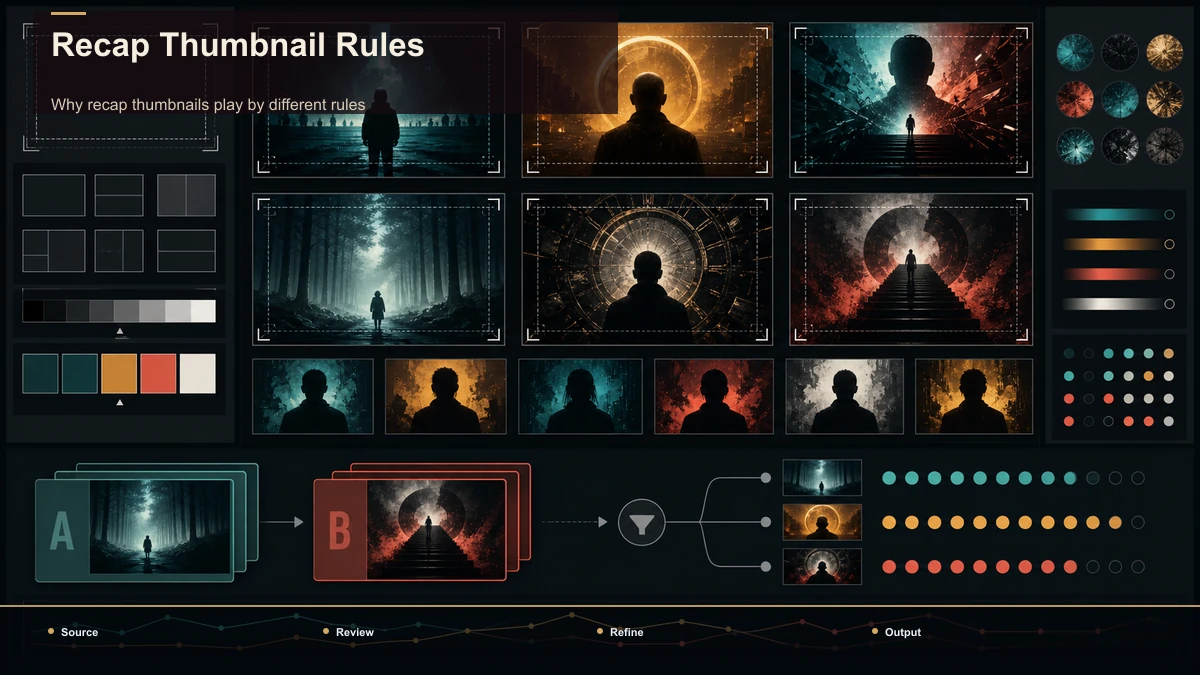
Movie recap thumbnail ideas to test
Here's the gallery. Notice that each one is a composition-and-text idea — a way to arrange and label a frame — not a "which still should I grab" idea. That distinction is the whole point, and the sourcing question gets its own section further down.
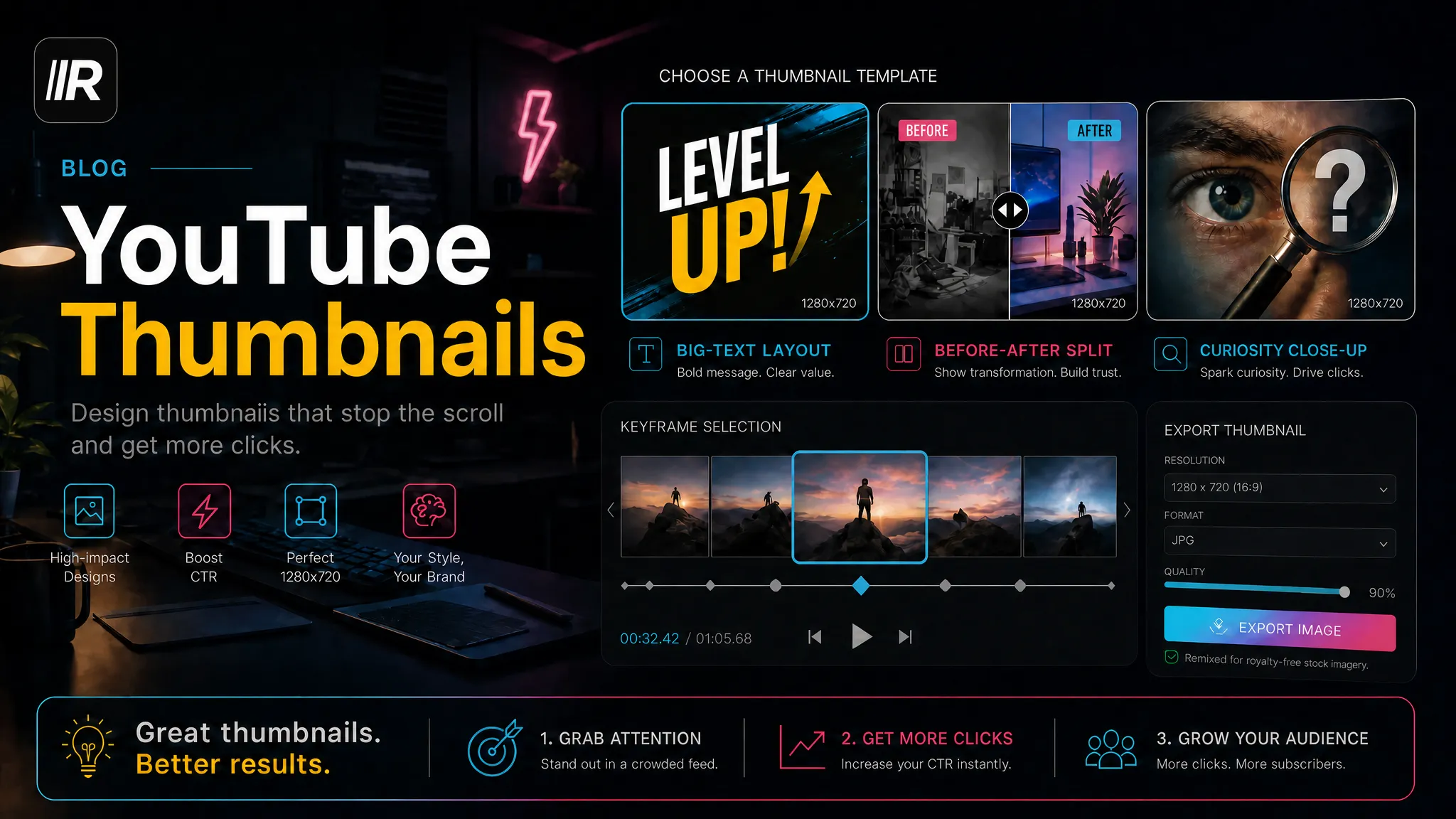
- The same-frame face-off. Put two subjects in a split composition — protagonist versus antagonist, or a character against their later self — so the eye reads "conflict" before it reads a single word.
- The curiosity-gap freeze. Hold on a beat where something is visibly about to happen, keep the outcome off the cover, and let the text name the stakes without the resolution.
- The before-and-after split. A left/right contrast showing change over time — a setup beside its payoff — because recaps are often about change and the contrast communicates that structure quickly.
- The annotated detail. Drop a red circle or an arrow onto a small element most viewers would miss, signalling "there's a hidden thing here, and I'm the one who'll explain it."
- The reaction face at peak emotion. One expressive face filling the frame, pushed to a genuine peak — shock, dread, disbelief — because an expressive face can communicate the emotional stakes quickly.
- The "Ending Explained" text plate. Treat a phrase like ENDING EXPLAINED or a bold number as a graphic element, when that wording accurately matches the video's subject and audience intent.
- The masked reveal. Cover the single most important element — a face, an object, a word — with a blur or a question mark so the only way to see it is to click; use this one sparingly.
- The timeline promise. Text that frames compression — "the whole arc, in order" or "every clue in 12 minutes" — selling the recap's core value right on the cover.
| Same-frame face-off | Conflict / comparison | Character-driven or rivalry stories | Curiosity-gap freeze | An unresolved moment | Twist-heavy plots | Before-and-after split | Change over time | Arc recaps, transformations | Annotated detail | A hidden secret | "Things you missed" videos | Reaction face | Emotional payoff | Shock-and-awe stories | Text plate | Search-intent match | "Ending explained" queries | Masked reveal | Withheld answer | Big single reveals (use rarely) | Timeline promise | Compression / value | Long or multi-part sources |
Pick one pattern per thumbnail. Stacking three of them turns a clean cover into visual noise that reads as nothing at thumbnail size.
Write the text hook: curiosity without clickbait
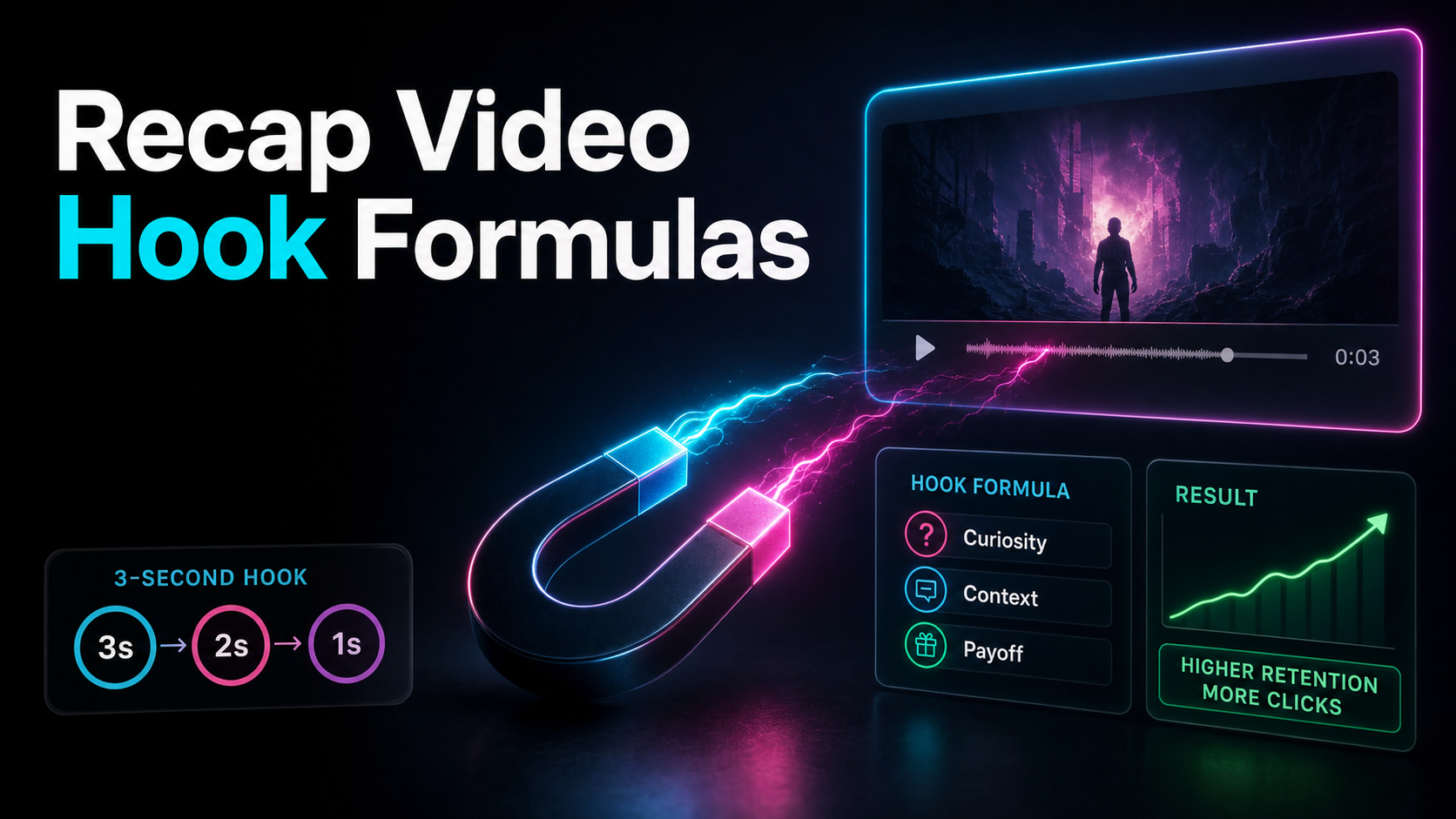
The image attracts attention; the text clarifies the angle. Use as few words as the idea needs. Three to five words can be a starting test, not a platform rule; compare it with an even simpler version on a phone-sized preview. The job of that phrase is to open a curiosity gap the video then honestly closes.
A few recap-specific hook framings that fit on a cover:
One honest constraint runs under all of them: the thumbnail has to match the video. A promise the recap doesn't pay off buys one click and then a fast exit, and repeated over-promising can weaken viewer trust and response. Curiosity is the tool; bait is the trap. Write a hook the video delivers early, and let the cover promise exactly that.
Thumbnail rights are separate from Content ID
YouTube's Content ID system compares the uploaded video's audio and visual content with reference files. A custom thumbnail is a separate image asset, so it may be addressed through other copyright complaints or platform-policy processes rather than a Content ID match.
Three distinctions matter:
For every thumbnail candidate, record the source, owner, license or permission, territory, attribution, and any restrictions. When relying on a copyright exception, assess the specific use and jurisdiction rather than treating a design technique as a guarantee.
Build a thumbnail from reviewed source assets
Start with imagery you created, commissioned, licensed, verified as public domain for the relevant use, or otherwise have a documented basis to include. If the video itself uses third-party excerpts, do not assume that a keyframe is automatically cleared for separate promotional use as a thumbnail.
Create several candidates from the approved source pool. Then apply one visual concept, one short text hook, and a clear hierarchy. A browser cover tool can handle layout and export; a dedicated graphics editor may be better for complex compositing. In either case, the tool changes presentation, not the underlying rights.
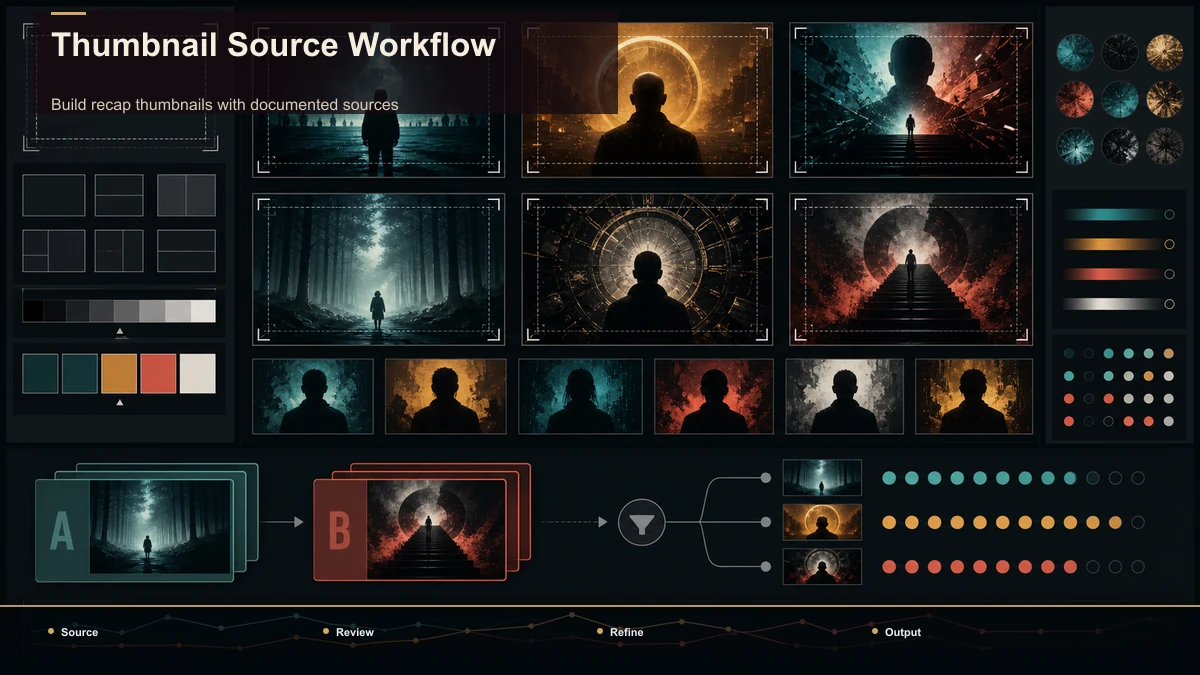
A repeatable recap-thumbnail workflow
| 1. Define the promise | Write the angle the video actually delivers | One clear viewer promise | 2. Build an approved source pool | Gather original, commissioned, licensed, or otherwise permitted assets | Source sheet and candidate images | 3. Pick one pattern | Face-off, freeze, split, or annotation | A single visual concept | 4. Write the hook | Use the fewest words needed to clarify the stakes | A testable text layer | 5. Composite | Add layout, contrast, and original graphics | Draft cover | 6. Rights and policy review | Recheck every asset, attribution, and claim | Approved cover and record | 7. Export and compare | Review at small size and test one variable at a time | Publish-ready file and test plan |
This process makes the decision traceable. It does not turn a third-party image into an asset you own.
Test your thumbnail like you test your hook
A thumbnail is a hypothesis, not a verdict. Before you publish, run three cheap tests. The squint test: shrink the image to phone size — if the face, the text, and the concept still read, it survives the feed; if it turns to mush, simplify. The stranger test: would someone who's never seen your channel understand what they'd get in one glance? The honesty test: does the cover promise something the first thirty seconds actually deliver?
After publishing, let data settle it. Use YouTube's own thumbnail testing and analytics features to compare click-through rate across covers, and change one variable at a time — swap the text but keep the frame, or vice versa — so you learn what actually moved the number. Don't trust click-rate benchmarks a random blog quotes you; your own channel's baseline is the figure that matters, and you'll find it in YouTube Studio. Movie recap thumbnail design is iterative; compare results against your own channel baseline and keep the evidence with the decision.
FAQ
What makes a useful movie recap thumbnail? It communicates the specific angle quickly, stays legible at small size, uses an honest promise, and is built from source assets whose use you can document.
Do recap thumbnails need copyright-free images? "Copyright-free" is often imprecise. Use original, commissioned, licensed, verified public-domain, or otherwise permitted imagery, and follow the exact license and attribution terms. A frame from an edited video is not automatically yours.
How many words should a recap thumbnail have? There is no platform-mandated count. Start with a short phrase that remains legible on a phone, then test it against a simpler version. Put detail in the title when it cannot fit clearly in the image.
Can I make a recap thumbnail without advanced design software? Yes. A browser cover tool can combine an approved source image, text, and simple graphics. The design tool does not replace source review or permission.
How should I test a thumbnail? Check legibility and promise alignment before publishing. Where YouTube's thumbnail testing feature is available, change one major variable at a time and compare results against your own channel baseline.
Build recap thumbnails with documented sources
Choose the viewer promise, assemble an approved image pool, make a small set of clear candidates, and retain the source record with the final cover. Create a free Recapo account to pull frames from footage you are entitled to use and assemble a simple cover beside the edit. The tool supports the production step; source rights and final review remain your responsibility.
References and official sources