Best AI Voices for Recap Narration
Choosing the best AI voices for recap narration? Pick by genre — true crime, thriller, documentary, anime — with script-prep tips and a same-script self-test.
By the Recapo.ai Editorial Team · Fact-checked July 10, 2026
If you're choosing the best AI voices for recap narration, the trap most listicles fall into is treating narration like one job with one winner. It isn't. The measured, grave voice that carries a chilling true-crime breakdown will sink a fast, punchy anime recap — so the real question isn't "which AI voice is best," it's "which voice matches the genre I narrate and the script I feed it." This guide picks recap narration voices by genre — true crime, thriller, documentary, movie and TV, anime — and pairs each with the script-prep techniques that separate a believable narrator from an obvious robot. That's how working recap creators actually choose a voice, and it's exactly what a generic "best AI voice" ranking leaves out.
Information note: This is general information, not legal advice. Copyright outcomes depend on the facts and jurisdiction; primary sources were checked on July 10, 2026.
Scope of this guide: This page evaluates voices specifically for sustained movie and series recap narration. For broader YouTube format and audience criteria, use how to choose an AI voice for YouTube.
Key Takeaways
- There's no single best voice for recap narration — the right one depends on your genre and how well you prep your script.
- Match timbre and pacing to the genre: measured and grave for true crime, warm and credible for documentary, energetic for anime.
- Half of the "AI sounds robotic" problem is the script, not the voice. Prep the text before you generate.
- Audition every candidate on the same 60–90 second script from your own niche, never the vendor's demo reel.
- Recapo fits the faceless recap workflow honestly — generate AI voiceover in the browser, then narrate your cut. Pricing lives on its pricing page.
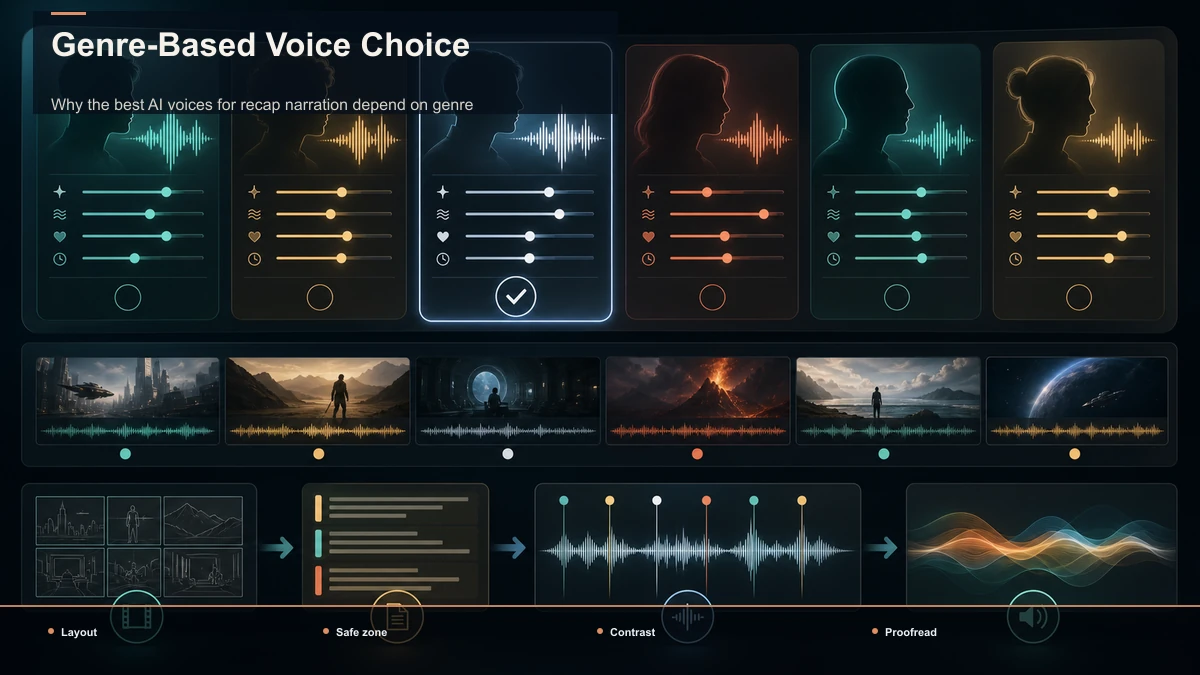
Why the best AI voices for recap narration depend on genre
Recap narration is a performance, not a text-to-speech convenience. For a faceless channel, the voice is the on-screen personality — it's the only character your audience ever meets. That's why a good recap narration voice can't be judged in the abstract. A tone that feels authoritative and unsettling over crime-scene footage will feel wrong, even comical, over a high-energy anime montage.
So before you shortlist any tool, decide what your channel actually sounds like. An ai voice for movie recaps needs emotional flexibility to follow a plot's turns; a true-crime channel needs restraint and gravity; an explainer channel needs warmth and clarity. Pick the voice character first, then find a tool that can deliver it — not the other way around. The rest of this guide gives you a genre map, a quality checklist, and a script-prep routine so the voice you generate lands the first time.
Match the AI voice to your recap genre
Use this as a shortlist filter. Find the row that matches what you narrate, then audition only voices that fit that character — it saves you from testing tones that were never going to work.
| Recap genre | Voice character to look for | Pacing & delivery | What to avoid |
|---|---|---|---|
| True crime | Measured, grave, low-warmth authority | Slow and deliberate, weighted pauses before reveals | Bright, upbeat "friendly explainer" tones |
| Thriller / horror | Tense, restrained, slightly breathy | Controlled build, quiet-to-loud dynamics | Flat monotone that kills the suspense |
| Documentary / explainer | Warm, credible, even-keeled | Steady, unhurried, clear articulation | Overacting or dramatic swings |
| Movie & TV recap (drama) | Expressive, characterful, emotionally flexible | Shifts with scene beats; leans into turns | Robotic sameness across emotional scenes |
| Anime recap | Energetic, youthful, agile | Fast, punchy, high inflection | Slow gravitas that drags the pace |
| Comedy / light recap | Conversational, playful, relaxed | Loose timing with room for comedic beats | Stiff, formal newsreader delivery |
The point of the grid: any voice you audition slots into a row in seconds. If a candidate doesn't fit the character your genre demands, no amount of tweaking will save it — move on.
The voice qualities that decide a recap narration
Once you've narrowed by genre character, judge each remaining candidate on the qualities that actually make or break a recap. Score every voice the same way, on your own content — not the polished sample the vendor chose.
| Quality | Why it decides a recap | How to test it yourself |
|---|---|---|
| Timbre-to-genre fit | A mismatched tone breaks immersion instantly | Play one line under a real clip from your niche |
| Pacing control | Recaps live and die on rhythm and pauses | Check whether punctuation actually changes the pace |
| Proper-noun pronunciation | Recaps are full of names, places, and titles | Feed five tricky names and count the mangled ones |
| Emotional range | Drama and horror need inflection, not flatness | Generate a tense beat and listen for real dynamics |
| Consistency over length | A drifting voice ruins a 10-minute recap | Generate a long block and listen for tonal drift |
| Natural seams & breath | Robotic gaps snap the viewer out | Listen at sentence joins for mechanical stitching |
| Language & accent options | Localizing multiplies your reach | Confirm the accents and languages you publish in |
Two rows ambush beginners most: pacing control and consistency over length. A voice that sounds great on a single demo line can fall apart across a full script, drifting in tone or ignoring the pauses your writing implies — flaws that only surface on a long, real passage.
Prep your script before you generate the voice
Here's the part most "best AI voice" lists skip: much of what people blame on the voice is really the script. AI reads exactly what you give it, so a wall of long, comma-spliced sentences comes out flat and breathless. A few minutes of prep does more for realism than swapping tools — run this routine before every generation.
- Write for the ear, not the eye. Short, declarative sentences give the voice clean beats to land. If a line is hard to read aloud in one breath, split it.
- Punctuate for pacing. Commas, periods, and paragraph breaks are your timing controls. A period before a reveal creates the pause a true-crime beat needs; run-ons erase it.
- Spell out tricky names phonetically. For a character, place, or franchise the voice will likely mangle, write it the way it sounds and confirm it on a short test before the full run.
- Front-load the hook. Your first two lines decide retention. Write them as their own short paragraph so the voice delivers them with a clean, deliberate open instead of rushing in.
- Chunk long scripts — and lock your settings. Break a long recap into sections, but keep the same voice and settings across all of them so the narrator doesn't subtly change halfway through.
- Do a timing read. Read the script aloud yourself and time it against your target length. Trim before you generate, not after — re-generating a bloated script wastes every attempt.
Prep like this and a "mediocre" voice often sounds fine; skip it and even a strong voice sounds like a robot reading a spreadsheet.
Audition AI voices with a same-script self-test
The only comparison that counts is on your script, in your genre. Write one 60–90 second passage that includes a hook, a couple of proper nouns, and one emotional beat, then run that identical text through every candidate. Judge each on:
- Pronunciation: how many names did it get right?
- Emotion: did the tense beat actually land, or stay flat?
- Seams: any mechanical gaps or robotic breaths?
- Pacing: did your punctuation control the rhythm?
- Fit: does the timbre match your genre row above?
Positioning matters more than brand names here. Some text-to-speech platforms are known for expressive, emotion-forward voices; others for a wide spread of languages and accents; and some voice tools are built directly into a video editor so you generate narration in the same place you cut the video. None of that tells you how a voice handles your script — only the same-script test does. This is also the honest way to find the best ai voice for youtube narration for your channel specifically, rather than for a reviewer's demo reel.
One more caution: pricing and usage limits change constantly and differ by tool. Read each vendor's current pricing page rather than any comparison table, including this one — a voice that seems free for a one-off can cost more once you publish weekly.
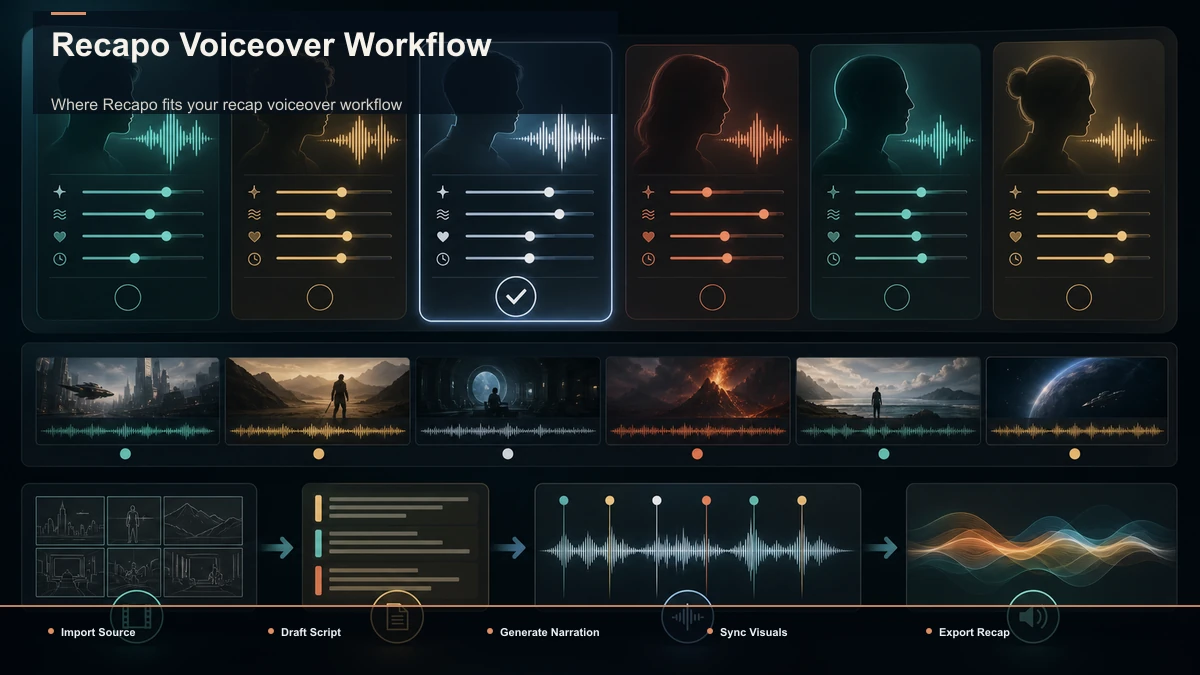
Where Recapo fits your recap voiceover workflow
Recapo sits in that last category — a browser-based workspace with nothing to install, built around the repurposing and faceless-recap workflow. Once your script is prepped, you can generate narration with voiceover-maker and audition how a line lands before committing to a full episode. When the recap narration voice and script are set, text-to-speech-video turns that narration into a narrated video you can pair with your footage, and it accepts MP4, MOV, and other common formats up to 6GB total per task. If you're assembling the whole pipeline, AI narration for movie recaps and how to record and review a YouTube voiceover cover the surrounding steps.
Being honest about the trade-off: an AI voice won't replace a distinctive human narrator you might build a personal brand around, and it isn't a fix for a weak script. What it does well is speed, scale, and consistency — the exact things a faceless recap channel on a schedule needs, without booking studio time. Pricing, including what's available to start, is on Recapo's pricing page.
Mistakes that make AI recap narration sound robotic
Even with a good voice, these errors are what viewers actually hear as "AI." Avoid them and most people won't clock that the narrator isn't a person.
- Fighting the genre. A cheerful explainer voice on a grim true-crime script reads as tone-deaf no matter how clean the audio is.
- Pasting raw script. Skipping the prep routine above is the single biggest cause of flat, breathless narration.
- Marathon sentences. Long, comma-heavy lines give the voice nowhere to breathe and flatten every emotional beat.
- Ignoring proper nouns. One mangled character name can undo a whole polished episode — test names before the full run.
- Switching voices mid-series. Changing your narrator or its settings between episodes quietly erases the brand your channel is building.
- Trusting the default pace. Most voices default to a neutral speed. Recaps usually need you to slow reveals and quicken action deliberately.
FAQ
What is the best AI voice for recap narration? There's no universal answer, because "best" depends on your genre and your script. A true-crime channel wants a measured, grave voice; an anime recap wants energy and speed; a documentary wants warmth and clarity. Decide the voice character your content needs, then run the same 60–90 second self-test above on two or three candidates that fit that character. The one that needs the least cleanup on your own script is your best fit.
What AI voice works best for true crime recaps? Look for a low, measured, restrained voice with real authority and no brightness — the tone should feel serious and unhurried, with weighted pauses before each reveal. Avoid upbeat "friendly explainer" voices entirely; they undercut the tension. Test a candidate on an actual crime-beat passage from your own script, and listen specifically for whether it can hold a slow, deliberate pace without sounding flat.
Can an AI voice sound natural enough for movie recaps? Often, yes — an ai voice for movie recaps mainly needs emotional flexibility to follow the plot's turns, plus good pacing control. The bigger lever is usually your script: short sentences, punctuation that sets the rhythm, and phonetic spelling for tricky titles do more for realism than switching tools. Generate one dramatic beat and listen for genuine inflection before you commit to a voice for a full series.
How do I keep the same narrator voice across a whole recap series? Lock your voice choice and every setting, then reuse them for every episode without changing them. If you split long scripts into sections, generate all sections with those identical settings so the narrator doesn't drift mid-video. Consistency is part of your brand — a viewer who subscribes for one narrator will notice if the voice quietly changes next week.
Is AI narration okay for a monetized, faceless recap channel? AI voiceover itself is a normal production tool, but monetization depends on the platform's own rules about original, transformative content — not the voice. Read YouTube's official policies on reused and inauthentic content on its Help pages, and make sure your recaps add real commentary and editing rather than reposting source material. Treat the voice as one layer of a genuinely original video, not a shortcut around originality.
Audition your recap voice on your own script
A quick way to decide which voice fits your channel is to hear your own script in it — not to trust a ranking. Prep one 60–90 second passage using the routine above, then generate it with Recapo's voiceover-maker in the browser and listen for pronunciation, pacing, and emotional fit. Create your free account and audition your next recap's narration before you script the whole episode. Your ears — and your retention graph — will tell you what a listicle can't.