Best Clipchamp Alternatives for Creators (2026)
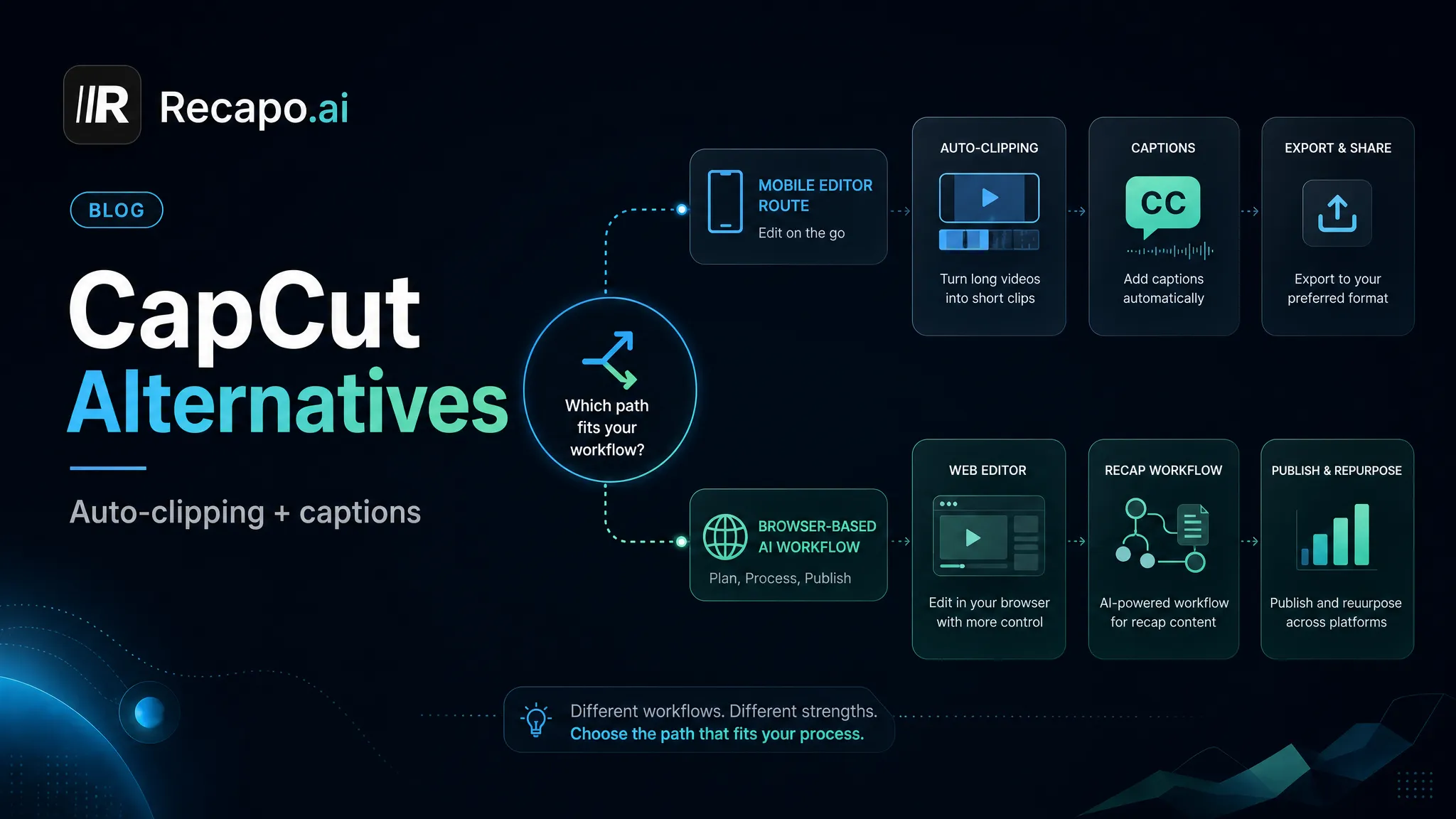
Looking for Clipchamp alternatives? This 2026 guide sorts free, open-source, and browser-based AI editors for short-form creators.
By the Recapo.ai Editorial Team · Fact-checked July 10, 2026
Clipchamp is Microsoft's video editor for browser and Windows workflows. The right alternative depends on the task: occasional timeline editing, desktop post-production, mobile creation, or automated long-to-short repurposing. This guide compares those categories from official product information and uses a same-file test; it does not rely on uncited claims about lag, paywalls, or another user's machine.
Disclosure and method: Recapo.ai publishes this guide and may appear among the tools discussed. We checked official product pages on July 10, 2026. This edition is a desk-research comparison, not a standardized hands-on benchmark. We compare stated workflow fit rather than unverified performance scores and recommend testing the same source file in each finalist. Features, limits, and pricing can change.
When to compare Clipchamp with alternatives
Keep Clipchamp in consideration when its Windows integration and timeline workflow match the job. Compare other tools when you need a different operating system workflow, deeper desktop editing, mobile-first production, or automated extraction of many clips from one long source.
Verify the current Microsoft plan, included assets, export settings, and account requirements on the official page. Then import the same representative file into each finalist and record playback, edit, caption, export, and review time on your own hardware.
The three kinds of Clipchamp alternative
Almost every tool that shows up in this search falls into one of three buckets. Naming them makes the whole decision easier, because most people only belong in one.
| Best for | Free timeline editing, full control | General web edits, templates | Turning long videos into captioned shorts | Where it runs | Installed on your computer | Browser tab | Browser tab | Learning curve | Steeper; real timelines | Gentle | Gentle; task-focused | Short-form automation | Manual | Some | Built around it | Typical output | Full edits, long-form | Quick social edits | Shorts, Reels, TikTok, captioned clips |
If you mainly want a free timeline to keep editing on, the left column is your path. If you want a Clipchamp-style general web editor with a different flavor, the middle column applies. If your bottleneck is volume — captioning, clipping, and reframing short-form every week — the right column is where the time savings live, and it's the only bucket Recapo belongs in. Being honest about that split is the point of the whole article.
Free Clipchamp alternatives worth trying
These are the tools people usually mean when they search for a Clipchamp alternative free of subscription gates and want to keep editing on a real timeline. I'm describing each only at its stable, well-known positioning — you should confirm current details yourself, because free tiers and export terms change, and that's exactly what the self-test later is for.
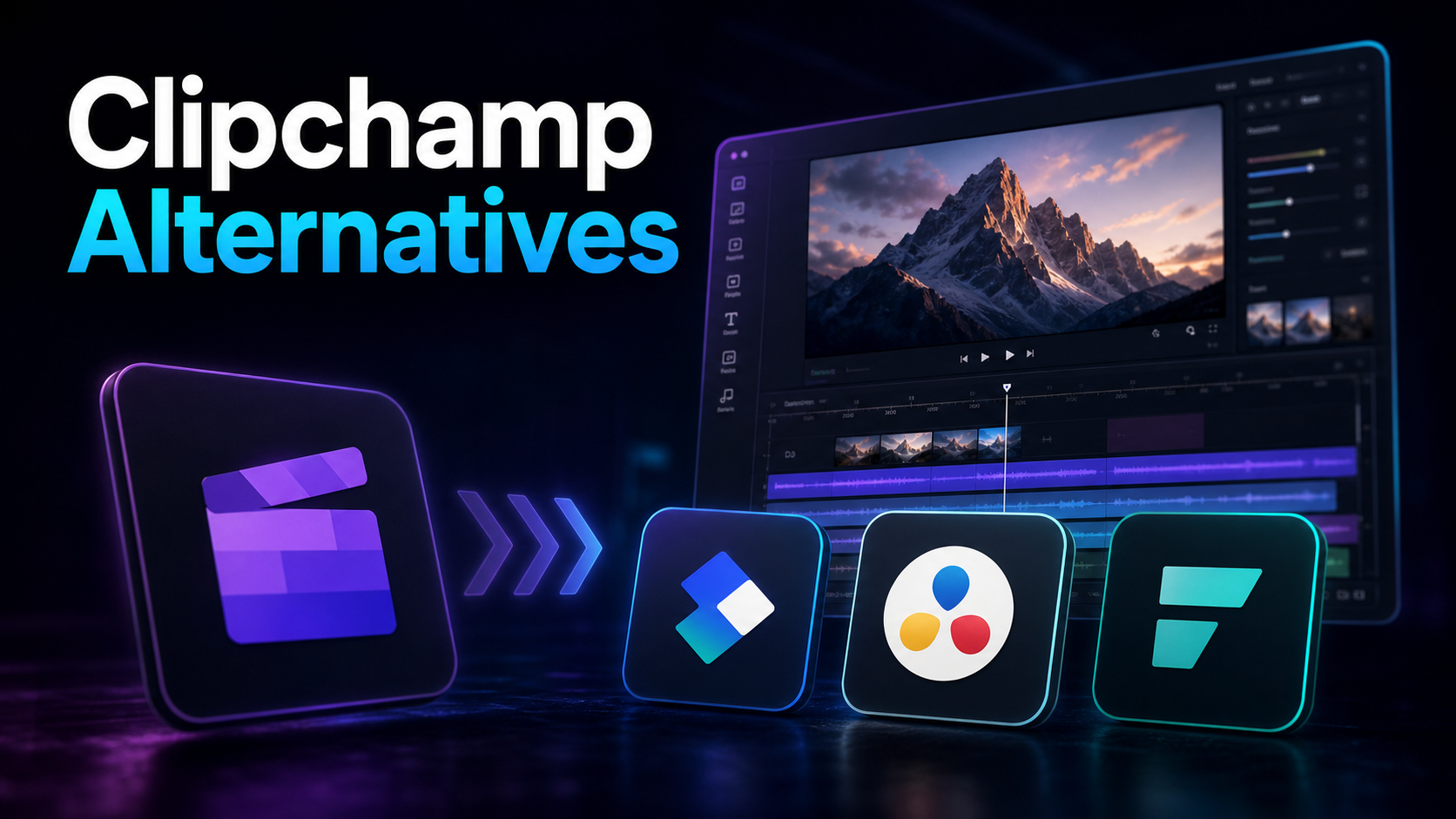
| DaVinci Resolve | A professional desktop suite known for color grading and finishing | You want pro-grade control and will invest in learning it | Shotcut | An open-source desktop editor | You want free and open, and don't mind a plainer interface | OpenShot | An open-source editor for simpler timelines | You're doing straightforward cuts and titles | Kdenlive | An open-source editor with a fuller feature set | You want more depth than OpenShot, still free and open | CapCut (desktop) | A free editor popular for social edits and templates | You want an easy timeline plus effects and presets |
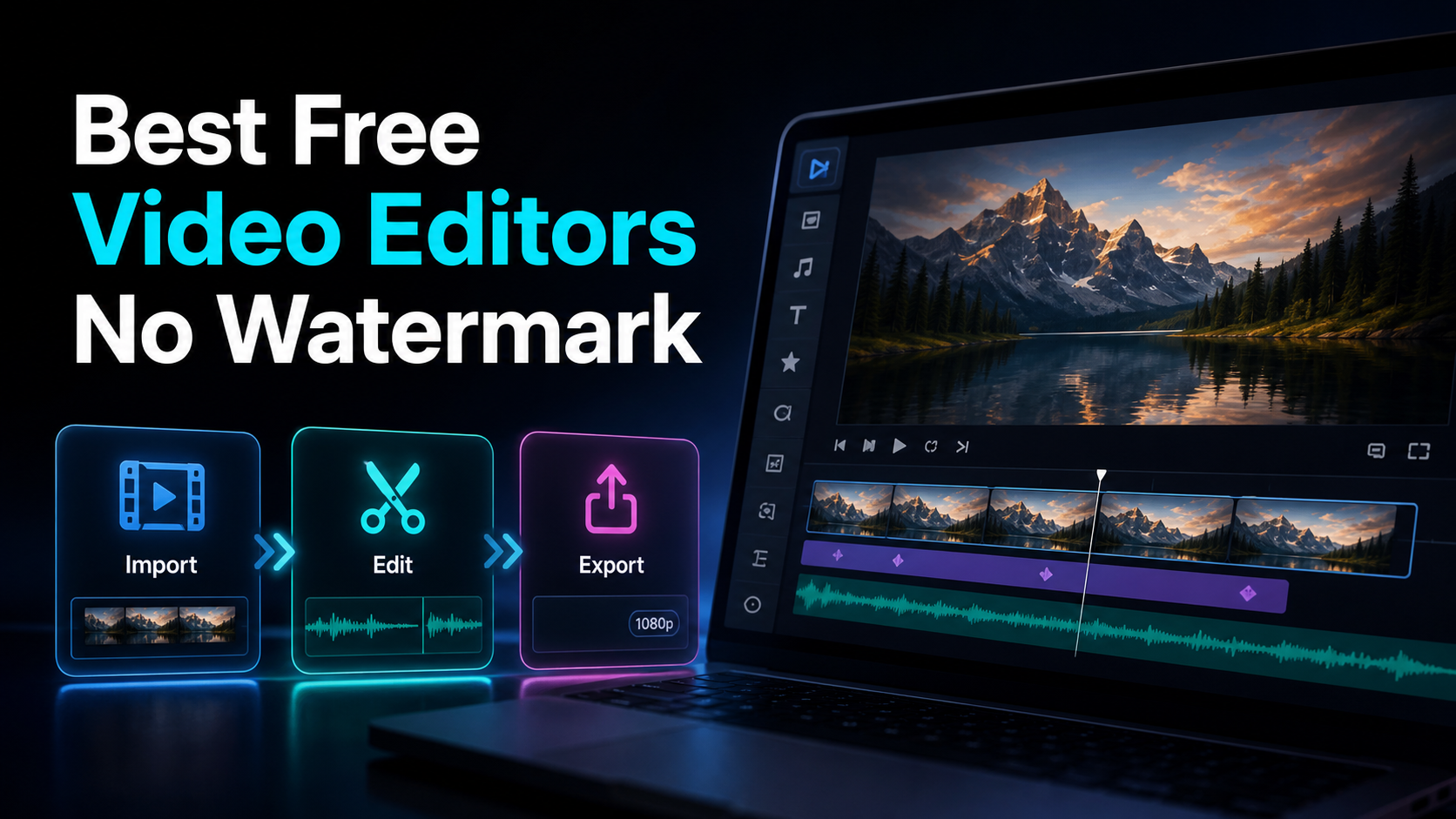
A few honest caveats. "Free" and "no watermark" are separate questions — a tool can be free to install and still watermark exports on a lower tier, or be fully free but demanding on your hardware. Open-source editors are genuinely free and usually watermark-free, but the trade is a rougher interface and less hand-holding. Professional suites are powerful and free to start, but the learning curve is real and some finishing features may sit behind a paid version. Don't take any of that on faith from an article — our roundup of the best free video editors with no watermark goes deeper, but the only answer that counts is the test you run yourself.
Browser-based AI editors for short-form creators
Now the third column — the one most people reading a Clipchamp comparison actually need. If you publish short-form video for a living or a side hustle, the bottleneck usually isn't precision editing; it's throughput. You need to caption accurately, find the good 30 seconds inside a long recording, reframe to vertical, and export something clean, over and over. AI repurposing editors are built around that loop instead of a blank timeline.
Described at their stable positioning, tools in this space tend to specialize:
Where Recapo fits: Recapo is a browser-based AI video editing workspace built for exactly this third group. It runs in a tab with nothing to install, and it bundles the repetitive short-form tasks in one place: transcribe and caption, turn long videos into short clips, generate summaries and scripts, add AI voiceover, resize and reframe to vertical, and design a cover before export. It accepts MP4, MOV, and other common formats, with up to 6GB total per task, and pricing lives on the pricing page. It's honestly not a replacement for a color-grading suite or a manual frame-level timeline — if that's your work, use the free desktop column above. If your work is captioned social clips at volume, this is the shape of tool that fits, and the two features that carry most of the weight are its AI clip generator for finding the moments and auto-captions for making them legible on mute.
How to test any Clipchamp alternative in 20 minutes
The single most useful thing you can do is stop reading feature lists and run a controlled test with your own footage. Marketing pages won't tell you whether a tool handles your accent, your export target, or your file sizes. A short test will. Here's a framework that works for any tool in any of the three buckets.
- Pick one real, representative file. Not a clean demo clip — an actual recording you'd publish, ideally 5–10 minutes with some background noise and natural speech.
- Do the same job in each tool. For short-form creators, that's usually: auto-caption it, cut one 30–45 second highlight, reframe to vertical, and export.
- Measure four things and write them down:
| Caption accuracy | Read the transcript against the audio — count real errors, don't eyeball it | Time to first export | Start a stopwatch; how long until a finished clip? | Watermark on export | Export at the free/entry level and inspect the actual file — this settles the "no watermark" question directly | Format and size support | Upload your real file, not a resized sample — confirm it accepts your format and length |
- Compare the finished files side by side, not the editing screens. The output is what your audience sees.
- Kill anything that fails step 2. If you can't finish one clip in 20 minutes on a representative file, it isn't your tool — no matter how polished the landing page looks.
This is deliberately how the whole article is written: I won't assert a Clipchamp competitor's price, quota, watermark, or export limit, because those change and you'd have to verify them anyway. The test above tells you the truth for your workflow today, and it's the same discipline whether you're weighing an open-source editor or an AI one.
Repurpose a long video into shorts in the browser
Here's the third-column workflow end to end, entirely in the browser, so you can see what an AI repurposing editor actually buys you over a manual timeline. This is the loop most short-form creators run every week.
- Upload your long recording. Open the browser-based AI editor and drop in your MP4 or MOV — a full episode, stream VOD, or talking-head recording, up to 6GB total per task.
- Transcribe and caption. Generate the transcript first; captions are both an accessibility win and the raw material for finding your best moments.
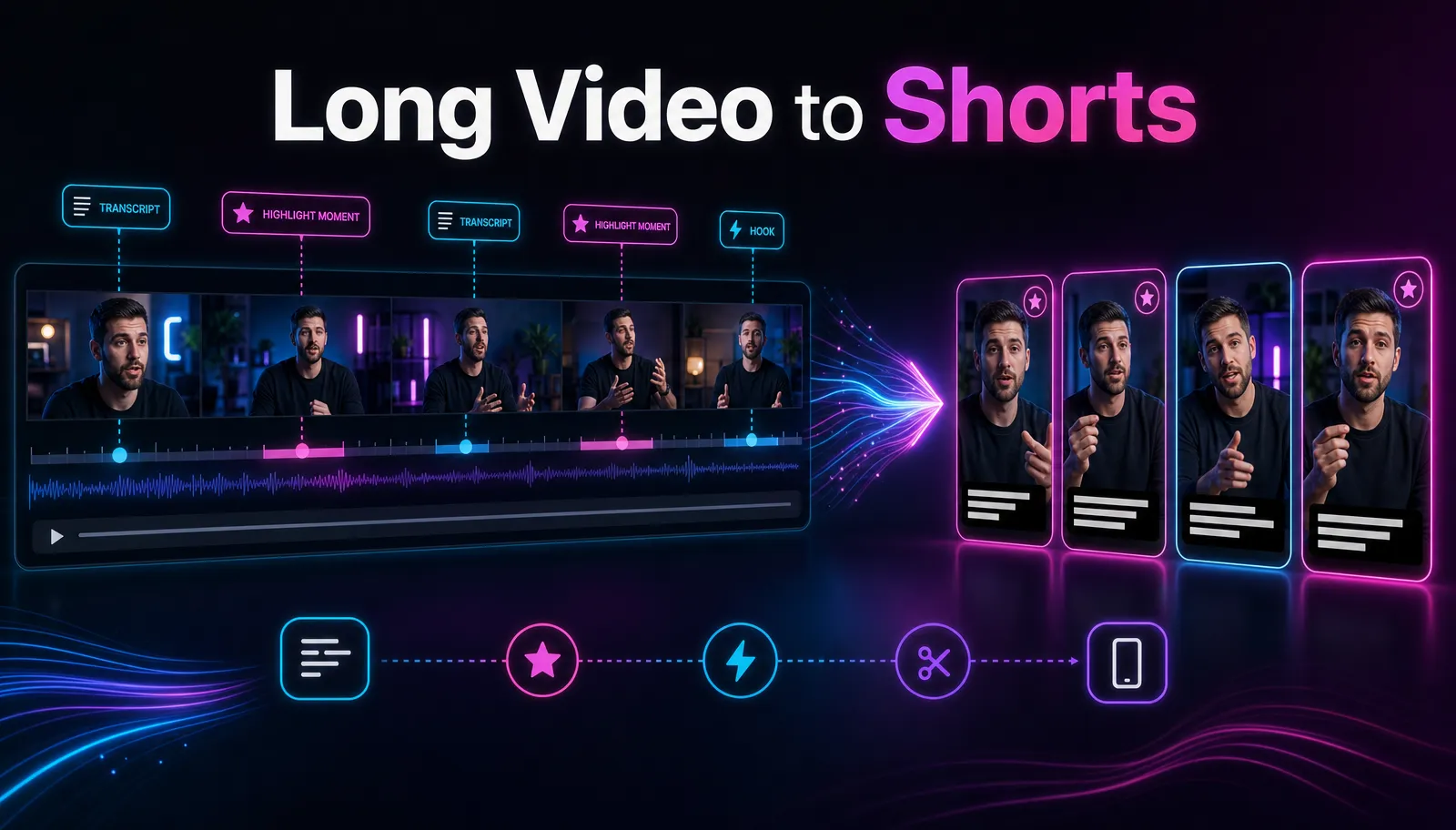
- Cut the long video into clips. Let the AI clip generator surface candidate segments, then pull the strongest 20–60 second moments into standalone shorts. Our guide on making YouTube Shorts from long videos covers how to spot the moments that actually travel.
- Reframe to vertical. Resize each clip to 9:16 so it fills the frame on TikTok, Shorts, and Reels instead of sitting letterboxed.
- Polish and export. Clean up the captions, optionally add an AI voiceover or a summary, design a cover, and export a clean file ready to post.
Because it all runs in a tab, you can do this from any machine — Windows, Mac, or a borrowed laptop — without tying the work to one account or one operating system, which is exactly the friction that sends a lot of people looking past Clipchamp in the first place.
Which alternative actually fits you?
Match the work to the column and the decision gets simple.
| Occasional edits, want a free timeline | Free desktop editors (Shotcut, OpenShot, Kdenlive) | Precise color grading and finishing | A professional suite (DaVinci Resolve) | A general web editor with templates | Another browser editor or CapCut | High-volume captioned shorts for social | AI repurposing editors (Recapo and peers) | Turning long recordings into many clips fast | Browser-based AI editor with clipping | Editing across Windows, Mac, or borrowed machines | Browser-based, nothing to install |
The honest summary: there's no single best Clipchamp alternative, only a best fit for what you make. If you're a social creator drowning in captioning and repurposing, an AI repurposing editor removes the most friction. If you mostly want a free timeline for the occasional project, an open-source desktop editor is your real answer — and this article is happy to point you there.
FAQ
What is the best free Clipchamp alternative? It depends on what you edit. For frame-level timeline editing you'd rather keep for free, open-source editors like Shotcut, OpenShot, and Kdenlive are free and typically watermark-free, at the cost of a plainer interface. For high-volume short-form, a browser-based AI editor removes the manual grind instead. Rather than trust any article's claim, run a test export at the entry level and inspect the actual file — that answers the "free" and "no watermark" questions directly for the tool you're weighing.
Are there Clipchamp alternatives that run in a browser like Clipchamp does? Yes. Plenty of alternatives are browser-based, so there's still nothing heavy to install — the difference is what they're optimized for. General web editors mirror Clipchamp's manual approach, while AI repurposing editors like Recapo automate captioning, clipping, and reframing for short-form. Pick based on whether you want a familiar timeline or a faster path from long video to finished clip.
Do I need Windows or a Microsoft account to use these? No. That coupling is specific to Clipchamp's place in the Microsoft ecosystem. Browser-based alternatives run in a tab on Windows, Mac, or Linux, and open-source desktop editors are cross-platform too. If avoiding platform lock-in is part of why you're switching, a browser tool that works anywhere is the most direct fix.
Will I lose quality moving away from Clipchamp? No — quality is mostly determined by your source footage and export settings, not the brand of editor. What changes between tools is the workflow and the interface. Use the 20-minute self-test to compare finished exports side by side; if the output looks clean and matches your target platform's specs, you've lost nothing.
Can a browser editor handle large video files? Within limits, yes. Recapo accepts MP4, MOV, and other common formats at up to 6GB total per task, which covers most single recordings, episodes, and stream segments. For anything larger, split the source before uploading or compress it first.
Try it on your own footage
A quick way to decide whether a browser-based AI workflow fits you is to run one real clip through it. Upload a long recording, auto-caption it, cut a vertical short, and export — then compare that finished file against whatever you'd get from Clipchamp today. Create a free Recapo account, and put it through the 20-minute test on your own video. If your work is social short-form, you'll feel the difference on the first clip; if it isn't, you'll know that too, and you'll have a much clearer sense of which column you belong in.
References and official sources