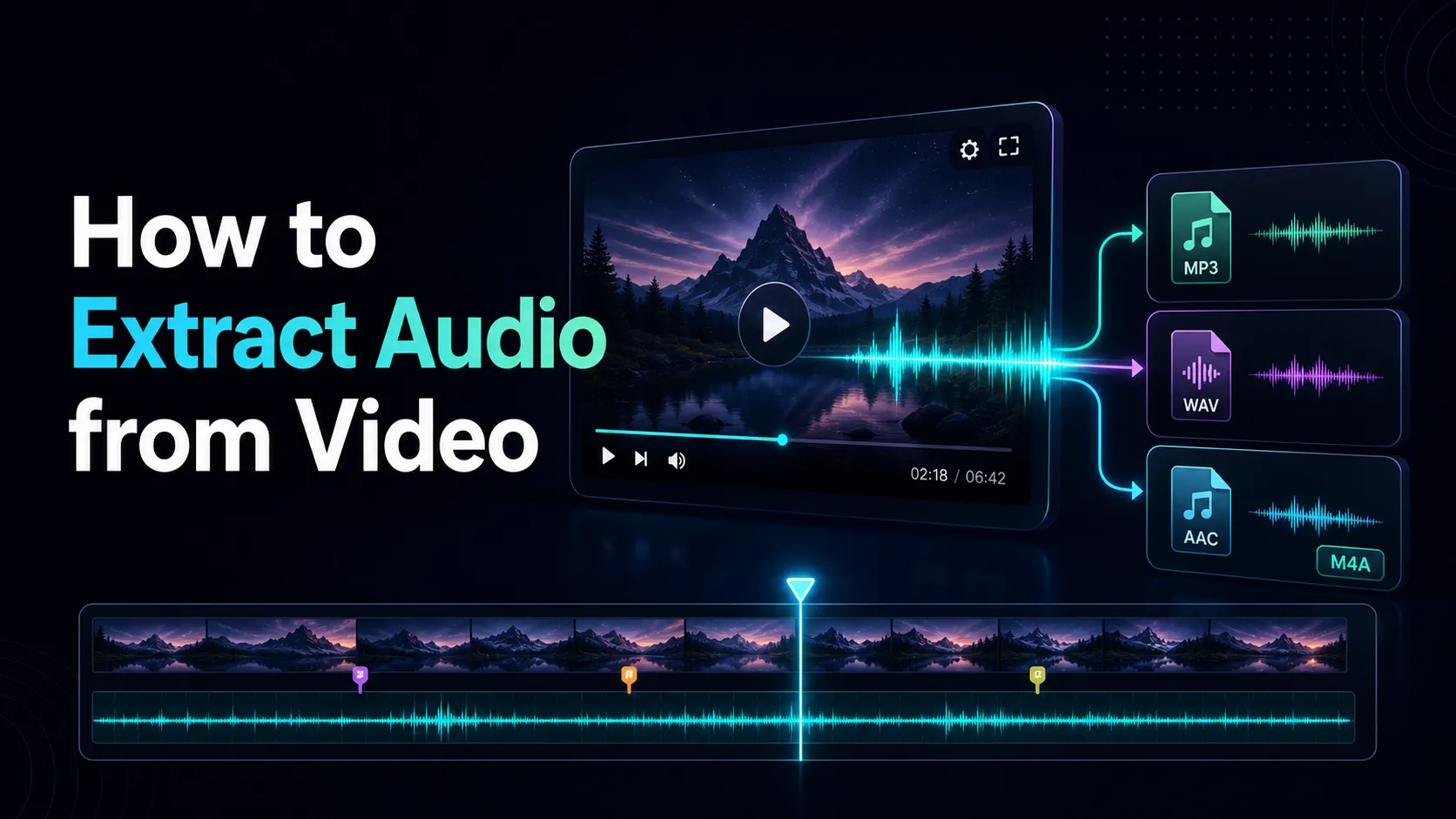
How to Extract Audio from Video
Learn how to extract audio from video and choose MP3, WAV, AAC, or M4A based on editing, listening, quality, size, and compatibility.
extract audio from video — This guide explains the workflow, tradeoffs, limitations, and checks that matter before export.
Extracting audio from a video is useful for podcasts, interviews, transcription, music editing, accessibility, and review. The correct output format depends on whether you need a small listening copy or a high-quality working file.
Confirm your rights and source
Upload only a video you own or are authorized to process. Use the best available source and keep the original. This workflow covers uploaded files, not methods for bypassing third-party platform restrictions.
Choose the output format
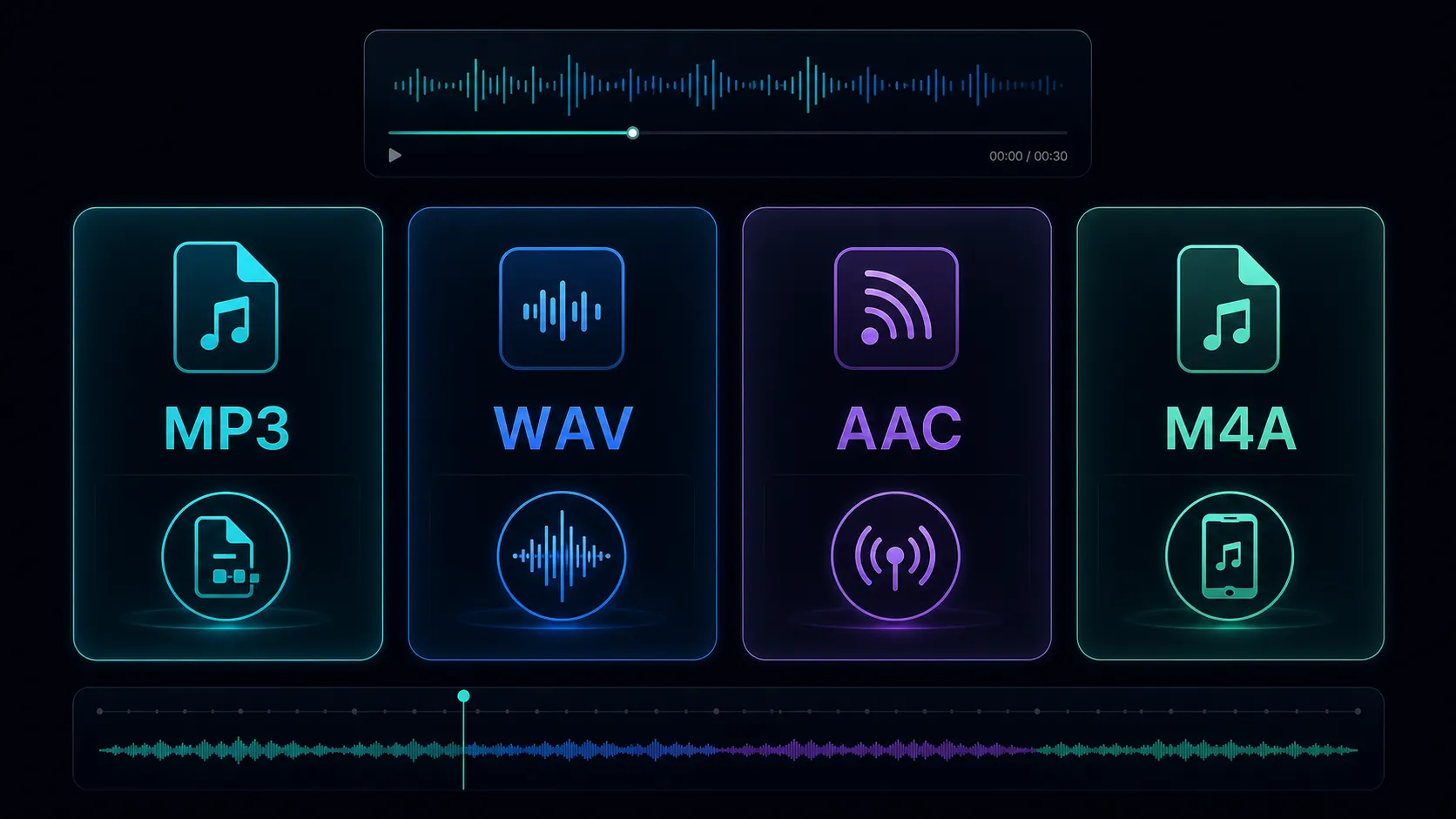
MP3 is a practical compact delivery format. WAV is commonly useful for editing and analysis when file size is less important. AAC can provide efficient delivery in compatible workflows. M4A is a container that may hold AAC or another supported audio format.
Extract audio step by step
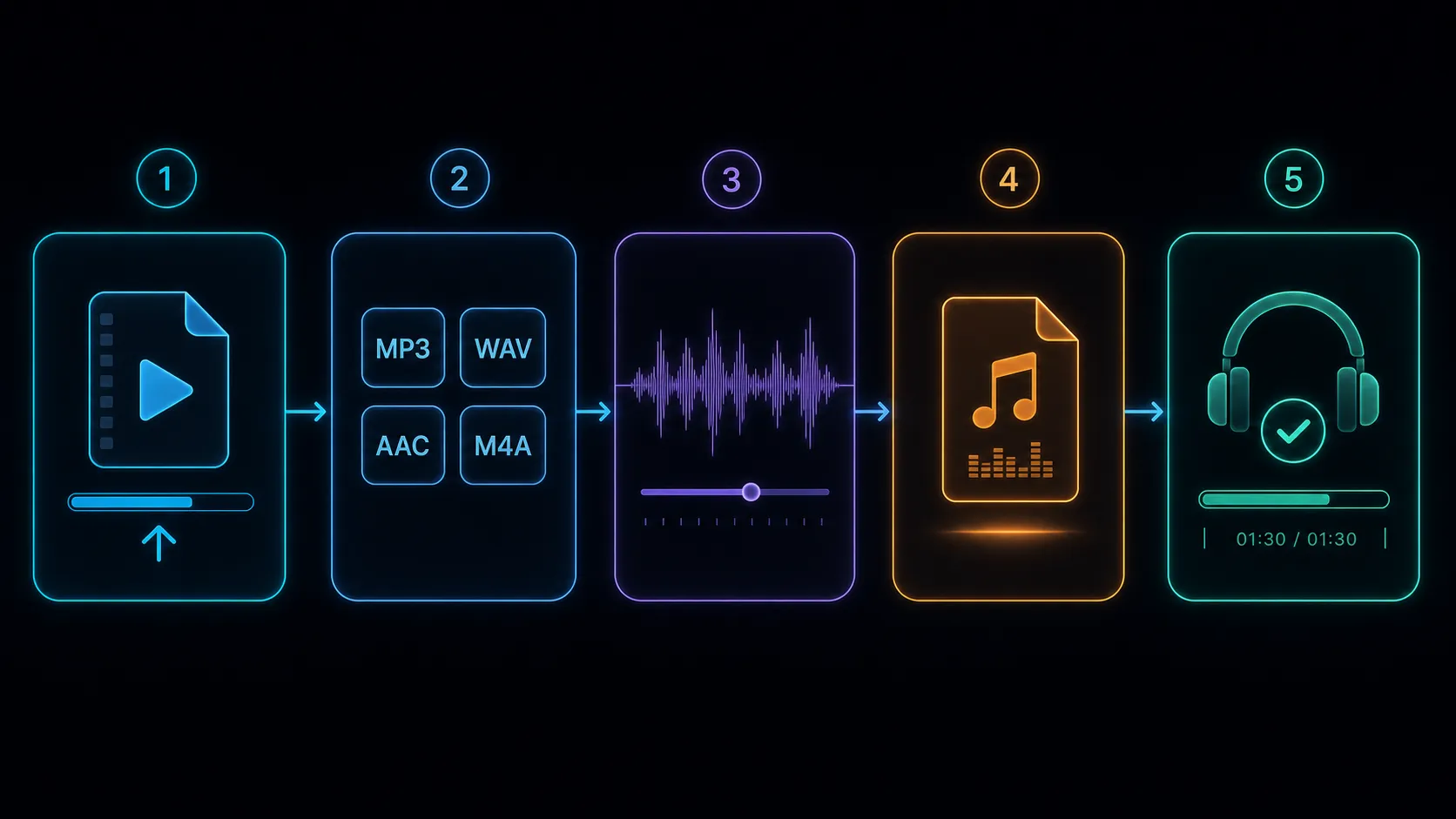
- Upload an authorized video.
- Choose MP3, WAV, AAC, or M4A based on the next tool.
- Select quality settings when available.
- Export and open the result.
- Verify duration, channels, synchronization, and playback.
Use the Recapo audio extractor after checking the live format and file limits.
Avoid unnecessary conversions
Converting a lossy file into WAV does not restore discarded information. Repeated lossy conversions may add artifacts. Return to the strongest source when creating another version.
Frequently asked questions
Which format is smallest?
Size depends on codec, bitrate, duration, channels, and sample rate—not only the filename extension.
Is WAV always uncompressed?
WAV is a container commonly used with PCM, but the exact encoding must be verified.
Can I extract only one section?
Trim the video first or use a workflow that supports selecting a time range.
References
Related Recapo guides
- Extract audio from video and choose the right format
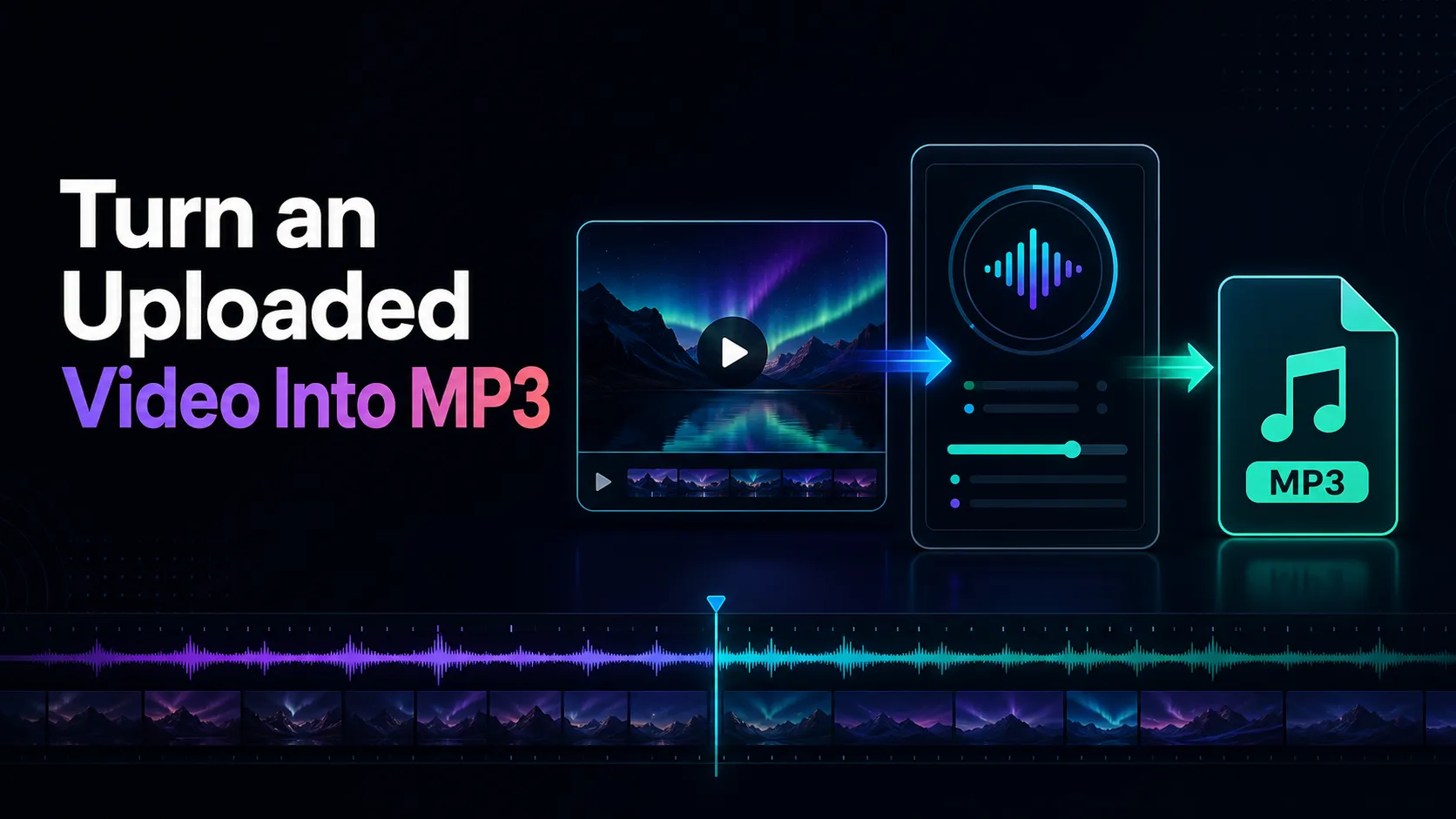
- Convert video to MP3 from uploaded file
- Convert videos to MP3 safely