Convert video to MP3 from uploaded file
Learn how to convert videos to MP3 from a file you own, choose the audio quality, check the results, and protect your privacy.
convert video to mp3 — This guide explains the workflow, trade-offs, limitations, and important checks before exporting.
Turning an uploaded video into a MP3 creates a compact listening track, useful for interviews, voice notes, reviews, and compatible audio procedures. The process should start with owning or being authorized and a clear reason for choosing MP3.
Use an uploaded file that you're allowed to process
This guide includes local files. It does not provide instructions for downloading from third-party platforms or bypassing their restrictions. Retain the original and any rights records.
Convert videos step by step
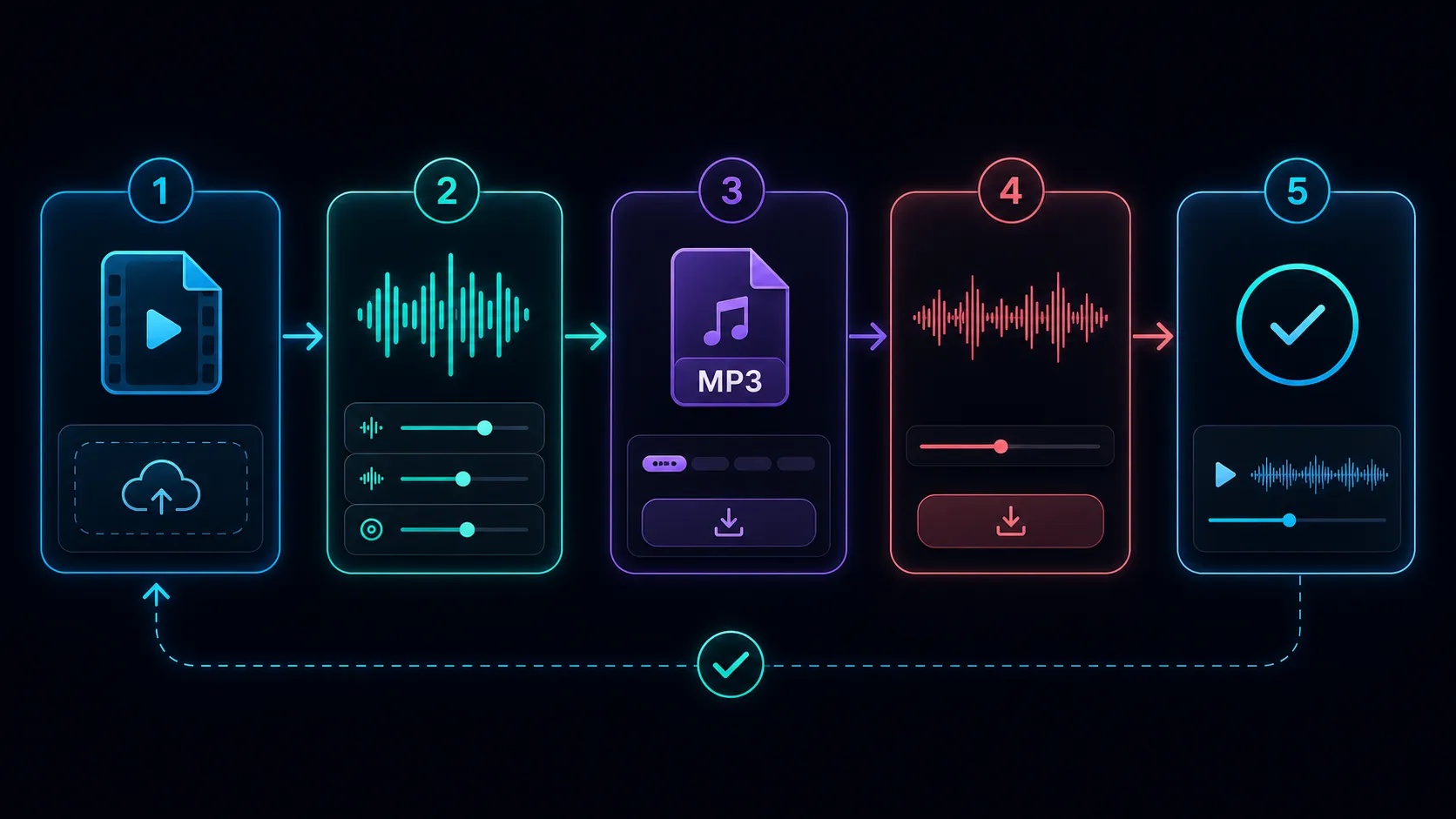
- Upload an authorized video.
- Confirm the duration and audio track.
- Select the available MP3 and quality settings.
- Export results.
- Listen to the beginning, middle, and end.
- Verify voice clarity, music quality, duration, and channel.
Use the expected video-to-MP3 Recapo tool after verifying the active product limit.
Choose the right quality for the use case
Spoken audio may not require the same settings as the music. A brief copy may be suitable for review, while editing should start from a higher-quality source. Don't look at a small MP3 as a hosting master.
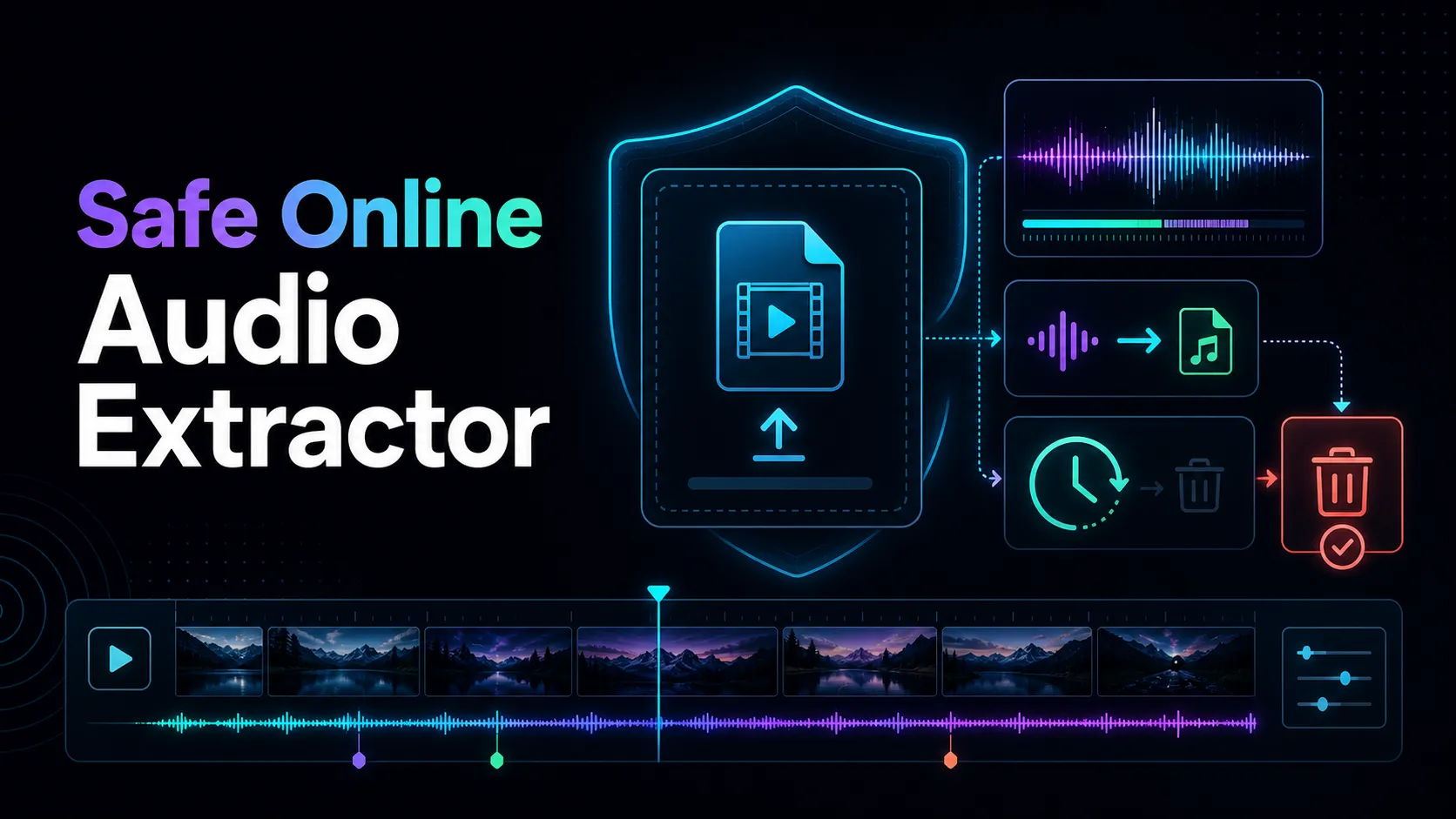
Privacy Protection
Before uploading private records, verify the actual level of retention, deletion, processing region, and access control of the service. Don't rely on untested assumptions.
Frequently asked questions
Can MP3 keep the original video quality?
MP3 contains audio, not image. Keep the original video separate.
Can the converter recover poor quality audio?
Nope. The conversion cannot reproduce the voice or the details are not recorded in the source.
Why is MP3 shorter than expected?
Check the selected time period, source line, processing results, and see if the original file is complete.
References
Related Recapo guides
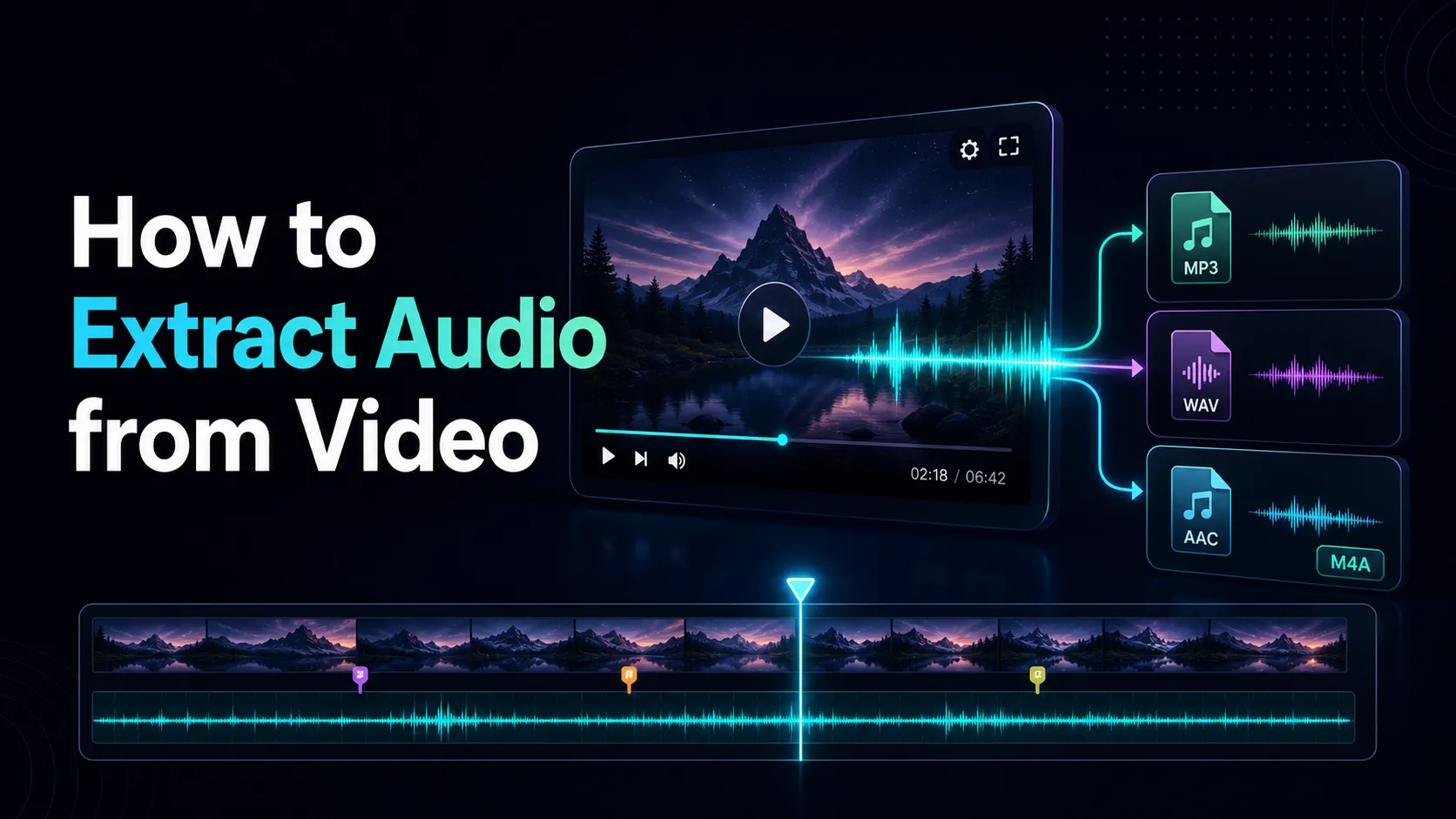
- How to Extract Audio from Video
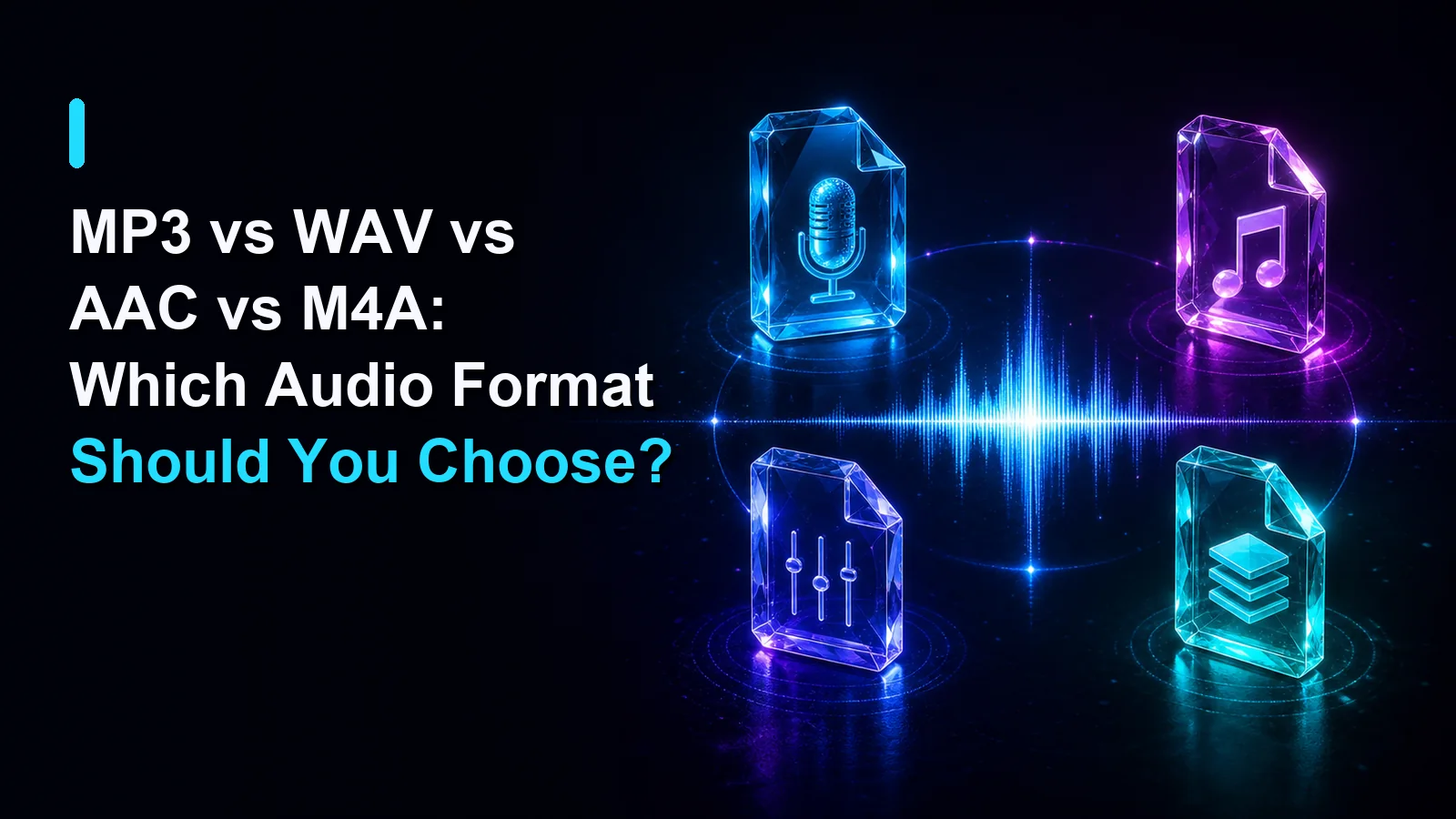
- Extract audio from video and choose the right format
- Convert videos to MP3 safely