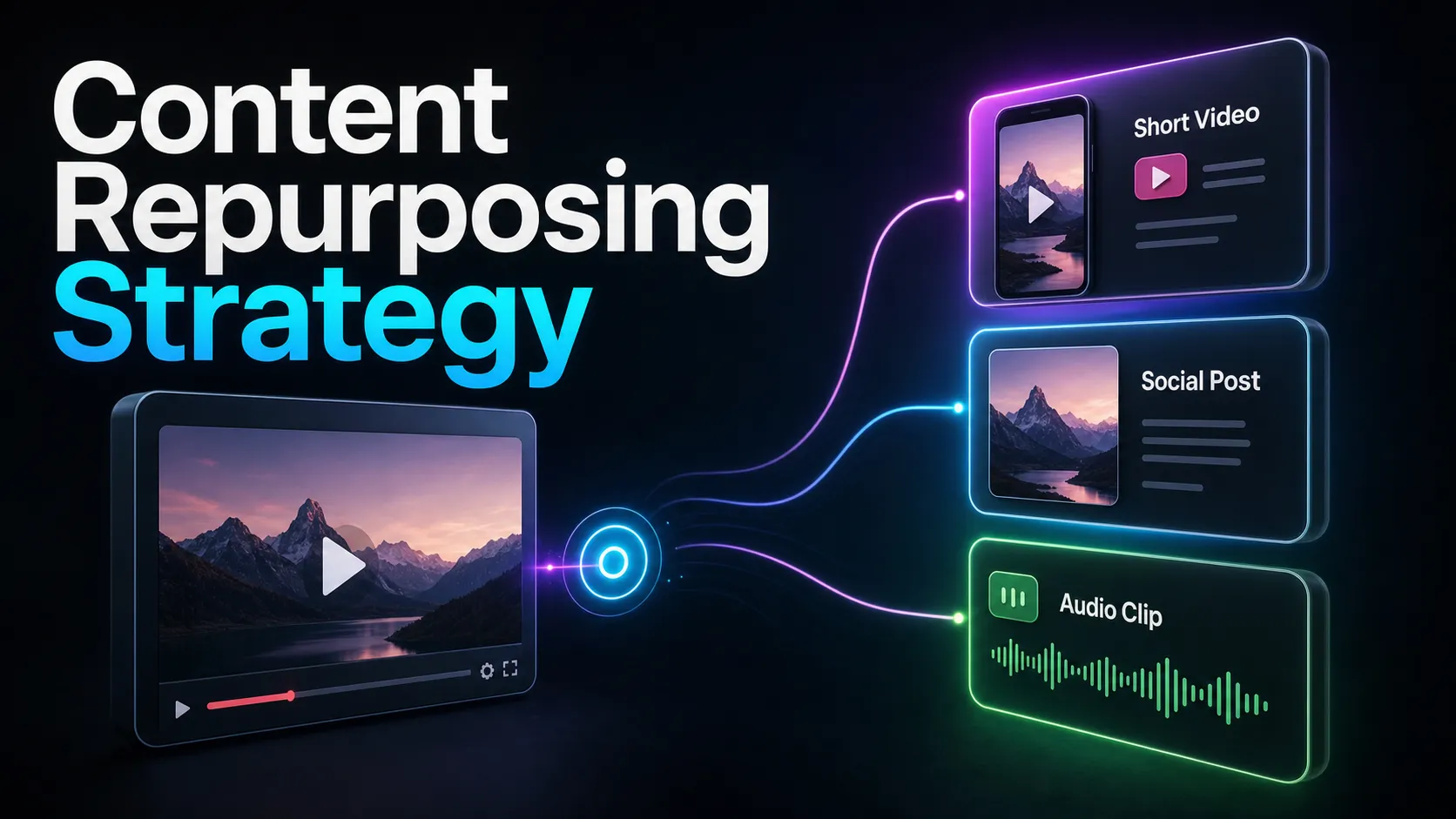
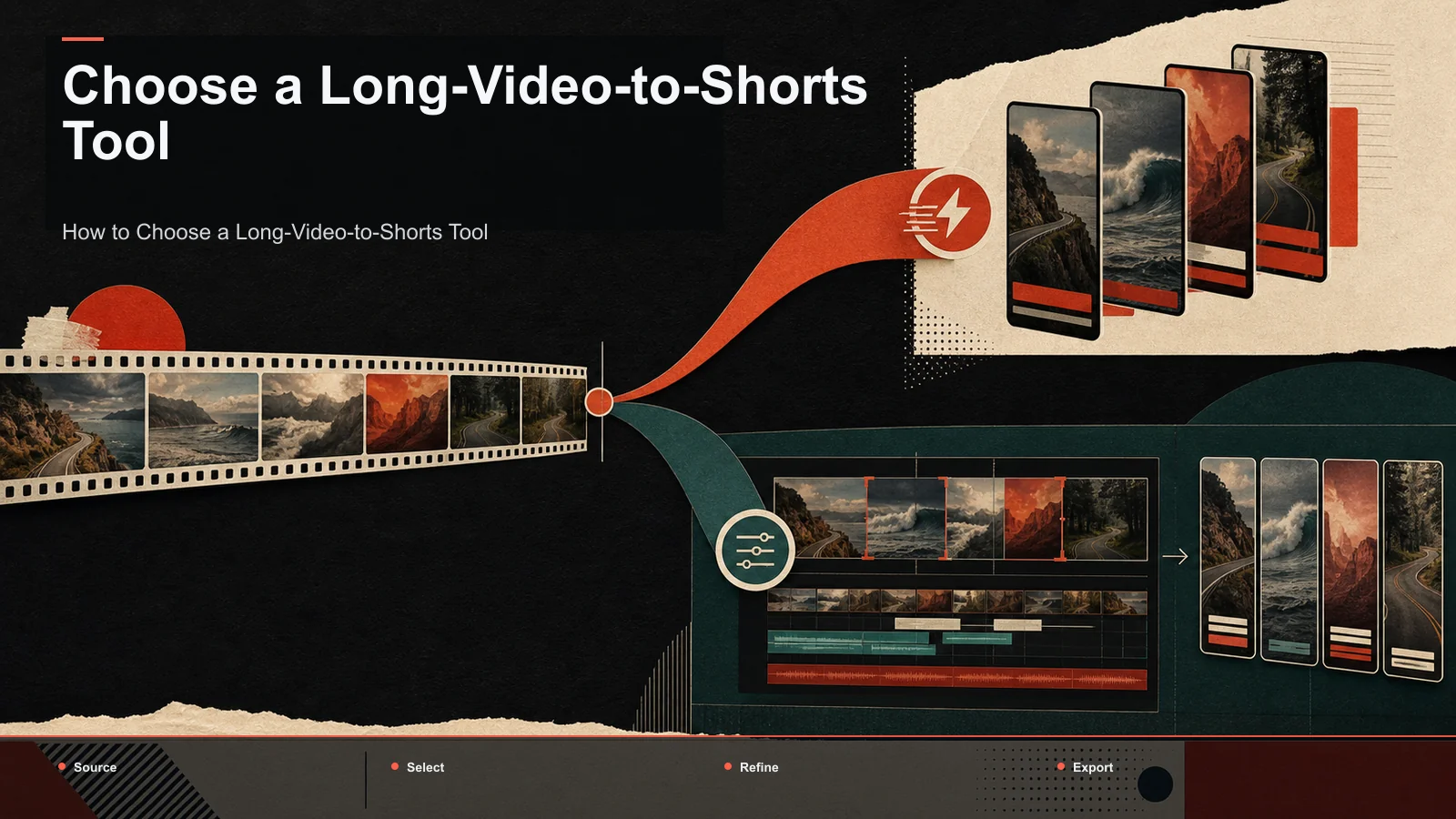
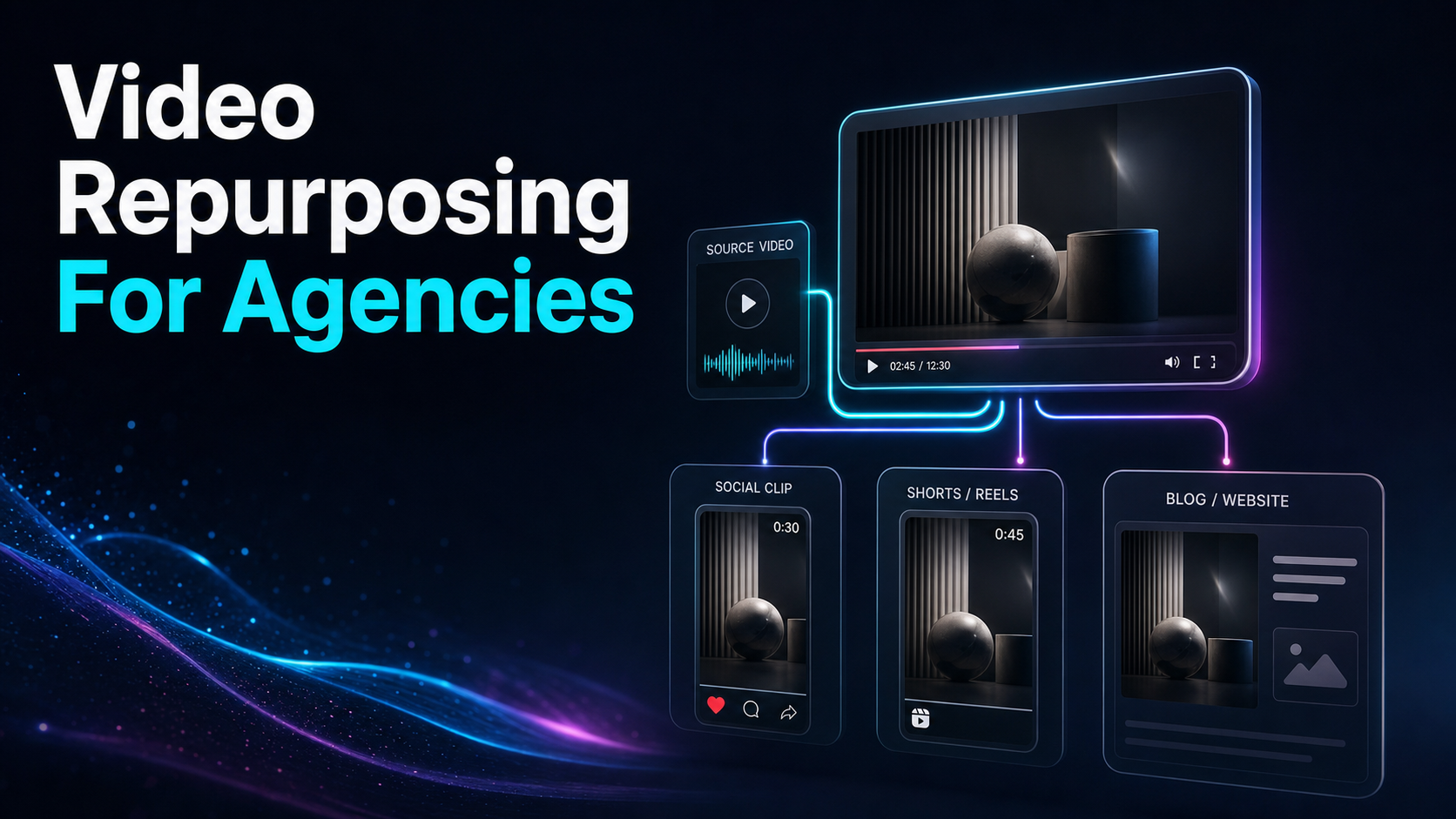
Video Repurposing for Agencies: Deliver Client Clips at Scale
Video repurposing for agencies is a margin problem: see where DFY fees and revision rounds leak profit, and how to run in-house clip production at scale.
By the Recapo.ai Editorial Team · Fact-checked July 10, 2026
Video repurposing for agencies is a margin problem before it is an editing problem. Every client wants one long video turned into ten platform-ready clips a week, and the question that decides your profit isn't whether you can cut them — it's whether cutting them costs you more than the retainer pays. This article takes one angle and stays on it: treat repurposing as an in-house clipping engine you own, not a per-project expense you rent, because the two silent costs that quietly eat agency margin are outsourced done-for-you (DFY) fees and non-billable revision rounds. Below is where that margin actually leaks, a self-test for deciding in-house versus outsourced, a clip production pipeline your team can run across many client accounts, and an honest read on where a browser-based tool fits — and where it doesn't.
The three ways agencies buy repurposing — and where each hides its cost
Search the market and content repurposing for agencies splits into three buckets. They all promise the same output — one long video into ten or more platform-ready assets per client — but each buries its true cost in a different place.
| Automation / distribution platforms | Auto-post and schedule finished clips across channels | Great at moving assets, but they don't create the clips — you still produce them somewhere | You (upstream) | AI clippers | Turn long video into short candidates fast | Priced per seat or per usage; the question is whether one plan covers every client account | You | White-label DFY services | Hand off the whole job and mark it up | A fixed slice of every retainer, and revisions bill back to you | The vendor |
The trap is treating these as interchangeable. Distribution platforms solve the last mile, not production. DFY solves production but rents it back to you at a permanent discount to your own margin. AI clippers put production in your hands — which is the only bucket where you get to keep the difference. For a fuller side-by-side of the clipping tools themselves, the best tools to turn long videos into shorts compares the category on the criteria that matter. This piece is about the business decision underneath that choice.
Where agency margin actually leaks
When agencies lose money on repurposing, it almost never shows up as a single big line item. It leaks through two seams that are easy to miss on the invoice.
Per-project DFY fees. When you outsource clip production, that fee is a fixed cut of every retainer that never goes away. It scales linearly with your client count — sign ten clients and you pay ten times, forever — and it quietly recasts your agency as a reseller rather than a producer. You mark up someone else's labor and pray the spread survives your next round of overhead.
Non-billable revision rounds. "Make the captions bigger." "That's the wrong moment." "Use the brand blue, not that blue." Most retainers cap revisions or absorb them entirely, and this is where DFY hurts most: every revision is either a fresh fee or a slow email loop with a vendor who doesn't know the client. Margin doesn't vanish in one dramatic cut — it bleeds one revision round at a time, and the rounds you eat are the ones nobody quotes for.
Name these two costs out loud and the strategic question sharpens: are you renting production and revisions at a price that rises with every client, or owning them at a cost that mostly holds flat?
The margin math: outsource or build in-house?
You don't need a spreadsheet consultant for this — you need one formula and your own real numbers. Outsourcing gets cheaper the less you clip; in-house gets cheaper the more you clip. The crossover is where agency clip production stops being an expense and starts being a margin lever.
Gather four inputs:
| N | Finished clips per client per month | Your delivery scope | C | Active client accounts | Your roster | D | Outsourced price per finished clip | A DFY vendor quote | H | Your team's loaded hourly rate | Salary + overhead ÷ billable hours |
Outsourcing costs roughly N × C × D every month, and it climbs with every client you add. Building in-house costs a tool subscription plus (production hours × H) — a figure that stays largely flat as you add clients, because the same trained editor and the same workspace absorb more accounts without a linear cost jump. So the honest rule is: in-house wins as soon as N × C × D exceeds your fixed tool-plus-labor cost — and once you cross that line, every new client widens your margin instead of shrinking it.
Run it with your actual quotes, not these letters. The point isn't that in-house always wins — a boutique shop with two clients and rare clips may be better off outsourcing — it's that the decision is arithmetic you can do in ten minutes, and most agencies never do it.
Build an in-house clip production pipeline
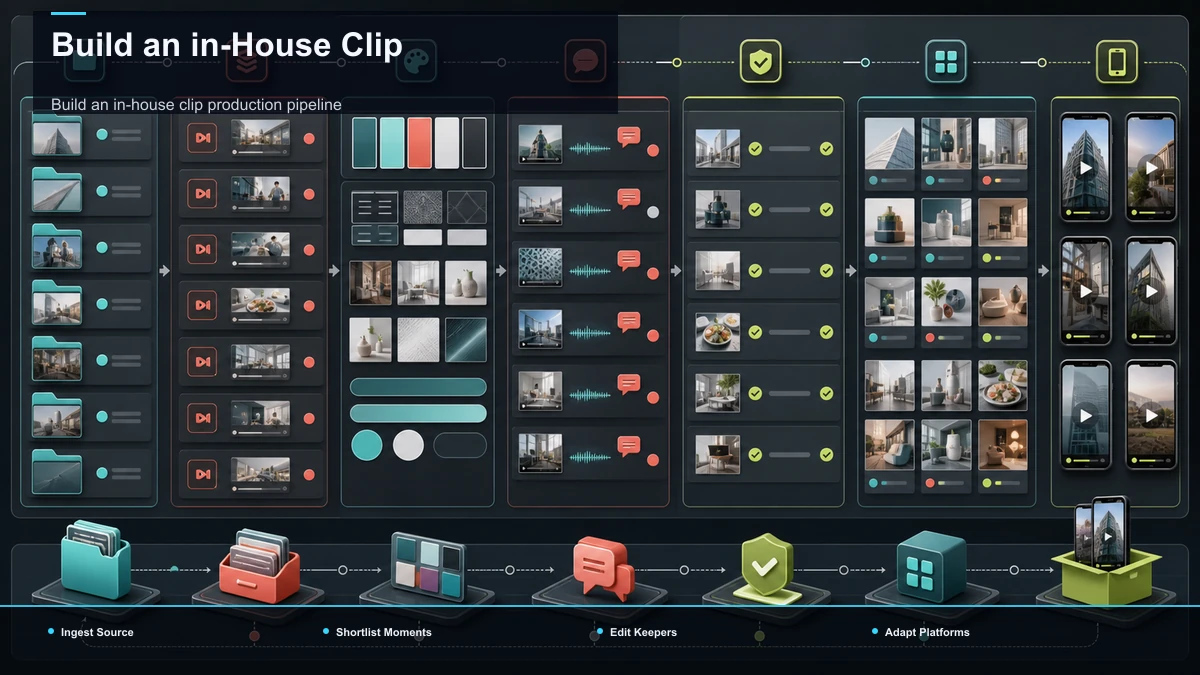
If the math points in-house, the goal is one repeatable engine every editor runs the same way, for every client. The pipeline below hands the mechanical stages to tools so your team spends its billable hours on judgment, not busywork.
| 1. Ingest | Upload the client's long video | Editor | 2. Shortlist | Surface candidate moments per client | Tool + editor review | 3. Cut & reframe | Trim keepers and lock 9:16 | Tool | 4. Resize per platform | Adjust aspect ratio for each feed | Tool | 5. Caption & brand | Burn captions in the client's style | Tool + editor | 6. QA & deliver | Check against the brief, package, hand off | Editor |
As a run-every-time checklist:
- Ingest the source. Upload the client's long recording — MP4, MOV, or another common format, up to 6GB total per task — so you're working from the master, not a compressed re-export.
- Shortlist the moments. Run the upload through an AI clip generator to surface candidate segments — hooks, strong answers, payoffs — so an editor reviews a shortlist per client instead of scrubbing the full runtime. This is the one step where human taste earns its keep.
- Cut and reframe the keepers. Send each chosen moment through a long video to short video AI that trims the segment and reframes it to 9:16, keeping the subject in frame. Fix any bad crop by hand before it moves down the line.
- Resize for each platform. When a client publishes to feeds with different aspect ratios, a TikTok video resizer adapts the same cut to each without a fresh render, so one keeper travels across TikTok, Shorts, and Reels.
- Caption and brand, then QA. Burn captions in the client's locked style, then check every clip against the brief before it leaves the building.
Run this order across every account and you turn one video into ten pieces without re-inventing the process each time. To industrialize step two specifically, how to batch create shorts from one video covers processing a whole upload in one sitting.
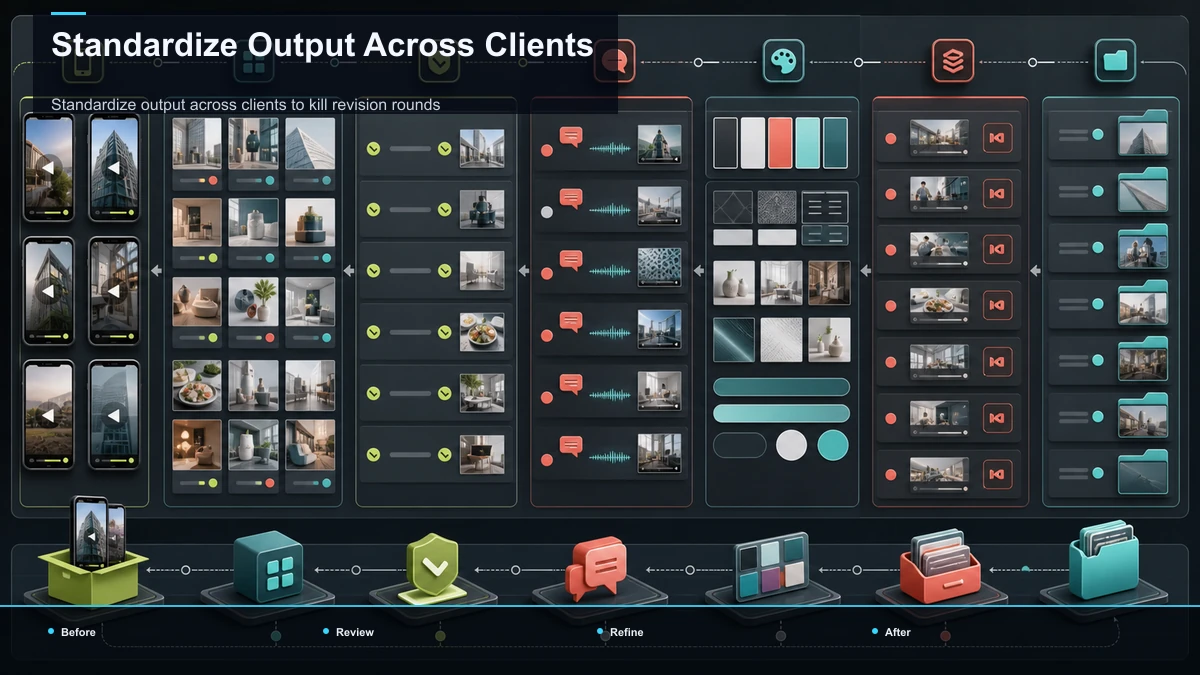
Standardize output across clients to kill revision rounds
Revision rounds are the margin leak you can actually seal, and standardization is the sealant. Most revisions aren't taste disputes — they're consistency failures: a caption that doesn't match last week's, a crop that clipped the logo, a brand color that drifted. Every one of those is preventable before delivery.
Build a one-page brand spec for each client and treat it as the contract your pipeline delivers against:
- Caption style. Lock the font, size, position, and highlight color per client, so any editor produces the same look and the client never asks for the same fix twice.
- Safe margins and crop rules. Define where logos, captions, and faces must sit inside the 9:16 frame, so reframing never clips something the client cares about.
- Cover and naming conventions. One cover template and one file-naming scheme per client, so deliverables arrive predictable and searchable.
- A pre-delivery QA checklist. A short list — right moment, correct captions, brand color, clean crop, legible cover — run before anything ships. Catching these internally is free; catching them in a client's revision email is not.
When the look is specified once and enforced by a checklist, an agency's biggest hidden cost — the unbilled back-and-forth — shrinks toward zero. That's the difference between repurposing client videos at scale and drowning in them.
Where Recapo fits as your in-house clipping engine
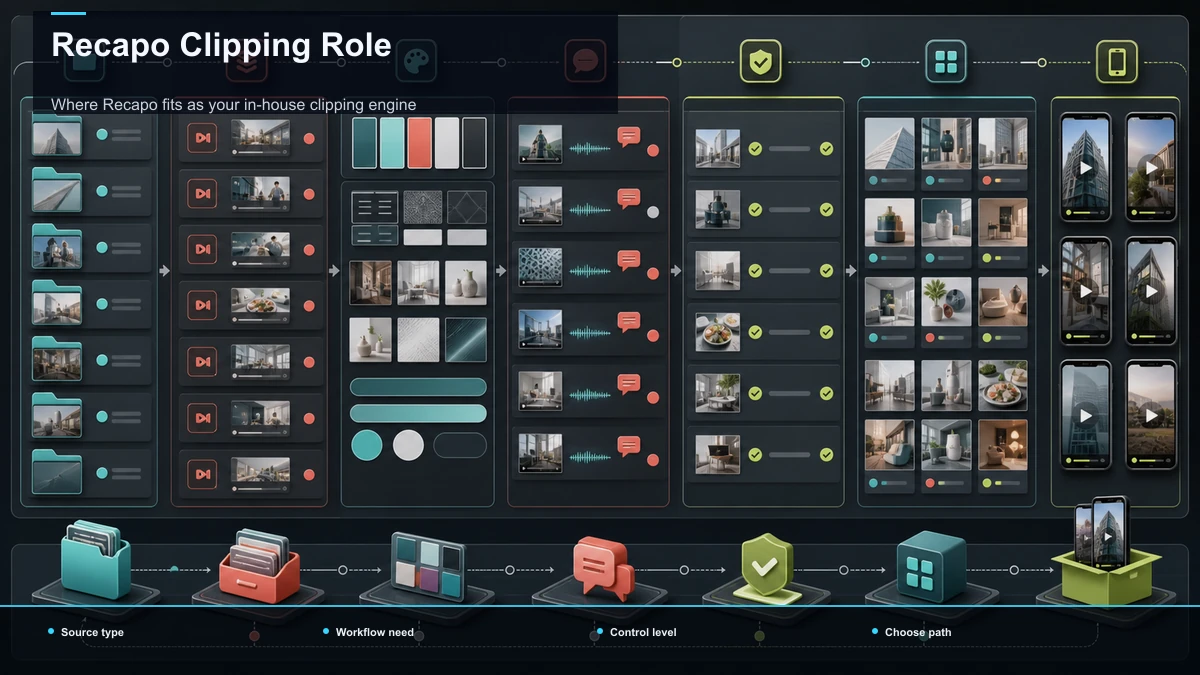
Here's the scope. Recapo is a browser-based AI video workspace with no install, which matters more for an agency than for a solo creator: any editor on the team opens a tab and works from the same place, with nothing to license per machine. One workspace covers the mechanical stages of the pipeline above — shortlist with the AI clip generator, cut and reframe with the long video to short video AI, adapt aspect ratios with the TikTok video resizer, then caption, add an AI voiceover, and export — so you're not stitching four subscriptions and four exports together for every client account.
That collapse of the handoff chain is exactly what keeps production, and therefore margin, in-house rather than rented from a DFY vendor.
Now the caveats, because they decide whether this fits you. Recapo is a production tool, not a white-label DFY service: it doesn't put your logo on a client-facing dashboard or hand you a done-for-you editing team. If what you sell is "you never touch it, we deliver finished assets under your brand," a white-label vendor is the better structural fit — and a real slice of this SERP wants exactly that. Recapo earns its place when you'd rather own the clipping engine than resell one, when you're running recurring batches across several accounts, and when the win you want is fewer tools in the chain and margin that stays with you.
Don't take the positioning on faith — test it. Upload one real client video and run the whole pass, then run the same video through a specialist clipper you're comparing. Measure the things that actually move your P&L: how many usable candidate moments each surfaces, how cleanly the reframe holds the subject, how accurate the captions are on the client's names and jargon, and how many clicks it takes from upload to a delivered, on-brand batch. Pricing lives on the pricing page; the fastest way to judge fit is one of your own client videos, end to end.
Mistakes that quietly erode agency margin
Most margin loss on repurposing traces back to one of these habits. Each is fixable without touching your headcount.
Fix these and the leak closes without a single new hire — proof that on agency repurposing, the system, not the staffing, does the heavy lifting.
FAQ
What does "video repurposing for agencies" actually mean?
It's the practice of turning each client's long-form video — a webinar, interview, podcast, or talking-head recording — into a batch of short, platform-ready clips on a recurring schedule, across every account you manage. Unlike a solo creator repurposing one channel, an agency runs the same pipeline for many clients at once, which is why consistency and cost per clip matter more than any single edit.
Is it cheaper to build in-house or outsource to a DFY service?
It depends on volume, and you can settle it with arithmetic. Outsourcing costs roughly your clips-per-client, times your client count, times the vendor's per-clip price — a number that rises with every client. In-house costs a tool subscription plus your team's hours, which stays largely flat as you add accounts. Below a certain volume, outsourcing wins; above it, in-house widens your margin with each new client. Run the four inputs from the math section with your real quotes.
How many clips can we realistically get from one client video?
It tracks content density, not a fixed ratio. A tight interview or webinar with several self-contained moments might yield eight to ten genuine keepers; a rambling one, two or three. Chase a realistic keeper rate rather than a quota — a handful of strong, on-brand clips serve a client better than a pile of weak ones that dilute their feed.
How do we stop revision rounds from eating our margin?
Prevent them upstream with standardization. Most revisions are consistency failures — wrong caption style, drifted brand color, a crop that clipped the logo — and every one is catchable with a per-client brand spec and a pre-delivery QA checklist. Lock the look once, enforce it before anything ships, and the unbilled back-and-forth that quietly drains retainers shrinks toward zero.
Can one tool handle repurposing for all our clients?
For the production stages — shortlisting, cutting, reframing, resizing, captioning, exporting — one browser-based workspace can cover every account, which is the appeal of running it in-house. The exception is white-label DFY: if you sell finished assets under your brand with no hands-on production, that's a service model a single production tool doesn't replace. Match the tool to what you actually sell.
Ready to see whether an in-house clipping engine beats your current DFY invoice? Create a free account, upload one real client video — MP4 or MOV, up to 6GB total per task — and run the full pass in the browser: shortlist the moments, cut and reframe to 9:16, resize per platform, and burn captions in the client's style. Count the usable keepers, time the batch, and note how much consistency you locked in before any revision email. Put that against what a per-project vendor would have charged for the same delivery, and you'll know in one video whether owning the engine protects your margin the way this article argues it does.
References and official sources