Best Vizard Alternatives in 2026 (AI Video Clipping)
Compare Vizard alternatives by clip quality, caption corrections, reframing, review time, export, and current cost per approved clip using one source file.

By the Recapo.ai Editorial Team · Fact-checked July 10, 2026
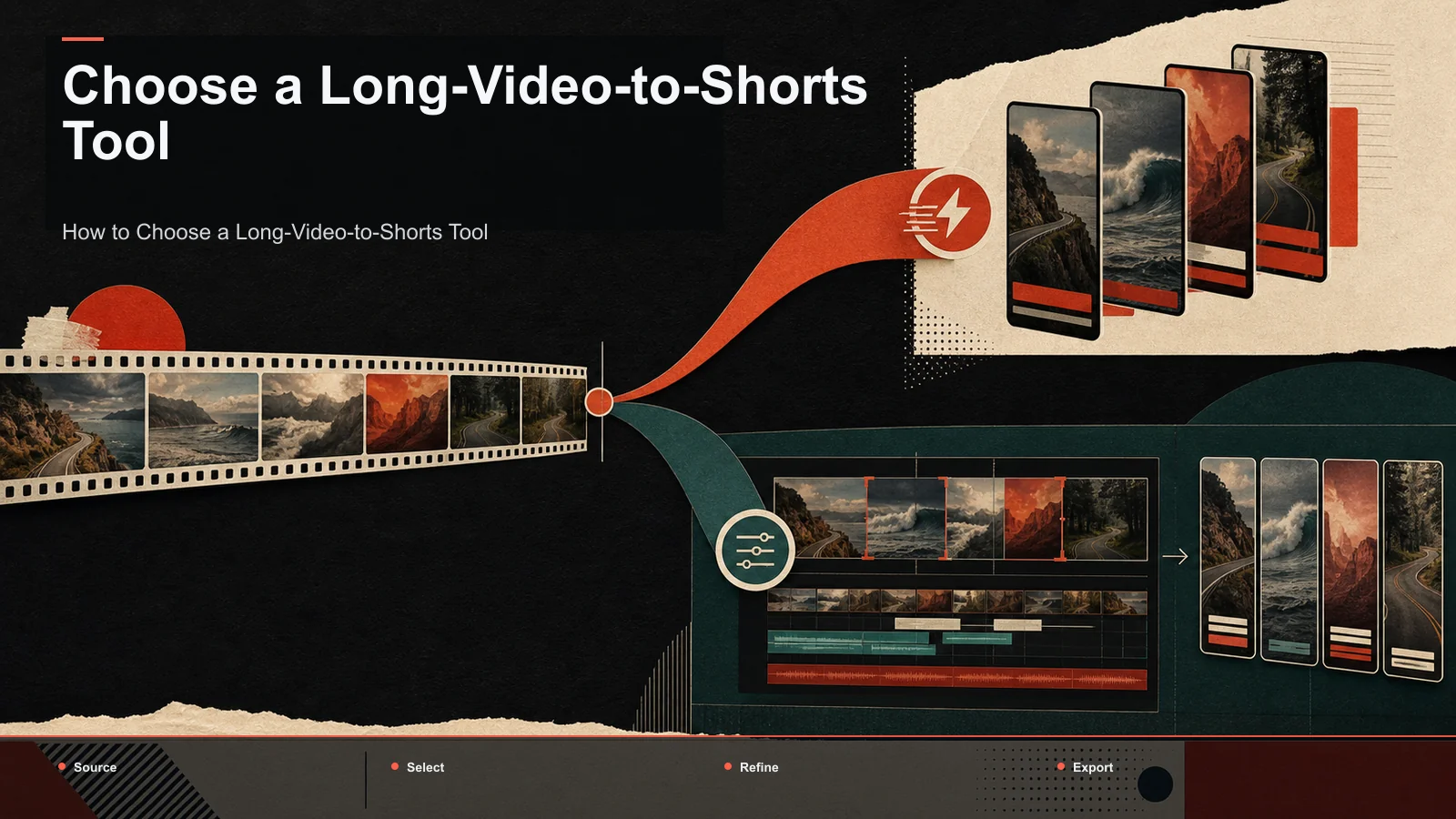
Vizard is publicly positioned as an AI tool for turning long videos into short clips. When comparing Vizard alternatives, evaluate the complete recurring job: source import, candidate selection, caption correction, vertical framing, review speed, export, and the current usage model. This guide stays at the level of official positioning and gives you a same-source cost and quality test; it does not assume a particular plan is expensive or that every creator needs a broader workspace.
Disclosure and method: Recapo.ai publishes this guide and may appear among the tools discussed. We checked official product pages on July 10, 2026. This edition is a desk-research comparison, not a standardized hands-on benchmark. We compare stated workflow fit rather than unverified performance scores and recommend testing the same source file in each finalist. Features, limits, and pricing can change.
When to compare Vizard with alternatives
Compare alternatives when your current process no longer matches the job you repeat. A dedicated clipper may be ideal when the output is only short clips. A broader workspace may be useful when the same source also needs summaries, scripts, voiceover, covers, or exports for several destinations.
List the steps you actually perform and verify each tool's current limits on its official pages. Avoid assuming that a credit, minute, or export has the same economic meaning across products.

Model usage cost with your own workflow
Pricing units vary: processed minutes, credits, source files, generated clips, exports, or seats. Build a monthly worksheet from your typical source length, number of attempts, keeper rate, correction time, and required exports. Then map that worksheet to each vendor's current plan.
The useful comparison is cost per approved clip, not the label on the pricing unit. Because plans change, keep the formula in your own sheet and refresh the inputs from official pricing pages before purchasing.
What actually matters when comparing Vizard competitors
Feature checklists don't settle this, because feature names don't tell you how a tool behaves on your footage. These six dimensions do — and each one is testable in a few minutes.
| Dimension | Why it matters for repurposers | How to test it in 5 minutes |
|---|---|---|
| Clip-selection accuracy | Bad moment-picking is the root cause of regeneration | Generate ten clips; count how many you'd actually post |
| Regeneration / usage cost | A second pass may change the unit cost | Regenerate one batch and note what it consumes |
| Caption accuracy & styling | Errors get burned into every vertical you post | Caption a clip with an accent or jargon; count fixes |
| Vertical reframing | 16:9 → 9:16 is where automation visibly wins or fails | Reframe one clip; check it doesn't slice faces or text |
| Export cleanliness | Watermarks and resolution caps appear only at export | Export at 1080p on the tier you'd pay for; inspect it |
| Cost at your volume | "Cheap" depends entirely on your real cadence | Multiply per-video effort and cost by your monthly count |
Fill this in for two or three tools and the decision usually makes itself. You're matching a tool's strengths to the one or two things you do most — not chasing a mythical perfect clipper.

The main Vizard alternatives, compared honestly
Below are the names that show up whenever people list vizard.ai alternatives, described only at the level that stays true over time: their stable, publicly known positioning. I've deliberately left out prices, free-tier quotas, watermark rules, and export limits, because those shift and you should confirm current terms yourself. Treat the last column as your homework list, not my verdict.
| Tool | Known for | Best fit | What to verify yourself |
|---|---|---|---|
| OpusClip | A dedicated long→short AI clipper with virality-style ranking of candidate clips | Creators who want a focused clipper and score-based ordering | Clip selection quality and regeneration cost on your niche |
| Submagic | Short-form caption styling and animated subtitles | Reels/Shorts/TikTok creators who want punchy captions | Whether it covers clip selection or only styling your cuts |
| quso (formerly vidyo.ai) | A broader clips-plus-social-workflow tool | Solo creators who want clipping and scheduling in one place | Depth of clip accuracy vs. the breadth of extra features |
| VEED | A browser-based general video and subtitle editor | Teams doing many small edits in one online tool | How auto-clipping compares to its manual editing strengths |
| Descript | Transcript-based editing — edit video by editing text | Podcasters who already script and edit every episode | Whether the text-first flow suits fast social cuts |
| 2short | A YouTube-focused AI clipper | YouTube-first creators repurposing to Shorts | Selection quality outside typical talking-head videos |
| CapCut | A widely used editor across web, desktop, and mobile | Creators who want templates and manual control | Whether manual clipping fits a daily repurposing cadence |
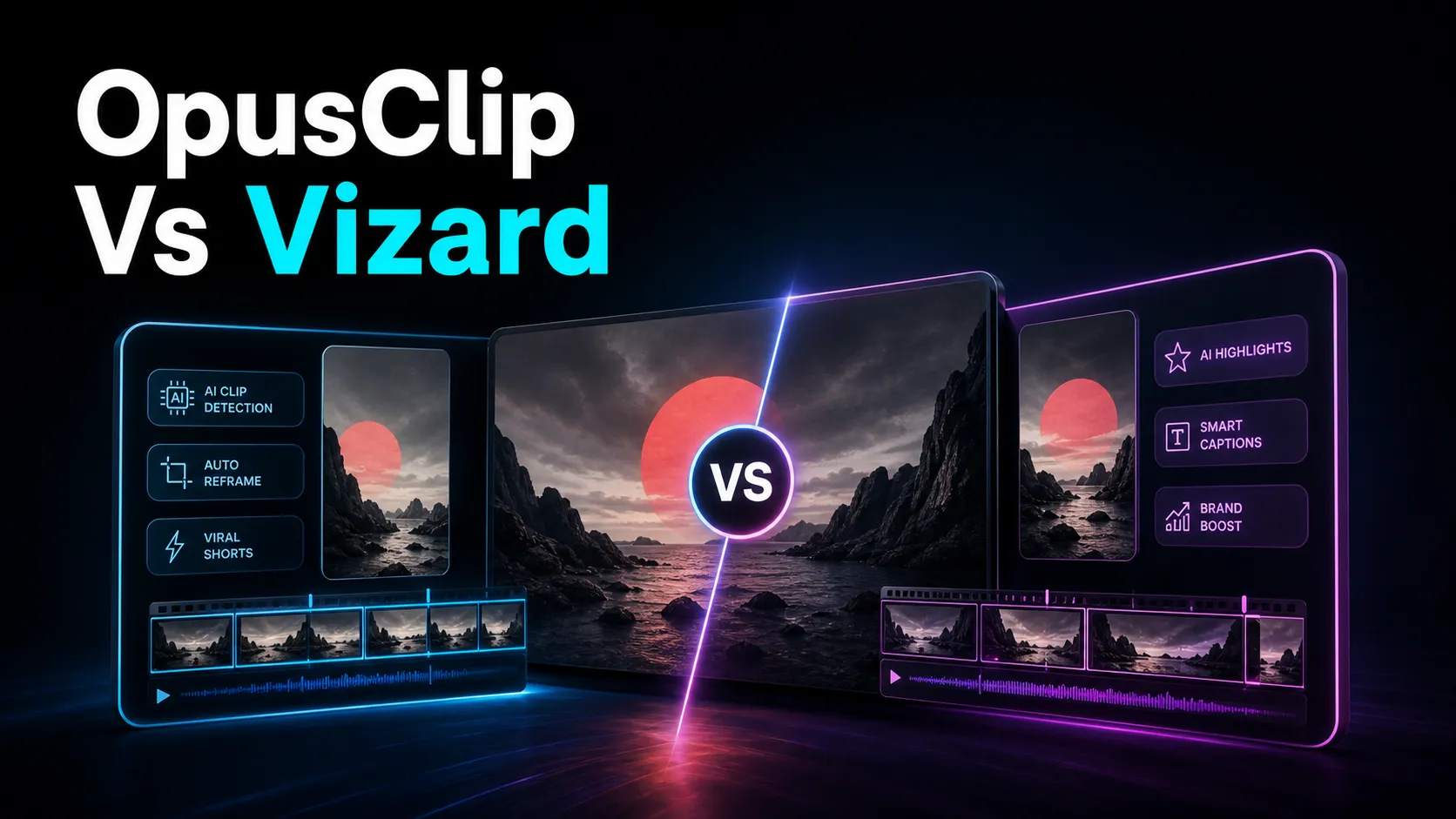
Two honest caveats. First, most "best Vizard alternative" lists on other tool sites are that tool's own promotion page — useful for discovery, biased by design, so read them as brochures, not rulings. Second, no single tool above wins every row of the previous table: a caption-styling tool is superb at subtitles and doesn't pick your clips; a transcript editor is great for talking-heads and awkward for template-driven Reels. Match the tool to your dominant job. If you want a head-to-head on the two most-searched clippers, OpusClip vs Vizard breaks down where each leans.
A daily-shorts workflow for recap and faceless creators
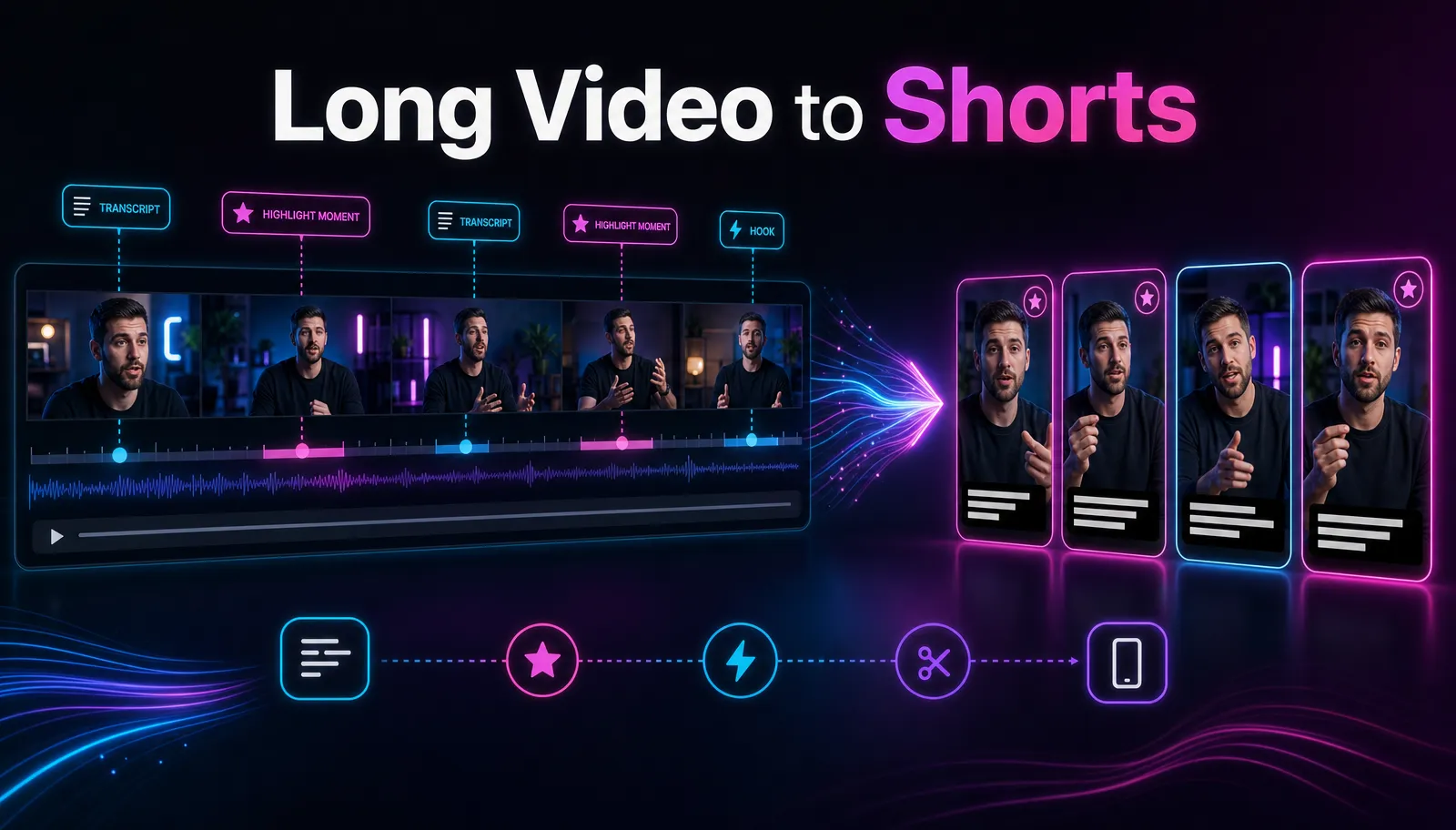
Here's the reframe that actually saves money: if you post short-form daily, the win isn't a marginally smarter clipper — it's collapsing clip, caption, reframe, and export into one loop so you're not paying (in credits or tool-switching) at every hand-off. This is where an integrated browser workspace earns its keep for recap and faceless channels, whose output is high-volume and repetitive by nature. Recapo runs entirely in the browser with no install, accepts MP4, MOV and other common formats up to 6GB total per task, and covers the whole loop below in one place.
- Import the long video and generate candidates. Drop in your source and let the AI clip generator propose segments with subtitles attached. For a recap channel that means feeding a full breakdown; for a faceless channel, a long narration or compilation.
- Curate before you regenerate. Skim the proposed set first and keep what works. Regenerating only the weak slots — rather than the whole batch reflexively — is the single habit that most reduces wasted effort, on any tool. When you're clearing a backlog of long uploads, the long-video-to-short-video-ai workflow handles them in sequence.
- Caption in the same tab. Generate and restyle subtitles with auto-captions, then fix any errors on the spot. Because captions get burned into everything you post, this is usually the biggest time sink — weight it heavily when you compare tools.
- Reframe to vertical. Convert 16:9 to 9:16 and check that faces and on-screen text survive the crop. One clean vertical export serves TikTok, YouTube Shorts, and Instagram Reels.
- Cover and export. Add a cover and export at the quality you actually publish. Do this on the plan you'd really pay for, so any limits reveal themselves before deadline day.
Owning all five steps in one workspace removes the two costs that quietly hurt daily creators: uncertainty about repeated attempts and tool-switching. For the front half of this pipeline step by step, see how to make YouTube Shorts from long videos.
Test any Vizard alternative in 20 minutes
Reviews age; your own footage provides more relevant evidence. Run this on any two or three candidates — including Vizard and Recapo — with the same source file, and you'll have a defensible answer in about 20 minutes each.
- Pick a representative long video. Use a real 20–30 minute upload from your channel, ideally with an accent, fast talking, or niche vocabulary. Easy audio makes every tool look good and tells you nothing.
- Generate one batch of clips. Count keepers: out of the clips proposed, how many would you genuinely publish? This is your selection score, and it's the root cause of everything downstream.
- Regenerate once and record the usage. Force a second pass and note exactly what it consumes under the current plan: credits, minutes, or nothing. This reveals how repeated attempts affect cost.
- Caption and count fixes. Generate subtitles and tally the manual corrections per keeper clip. Weight this heavily; it's usually your biggest recurring time cost.
- Reframe and export on your real tier. Convert to vertical, then export at 1080p on the plan you'd actually pay for. Watermarks and resolution caps surface here — inspect the file, don't assume.
- Do the money math. Divide the plan cost by the clips you'd truly post that session, factoring in the regeneration from step 3. That's your cost per published clip — the only number that compares tools fairly.
Whichever tool leaves the fewest manual caption fixes, the cleanest export, and the lowest cost per published clip on your real footage is your answer — regardless of what any list, this one included, claims.
When Vizard is still the right call
A guide that only trashes the tool it's "replacing" is selling, not advising. Here are several situations where staying with Vizard is the smart move.
- Its clip selection already fits your content. If your keeper rate is high and you rarely regenerate, regeneration cost may not be a deciding factor. Keep the workflow that performs well in your own test.
- You only need clipping. If captions, reframing, and export in another tool already fit your routine and you like keeping steps separate, a focused clipper is a legitimate choice.
- Your volume is low. At a few videos a month, almost any pricing shape is affordable, and switching just buys you a learning curve.
- You're fluent and set up. Your presets, brand look, and back catalog live there. Migration friction is real and can outweigh a marginal feature gain.
The honest test: list the one or two things pushing you to switch, then confirm — on a current pricing page and in the 20-minute self-test above — that an alternative fixes them without breaking something you rely on. If it does, switch. If not, stay.
FAQ
What is the best free Vizard alternative? There's no single answer, because "free" depends on your volume and your must-have features. Some tools offer a usable free or lower tier; others gate the exact step you need, or make regeneration the thing that costs you. Run the 20-minute self-test on your real footage, regenerate on purpose, and export on the tier you'd actually use — that's where hidden limits appear. Recapo runs in the browser with no install and lists its plans on the pricing page.
How do I manage usage when regenerating clips? Two habits help on any tool. First, curate before you regenerate — keep the good clips and re-run only the weak slots, never the whole batch. Second, measure cost per published clip, not per clip generated, so repeated attempts are included in the comparison.
Is Recapo a good Vizard alternative for daily shorts? It fits well if your core loop is long→short clipping plus captions, reframing, and export — the exact repetitive pipeline recap and faceless channels run. Recapo does all of that in one browser workspace with no install, handling MP4, MOV and other common formats up to 6GB total per task, so you're not stitching a clipper to a caption tool to an exporter. Whether it beats Vizard for you depends on the dimensions in the table above, which is why the self-test matters.
Can one tool cover TikTok, YouTube Shorts, and Instagram Reels? Yes. All three accept 9:16 vertical video, so one clean vertical export usually serves all of them. The platform differences — length norms, caption conventions, covers — are publish-time decisions, not clipping-tool decisions.
Do these tools work for long or large source videos? Long uploads hit per-file limits first, so check upload caps before subscribing to any clipper. For reference, Recapo accepts files up to 6GB total per task, which covers most single long-form videos without splitting them first.
A practical way to choose among vizard.ai alternatives is to stop reading lists — including this one — and start testing on your own footage, with the credit test built in. Recapo gives you one browser-based place to run that whole loop: generate clips from a long video, caption them, reframe to vertical, add a cover, and export, with no install and files up to 6GB total per task. If your job is shipping shorts every day and you want to compare the complete workflow in one place, run the 20-minute test above and let your real content decide. Create a free account and try it on your next long video.
References and official sources
- YouTube Help: Create a Short
- YouTube Help: Add subtitles and captions
- YouTube: Getting your videos discovered
- Recapo.ai: Product overview and current upload limits
- Recapo.ai: AI Video Editor
- Vizard: Official product page
- Submagic: Official product page
- OpusClip: Official product page
- CapCut: Official product page
- VEED: Official product page