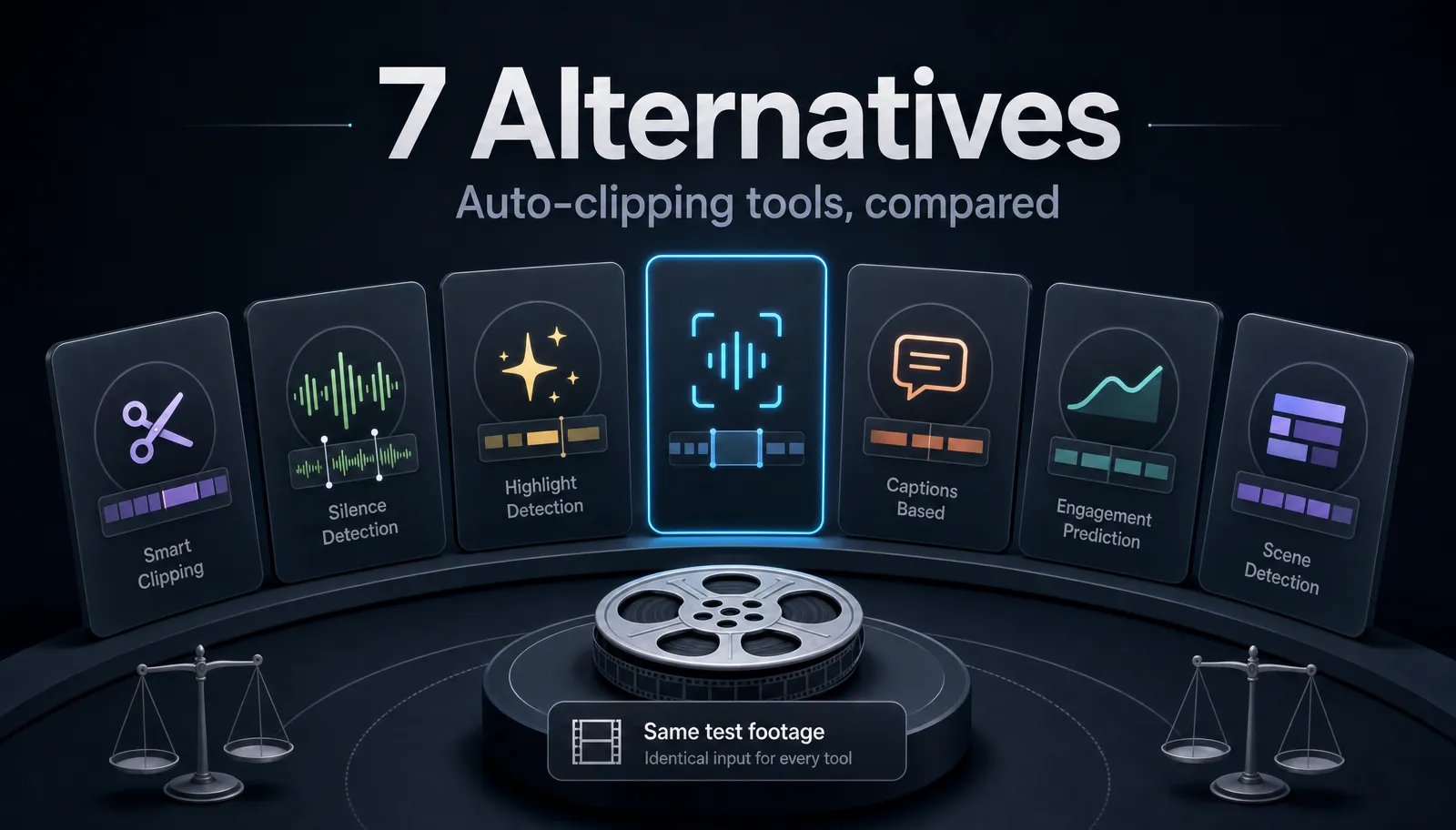
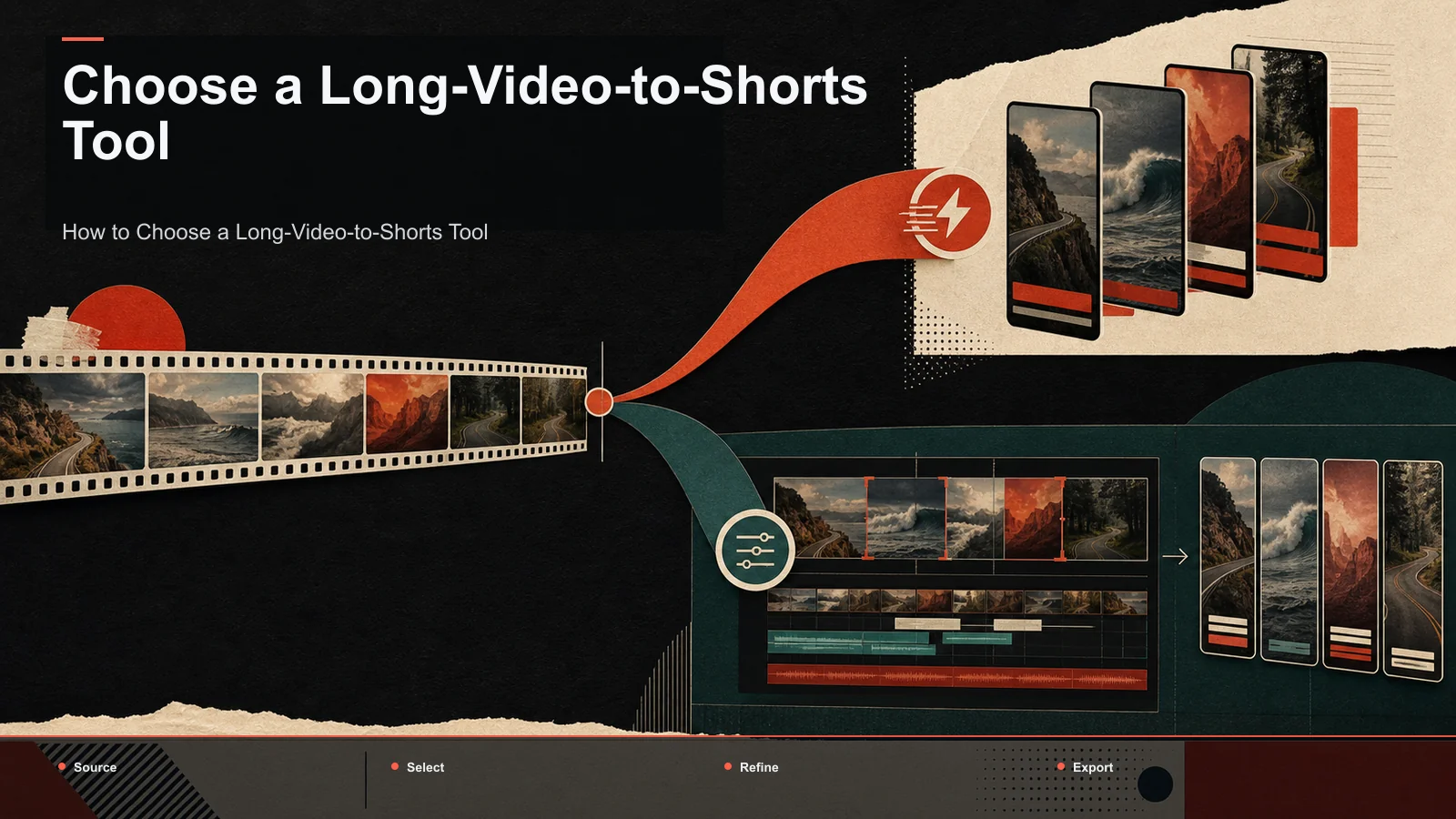
Best Klap Alternatives in 2026 (Long Video to Shorts)
Looking for Klap alternatives in 2026 to turn long videos into shorts? Compare AI clippers honestly on captions, reframing, and export.
By the Recapo.ai Editorial Team · Fact-checked July 10, 2026
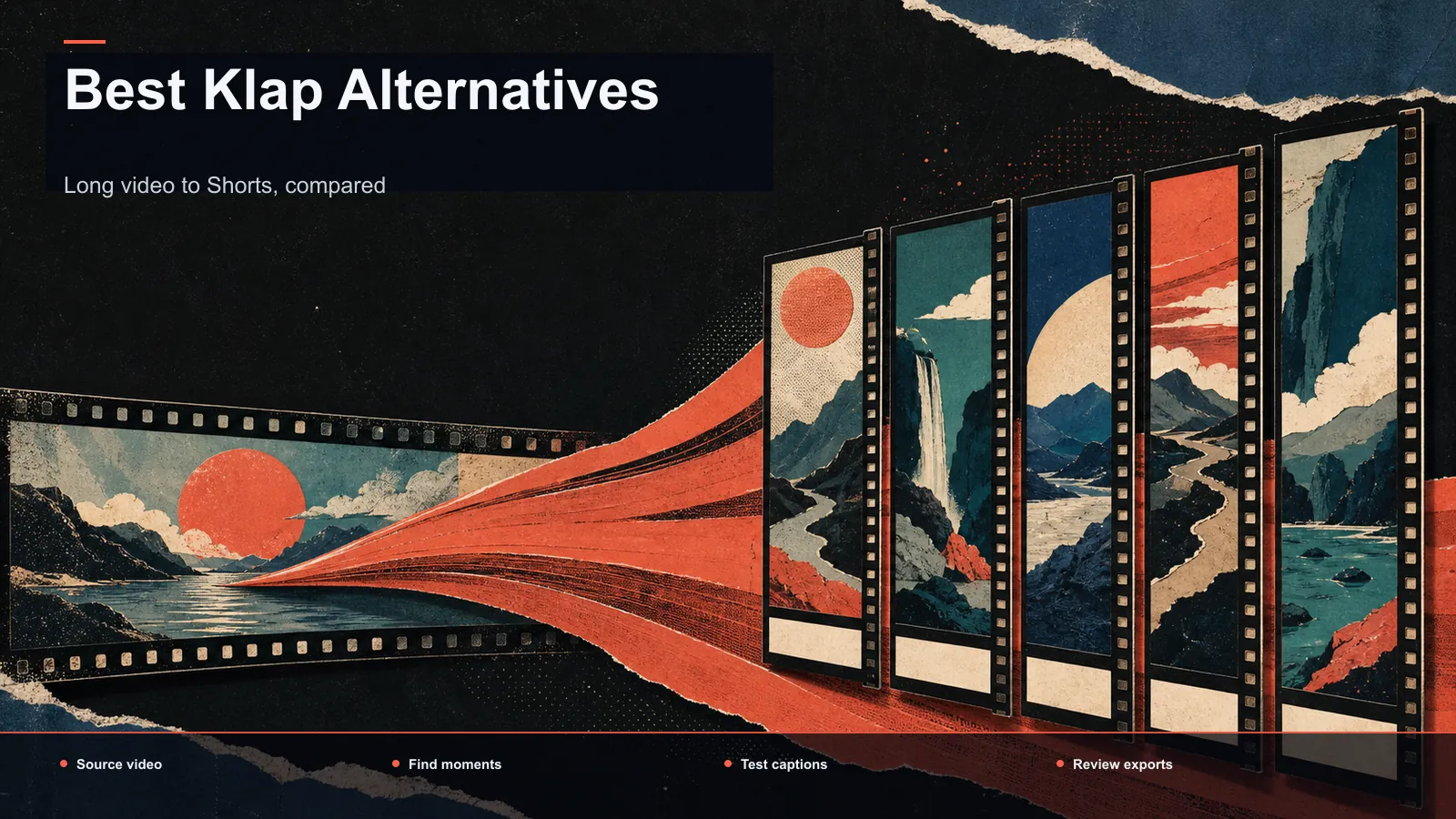
If you're looking for Klap alternatives in 2026, you're almost certainly trying to do one specific job: turn long videos into short, ready-to-post clips for YouTube Shorts, TikTok, and Instagram Reels. Klap does exactly that, so the honest question isn't "which tool looks flashiest" — it's which clipper handles your repurposing job (auto-captions, vertical reframing, strong hooks, and clean export) with the least manual cleanup afterward. This guide compares the real options at the positioning level that stays true over time, hands you a same-footage test you can run in about half an hour, and points faceless and recap channels toward a one-click browser workflow that goes from long upload to posted short. No fabricated feature checklists, no crowned winner — just a way to choose once and not re-litigate it next quarter.
Disclosure and method: Recapo.ai publishes this guide and may appear among the tools discussed. We checked official product pages on July 10, 2026. This edition is a desk-research comparison, not a standardized hands-on benchmark. We compare stated workflow fit rather than unverified performance scores and recommend testing the same source file in each finalist. Features, limits, and pricing can change.
Key Takeaways
What a long-to-short tool must actually nail
Every "AI clipper" markets itself as magic, but the job is concrete and unglamorous. A long-to-short tool earns its place only if it does four things well, in order:
- Find the moment. From a 30-minute upload, it has to surface the segments worth posting — the hook, the payoff, the quotable line — not just chop the video into equal chunks.
- Caption it. Feeds are watched on mute, so burned-in captions carry the clip. Timing, line length, and readability matter more than fancy animations.
- Reframe it. Your source is probably 16:9; your destination is 9:16. The subject has to stay in frame when the tool crops to vertical.
- Export it clean. The finished clip has to leave the tool in a format you can post immediately, at your real file sizes.
Everything else — templates, B-roll, score overlays — is a bonus. If a tool nails those four steps with little manual cleanup, it's a serious Klap alternative. If it fumbles any one of them, you'll feel it on every single video, because repurposing is a recurring job, not a one-off.
Why creators look for Klap alternatives in 2026
Klap is a capable browser clipper, so people rarely leave because it "can't" do the job. They leave for fit reasons. Three keep coming up among Klap competitors shoppers:
1. Predictable cost at real volume. Repurposing is weekly, not occasional. Any tool priced around processing volume or AI actions can be cheap for a trial and expensive once you're publishing a batch of shorts every week. The trigger is usually unpredictability, not a single sticker price.
2. One workflow instead of a stack. Some creators end up bolting a clipper onto a separate captioner and a separate reframer. If a single browser workspace can clip, caption, reframe, and add a voiceover, that stack collapses into one tab.
3. Faceless and recap specifics. Faceless channels and movie or anime recap channels often need AI voiceover, tight hooks, and high output — not just a clip button. A good alternative to Klap AI should support that end to end, not force you back out to three other apps.
None of this makes Klap a bad tool. It just means the "right" clipper depends on your volume, your format, and whether you want one workspace or a chain of them.
How to evaluate a Klap alternative
Before comparing names, lock down the dimensions that actually decide the outcome, then score every candidate the same way — on your own footage, with tests you can run yourself. For a broader survey of the category, best AI clip generators walks through the same lens applied to more tools.
| Moment & hook selection | Bad picks mean you re-cut by hand; good picks save the day | Feed one 20-min video; count how many suggested clips you'd actually post | Auto-captions | Feeds play on mute; captions carry the clip | Check timing, line length, and styling control on a phone screen | Vertical reframing | 9:16 is mandatory for Shorts, Reels, TikTok | Reframe a 16:9 talking-head; see if the subject stays centered | Manual cleanup after auto | The real, hidden time cost | Count the edits needed before a clip is postable | Voiceover / faceless support | Faceless and recap formats depend on it | Generate one voiceover line; judge naturalness | Export & format support | A tool that chokes on your files is a non-starter | Push your real formats and file sizes end to end | Cost at your volume | Sticker price lies; usage decides the bill | Multiply your weekly output against each pricing page | Browser vs install | Determines whether you can work on any machine | Note whether it needs a download or runs in a tab |
The row people underweight is manual cleanup after auto. Two tools can both "generate clips," but if one needs ten fixes per clip and the other needs one, the second is dramatically cheaper in the currency that matters — your time.
Klap competitors by positioning: a stable map
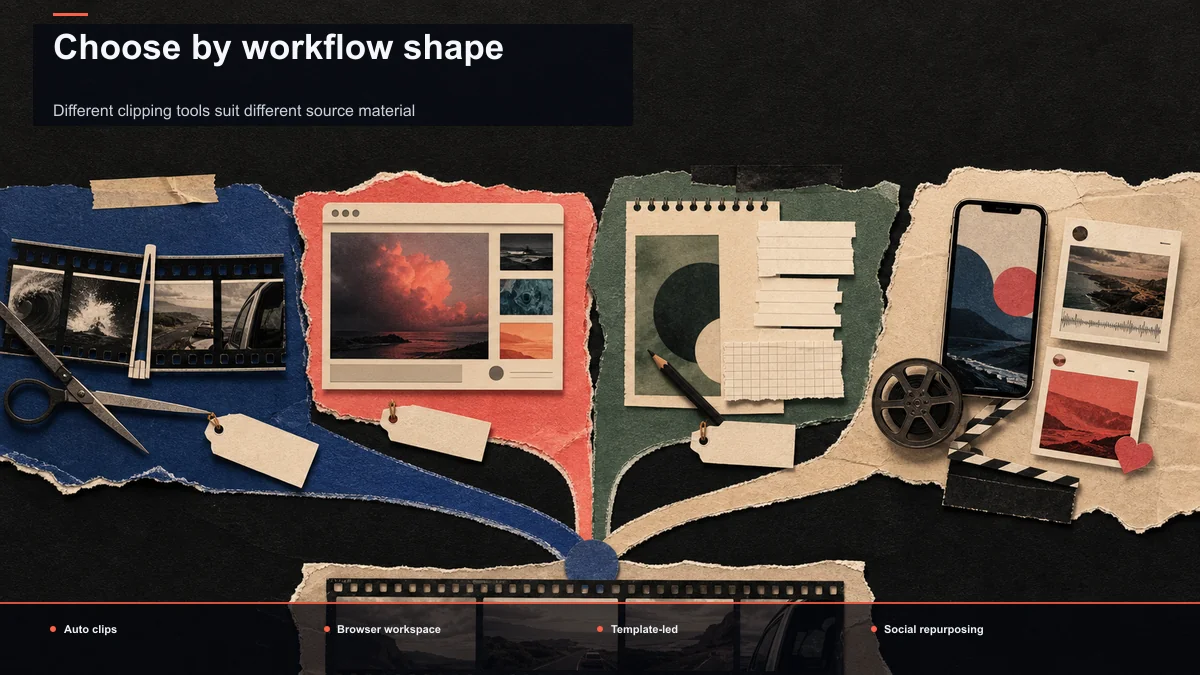
Rather than rank tools that change every quarter, slot them into stable archetypes described only at the level that stays true over time. Almost every option in the Klap.app alternatives conversation fits one of these.
| Klap (klap.app) | Turning long videos into short, captioned clips in the browser | Want the baseline you're comparing against | OpusClip | AI clipping that auto-selects potentially high-performing moments | Want automatic moment-picking from long uploads | Vizard | A browser-based AI clipping tool | Prefer a straightforward web clipper | quso.ai | Browser-based social content repurposing | Repurpose across several social formats in one place | SendShort | AI short-form clip generation with captions | Focus tightly on captioned vertical shorts | Pictory | Template- and script-driven video and long-to-short repurposing | Lean on templates and text-driven editing | Recapo | A browser AI editing workspace: clip, caption, reframe, voiceover, export in one tab | Want the whole long→short path without installing anything |
Read this by your use case, not by brand. Whichever new clipper launches next quarter, you can drop it into one of these rows and evaluate it in seconds. Notice the map deliberately avoids prices, free-tier sizes, and watermark rules — those move too fast to trust in an article, which is why the next section is a test you run yourself.
Run a same-footage self-test in 30 minutes
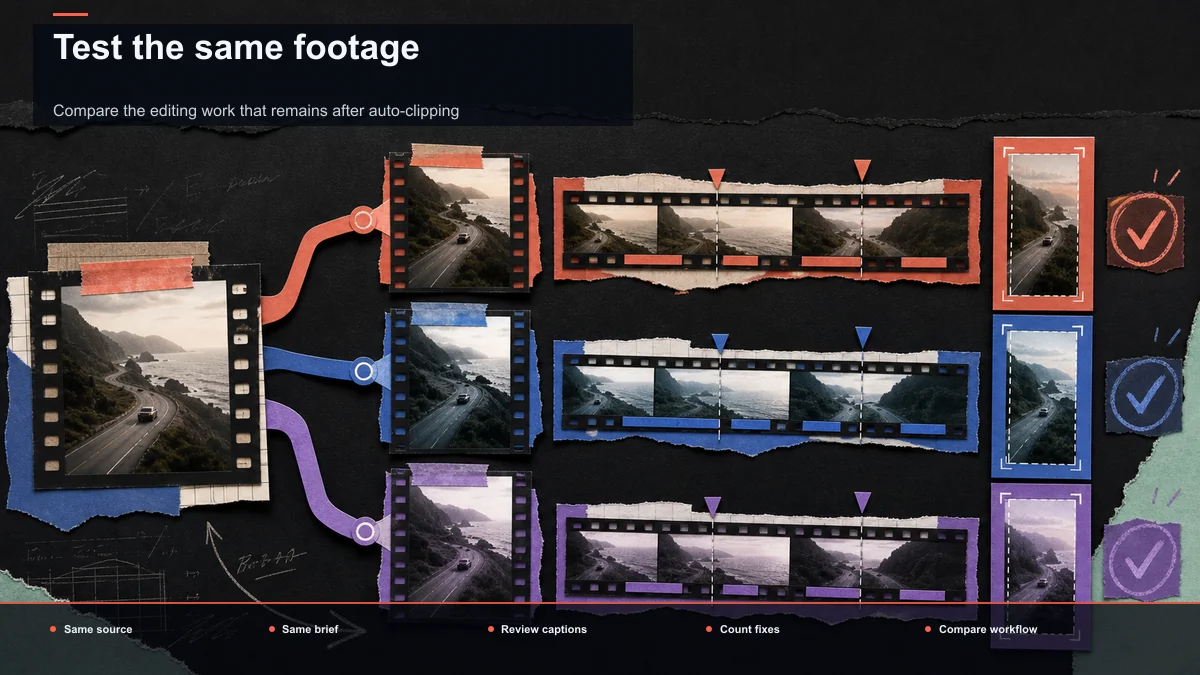
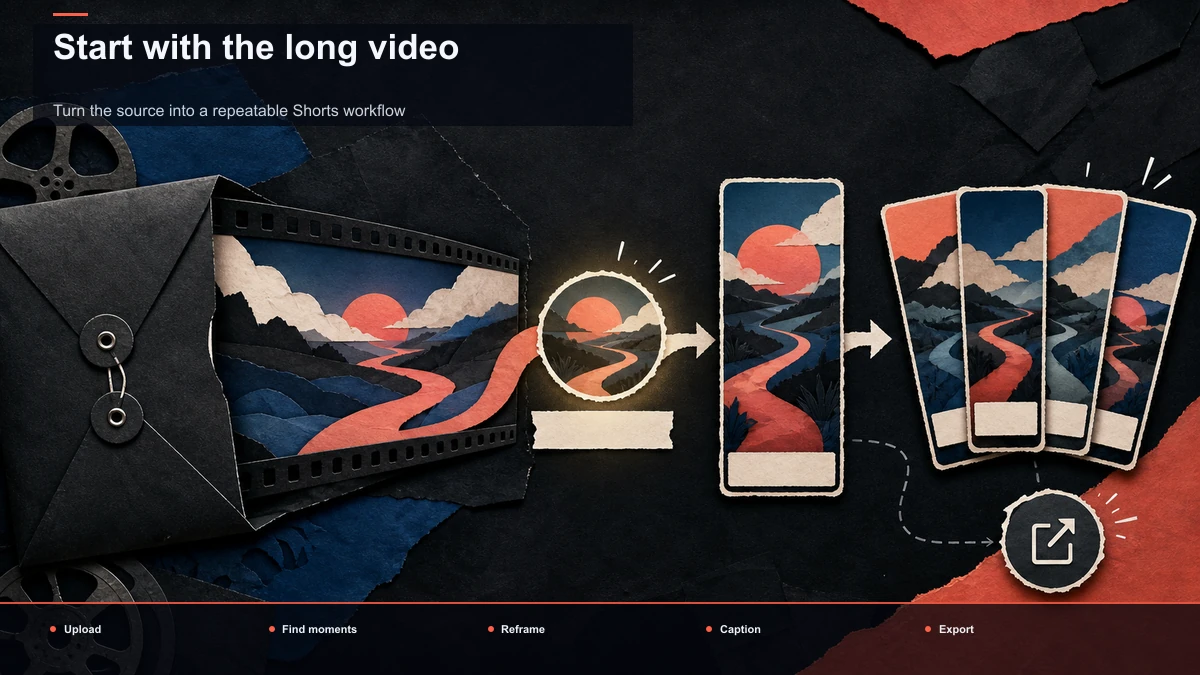
The only comparison that counts is on your footage, your voice, your formats. Use the same source video for every tool so results are comparable.
- Pick one representative long video. A 15–25 minute recording typical of what you publish — same pacing, same background, same accent.
- Generate clips and judge the picks. Run each tool's auto-clipping and count how many suggestions you'd actually post without heavy re-cutting. This is where most tools separate. In Recapo you start from the AI clip generator and review the moments it surfaces before committing.
- Batch one long video into several shorts. A real repurposing session isn't one clip; it's many. Try turning the recording into a set with long video to short video AI and see how the batch holds up. For the mindset behind this, how to repurpose long-form content into shorts is a useful primer.
- Caption and reframe. Burn in captions and crop to 9:16. Check timing and line length on an actual phone, and confirm the subject stays centered after reframing.
- Count the cleanup. For each clip, tally the manual edits needed before it's postable. This single number predicts your real weekly workload better than any feature list.
- Export and inspect. Push a real export at your normal size and watch it on a phone the way your audience will.
Then run the cost worksheet so pricing can't ambush you later:
| Long videos you repurpose per week | ___ | Shorts you cut per long video | ___ | AI actions per short (caption, reframe, voiceover) | ___ | Metered/credit charges triggered at that volume | ___ | Flat-rate plan that covers that volume | ___ |
Take those numbers to each tool's pricing page and compare like for like. A clipper that's cheap for a one-off trial can cost more than a flat plan once you're publishing a batch every week — which is exactly the surprise that starts most Klap alternatives searches.
Long video to shorts in Recapo, step by step
Recapo is a browser-based AI video workspace, so there's nothing to install — you work in a tab on any machine. It accepts MP4, MOV, and other common formats, with up to 6GB total per task, which covers most long recordings creators bring from a stream, podcast, or webinar. Here's the long→short path end to end.
- Upload the long video. Drop in the raw recording. No download, no render queue on your machine — the workspace opens in the browser.
- Auto-find the clip-worthy moments. The AI clip generator surfaces the segments worth posting so you're not scrubbing a 30-minute timeline by hand.
- Turn one long video into a batch of shorts. Use long video to short video AI to spin a single recording into multiple clips — the recurring job that repurposing channels live on.
- Tune it for Shorts. When YouTube Shorts is the target, the AI YouTube Shorts generator shapes clips to the vertical, short-length format that platform rewards.
- Caption and reframe. Add burned-in captions that match the spoken audio, then reframe to 9:16 so the subject stays in the mobile safe zone.
- Voiceover if you're faceless. For faceless or recap cuts, generate an AI voiceover instead of re-recording.
- Cover and export. Set a cover, export, and post.
Being honest about fit: Recapo is built for the clip-caption-reframe-voiceover-export path, not for frame-by-frame color grading or complex multi-track compositing. If your work lives in a professional timeline, a desktop suite is the better home — and Recapo can handle the short-form repurposing around it. Pricing lives on the pricing page, so run it against the cost worksheet above rather than any number you read here.
Which Klap alternative fits your workflow?
There's no universal winner — there's a winner for your job. Match your creator type to where you should look.
| Faceless / recap channel operator | Reliable long→short, captions, reframe, and voiceover | Browser AI workspace | Podcaster repurposing to shorts | Clean captioned clips from long recordings | Auto-clipping tool or browser workspace | Talking-head YouTuber | Hook selection plus vertical reframing | Browser workspace or clipper | Template-driven marketer | Script- and template-based video | Template text-to-video tool | Multi-platform social manager | Fast repurposing across formats | Browser social repurposing tool |
If you sit across two rows — say you run a recap channel and want AI voiceover — a browser workspace that clips, captions, reframes, and voices over in one place saves you from stitching three tools together. That's the practical middle ground most repurposing creators land on after testing.
FAQ
What is the best free Klap alternative? "Free" is slippery, because free tiers change often and usually cap the exact things repurposing creators need most — export quality, clip length, or watermarks. Instead of trusting a listicle, run the same-footage self-test above on any tool advertising a free plan and note where the free tier actually stops for your weekly output. That tells you the real cost of "free" far better than a headline. Recapo's pricing, including what's available to start, lives on its pricing page.
Is Klap the only tool that turns long videos into short clips? No. Long-to-short clipping is a whole category, and the Klap.app alternatives worth testing include dedicated auto-clippers and full browser workspaces that also caption, reframe, and add voiceover. The right one depends on your format and volume, not on brand names.
Can I turn long videos into shorts in the browser without installing anything? Yes. Browser-based AI workspaces upload your long video, auto-find clip-worthy moments, caption, reframe to vertical, and export — all in a tab, with no download. That's the core of the one-click long→short approach.
What should I compare when choosing alternatives to Klap AI? Compare the four parts of the repurposing job — moment/hook selection, auto-captions, vertical reframing, and export — plus how much manual cleanup each tool needs afterward. Score them on one real 20-minute video rather than on a feature checklist, and the differences show up fast.
Which Klap alternative is best for faceless and recap channels? Look for a browser workspace that pairs clip generation with captions, vertical reframing, and AI voiceover, since faceless and recap formats lean on all four. Test it on one real long video and count the manual edits per clip — that number, not a marketing page, tells you whether it fits a high-output channel.
Start turning long videos into shorts today
A quick way to decide whether a clipper fits is to run your own long video through it and count the clips you'd actually post. Recapo lets you auto-find moments, turn one long video into a batch of shorts, caption, reframe to vertical, add AI voiceover, and export — all in the browser, with nothing to install. Create your free account and put your next long recording through the same-footage test above. Your weekly cleanup time, and your bill, will tell you everything the listicles can't.
References and official sources