Audio Transcription Accuracy: How to Evaluate and Improve Results
Learn how noise, microphones, overlapping speech, language choice, and specialist vocabulary affect transcription—and how to review the result.
By Recapo Editorial Team · Updated 2026-07-28
Disclaimer: This article provides general product and operational information and does not constitute legal advice. Copyright requirements and platform rules may vary by country, region, and platform. Before processing, modifying, or publishing a video, confirm that you have the necessary rights, authorization, and permissions.
Automatic transcription accuracy is not one fixed percentage. Results vary with the recording, language, speaker, vocabulary, microphone, background noise, and review method. A workflow that handles clean narration well may still require substantial correction for overlapping speakers or specialized terminology.
This guide explains the main quality factors and provides a practical review method. It does not publish a Recapo accuracy score or claim that one result applies to every language and recording condition.
Product scope, July 28, 2026: Recapo's Speech to Text workflow supports automatic language recognition or manual language selection, existing-subtitle import, caption editing, line-length and style controls, real-time preview, SRT/VTT export, and burned-in MP4 output. The current verified product scope does not establish automatic speaker labeling or a universal accuracy percentage.
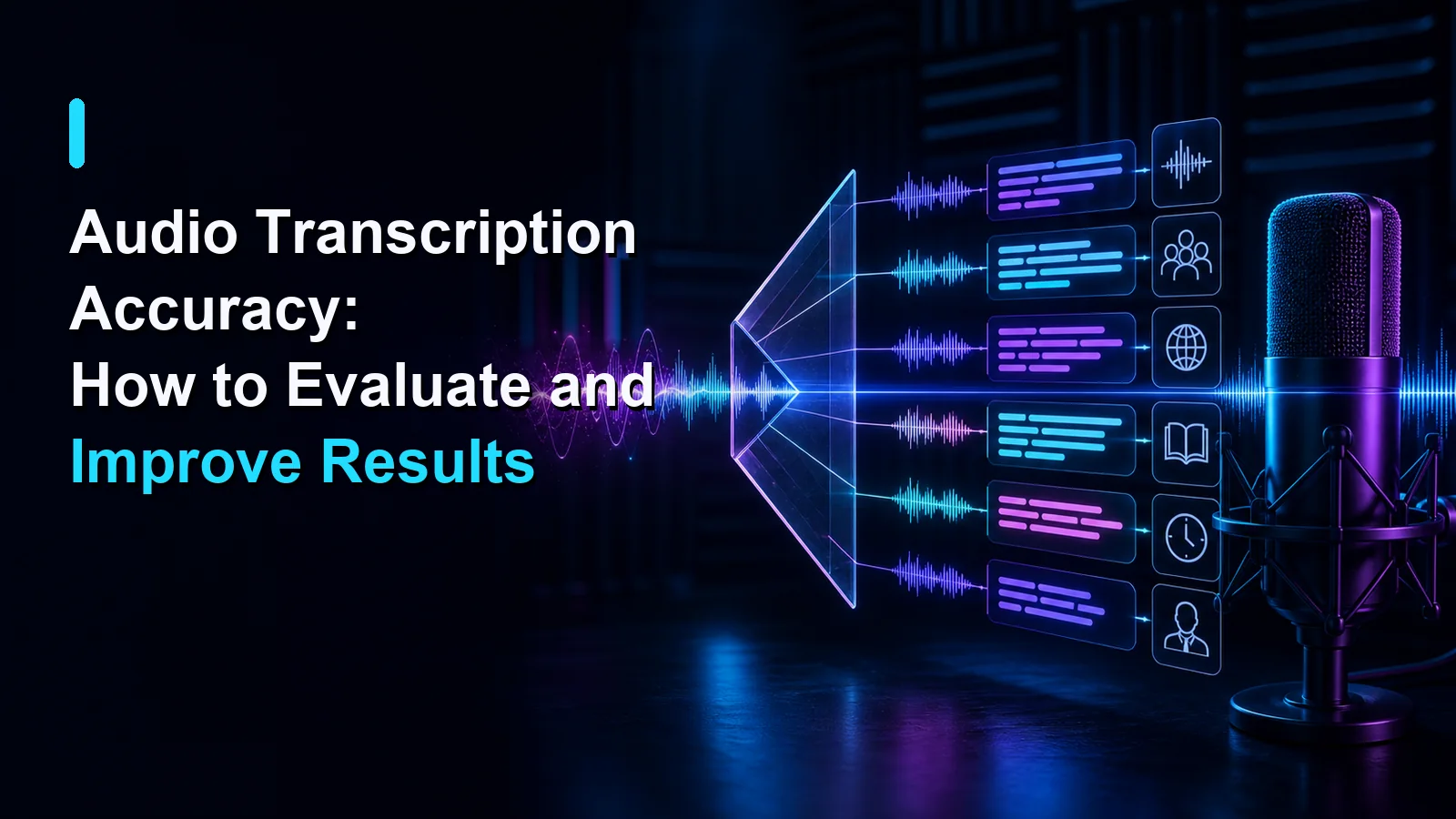
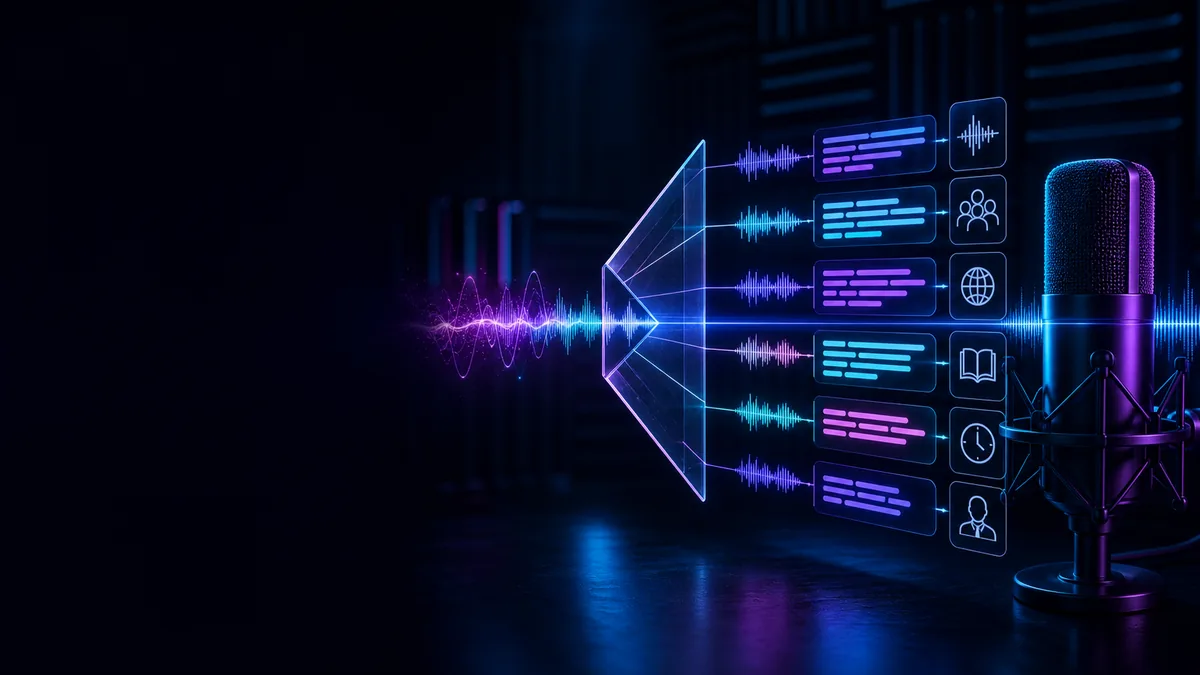 Factors that affect transcription accuracy and the review workflow.
What transcription accuracy means
A transcript can be evaluated at several levels:
- whether the spoken words are represented correctly;
- whether names, numbers, dates, and specialist terms are accurate;
- whether punctuation and paragraphs support understanding;
- whether caption timestamps align with the speech;
- whether speaker changes can be reviewed and attributed manually;
- whether the output is suitable for its intended use.
Word error rate can describe substitutions, deletions, and insertions, but it does not answer every practical question. One incorrect product name or number may matter more than several minor filler-word differences.
Factors that affect transcription quality
Background noise
Traffic, music, fans, keyboards, room noise, and other voices can mask speech. Preventing noise during recording is usually more reliable than trying to restore information after it has been obscured.
Move the microphone closer, choose a quieter room, and record a short sample before the main session.
Echo and microphone distance
A distant microphone captures more room reflections and less direct speech. In meetings, one central laptop microphone may also record people at very different levels.
Use a consistent speaking position and a microphone arrangement suited to the number of participants.
Overlapping speech
When speakers talk at the same time, words occupy the same audio segment. Parts may be omitted or combined. Important overlapping sections should be checked against the original recording.
Recapo's currently verified controls do not establish automatic speaker labeling. Add speaker names manually only when the source and context support the attribution.
Accents, dialects, and speaking style
Pronunciation, speed, reduced words, code-switching, and regional vocabulary vary naturally. Review should involve someone fluent in the target language and familiar with the subject.
Do not describe an accent as incorrect. Record the language and conditions and evaluate whether the transcript meets the needs of that audience.
Names and specialized vocabulary
People, places, brands, acronyms, and technical terms may be less predictable than common words. Prepare a spelling list and verify high-impact terms separately.
Numbers and dates deserve extra attention because a transcript can look fluent while changing the meaning of one digit.
Source quality and compression
Clipping, distortion, low recording level, channel problems, and repeated lossy exports can remove speech detail. Use the best authorized source available.
Language selection
Selecting the wrong language can produce widespread errors. Use automatic recognition when appropriate or choose the language manually. Mixed-language recordings may need separate review for each section.
Localized Recapo tools include transkrip suara ke teks, 音声をテキストに変換, and 음성 텍스트 변환.
Improve the source before uploading
- Use a closer microphone when practical.
- Keep the recording level consistent.
- Choose a quieter, less reflective room.
- Ask participants not to speak over one another.
- State unusual names and terms clearly.
- Keep the original recording.
- Obtain the rights and consent required for the recording and intended use.
Clearer source audio usually reduces the amount of correction required later.
A practical review method
1. Define the intended use
A rough internal reference and a public caption file have different quality requirements. Identify the audience, language, accessibility needs, and consequences of an error.
2. Keep an authoritative reference
Review the generated text while listening to the original source. Do not rely on memory or read only the transcript.
3. Correct high-impact details first
Check:
- names;
- numbers;
- dates;
- prices;
- measurements;
- URLs;
- product terminology;
- legal, medical, financial, or safety-related wording.
4. Review timestamps
Confirm that cues begin and end with the corresponding speech. Check scene changes, rapid dialogue, long pauses, and places where one caption may cover several speakers.
The W3C WebVTT specification defines a timed-text format used for web captions and related tracks.
5. Review readability
Correct punctuation and paragraph breaks, then review caption line length, position, styling, and reading flow. Avoid solving a timing problem only by placing too much text in one cue.
6. Review speaker changes manually
When speaker identity matters, compare the text with the audio and visual context. Add labels only when you can support the attribution.
7. Export and reopen the file
Recapo supports SRT, VTT, or burned-in MP4 output. Open the final file in its destination and verify timing, characters, line breaks, styling, and playback.
How to report accuracy responsibly
If an organization publishes a transcription accuracy comparison, it should document:
- the languages and recording conditions;
- whether speech was natural or synthetic;
- the reference-transcript process;
- tokenization and normalization rules;
- the metric used;
- handling of punctuation, names, numbers, and speaker changes;
- reviewer language proficiency;
- limitations and excluded samples.
Do not publish a universal product percentage from one file or one language.
Frequently asked questions
Can automatic transcription be 100% accurate?
Do not assume so. Recording conditions, vocabulary, language, speakers, and evaluation rules affect the result. Human review is still needed for important content.
What should I review first?
Names, numbers, dates, technical terms, timestamps, speaker changes, and any section used for a consequential decision.
Does a better microphone help?
A closer, clearer recording usually gives the system better source information than distant, noisy audio. The practical benefit varies by setup.
Is word error rate enough?
No. It can support an evaluation, but punctuation, timestamps, names, numbers, and manual speaker attribution also affect usability.
Can I publish automatic captions without review?
Review them first. Publication-quality captions require factual, linguistic, timing, accessibility, privacy, and rights checks.
Accuracy begins before upload
The most useful improvements often begin with clearer recording conditions. Reduce noise, prevent overlap, select the correct language, and review every important detail against the source. Treat automatic transcription as a strong first draft, not an unquestionable record.
CTA: Upload an authorized video with Recapo Speech to Text, review the timed captions, and export SRT, VTT, or a captioned MP4 for the next step.