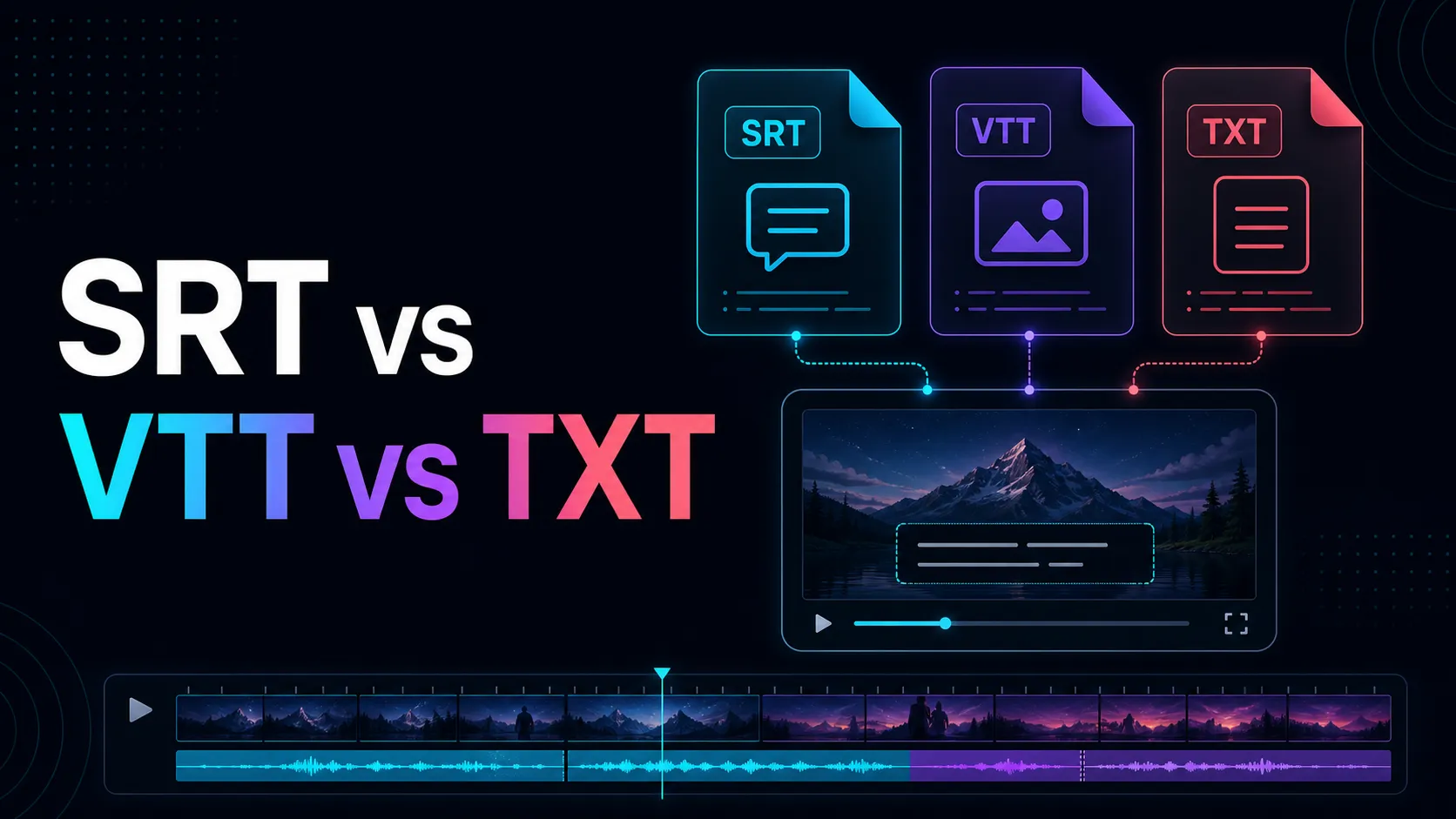
Video transcription and subtitle file export
We explain the steps to transcribe the video, check the speaker, timestamp, and proper nouns, and then export to SRT, VTT, TXT.
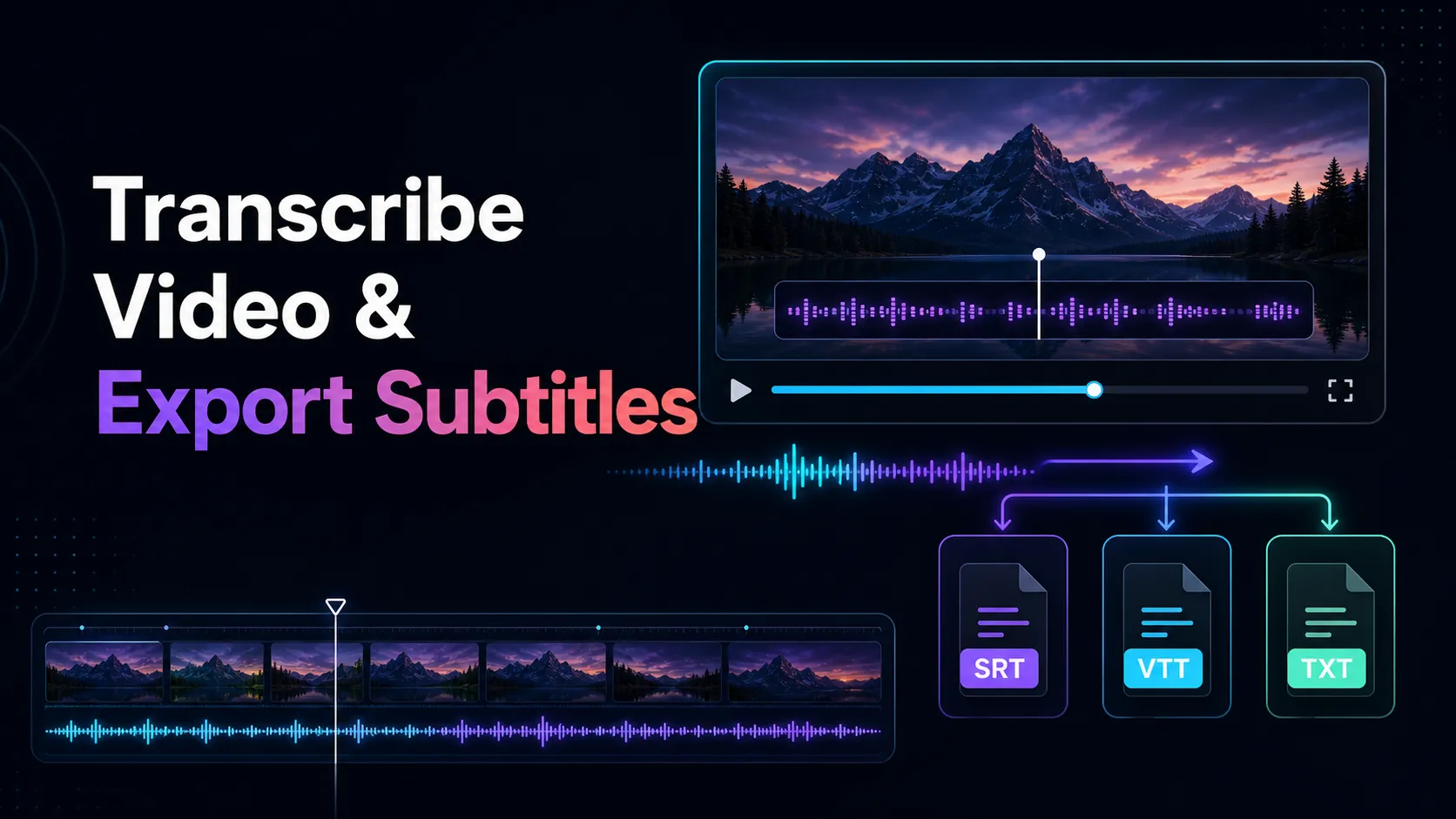
Video transcription — This guide explains important workflows, trade-offs, limitations, and checks before exporting.
Video transcripts can be transformed into subtitles, searchable notes, quotes, chapters, editing guides, and more. The optimal export method depends on whether you need a queue with timing or plain text in the next step.
Please prepare the source video
Use the clearest authorization file. Identify spoken language, speaker names, unusual vocabulary, and areas with noise or overlap. Please keep the original for review purposes.
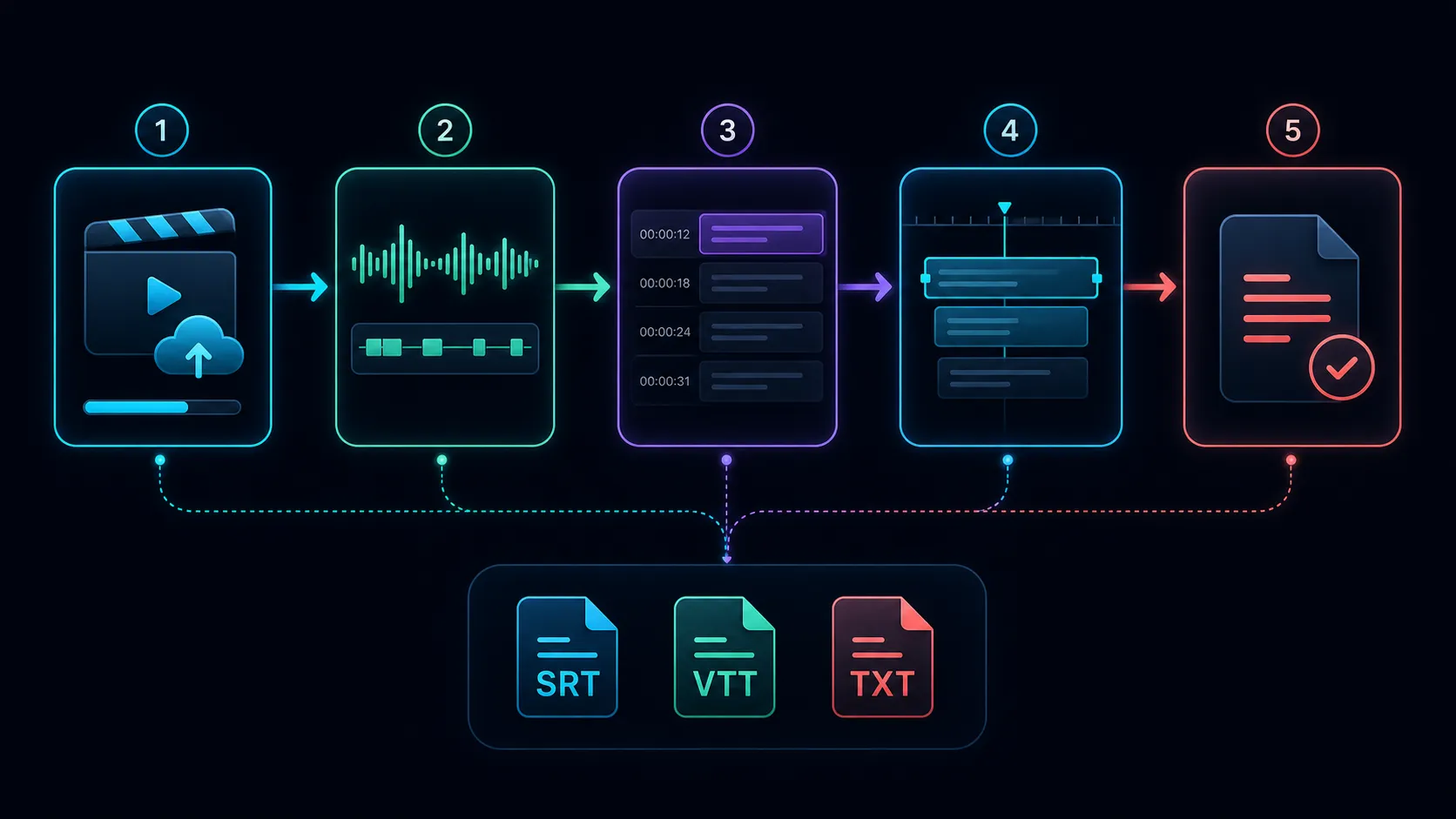
Please transcribe the video.
- Please upload the authorized files.
- Please choose your spoken language.
- Please generate transcripts.
- Check names, numbers, dates, and technical terms by illuminating them with the voice.
- Check for changes to timestamps and speakers.
- Please export the required format at your destination.
Once your planned localization page is published and supports the specified format, use Recapo video-to-text-tool.
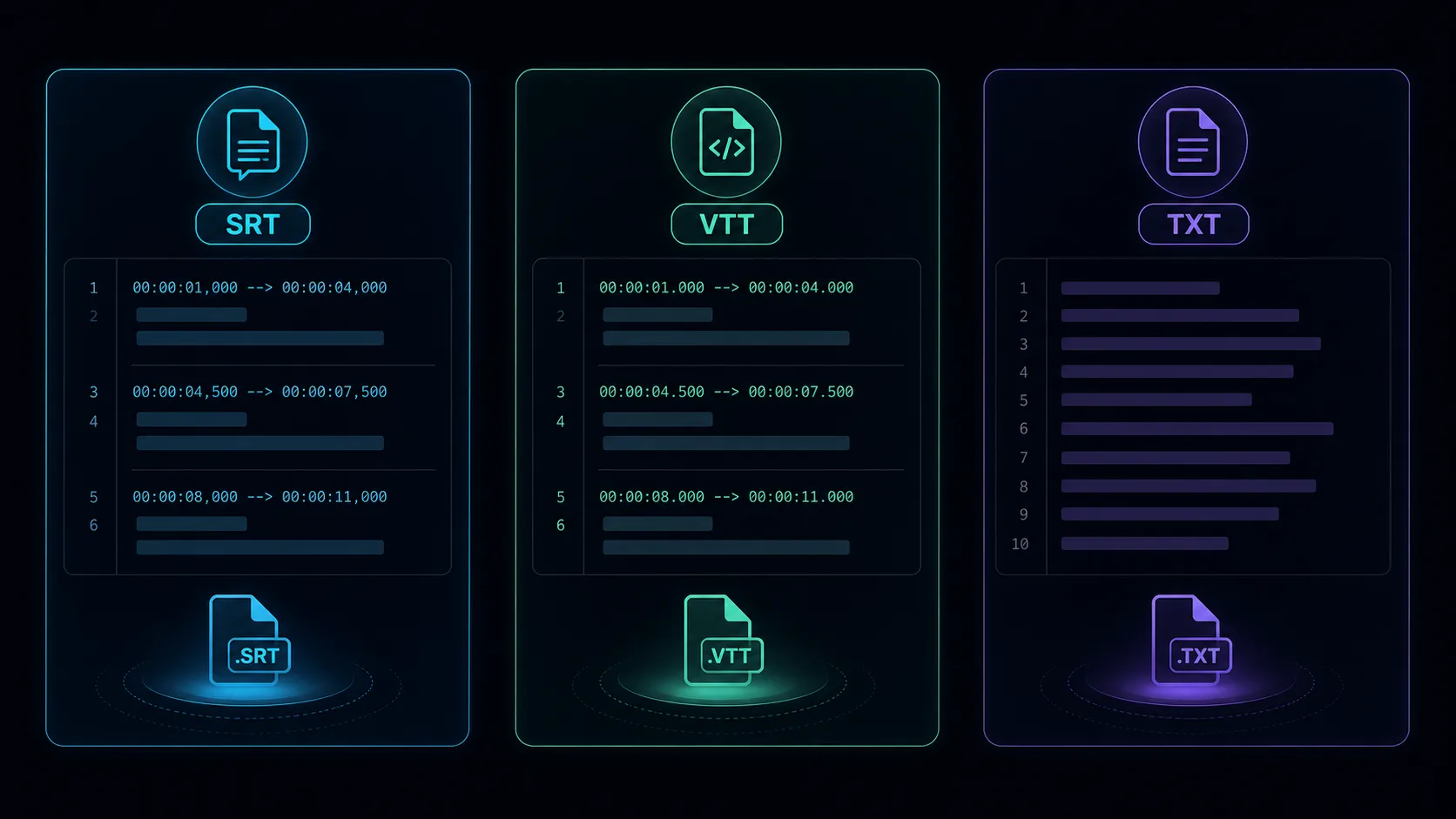
Choose SRT, VTT, or TXT
SRT is a simple time-limited subtitle format used in many editing workflows. VTT is a web-time text format defined by the W3C and can include queue settings and metadata. When sync is not needed, TXT is ideal for reading and editing.
Pre-release review
Automatic transcription is the first draft. Check punctuation, line breaks, timing, the speaker's identity, and any influential facts. For confidential or important content, please use a qualified human reviewer.
Frequently Asked Questions
Can I export transcripts without timestamps?
You can choose TXT or choose to remove timing after determining that citation verification or caption synchronization is no longer necessary.
Why aren't the subtitles synchronized?
Videos may be edited after transcription or use timebases with different timestamps. Test with the final export.
Can a single transcript handle multiple uses?
Yes. Create a time-limited master, then create reading materials, subtitles, and summaries.
References
Related Recapo guides
- Audio-to-text transcripts with timestamps
- Accuracy Guide for Free Voice Transcription Tools
- Speech-to-text conversion and SRT· Comparison of VTT and TXT