Speech-to-text conversion and SRT· Comparison of VTT and TXT
When exporting speech-to-text results to SRT, VTT, or TXT, compare the timecode, compatibility, and editing purposes of each format.
Speech-to-Text — This guide explains the important workflows, trade-offs, limitations, and checkpoints before exporting.
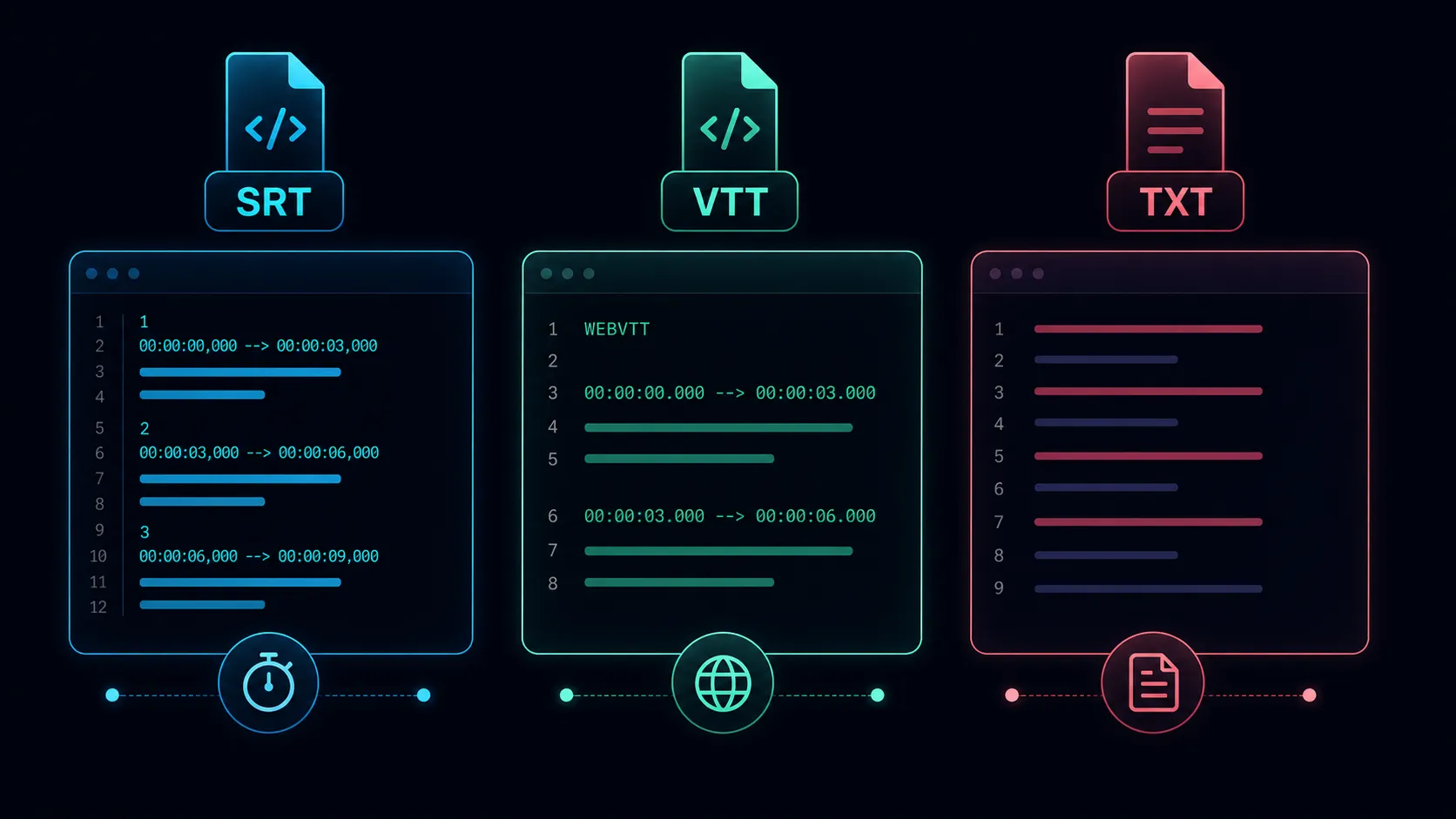
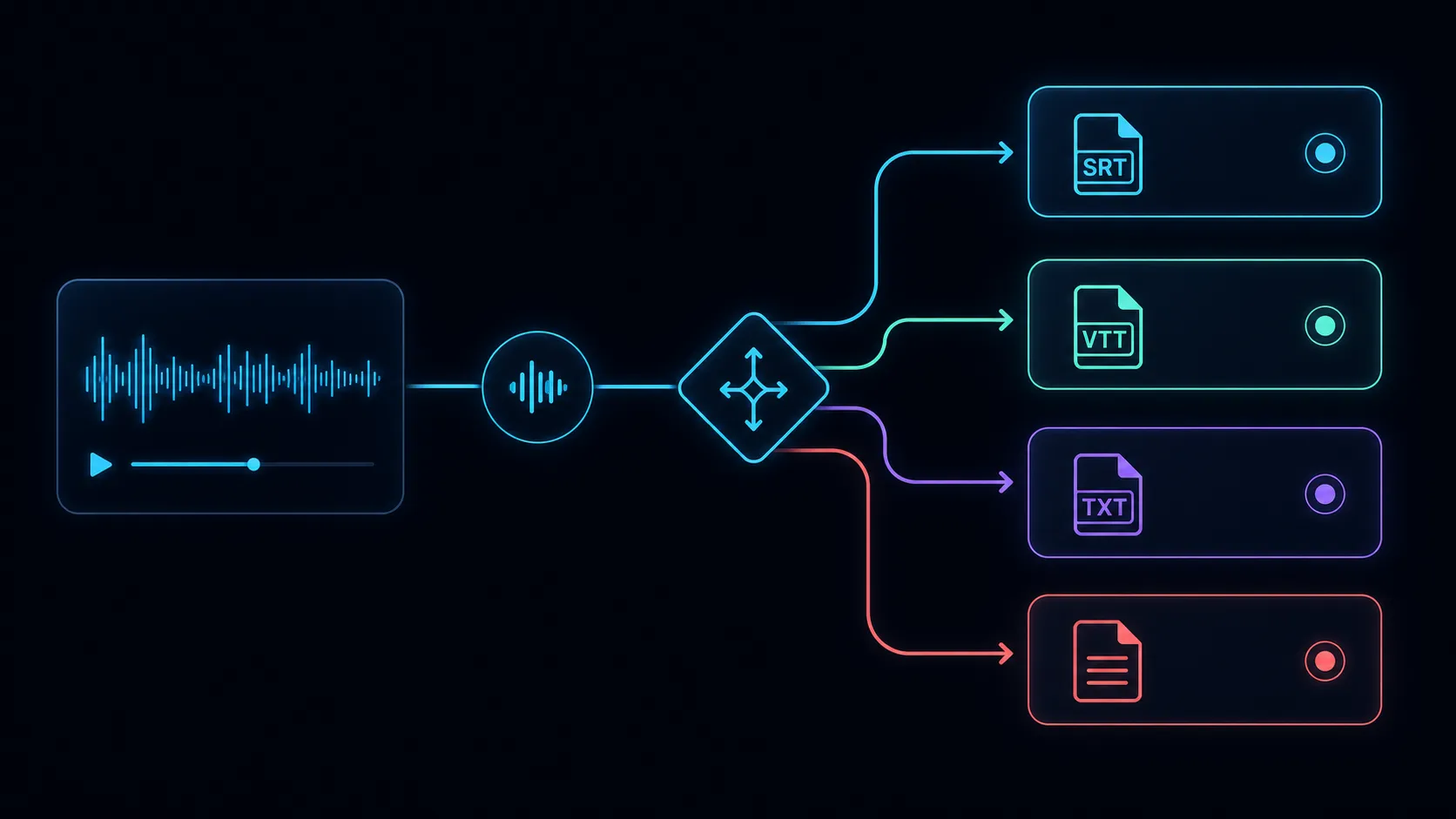
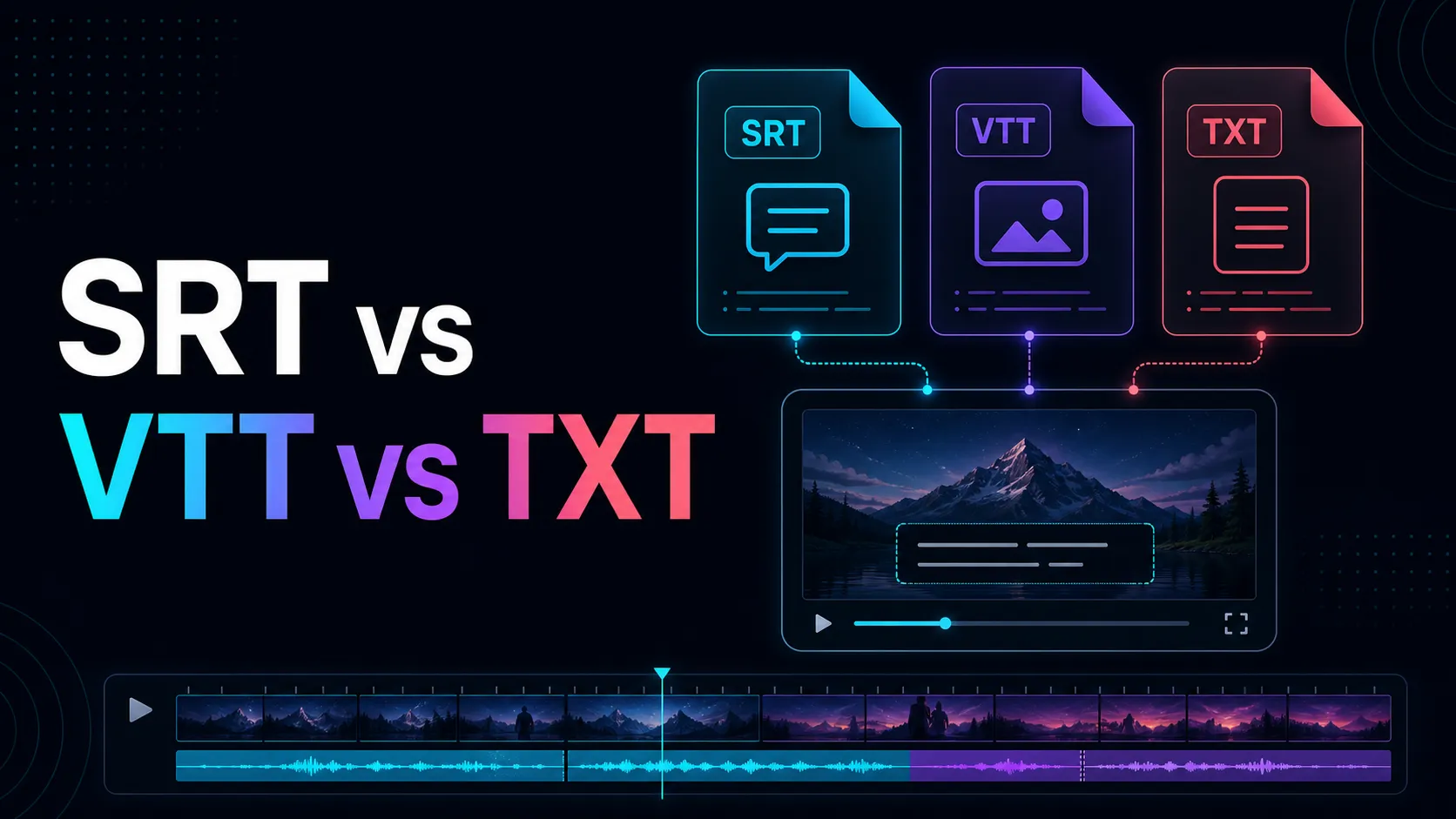
SRT, VTT, and TXT can all include words from the same recording, but each was created for a different purpose. SRT and VTT text are organized into queues at the right time and supports video playback. TXT plain text for reading, editing, searching, taking notes, or later converting.
Choosing the wrong export does not necessarily mean losing transcripts, but additional work may occur. Start with what you need to do next.
A simple comparison
| Format | Includes timestamp | Common Uses | Strengths | Restrictions |
|---|---|---|---|---|
| SRT | Yes | Video subtitles | It's a simple and widely accepted approach | Limited styling and metadata |
| VTT | Yes | Web subtitles and time-limited text | Designed for web media; Cue setup support | Destination support still needs to be confirmed |
| TXT | Not ordinary | Reading, Notes, Editing, Search | Simple and easy to edit | Not directly synced with video |
What is SRT file?
SRT in plain text subtitle format. A typical queue consists of a sequence number, start and end times, and subtitle text.
``text 1 00:00:01,000 --> 00:00:04,000 Welcome to the video. ``
SRT useful when video platforms or editors expect simple timing subtitle files. It's easy to inspect and edit in a text editor.
SRT selection:
- The destination explicitly requests
.srt; - A portable caption file is required;
- Simple timing and text are enough;
- Broad compatibility with editing tools is more important than web-specific features.
What is VTT file?
WebVTT is a timed text format designed for web videos. Files start with WEBVTT, and timestamps usually use milliseconds.
```text WEBVTT
00:00:01.000 --> 00:00:04.000 Welcome to the video. ```
W3C WebVTT specification describes the use of formats for captions, subtitles, descriptions, chapters, and other time-sorted metadata.
VTT selection:
- Subtitles are provided as web videos;
- Players or platforms specifically support WebVTT;
- You need WebVTT queue settings or metadata;
- It's about building browser-based media experiences.
What is a TXT transcript?
TXT is an ordinary text that does not require subtitle structure. These may include paragraphs, speaker labels, timestamps, titles, and more, but these elements are not universal time-limited text formats but mere conventions.
TXT selection:
- The script is for reading or editing;
- You need notes, quotes, summaries, and searchable text;
- Words are moved into documents or content workflows;
- Video sync is not mandatory.
What is the best format for captions?
Use the format requested by your destination. If the player needs VTT, SRT files may need to be converted. If the editor requests SRT, VTT certain queue settings may not be delivered neatly.
Check:
- Timestamp Syntax;
- Character encoding;
- Maximum short-term length;
- Line breaks;
- Speaker identifier;
- Location selection and styling support;
- Upload requirements for destinations.
What is the best format for editing transcripts?
TXT is the simplest editing task because not every sentence is timecoded. However, if reviewers need to compare citations with recordings, don't discard timestamps too early.
A practical workflow is to maintain a single timing master export and create a copy of the reading for editing.
Is it possible to convert between SRT and VTT?
The basic queue structure is similar, but the transformation still needs to be validated. Differences include file headers, timestamp punctuation, queue identifiers, settings, and possible metadata.
After Conversion:
- Open the file in the destination player or editor.
- Check the first, middle, and last signals.
- Check for line breaks and special characters.
- Look at the parts where quick remarks come out.
- Make sure no signals overlap or disappear.
How to choose export from Recapo
Use the destination of your transcript as your decision:
- Choose TXT for notes, editing, and searchable text.
- If your destination supports it, select SRT to select a simple subtitle workflow.
- Select VTT for a compatible web captioning workflow.
Use relevant localized transcription tools to check the export formats of subtitles and scripts supported by live products.
Before publication, check the actual format offered for each Recapo product and remove any unsupported options.
Frequently Asked Questions
Is it better than VTT SRT?
Not everyone is like that. VTT designed for web timing text and can support more web-centric features. SRT simple and widely used. Decide which destination is better.
Can TXT files be used as subtitles?
Unless you add a queue structure with a timer or bring it into a tool that can sort text and audio.
Will styling survive after the transition?
It's not always like that. Basic text and timing can be transmitted, but location, style, and metadata can be changed or lost.
Why can't my captions sync with me?
Original frame rates, timing, edited video length, or incorrect timestamps may be the causes. Test your files with the final video, not previous edits.
Should I keep all three formats?
If storage space isn't an issue, keeping time-limited masters and editable text versions can make it easier to reuse later.
Next Steps to Export
SRT is a practical subtitle file, VTT is a web-oriented, time-measured text format, and TXT is the easiest format to read and edit. Select based on destination, verify exported files, and maintain the timing version whenever synchronization is needed in the future.
CTA: Transcribe the approved audio or video file, review the timing, and export the required format for the next tool.
References
Related Recapo guides
- Video transcription and subtitle file export
- Audio-to-text transcripts with timestamps
- Accuracy Guide for Free Voice Transcription Tools